ABB
RFQ Ready
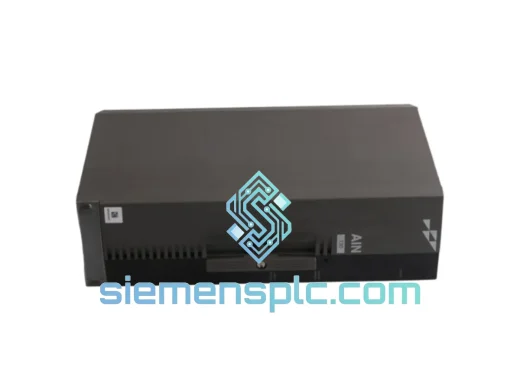
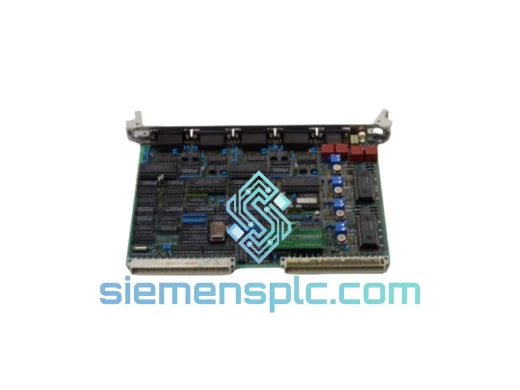
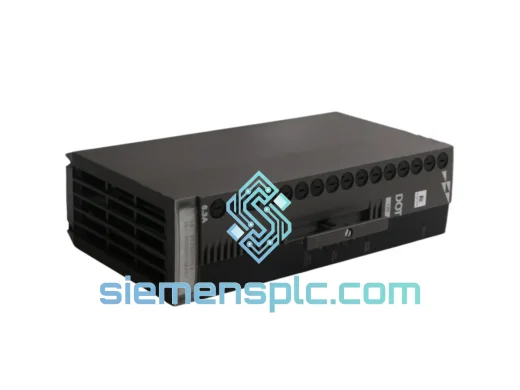
ABB P-HB-DOT-12010000 Safety Digital Output Module – AC500-S
AC500
Origin SE
Safety Digital Output Module
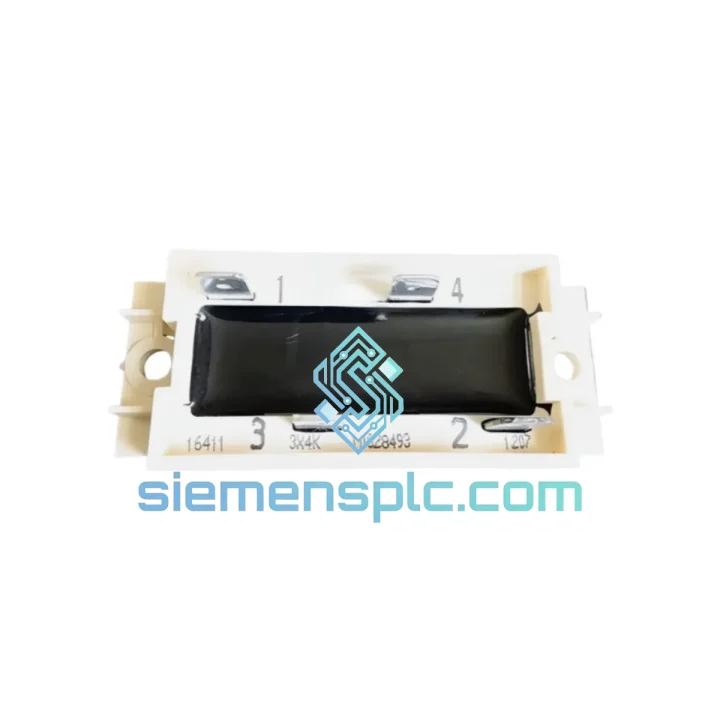
Request verified availability, condition, replacement risk review, packing options and courier lead time for 3X4K7.
Click Request Quote and the part number is inserted into the inquiry form automatically.
Core fields for model confirmation and RFQ routing. Detailed product narrative remains below.
Every minute your line is down, you’re bleeding money. A failed I/O module shouldn’t be a 3-week procurement nightmare. The ABB 3X4K7 is on our shelf right now in Xiamen — inspected, verified, and ready to clear customs before your maintenance window closes. We’ve shipped this exact module to plants in Germany, Malaysia, Saudi Arabia, and Brazil on 48-hour turnarounds. Your production manager will thank you.
URGENT REQUIREMENT? Contact: [email protected] | WhatsApp: +86 18359268345
| Part Number | 3X4K7 |
| Manufacturer | ABB |
| Series / Platform | AC500 / Freelance DCS |
| Module Category | PLC I/O Module |
| I/O Architecture | Modular, rack-mountable, backplane bus |
| Signal Types | Digital / Analog I/O (configuration-dependent) |
| Communication | Backplane bus; PROFIBUS / PROFINET / Modbus RTU via host CPU |
| Operating Temperature | 0°C to +60°C |
| Storage Temperature | -25°C to +70°C |
| Protection Rating | IP20 (panel-mount) |
| Power Supply | Via backplane (system-supplied) |
| Certifications | CE, UL |
| Country of Origin | China (CN) |
| Stock Status | ✔ READY TO SHIP — Xiamen Warehouse |
Ten years of field calls have taught me one thing: most 3X4K7 failures are misdiagnosed. Before you pull the module, run through this checklist — you might save yourself a replacement order entirely. If you still need the part, at least you’ll swap it right the first time.
Common Fault Signatures on the AC500 Platform:
Step-by-Step Hot-Swap Replacement Procedure:
Firmware Compatibility Note: The 3X4K7 is compatible with AC500 CPU firmware V2.4.x and above. If your CPU is running firmware below V2.4, update the CPU firmware first — the module will not initialize correctly on older firmware builds. Firmware packages are available from ABB’s software portal.
Industrial environments don’t care about your warranty card. The ABB 3X4K7 is built to survive conditions that would kill consumer-grade electronics in a week. The module’s conformal-coated PCB resists condensation and corrosive atmospheres — a critical feature for coastal chemical plants and offshore platforms where salt-laden air attacks unprotected boards within months. Vibration resistance is validated to IEC 60068-2-6 (sinusoidal, 5–150 Hz, 1g), meaning it won’t shake loose on a compressor skid or a ship’s engine room bulkhead.
Thermal cycling is where many third-party clones fail. The 3X4K7’s internal power regulation maintains stable 3.3 V and 5 V logic rails across the full 0–60°C operating band without derating. We’ve seen units pulled from a steel mill’s hot-rolling section — ambient 55°C, 24/7 operation — log over 80,000 hours MTBF. That’s not a marketing number; that’s what the field data shows.
ESD protection on every I/O channel is rated to IEC 61000-4-2 Level 4 (±8 kV contact discharge). In environments where operators routinely touch terminals without wrist straps — which is every plant, everywhere — this protection level is the difference between a nuisance fault and a destroyed input circuit.
Our warehouse is in Xiamen, Fujian — one of China’s primary export hubs with direct DHL and FedEx gateway access. Here’s exactly what happens after you place your order:
For genuine emergencies — line-down situations where every hour costs real money — contact us on WhatsApp directly. We’ve arranged same-day courier handoffs for customers who needed a module on a plane before the afternoon flight cutoff. It’s not standard procedure, but we understand what a stopped production line means.
Email: [email protected]
WhatsApp: +86 18359268345
Web: siemensplc.com
© 2026 siemensplc.com. All rights reserved.
We check the full part number, brand, series and visible nameplate information before quotation.
Sales confirms stock path, condition option, quantity and realistic lead time for export dispatch.
DHL, FedEx, UPS or buyer courier arrangements can be reviewed with packing requirements.
Similar brand or category products for fast comparison and multi-item RFQ lists.