ABB
RFQ Ready
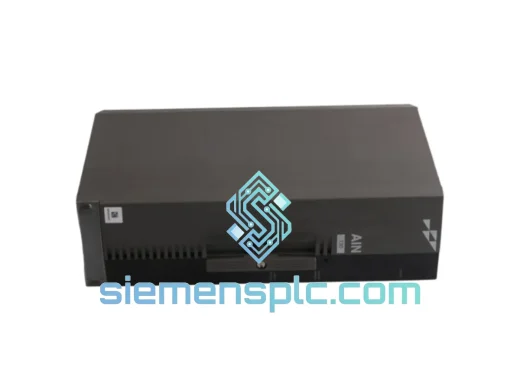
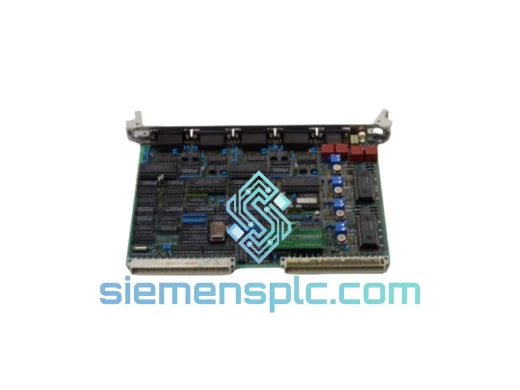
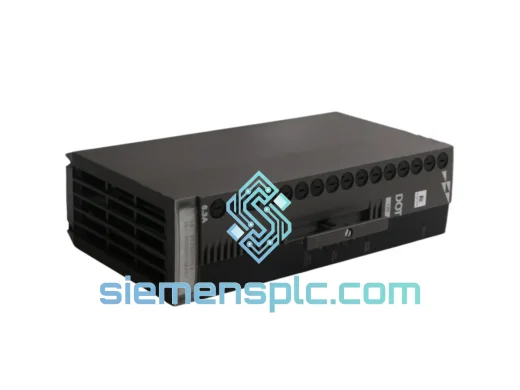
ABB P-HB-DOT-12010000 Safety Digital Output Module – AC500-S
AC500
Origin SE
Safety Digital Output Module
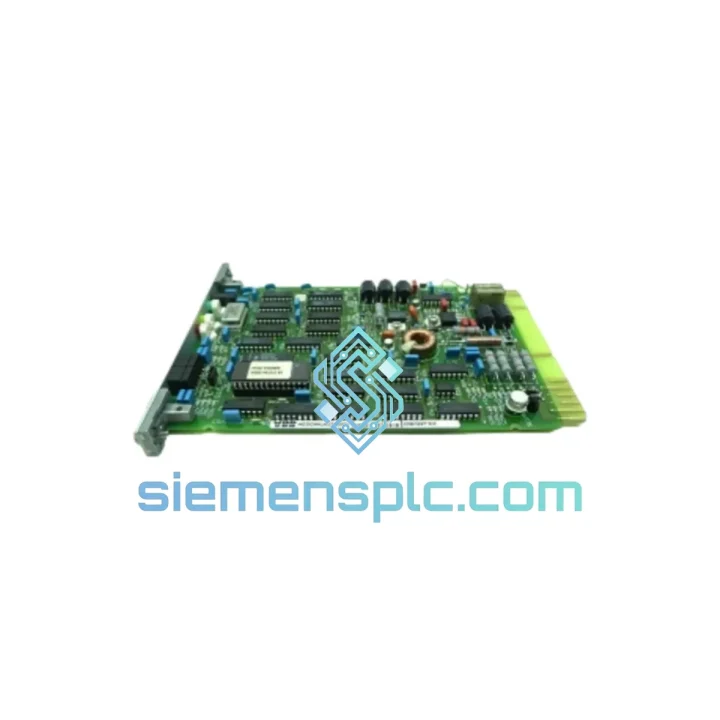
Request verified availability, condition, replacement risk review, packing options and courier lead time for 70BV05a-ES.
Click Request Quote and the part number is inserted into the inquiry form automatically.
Core fields for model confirmation and RFQ routing. Detailed product narrative remains below.
Your line is down. Every minute costs money. The ABB 70BV05a-ES is the analog input module your AC500 system needs right now — and we have it on the shelf in Xiamen, ready to ship today via DHL Express or FedEx International Priority. While your local distributor quotes you 6–8 weeks, we quote you 24–48 hours to your door.
This is not a listing. This is a lifeline.
URGENT REQUIREMENT? Contact: [email protected] | WhatsApp: +86 18359268345
| Parameter | Specification | Status |
|---|---|---|
| Part Number / SKU | 70BV05a-ES | ✔ Ready to Ship |
| Manufacturer | ABB | 100% Original OEM |
| Product Series | AC500 PLC | — |
| Module Type | Analog Input Module | — |
| Number of Channels | 5 analog input channels | — |
| Signal Range | 4–20 mA / 0–10 V (per-channel configurable) | — |
| Resolution | 12-bit | — |
| Communication Interface | AC500 internal I/O bus | — |
| Operating Temperature | -25 °C to +60 °C | — |
| Protection Rating | IP20 | — |
| Power Supply | Via AC500 CPU / bus coupler backplane | — |
| Mounting | DIN rail, snap-on to AC500 terminal unit | — |
| Certifications | CE, UL, cUL, IEC 61131-2, RoHS 2 | — |
| Country of Origin | Germany | — |
| Shipping Origin | Xiamen, China | DHL / FedEx Express |
Swapping a 70BV05a-ES in a live AC500 system is straightforward — if you know the traps. Here is what 10 years of field calls have taught us:
1. Terminal Base First, Module Second. The 70BV05a-ES mounts onto an AC500 terminal base (TB521 or TB541). Before you pull the old module, confirm the terminal base itself is not the failure point. Check for cracked connectors, corroded pins, or a loose DIN rail clip. A bad terminal base will kill a brand-new module within hours.
2. Hot-Swap Protocol. The AC500 platform supports hot-swap on most I/O modules, but verify your CPU firmware version supports it before attempting. On older V2 CPUs with firmware below 2.4.x, a cold swap (power-down sequence: field power first, then bus power, then CPU) is the safer call. Skipping this step risks corrupting the I/O configuration table in the CPU.
3. Address Assignment — No DIP Switches Here. Unlike older Siemens or Schneider I/O platforms, the AC500 uses automatic slot-based addressing. The module’s address is determined by its physical position on the terminal base chain. If you are replacing a failed module in slot 3, the replacement will inherit slot 3’s address automatically after a CPU restart or I/O bus re-scan. No manual address setting required — but do confirm the slot order has not shifted if any modules were removed during troubleshooting.
4. Firmware Compatibility Check. Open ABB Automation Builder and verify the hardware catalog version matches your CPU firmware. A 70BV05a-ES sourced from a newer production batch may carry updated firmware. Mismatches typically surface as a blinking red I/O LED on the module and a diagnostic fault in the CPU’s I/O status register. Update Automation Builder’s hardware library before commissioning if in doubt.
5. Common Fault Codes to Expect:
6. Signal Calibration After Replacement. Once the module is online, run a zero/span check on each active channel using a calibrated loop calibrator (Fluke 709 or equivalent). Do not assume the new module’s factory calibration matches your process transmitter’s output exactly — especially on 0–10 V channels where input impedance variations can introduce a 0.1–0.3% offset.
The ABB AC500 platform — and the 70BV05a-ES specifically — was not designed for a climate-controlled server room. It was designed for the floor.
ABB subjects AC500 I/O modules to IEC 60068-series environmental testing: sinusoidal vibration up to 2g across 10–150 Hz, mechanical shock at 15g / 11 ms half-sine, and damp heat cycling at 40 °C / 93% RH for 96 hours. The result is a module that holds calibration and communication integrity in cement plants, offshore platforms, and tropical pump stations where lesser hardware fails within months.
The conformal coating on the PCB provides additional protection against condensation and airborne contaminants — a critical factor in food processing and chemical environments where cleaning agents and humidity are constant. The IP20 rating covers the module body; when installed in a properly sealed enclosure (IP54 or better), the system meets the ingress protection requirements of most industrial applications.
Thermal management is passive — no fans, no moving parts. The module dissipates heat through the terminal base and DIN rail assembly. In high-ambient installations (above 50 °C), ensure adequate panel ventilation and derate the module per ABB’s thermal guidelines to maintain long-term MTBF targets.
Our warehouse is in Xiamen, Fujian — one of China’s primary export hubs with direct access to DHL, FedEx, and UPS international gateways. Here is how your order moves:
We have shipped ABB AC500 modules to Germany, the Netherlands, Australia, Brazil, Saudi Arabia, and South Korea — all with zero customs holds when documentation is complete. If your procurement team requires a proforma invoice before payment, we generate it within 30 minutes of your inquiry.
Production line down? Do not wait. Reach us now:
© 2026 siemensplc.com. All rights reserved.
We check the full part number, brand, series and visible nameplate information before quotation.
Sales confirms stock path, condition option, quantity and realistic lead time for export dispatch.
DHL, FedEx, UPS or buyer courier arrangements can be reviewed with packing requirements.
Similar brand or category products for fast comparison and multi-item RFQ lists.