ABB
RFQ Ready
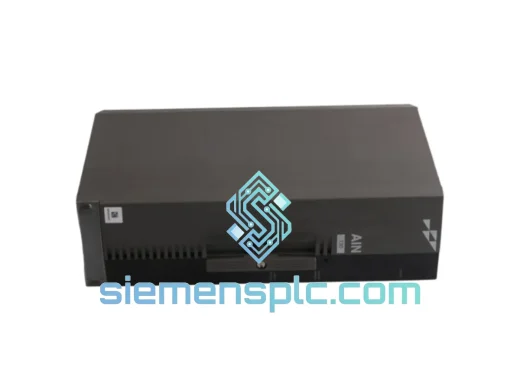
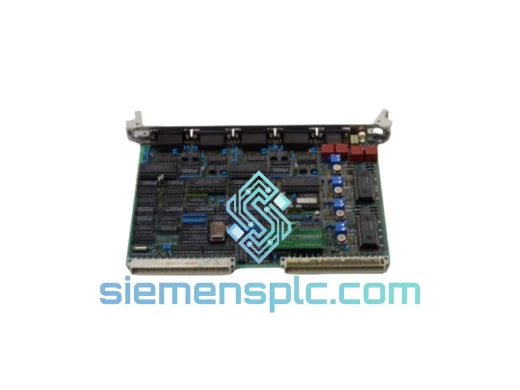
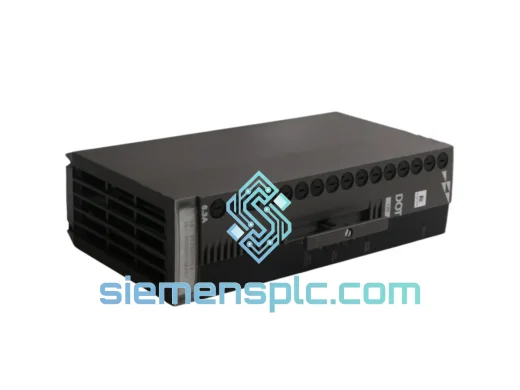
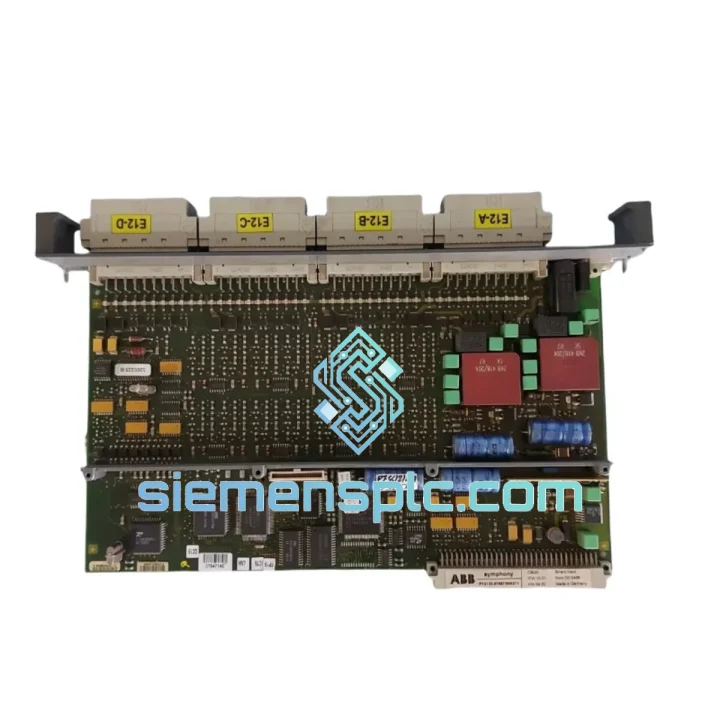
ABB P-HB-DOT-12010000 Safety Digital Output Module – AC500-S
AC500
Origin SE
Safety Digital Output Module
Request verified availability, condition, replacement risk review, packing options and courier lead time for CBI21.
Click Request Quote and the part number is inserted into the inquiry form automatically.
Core fields for model confirmation and RFQ routing. Detailed product narrative remains below.
Every minute an AC500 rack sits dark costs you money. A failed CBI21 binary input module means your CPU is flying blind — 16 field signals gone, interlocks unresolved, production halted. We stock the ABB CBI21 in Xiamen and ship same-day via DHL Express. While your local distributor quotes you a 6-week lead time, your replacement is already on a plane.
URGENT REQUIREMENT? Contact: [email protected] | WhatsApp: +86 18359268345
| Part Number | CBI21 ✔ Ready to Ship |
| Brand | ABB |
| Series | AC500 Modular PLC |
| Module Function | 16-Channel Digital Binary Input |
| Input Voltage | 24 VDC nominal |
| Logic High Threshold | ≥ 15 V |
| Logic Low Threshold | ≤ 5 V |
| Input Current / Channel | ~4 mA @ 24 VDC |
| Isolation | Optocoupler, channel groups to backplane |
| Input Filter (configurable) | 0.1 ms – 32 ms |
| Terminal Connection | Front connector, spring-clamp or screw |
| Mounting | 35 mm DIN rail, AC500 I/O bus backplane |
| Operating Temperature | −25 °C to +60 °C |
| Storage Temperature | −40 °C to +70 °C |
| Humidity | 5 % – 95 % RH, non-condensing |
| Protection Rating | IP20 |
| Compatible CPU | PM5xx, PM5xx-ETH series |
| Required Terminal Base | TB5xx series |
| Certifications | IEC 61131-2, CE, UL, cUL |
| Weight | ~240 g |
| Origin | Germany |
| Stock Status | Ready to Ship – Xiamen Warehouse |
Pulled from real field experience. Before you crack open the cabinet, run through this checklist — it saves you from swapping a good module.
Step 1 – Confirm the fault is the CBI21, not the field wiring. In Automation Builder, navigate to the I/O configuration tree and force-read the CBI21 slot. If the CPU reports a bus communication error (error code 0x8200 or slot-specific hardware fault), the module itself is suspect. If you see all channels stuck at 0 with no bus error, check your 24 VDC field supply first — a blown fuse on the field power rail kills all 16 inputs simultaneously and mimics a dead module.
Step 2 – Bus addressing after swap. The CBI21 uses automatic slot-based addressing on the AC500 I/O bus — there are no rotary switches or DIP address selectors on this module. Slot position determines the I/O address. Seat the replacement in the exact same slot as the failed unit and the CPU will re-enumerate it on the next power cycle or hot-swap event without any configuration change. Do not move it to a different slot unless you are prepared to remap your I/O table in software.
Step 3 – Firmware compatibility check. The CBI21 carries embedded firmware that the AC500 CPU negotiates during bus initialization. If your CPU firmware is older than V2.4.0, a newer CBI21 hardware revision may trigger a MODULE_MISMATCH warning in the diagnostic buffer. Resolve this by updating the CPU firmware via Automation Builder’s firmware download tool before inserting the replacement module. Hardware revision is printed on the module label — compare it against your existing installed units.
Step 4 – Input filter reconfiguration. The CBI21’s per-channel input filter time (0.1 ms to 32 ms) is stored in the CPU project, not in the module’s non-volatile memory. After a swap, the filter settings are automatically restored from the running project on the CPU — no manual re-entry required. However, if you are replacing a module in a system that was never properly commissioned, verify the filter values in the hardware configuration editor. Incorrect filter times on high-frequency pulse inputs (e.g., flow meter contacts) will cause missed counts.
Step 5 – Hot-swap procedure. On backplanes that support hot-swap, power down the field supply to the CBI21 terminal base before extraction — do not pull a live-wired module under load. Remove the front terminal block first (it unplugs as a unit), then release the module latch and slide the CBI21 out. Insert the replacement, reattach the terminal block, restore field power. The CPU will detect the new module within one bus scan cycle and resume normal operation. Total swap time in a clean cabinet: under 4 minutes.
Common fault codes associated with CBI21 failure:
0x8200 – I/O bus hardware fault: module not responding. Replace module.0x8201 – Module type mismatch: wrong module seated in slot. Verify part number.0x8210 – Supply voltage out of range: check 24 VDC field power, not the module.0x8300 – Configuration mismatch: CPU project hardware config does not match physical slot. Re-download project after hardware change.The CBI21 is not a lab instrument — it was designed for the plant floor. ABB subjects AC500 I/O modules to IEC 60068 environmental stress testing before release: sinusoidal vibration across 5–150 Hz at 1 g acceleration, mechanical shock at 15 g / 11 ms half-sine, and thermal cycling from −25 °C to +60 °C with rapid ramp rates. The result is a module that holds its bus communication lock through conveyor vibration, compressor room resonance, and the thermal swings of an outdoor switchgear enclosure in a continental climate.
The optocoupler isolation stage on each input channel is the module’s first line of defense against the field. Ground loops, inductive kick from relay coils, and common-mode noise from variable-frequency drives — all of it is blocked at the optocoupler barrier before it can reach the backplane bus. In installations where field wiring runs parallel to power cables for tens of meters, this isolation is not optional; it is what keeps your diagnostic data clean.
The IP20 enclosure rating is appropriate for standard control cabinet installation. In environments with elevated particulate contamination (cement plants, grain handling, mining), ensure the cabinet itself provides the necessary ingress protection. The module’s conformal-coated PCB provides additional resistance to humidity and condensation during temperature transitions — a common failure mode in coastal industrial facilities and offshore platforms.
Our warehouse is located in Xiamen, Fujian — one of China’s primary export hubs with direct access to DHL, FedEx, and UPS international gateways. Orders confirmed before 15:00 CST ship same day. Here is what the timeline looks like from your purchase order to your cabinet:
For time-critical shutdowns, contact us via WhatsApp before placing your order — we can confirm stock, prepare the shipment, and have it moving within the hour. We have supported emergency dispatches to refineries in Malaysia, automotive plants in Germany, and water treatment facilities in the UAE. Downtime does not wait for business hours, and neither do we.
Email: [email protected]
WhatsApp: +86 18359268345
Web: siemensplc.com
© 2026 siemensplc.com. All rights reserved.
We check the full part number, brand, series and visible nameplate information before quotation.
Sales confirms stock path, condition option, quantity and realistic lead time for export dispatch.
DHL, FedEx, UPS or buyer courier arrangements can be reviewed with packing requirements.
Similar brand or category products for fast comparison and multi-item RFQ lists.