ABB
RFQ Ready
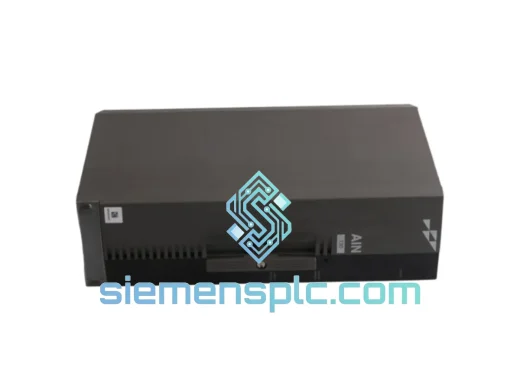
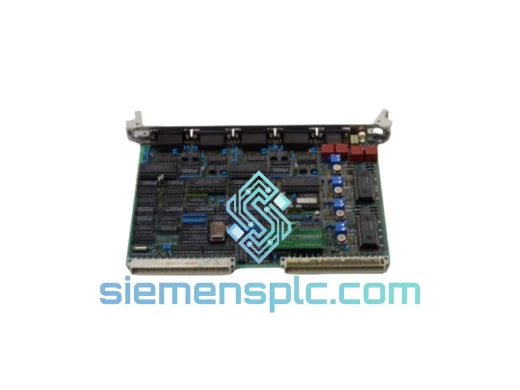
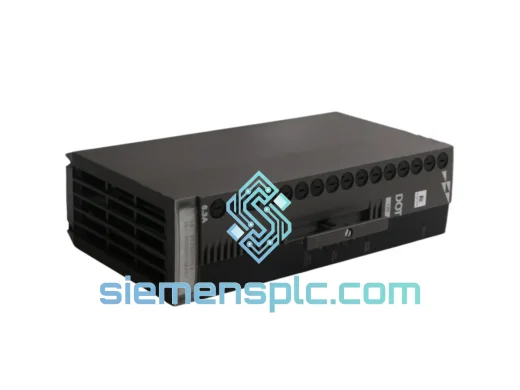
ABB P-HB-DOT-12010000 Safety Digital Output Module – AC500-S
AC500
Origin SE
Safety Digital Output Module
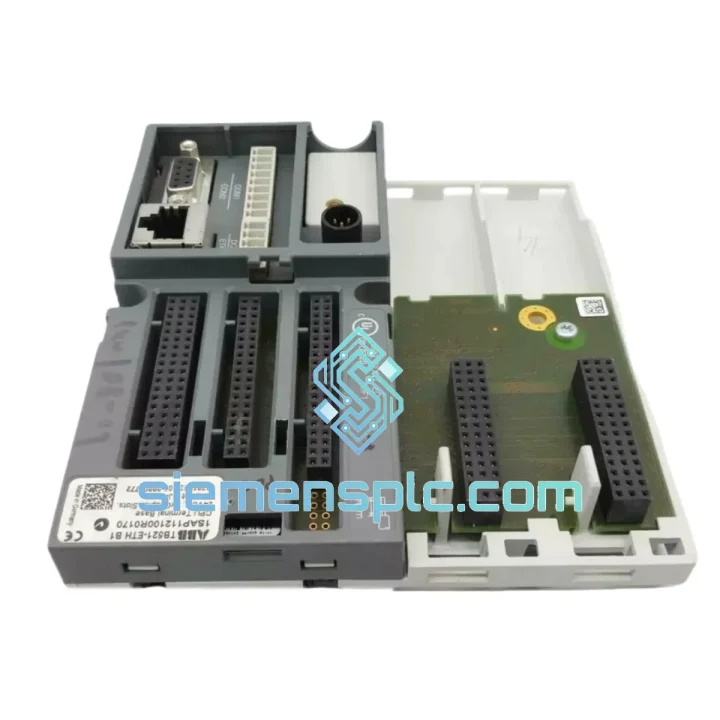
Request verified availability, condition, replacement risk review, packing options and courier lead time for TB521-ETH.
Click Request Quote and the part number is inserted into the inquiry form automatically.
Core fields for model confirmation and RFQ routing. Detailed product narrative remains below.
Every minute your AC500 distributed I/O station sits offline, the cost meter is running. A failed TB521-ETH terminal base doesn’t just kill one I/O station — it can cascade into a full line stoppage when your PROFINET or Modbus TCP segment goes dark. We stock the ABB TB521-ETH (order code 1SAP112100R0170) in Xiamen, verified, tested, and ready to leave the warehouse today. No lead-time negotiation. No factory backorder. You call, we ship.
URGENT REQUIREMENT? Contact: [email protected] | WhatsApp: +86 18359268345
| Parameter | Specification |
|---|---|
| Part Number | TB521-ETH |
| Order Code | 1SAP112100R0170 |
| Product Family | ABB AC500 I/O System |
| Function | Ethernet Terminal Base for AC500 SM-Series I/O Modules |
| Communication | Ethernet 10/100 Mbit/s (RJ45) |
| Protocol Support | PROFINET RT, Modbus TCP, EtherNet/IP (firmware-dependent) |
| Max I/O Modules | Up to 10 AC500 SM-series modules per station |
| Mounting | DIN rail EN 60715 / TS 35 |
| Supply Voltage | 24 V DC (via system bus) |
| Operating Temperature | −25 °C to +60 °C |
| Storage Temperature | −40 °C to +70 °C |
| Protection Rating | IP20 |
| Weight | ~186 g |
| Certifications | CE, UL, cUL, ATEX Zone 2, IECEx |
| Country of Origin | Germany |
| HS Code | 8537.10 |
| Stock Status | ✅ Ready to Ship — Xiamen Warehouse |
The TB521-ETH fails in predictable ways. Here’s what field experience actually looks like:
Symptom 1 — Station goes offline, BF LED solid red: Nine times out of ten this is a physical Ethernet fault or a corrupted IP configuration after a power surge. Before condemning the terminal base, swap the patch cable and verify the switch port is active. If the BF LED stays red after a clean cable swap and the station still won’t respond to a ping, the Ethernet ASIC on the terminal base is likely damaged. Replace the unit.
Symptom 2 — I/O modules detected but cyclic data frozen: This points to a firmware mismatch between the TB521-ETH and the AC500 CPU. Check the firmware version via ABB Automation Builder (Device → Properties → Firmware). The TB521-ETH firmware must be compatible with the CPU’s AC500 I/O library version. Mismatched firmware after a CPU upgrade is a common post-maintenance trap. Download the matching firmware from ABB’s portal and flash via the Ethernet interface before swapping hardware.
Symptom 3 — Partial I/O loss, some modules responding and others not: Inspect the module slot connectors on the terminal base. Vibration-induced fretting corrosion on the backplane contacts is a known failure mode in high-vibration environments. Remove each I/O module, clean the gold contacts with isopropyl alcohol, and reseat firmly. If the fault persists on the same physical slots after cleaning, the backplane connector on the terminal base is mechanically damaged — the unit needs replacement.
Replacement Procedure (field-tested, 15-minute swap):
Configuration note on IP addressing: The TB521-ETH does not support DIP switch addressing — IP assignment is exclusively software-based via ABB’s IP Configuration Tool or PROFINET DCP protocol. If your plant uses PROFINET name-based device assignment, ensure the PROFINET device name is reassigned to the replacement unit via Automation Builder before going live.
The TB521-ETH is not a office-grade Ethernet switch in a PLC enclosure. It is built to ABB’s industrial-grade specification for environments that would kill consumer electronics in a week.
The operating temperature range of −25 °C to +60 °C covers everything from unheated outdoor enclosures in northern European winters to non-air-conditioned machine rooms in Southeast Asian summers. The unit does not require forced cooling within this range — passive thermal design handles the load.
Vibration resistance is validated to IEC 60068-2-6 (sinusoidal) and IEC 60068-2-27 (shock), which means the terminal base survives the mechanical stress of press lines, compressor rooms, and mobile equipment without connector fatigue or PCB cracking. The DIN rail latch mechanism is reinforced to prevent accidental ejection under sustained vibration.
Humidity tolerance extends to 95% relative humidity non-condensing (IEC 60068-2-78), making the TB521-ETH suitable for food processing environments, coastal installations, and tropical climates where moisture ingress is a constant threat to electronics. The conformal coating on the PCB provides an additional barrier against condensation and airborne contaminants including cutting fluid mist and chemical vapors common in process plants.
EMC performance meets EN 61000-4 series requirements for industrial environments — the terminal base operates without data corruption in the presence of variable frequency drives, welding equipment, and high-current switching loads that routinely disrupt lesser hardware. ATEX Zone 2 and IECEx certification extends deployment options to areas with occasional explosive atmosphere risk, covering a significant portion of oil & gas and chemical plant applications.
Our Xiamen warehouse operates on a same-day dispatch model for orders confirmed before 15:00 CST. Here’s exactly what happens after you place your order:
Hour 0–2: Order confirmed, unit pulled from shelf, serial number logged against your purchase order. Pre-shipment functional test completed — power-on verification, LED status check, Ethernet port continuity test.
Hour 2–4: Export documentation prepared. Commercial invoice, packing list, and certificate of origin generated. HS code 8537.10 declared. For EU destinations, EUR.1 movement certificate available on request to support preferential duty rates under applicable trade agreements.
Hour 4–6: Unit packed in anti-static bag, foam-lined carton, and outer shipping box. Gross weight and dimensions confirmed for carrier booking. DHL Express or FedEx International Priority shipment booked depending on destination and your preference.
Day 1–3 (DHL Express / FedEx IP): Transit to major industrial hubs — Germany, Netherlands, UK, USA, Australia, Singapore, South Korea. Tracking number provided immediately upon carrier pickup. Real-time tracking available via DHL/FedEx portal.
Day 3–5: Delivery to your facility. For time-critical shipments, we can arrange FedEx First Overnight or DHL 9:00 service to select destinations — contact us before ordering to confirm availability and surcharge.
Customs clearance: we provide complete export documentation to minimize customs hold risk. For destinations with import restrictions on industrial electronics, contact us in advance — we have experience navigating import requirements for automation components in over 40 countries.
Bulk orders (5+ units): sea freight via FCL/LCL available from Xiamen port. Lead time 18–25 days to European and American ports. Contact us for freight quotation and consolidation options.
📧 Email: [email protected]
💬 WhatsApp: +86 18359268345
🌐 Web: siemensplc.com
© 2026 siemensplc.com. All rights reserved.
We check the full part number, brand, series and visible nameplate information before quotation.
Sales confirms stock path, condition option, quantity and realistic lead time for export dispatch.
DHL, FedEx, UPS or buyer courier arrangements can be reviewed with packing requirements.
Similar brand or category products for fast comparison and multi-item RFQ lists.