ABB
RFQ Ready
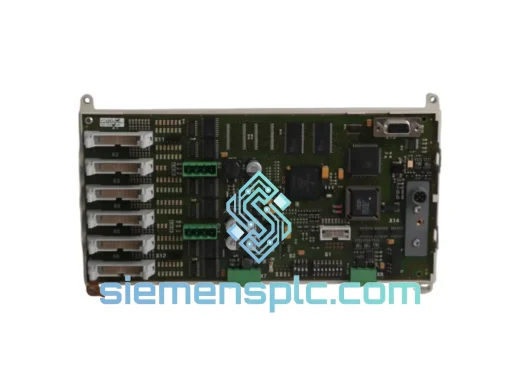
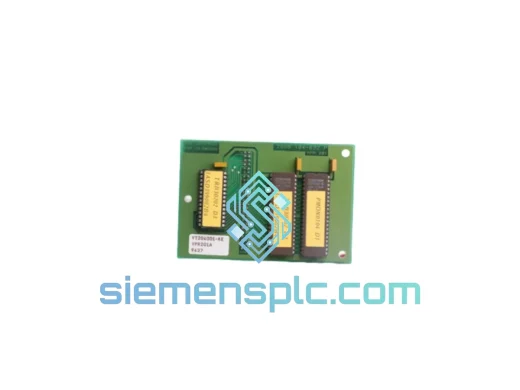
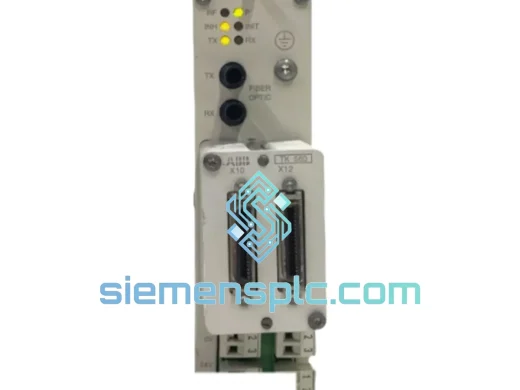
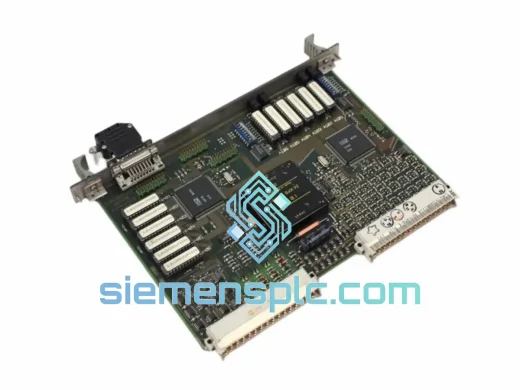
ABB GJR2393200R1210 88TK05B-E Bus Coupler Module – AC500 Series
AC500
Origin SE
Bus Coupler Module
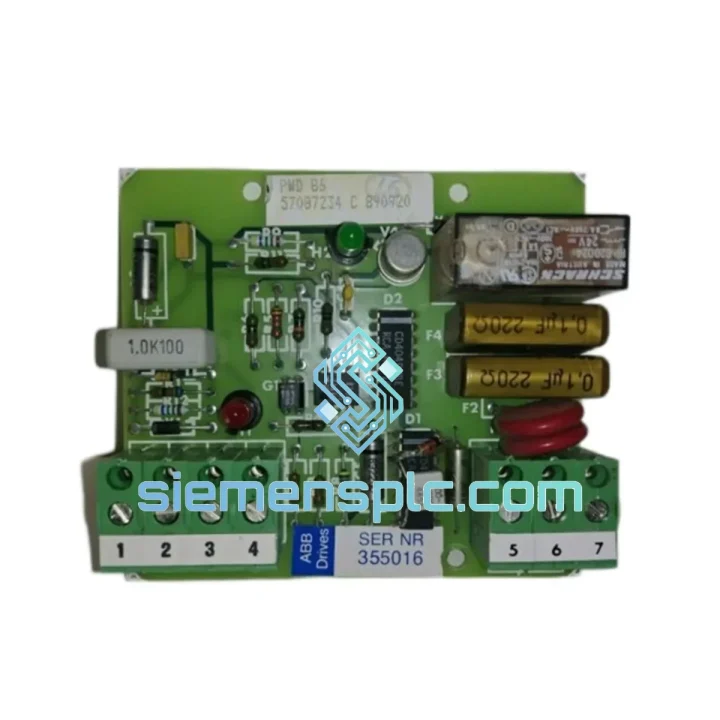
Request verified availability, condition, replacement risk review, packing options and courier lead time for PWD86 57087234.
Click Request Quote and the part number is inserted into the inquiry form automatically.
Core fields for model confirmation and RFQ routing. Detailed product narrative remains below.
Every minute your line is down, you’re bleeding money. A frozen CPU scan cycle, a silent lockup, a watchdog that never fired — these are the failure modes that don’t announce themselves until the damage is done. The ABB PWD86 57087234 is the hardware-level answer to that problem. We have units in stock in Xiamen, packed and ready. While your procurement team is still raising a PO, we’re already pulling the module off the shelf.
This is not a catalog listing. This is a live inventory position. If you’re reading this during a shutdown, stop reading and call us.
URGENT REQUIREMENT? Contact: [email protected] | WhatsApp: +86 18359268345
| Parameter | Detail |
|---|---|
| Part Number | PWD86 / 57087234 |
| Manufacturer | ABB |
| Series | AC500 |
| Module Function | Watchdog Timer / CPU Heartbeat Supervisor |
| Mounting | AC500 Backplane (direct slot insertion) |
| Safe-State Output | Configurable relay / digital output trigger on timeout |
| Timeout Behavior | Independent of CPU program execution — hardware-enforced |
| Operating Temperature | -25 °C to +70 °C |
| Humidity | 5–95% RH, non-condensing |
| Protection Class | IP20 (panel-mounted) |
| Weight | ~100 g |
| Condition | New OEM / Tested Surplus (specify on inquiry) |
| Stock Status | ✅ Ready to Ship – Xiamen Warehouse |
| Lead Time (in-stock) | Ships within 24 hours of order confirmation |
| Certifications | CE, UL, RoHS, IEC 61508 reference compliant |
| Country of Origin | Germany |
Swapping a PWD86 is not a plug-and-play operation if you skip the configuration steps. Here’s what actually matters on the bench:
1. Confirm the fault before you pull the module. A PWD86 failure typically surfaces as one of these: CPU goes to STOP state with no program fault logged, safe-state relay drops unexpectedly during normal operation, or the AC500 diagnostic buffer shows a “Watchdog Timeout” or “Module Communication Error” event. If you’re seeing a different fault code, verify the CPU itself before condemning the watchdog module.
2. Power down the rack completely. The AC500 backplane does not support hot-swap on the PWD86 slot. Attempting to pull the module under power risks corrupting the CPU’s internal state table. Trip the 24 VDC supply to the rack, wait 10 seconds for capacitors to discharge, then proceed.
3. Note the slot position. The PWD86 must be reinstalled in the same physical slot. The AC500 CPU performs slot-based addressing during startup. A module in the wrong slot will generate a “Configuration Mismatch” fault and the CPU will refuse to go to RUN.
4. Check firmware compatibility. If you’re replacing an older PWD86 with a newer hardware revision, verify the AC500 CPU firmware version supports the new module revision. ABB’s PS501 Control Builder software will flag a firmware mismatch during the hardware scan. In most cases, a CPU firmware update resolves this — but confirm with ABB’s compatibility matrix before committing to the update on a live system.
5. Reconfigure the watchdog timeout value. The timeout period is stored in the CPU project, not in the PWD86 hardware itself. After module replacement, download the project to the CPU and verify the watchdog timeout parameter in the hardware configuration matches your process requirements. Default factory timeout is typically 100 ms — confirm this is appropriate for your scan cycle before going to RUN.
6. Test the safe-state output before releasing the line. Simulate a watchdog timeout by forcing a CPU STOP from the programming terminal and verify the PWD86 output relay drops as expected. Do not skip this step. A watchdog that doesn’t trip when it should is worse than no watchdog at all.
Common fault codes associated with PWD86 failures:
0x8100 – Watchdog timeout detected, CPU forced to STOP0x8200 – Module configuration mismatch on startup0x8310 – Backplane communication error (check slot seating and backplane connector pins)0x9001 – Hardware revision incompatibility (firmware update required)The ABB AC500 platform — and the PWD86 module within it — was not designed for climate-controlled server rooms. It was designed for the kind of environments where your maintenance team wears hearing protection and the ambient temperature swings 40 degrees between day and night shifts.
The PWD86 operates across a -25 °C to +70 °C temperature range, which covers everything from outdoor pipeline control cabinets in northern climates to steel mill control rooms where radiant heat from the furnace pushes ambient temperatures well above what most consumer-grade electronics can tolerate. The module’s conformal-coated PCB provides a barrier against humidity ingress and condensation — a critical feature in coastal chemical plants and offshore platform control panels where salt-laden air accelerates corrosion on unprotected boards.
Vibration is the silent killer of backplane-mounted modules. Loose connector seating caused by continuous mechanical vibration from compressors, pumps, or conveyor drives is one of the most common root causes of intermittent watchdog faults that are misdiagnosed as CPU issues. The AC500 backplane locking mechanism and the PWD86’s positive-retention connector design address this directly — but if you’re operating in a high-vibration environment, inspect the backplane connector pins for fretting corrosion during every planned maintenance window.
EMI immunity is another area where the PWD86 earns its place in safety-critical panels. The module meets IEC 61000-4 series immunity requirements, including EFT/burst, surge, and conducted RF immunity — meaning it won’t generate spurious watchdog trips in environments with variable-frequency drives, large contactors, or welding equipment operating nearby.
Our warehouse is in Xiamen, China — one of the most logistics-efficient export hubs on the mainland, with direct access to DHL, FedEx, and UPS international express networks. Here’s how a typical emergency shipment moves:
Hour 0–2: You contact us via email or WhatsApp with your shipping address and required quantity. We confirm stock, issue a proforma invoice, and hold the unit against your order.
Hour 2–6: Payment confirmed (T/T or credit card). Our warehouse team pulls the unit, performs a final visual inspection, applies anti-static packaging with moisture barrier, and generates the commercial invoice and packing list.
Hour 6–24: Shipment handed to DHL Express or FedEx International Priority. Tracking number issued to you directly. Export customs clearance is handled by our licensed freight forwarder — no delays at Xiamen customs for standard industrial components.
Transit times from Xiamen:
For shipments to countries with complex import regulations (Brazil, India, Russia), we advise customers in advance on required documentation — HS code declaration, certificate of origin, and end-user statements where applicable. We’ve shipped to over 60 countries. We know where the friction points are and we work around them proactively.
If your plant shutdown cannot wait for standard express transit, contact us about charter courier options for same-day or next-flight-out delivery to major international hubs.
📧 Email: [email protected]
📱 WhatsApp: +86 18359268345
🌐 Web: siemensplc.com
© 2026. All rights reserved.
We check the full part number, brand, series and visible nameplate information before quotation.
Sales confirms stock path, condition option, quantity and realistic lead time for export dispatch.
DHL, FedEx, UPS or buyer courier arrangements can be reviewed with packing requirements.
Similar brand or category products for fast comparison and multi-item RFQ lists.