ABB
RFQ Ready
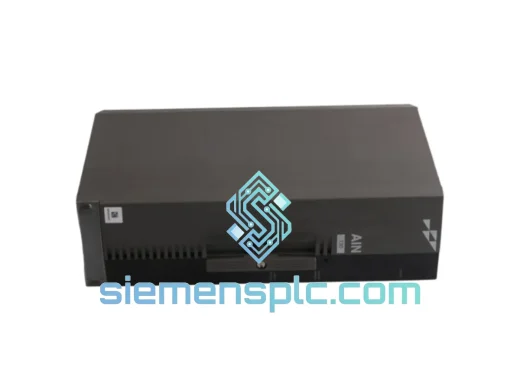
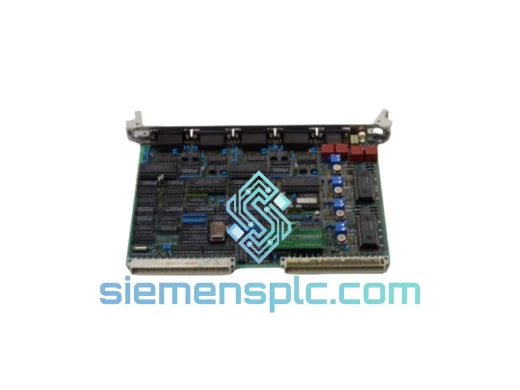
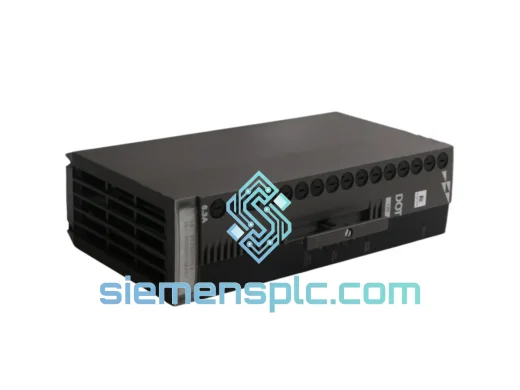
ABB P-HB-DOT-12010000 Safety Digital Output Module – AC500-S
AC500
Origin SE
Safety Digital Output Module
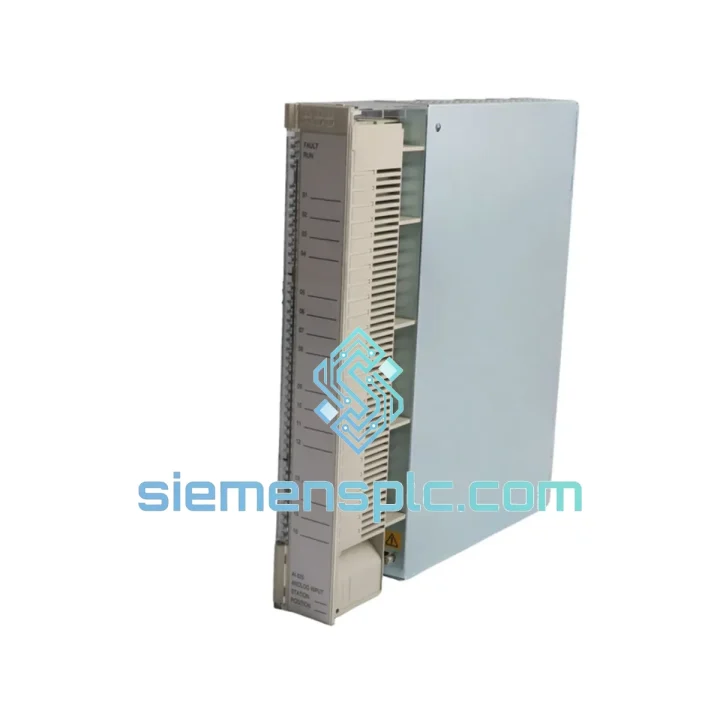
Request verified availability, condition, replacement risk review, packing options and courier lead time for AI625 3BHT300036R1.
Click Request Quote and the part number is inserted into the inquiry form automatically.
Core fields for model confirmation and RFQ routing. Detailed product narrative remains below.
Your line is down. Every minute the AC500 rack sits dark costs you money — scrap, missed throughput, penalty clauses. The AI625 (3BHT300036R1) is the 8-channel analog input module that sits between your field transmitters and your CPU, and when it fails, nothing moves. We stock it. We ship it today from Xiamen via DHL Express. Most destinations in Asia receive it within 24–48 hours; Europe and North America within 3–5 business days. That is the only number that matters right now.
URGENT REQUIREMENT? Contact: [email protected] | WhatsApp: +86 18359268345
| Parameter | Specification |
|---|---|
| Part Number | AI625 / 3BHT300036R1 |
| Platform | ABB AC500 PLC |
| Module Type | Analog Input |
| Channels | 8 (individually configurable) |
| Input Ranges | 0–10 V, ±10 V, 0–20 mA, 4–20 mA |
| Resolution | 16-bit |
| Conversion Time | ≤ 1 ms per channel |
| Isolation | Channel-to-channel + channel-to-bus |
| Supply Voltage | 24 V DC (via CPU or expansion bus) |
| Operating Temperature | −25 °C to +60 °C |
| Protection Rating | IP20 |
| Certifications | CE, UL, cUL, ATEX Zone 2 |
| Country of Origin | Germany |
| Stock Status | ✅ Ready to Ship — Xiamen Warehouse |
After 10 years pulling failed modules off live racks, here is what actually goes wrong with the AI625 and what to watch when you swap it out.
Most Common Failure Modes
Step-by-Step Hot-Swap Replacement Procedure
Configuration Notes
The AI625 is not a lab instrument. It is built for the floor — cement dust, coolant mist, 50 °C cabinet interiors, and the kind of vibration that loosens terminal screws over a weekend. ABB designed the AC500 I/O series to IEC 61131-2 environmental requirements, and the AI625 carries that through in every layer of its construction.
The PCB is conformally coated to resist condensation and airborne contaminants — a detail that matters in coastal plants and food processing facilities where humidity swings are routine. The housing is a glass-fiber reinforced polycarbonate that does not crack under the thermal cycling that destroys cheaper enclosures. Vibration resistance is rated to IEC 60068-2-6: 10–57 Hz at 0.075 mm displacement, 57–150 Hz at 1 g. That covers most industrial machinery including compressors, presses, and conveyor drives mounted in the same cabinet.
The internal power supply filtering is designed to reject the kind of high-frequency noise that variable-frequency drives inject into 24 V DC bus rails. In plants where VFDs and analog I/O share the same cabinet, this is not a minor detail — it is the difference between a stable 4–20 mA reading and a channel that oscillates ±200 counts at 50 Hz. The AI625 handles it without external filtering in the vast majority of installations.
ATEX Zone 2 certification means the module can be installed in control panels located in areas where explosive atmospheres may occasionally be present — relevant for oil and gas, chemical, and solvent-handling facilities. The certification is on the module itself, not just the housing, which simplifies the documentation burden for hazardous area installations.
We ship from our Xiamen warehouse, which gives us direct access to Xiamen Gaoqi International Airport — one of the highest-throughput cargo hubs in southern China. That matters when you need a module on a plane today, not queued at an inland freight hub.
Standard Express Routing:
Every shipment includes a tracking number sent within 2 hours of dispatch, a commercial invoice with accurate declared value, and a packing list with module serial numbers. For urgent orders, we can provide a pre-alert to your customs broker before the shipment departs Xiamen. If your plant has a preferred carrier account, we can ship on your account number — just provide it at the time of order.
For orders placed before 14:00 CST, same-day dispatch is standard. We do not batch shipments — each order goes out individually so your module is not waiting for another customer’s freight to consolidate.
📧 Email: [email protected]
📱 WhatsApp: +86 18359268345
🌐 Web: siemensplc.com
© 2026 siemensplc.com. All rights reserved.
We check the full part number, brand, series and visible nameplate information before quotation.
Sales confirms stock path, condition option, quantity and realistic lead time for export dispatch.
DHL, FedEx, UPS or buyer courier arrangements can be reviewed with packing requirements.
Similar brand or category products for fast comparison and multi-item RFQ lists.