ABB
In Stock OK
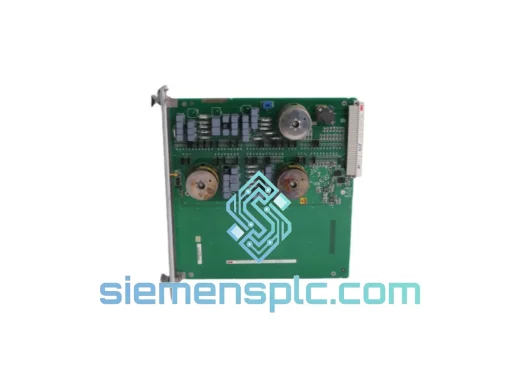
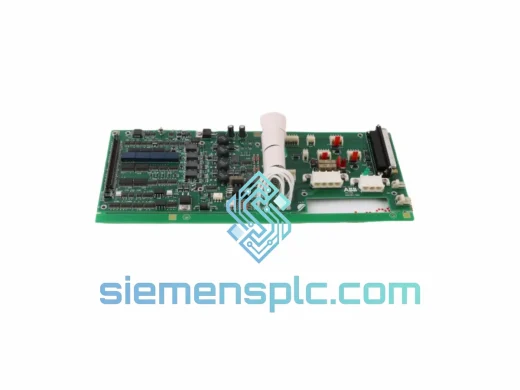
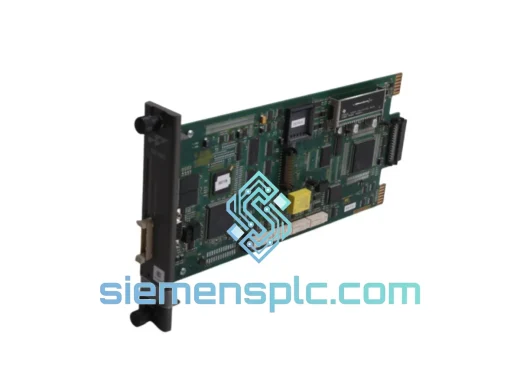
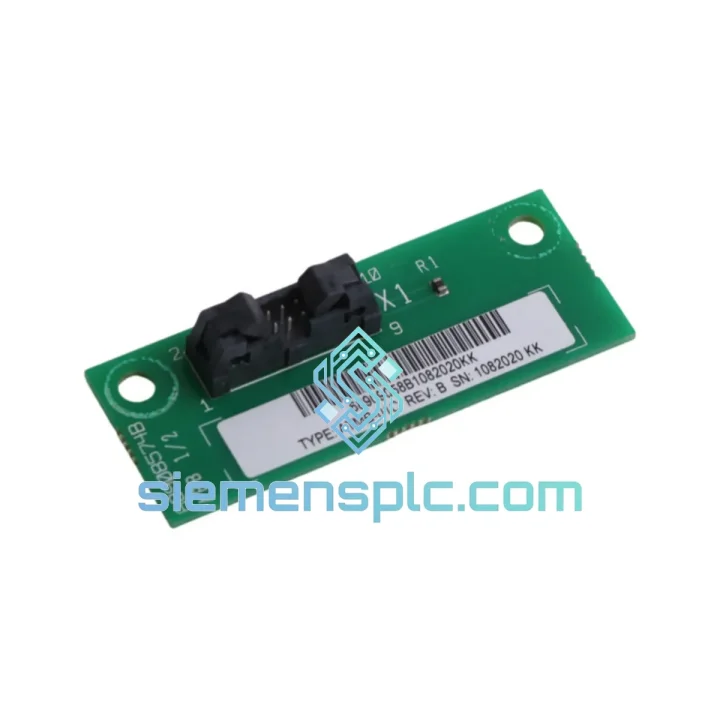
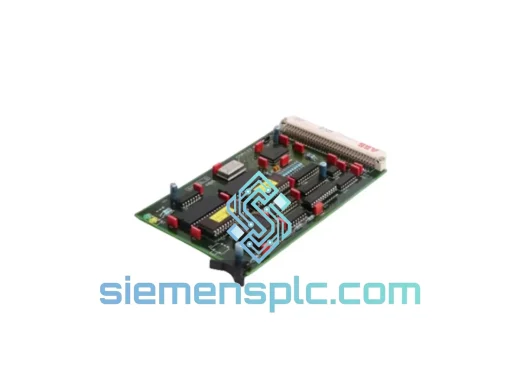
ABB ATMB-01C Terminal Bus Module
Request verified availability, condition, replacement risk review, packing options and courier lead time for ATMB-01C.
BrandABB
Part NumberATMB-01C
ConditionAvailability Check
Lead TimeRFQ Confirmation
DocumentsDatasheet / photos by RFQ
ShippingExport packing available
Auto-filled RFQ
ATMB-01C
Click Request Quote and the part number is inserted into the inquiry form automatically.
- Reply by email: [email protected]
- WhatsApp / Tel: +86 18359268345
- Mon-Sat 9:00-18:00 GMT+8
Procurement Data
Key Product Information
Core fields for model confirmation and RFQ routing. Detailed product narrative remains below.
- Brand
- ABB
- Primary Part Number
- ATMB-01C
- Product Type
- PLC Module
- Series / Family
- AC500
- Manufacturer
- ABB
- Country of Origin
- SE
- Catalog Category
- PLCs & Controllers
- Operating Temp.
- -25°C to +60°C
- Humidity
- 5–95% RH, non-condensing
Model confirmed for inquiry
ATMB-01C
Send quantity, destination and urgency. The RFQ form keeps this part number attached.
Request Quote
Product Overview
ABB ATMB-01C: Stop the Clock on Your AC500 Downtime — Ship Today from Xiamen
Your AC500 rack just lost bus communication. The CPU is throwing SF/BF faults, I/O modules are dropping offline, and production is at a standstill. Every hour costs you — in lost output, in emergency labor, in customer penalties. The ABB ATMB-01C terminal bus module is the exact component that bridges your CPU to the I/O expansion backplane, and when it fails, nothing downstream works. We stock it. We ship it today. DHL Express from Xiamen to your plant floor in 48–72 hours.
URGENT REQUIREMENT? Contact: [email protected] | WhatsApp: +86 18359268345
Quick Technical Datasheet
| Parameter | Specification |
|---|---|
| Manufacturer | ABB |
| Part Number | ATMB-01C |
| Series | AC500 |
| Module Function | Terminal Bus Module – Internal I/O Expansion Interface |
| Compatible CPUs | PM571, PM581, PM591, PM595 (AC500 family) |
| Mounting | 35 mm DIN rail, AC500 backplane slot |
| Operating Temperature | -25°C to +60°C |
| Humidity | 5–95% RH, non-condensing |
| Protection Class | IP20 |
| Weight | ~200 g |
| Condition | 100% Original ABB — New / Surplus New |
| Stock Status | ✔ Ready to Ship — Xiamen Warehouse |
| Lead Time | Same-day dispatch on confirmed orders before 15:00 CST |
| Certifications | CE, UL, IEC 61131-2 |
| Country of Origin | Germany |
Troubleshooting & Replacement Tips
Common failure signatures that point to a failed ATMB-01C:
- AC500 CPU shows BF (Bus Fault) LED solid red — internal terminal bus has lost handshake with expansion modules.
- All I/O modules on the right side of the CPU go to PASSIV state simultaneously — not a field wiring issue, it’s the bus interface.
- Intermittent SF (System Fault) that clears on power cycle but returns within hours — classic sign of a degraded bus connector or failing ATMB capacitor bank.
- Automation Builder diagnostic log shows “Terminal bus communication error” or “Module not responding” for all expansion slots.
Replacement procedure — field-tested steps:
- Document your configuration first. Before powering down, upload the current project from the CPU to Automation Builder and save a full hardware configuration snapshot. The ATMB-01C itself carries no user-configurable firmware, but the CPU’s slot assignment table must match post-swap.
- Power down the entire AC500 rack. Do not hot-swap the ATMB-01C — it is not designed for live replacement. Isolate 24 VDC supply and confirm zero voltage with a meter before proceeding.
- Note the slot position. The ATMB-01C installs in the dedicated terminal bus slot on the AC500 backplane, immediately adjacent to the CPU module. There is no DIP switch or address setting on this module — it is auto-addressed by the CPU on boot.
- Seat the module firmly. The backplane connector requires positive engagement — you should feel a distinct click. A partially seated ATMB-01C will produce the same BF fault as a failed one.
- Power up and observe LED sequence. On a healthy boot: RUN LED goes green within 8 seconds, BF LED extinguishes, all I/O module RUN LEDs follow. If BF persists after swap, check the backplane connector pins for corrosion or mechanical damage — the ATMB-01C is not the only failure point.
- Firmware note: The ATMB-01C does not require firmware flashing. No version matching is needed between the module and the CPU firmware revision. It is purely a passive bus bridge component.
- Re-download the project from Automation Builder to the CPU after confirming hardware is recognized. Verify all I/O modules appear in the hardware tree before returning the system to AUTO mode.
Frequent misdiagnosis: Engineers often replace I/O modules one by one when the real culprit is the ATMB-01C. If more than two I/O modules fail simultaneously with no field-side fault, always suspect the terminal bus module before pulling individual cards.
Reliability in Harsh Conditions
The ATMB-01C was engineered for the environments where PLCs actually live — not climate-controlled server rooms, but steel mills, chemical dosing stations, offshore platforms, and automotive paint shops. ABB’s AC500 platform is rated for continuous operation across a -25°C to +60°C ambient range, and the ATMB-01C is no exception.
The module’s backplane connector uses gold-plated contacts with a rated insertion cycle life exceeding 100 mating operations — relevant when you’re doing repeated maintenance in the field. The PCB conformal coating (standard on AC500 components) provides resistance to condensation, airborne particulates, and mild chemical exposure, meeting IEC 60068-2 environmental test standards for vibration (5–150 Hz, 1g), shock (15g, 11ms half-sine), and humidity cycling.
In high-vibration installations — compressor skids, mobile equipment, press lines — the ATMB-01C’s rigid DIN rail locking mechanism prevents the micro-movement that causes intermittent bus faults on lesser hardware. We have supplied this module to customers running three-shift operations in foundries and petrochemical plants where ambient temperatures regularly exceed 50°C, and the failure rate on properly installed units is negligible.
Every unit we ship has been visually inspected under magnification for PCB delamination, solder joint integrity, and connector pin alignment. We do not ship modules with cosmetic damage that could indicate prior thermal stress or ESD exposure.
Global Express Logistics
Our dispatch hub is in Xiamen, Fujian, China — one of China’s primary export ports with direct DHL and FedEx gateway access. Here’s exactly what happens after you confirm your order:
- Same-day dispatch for orders confirmed before 15:00 CST (UTC+8). Orders confirmed after cutoff ship the following business morning.
- Packaging: The ATMB-01C is packed in anti-static foam-lined cartons with moisture-barrier bags. Outer carton is double-walled corrugated rated for 30 kg drop test. No module arrives with transit damage.
- Carrier options: DHL Express (primary), FedEx International Priority, UPS Worldwide Express. We select the fastest available lane to your destination at time of booking.
- Transit times: Southeast Asia 1–2 days | Europe 2–3 days | North America 2–4 days | Middle East 2–3 days | Australia 2–3 days. Times are business days from dispatch.
- Tracking: AWB number sent to your email within 2 hours of dispatch. Real-time tracking link included.
- Customs documentation: Commercial invoice, packing list, and certificate of origin provided as standard. HS code 8537.10 declared. For customers requiring formal CITES or dual-use export documentation, advise at time of order.
- Duties and import VAT: Shipped DAP (Delivered At Place) as standard. DDP (Delivered Duty Paid) available for EU and UK customers — ask for a DDP quote to eliminate customs clearance delays on your end.
We have shipped AC500 components to plant engineers in Germany, Malaysia, Saudi Arabia, Brazil, and Australia — often with less than 24 hours between inquiry and dispatch. When your line is down, logistics speed is not a nice-to-have. It is the entire value proposition.
Contact Information
Email: [email protected]
WhatsApp: +86 18359268345
Web: siemensplc.com
© 2026 siemensplc.com. All rights reserved.
Ready to quote
[email protected]
Send This Part Number to Sales
RFQ workflow
Quality workflow ->
Confirmation Process
01Model confirmation
We check the full part number, brand, series and visible nameplate information before quotation.
02Availability reply
Sales confirms stock path, condition option, quantity and realistic lead time for export dispatch.
03Packing & courier
DHL, FedEx, UPS or buyer courier arrangements can be reviewed with packing requirements.
Continue sourcing
Browse full catalog ->
Related Automation Parts
Similar brand or category products for fast comparison and multi-item RFQ lists.
ABB
RFQ Ready
ABB 1SVR427075R0000 CP-A CM PLC CPU Module – AC500 Compact Series
AC500
Origin SE
PLC CPU Module