ABB
RFQ Ready
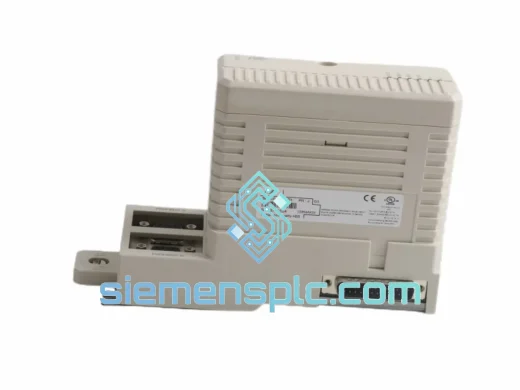
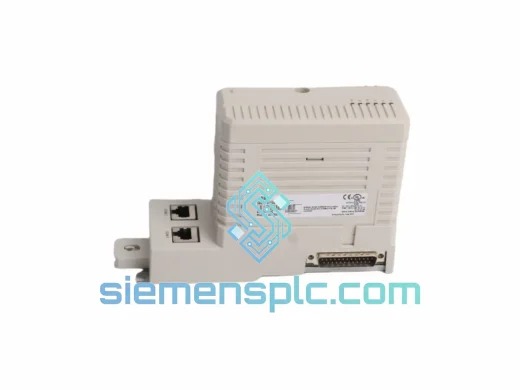
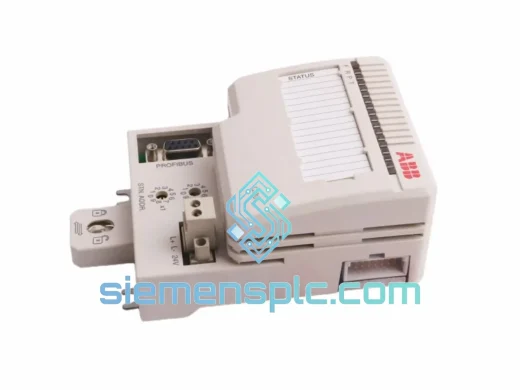
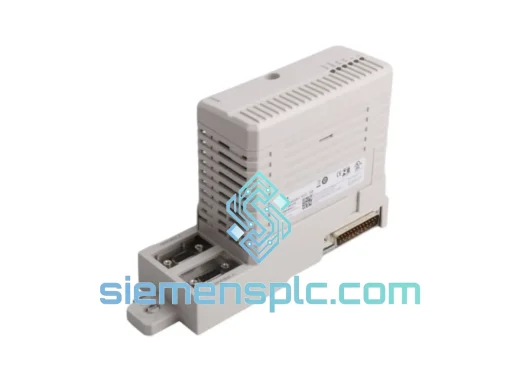
ABB CI854BK01 3BSE069449R1 Communication Interface Module – AC 800M Freelance
AC 800M
Origin SE
Communication Interface Module
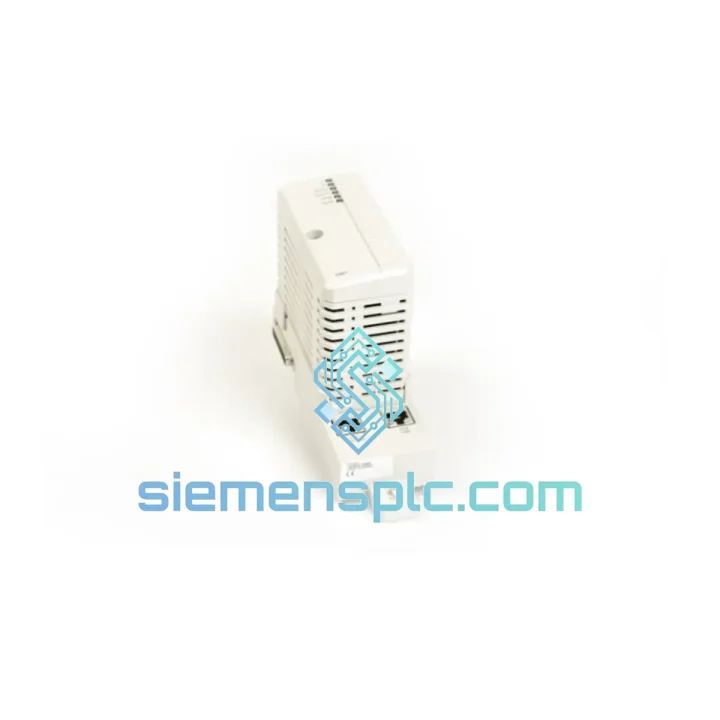
Request verified availability, condition, replacement risk review, packing options and courier lead time for CI867K01 3BSE043660R1.
Click Request Quote and the part number is inserted into the inquiry form automatically.
Core fields for model confirmation and RFQ routing. Detailed product narrative remains below.
Every hour your AC 800M controller sits offline, the losses compound — missed batches, idle crews, contractual penalties. The CI867K01 Modbus TCP Interface Kit is the single card standing between your DCS and full network communication. We stock it in Xiamen, we verify it before it leaves the shelf, and we hand it to DHL before your shift ends. That is the only promise that matters when the plant is down.
URGENT REQUIREMENT? Contact: [email protected] | WhatsApp: +86 18359268345
| Parameter | Value |
|---|---|
| Manufacturer | ABB |
| Part Number | CI867K01 |
| Reference Number | 3BSE043660R1 |
| Series | AC 800M |
| Module Type | Modbus TCP/IP Communication Interface |
| Physical Interface | RJ45 Ethernet (10/100 Mbps) |
| Protocol | Modbus TCP/IP (Master & Slave) |
| Max Simultaneous Connections | Up to 10 Modbus TCP sessions |
| Mounting | AC 800M controller module slot |
| Power Source | Controller backplane (no external PSU required) |
| Operating Temperature | 0 °C to +55 °C |
| Storage Temperature | -40 °C to +70 °C |
| Relative Humidity | 5% to 95% non-condensing |
| Weight | 440 g (approx.) |
| Certifications | CE, UL (per ABB datasheet 3BSE043660R1) |
| Engineering Tool | ABB Control Builder M (CBM) |
| Stock Status | Ready to Ship – Xiamen Warehouse |
Pulled from real field experience — not a manual reprint.
Step 1 — Safe Power-Down Sequence. Before pulling the CI867K01, issue a controlled shutdown via Control Builder M. Do not hot-swap without confirming the controller supports it; the AC 800M PM8xx series requires a cold-swap for communication modules. Skipping this step corrupts the module’s internal address table and forces a full re-commissioning cycle.
Step 2 — Record the IP Configuration. The CI867K01 stores its IP address, subnet mask, and gateway in non-volatile memory on the module itself — not on the controller. Before removal, export the module configuration from CBM or photograph the IP settings from the diagnostic web page (default access: http://[module-IP]). A replacement unit ships with factory defaults (DHCP enabled); you must manually assign the static IP to restore communication.
Step 3 — Firmware Version Matching. Cross-check the firmware revision of the replacement unit against the version running on your surviving AC 800M modules. Mismatched firmware between the CI867K01 and the PM controller can cause cyclic communication faults (Event ID 0x8100 or 0x8200 in the CBM event log). If the replacement ships with an older firmware, update via the ABB module firmware loader before insertion.
Step 4 — Slot Position and Address Assignment. The CI867K01 uses automatic slot-based addressing within the AC 800M rack. Reinsert the module into the identical slot number as the failed unit. Inserting into a different slot generates a hardware mismatch alarm and requires a full hardware configuration download from CBM.
Step 5 — Modbus TCP Reconnection Verification. After power-up, verify Modbus TCP sessions using the module’s built-in diagnostic web interface. Check that all configured slave device connections show status Connected. Common fault: firewall rules on the plant network blocking port 502 — confirm with your network team before assuming the module is faulty.
Common Fault Codes:
The CI867K01 is built for continuous duty in environments that destroy consumer-grade electronics within weeks. ABB designed the AC 800M series for process industries where ambient conditions are non-negotiable: chemical plants with corrosive atmospheres, offshore platforms with constant vibration and salt-laden air, and steel mills where radiated heat pushes cabinet temperatures to the edge of spec.
The module’s PCB is conformally coated to IEC 60068-2-30 standards, providing resistance to condensation cycles that occur during plant startups and shutdowns. Vibration tolerance is validated to IEC 60068-2-6 (sinusoidal) and IEC 60068-2-64 (random), covering the frequency ranges generated by rotating machinery mounted on the same structural frame as the control cabinet. EMC immunity is tested to IEC 61000-4 series, ensuring the Modbus TCP communication link remains stable even when large VFDs and contactors switch in adjacent panels. Every unit we ship from Xiamen is inspected for physical integrity — connector pins, housing seams, label authenticity, and PCB surface condition — before it is sealed in anti-static ESD packaging.
Our dispatch hub is in Xiamen, Fujian — one of China’s primary export ports with direct DHL and FedEx gateway access. Here is exactly what happens after you confirm your order:
Email: [email protected]
WhatsApp: +86 18359268345
Web: siemensplc.com
© 2026. All rights reserved.
We check the full part number, brand, series and visible nameplate information before quotation.
Sales confirms stock path, condition option, quantity and realistic lead time for export dispatch.
DHL, FedEx, UPS or buyer courier arrangements can be reviewed with packing requirements.
Similar brand or category products for fast comparison and multi-item RFQ lists.