ABB
RFQ Ready
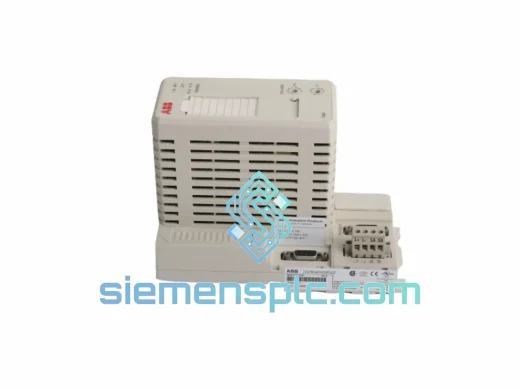
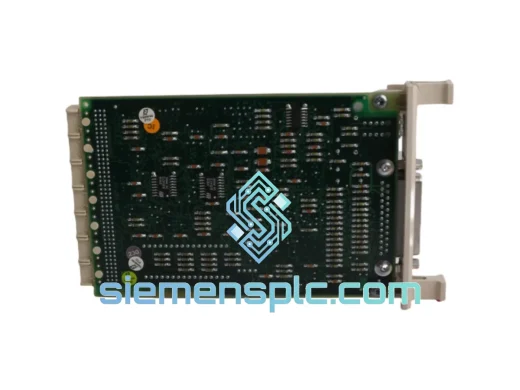
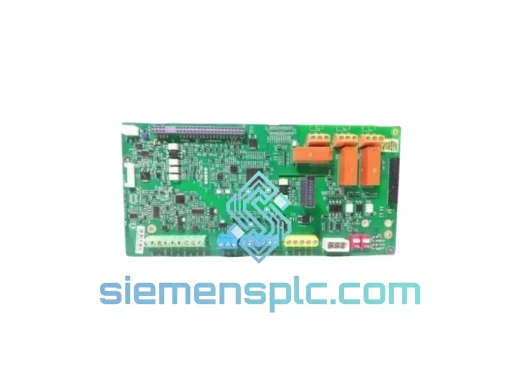
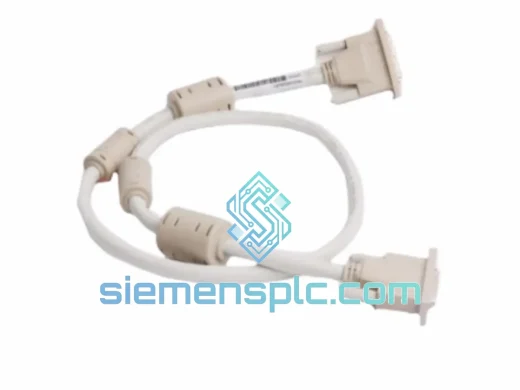
ABB TK851V010 3BSC950262R1 DCS Interface Module – AC800M Series
AC800M
Origin SE
DCS Interface Module
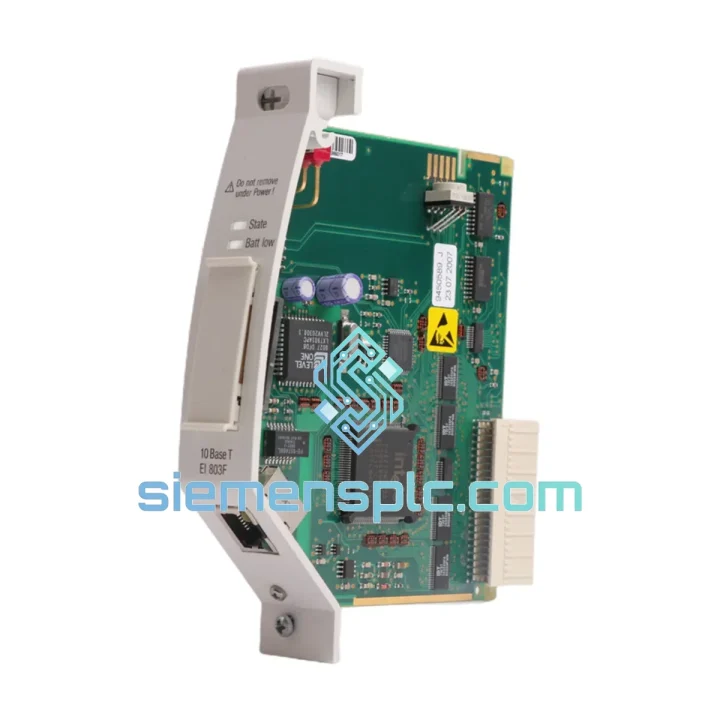
Request verified availability, condition, replacement risk review, packing options and courier lead time for EI803F.
Click Request Quote and the part number is inserted into the inquiry form automatically.
Core fields for model confirmation and RFQ routing. Detailed product narrative remains below.
The moment your AC800M controller loses its Ethernet backbone, the clock starts running against you. SCADA screens freeze. OPC data stops flowing. Operators revert to manual rounds. Every hour without that communication link is money bleeding out of your process — and your local distributor just quoted you six to eight weeks lead time. That’s not a solution. That’s a second crisis layered on top of the first.
We stock the ABB EI803F (order code 3BDH000017R1) in Xiamen, tested and ready to ship. Place your order before 14:00 CST and it leaves the same day on DHL Express or FedEx International Priority. For most destinations in Europe, Southeast Asia, and the Middle East, you’re looking at two to five business days door-to-door — not two months. One phone call, one tracking number, one module back in the rack.
URGENT REQUIREMENT? Contact: [email protected] | WhatsApp: +86 18359268345
| Parameter | Specification |
|---|---|
| Part Number | EI803F |
| ABB Order Code | 3BDH000017R1 |
| Manufacturer | ABB |
| Compatible Platform | AC800M Controller Family (PM851, PM856, PM860, PM861, PM864, PM866) |
| Module Function | Ethernet Communication Interface — connects AC800M to plant LAN / 800xA supervisory network |
| Network Standard | IEEE 802.3, 10/100 Mbps Industrial Ethernet |
| Supported Protocols | OPC-DA, OPC-UA, Modbus TCP, FTP, SNMP |
| Port Configuration | Dual RJ45 — supports redundant Ethernet topology |
| IP Configuration | Stored in AC800M CPU — no DIP switch required on module |
| Operating Temperature | 0 °C to +55 °C |
| Storage Temperature | -40 °C to +70 °C |
| Relative Humidity | 5–95% RH, non-condensing |
| Vibration Rating | IEC 60068-2-6 compliant |
| PCB Protection | Conformal coated |
| Form Factor | Plug-in module, AC800M CPU rack slot |
| Weight | Approx. 140 g |
| Country of Origin | China (Xiamen stocking hub) |
| Availability | ✅ In Stock — Ready to Ship |
After handling hundreds of AC800M field calls, these are the failure patterns that point directly to the EI803F before anything else:
Fault signatures that implicate EI803F first:
Replacement procedure — step by step:
Firmware compatibility note: If the replacement EI803F carries a different firmware revision than the original, Control Builder M will generate a hardware mismatch warning during the download. This is non-critical for most firmware delta steps but should be resolved by updating the module firmware via ABB’s firmware download utility before returning the system to unattended operation. Contact us — we can advise on firmware revision matching for your specific CPU version.
The EI803F was not built for a climate-controlled server room. It was built for the kind of environment where a VFD cabinet three meters away is injecting conducted EMI into the cabinet ground bus, where the ambient temperature in the control room swings 25 degrees between the day shift and the night shift in summer, and where the module may sit in service for seven years before anyone looks at it again.
ABB designed the AC800M platform to IEC 61131-2 environmental standards. The EI803F PCB carries a full conformal coating — acrylic or polyurethane depending on production batch — that seals the board against humidity, condensation, and airborne process contaminants including H₂S and SO₂ in refinery environments. The RJ45 ports are mechanically rated to IEC 60068-2-6 vibration profiles, which covers the kind of low-frequency structural vibration common in compressor buildings and pump stations.
Internal power regulation on the EI803F is galvanically isolated from the backplane supply rail. This isolation prevents ground loop currents — a chronic problem in large industrial plants with multiple earthing points — from corrupting Ethernet frame integrity. It also means a power supply fault elsewhere in the rack is less likely to take the communication module with it.
Every unit we dispatch from Xiamen goes through a pre-shipment verification sequence: power-on self-test, LED status confirmation, RJ45 port continuity check, backplane connector pin inspection, and housing integrity check. The firmware revision is recorded on a test report that ships inside the carton. You know exactly what revision you’re installing before you break the anti-static seal — no surprises at 2 AM during a plant restart.
Our Xiamen warehouse sits 40 minutes from Xiamen Gaoqi International Airport (IATA: XMN), a dedicated cargo hub with daily direct freighter services to Frankfurt (FRA), Dubai (DXB), Los Angeles (LAX), Singapore (SIN), and Amsterdam (AMS). This location was chosen deliberately — it is one of the fastest export points in southern China for industrial spare parts.
How your order moves from confirmation to delivery:
Indicative transit times by region: Europe 3–5 business days; Southeast Asia 2–3 business days; Middle East 3–4 business days; North America 4–6 business days; Australia/New Zealand 4–6 business days. For genuine plant emergencies, contact us directly on WhatsApp before placing the order — we can arrange same-day dispatch for orders confirmed before noon CST and advise on the fastest routing for your specific destination airport.
Standard export documentation included with every shipment: commercial invoice, packing list, HS code declaration. Certificate of Origin (Form E or CO) available on request for preferential duty treatment. We have shipped industrial automation spares to over 40 countries. Our documentation is accurate, complete, and structured to clear customs without delays.
📧 Email: [email protected]
📱 WhatsApp: +86 18359268345
🌐 Web: siemensplc.com
© 2026 siemensplc.com. All rights reserved.
We check the full part number, brand, series and visible nameplate information before quotation.
Sales confirms stock path, condition option, quantity and realistic lead time for export dispatch.
DHL, FedEx, UPS or buyer courier arrangements can be reviewed with packing requirements.
Similar brand or category products for fast comparison and multi-item RFQ lists.