ABB
RFQ Ready
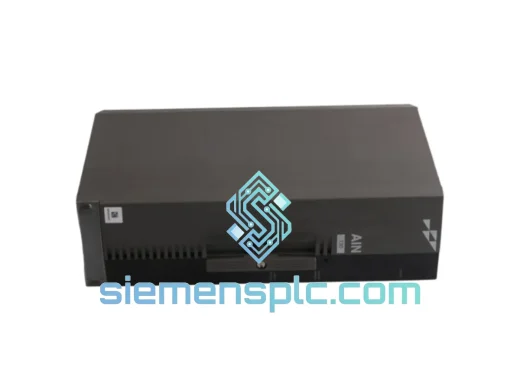
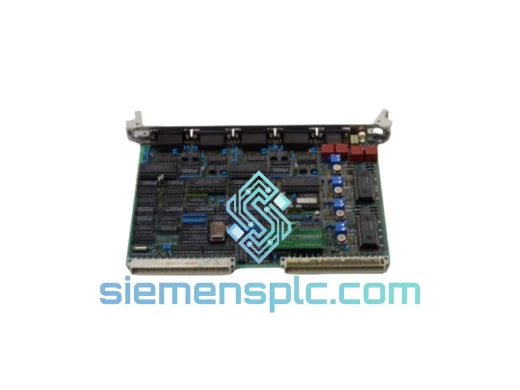
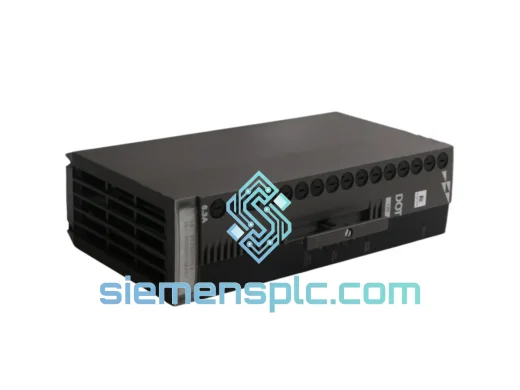
ABB P-HB-DOT-12010000 Safety Digital Output Module – AC500-S
AC500
Origin SE
Safety Digital Output Module
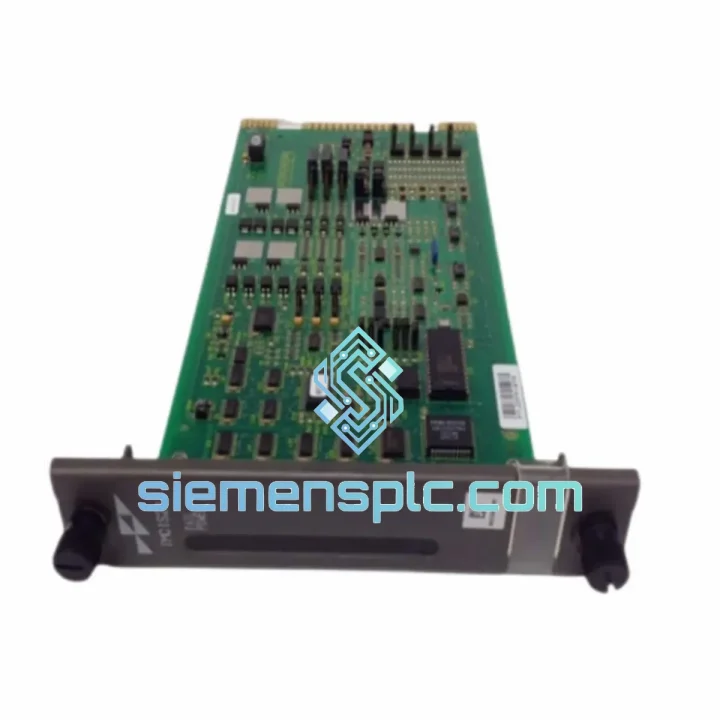
Request verified availability, condition, replacement risk review, packing options and courier lead time for IMCIS22.
Click Request Quote and the part number is inserted into the inquiry form automatically.
Core fields for model confirmation and RFQ routing. Detailed product narrative remains below.
Your AC500 line just tripped. The IMCIS22 I/O module is dead. Maintenance is standing by, production is at zero, and the clock is running. You don’t need a sales pitch — you need the part, now. We stock the ABB IMCIS22 in Xiamen and ship same-day via DHL Express or FedEx Priority. Most customers in Southeast Asia, the Middle East, and Europe receive their unit within 48–72 hours of order confirmation. That’s the difference between a two-day incident report and a week-long shutdown investigation.
URGENT REQUIREMENT? Contact: [email protected] | WhatsApp: +86 18359268345
| Parameter | Specification |
|---|---|
| Part Number | IMCIS22 |
| Manufacturer | ABB |
| Platform / Series | AC500 PLC |
| Module Category | Control I/O Module |
| Bus Interface | AC500 internal backplane bus |
| Engineering Software | ABB Automation Builder (PS501 Control Builder Plus) |
| Operating Temperature | -25°C to +60°C |
| Protection Class | IP20 (panel-mounted) |
| Compliance | CE, UL, IEC 61131-2 |
| Weight | ~1,500 g (module only) |
| Origin | Germany |
| Stock Status | ✔ Ready to Ship – Xiamen Warehouse |
After ten years of field work on AC500 systems, here’s what actually goes wrong with the IMCIS22 and what you need to watch when swapping it out:
Common Failure Signatures:
Replacement Procedure (Field-Tested):
Firmware Matching: This is the most commonly overlooked step. If your CPU project was built with Automation Builder 2.x and the replacement module ships with older firmware, you may see configuration errors on download. Contact us — we can advise on firmware revision before you order.
The IMCIS22 was not designed for a climate-controlled server room. ABB engineered the AC500 platform for the environments where automation actually lives: steel mills with 55°C ambient and airborne metal dust, offshore platforms with salt-laden humidity cycling through 95% RH, chemical plants where vibration from pumps and compressors runs continuously at 5–150 Hz.
The module’s conformal-coated PCB resists moisture ingress and corrosive atmospheres. The backplane connector uses gold-plated contacts rated for 500+ insertion cycles — relevant when you’re doing annual preventive maintenance swaps. Vibration resistance is validated to IEC 60068-2-6, and shock resistance meets IEC 60068-2-27, meaning the module survives the mechanical stress of industrial transport and installation without pre-conditioning failures.
Thermal management is passive — no fans, no moving parts. The module dissipates heat through the backplane and enclosure. In installations where ambient exceeds 55°C, derate the I/O channel loading per ABB’s thermal guidelines. We’ve seen modules run continuously for 8+ years in paper mill environments without a single unplanned failure when installed correctly and within spec.
The bottom line: if your plant environment is tough enough to kill lesser hardware, the IMCIS22 was built for exactly that. The failure you’re dealing with today is the exception, not the rule — and a genuine OEM replacement will give you the same service life as the original.
Our dispatch hub is in Xiamen, China — one of the most logistics-connected export cities in Asia, with direct DHL Express and FedEx Priority lanes to every major industrial hub globally.
Typical Transit Times from Xiamen:
Our Logistics Process:
We’ve shipped to 60+ countries. Customs documentation for industrial automation components is something we handle daily. If your procurement team needs a commercial invoice in a specific format, a certificate of origin, or an ECCN classification statement, we provide it as standard.
Email: [email protected]
WhatsApp: +86 18359268345
Web: siemensplc.com
© 2026 siemensplc.com. All rights reserved.
We check the full part number, brand, series and visible nameplate information before quotation.
Sales confirms stock path, condition option, quantity and realistic lead time for export dispatch.
DHL, FedEx, UPS or buyer courier arrangements can be reviewed with packing requirements.
Similar brand or category products for fast comparison and multi-item RFQ lists.