
ABB
In Stock OK
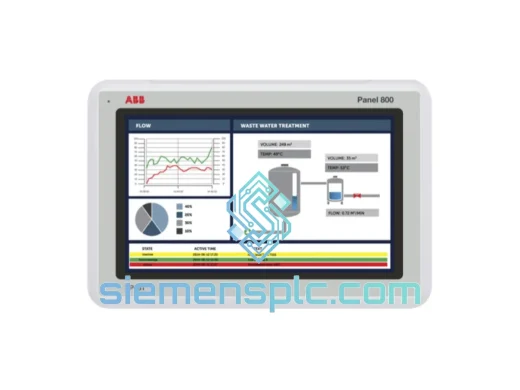
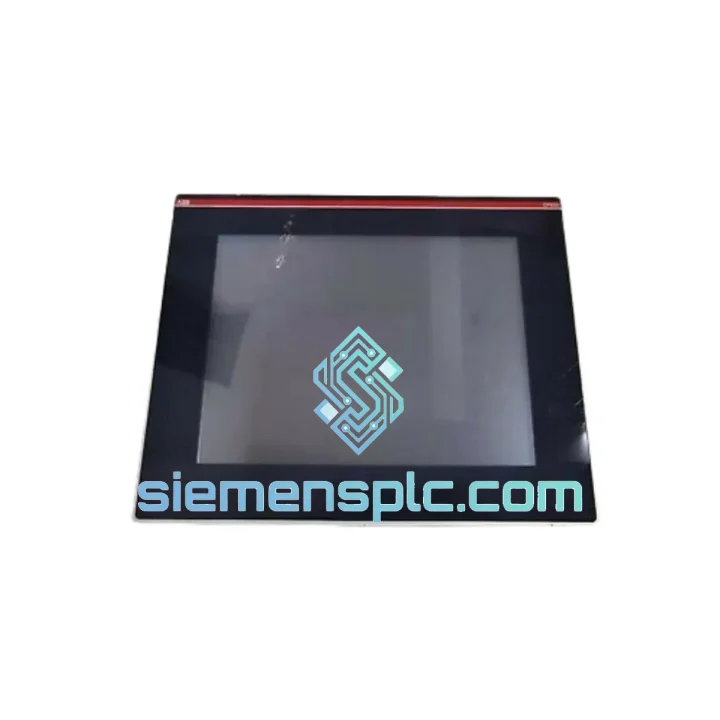
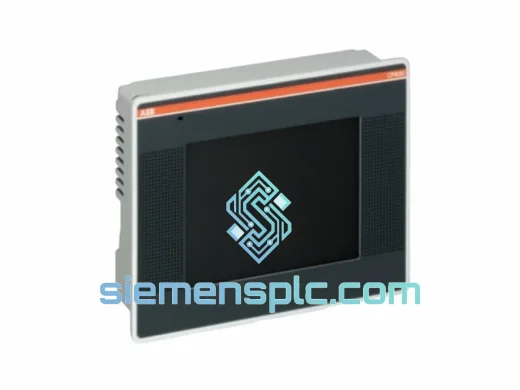
ABB OP515-LD/M-2110 HMI Operator Panel
Request verified availability, condition, replacement risk review, packing options and courier lead time for OP515-LD/M-2110.
BrandABB
Part NumberOP515-LD/M-2110
ConditionAvailability Check
Lead TimeRFQ Confirmation
DocumentsDatasheet / photos by RFQ
ShippingExport packing available
Auto-filled RFQ
OP515-LD/M-2110
Click Request Quote and the part number is inserted into the inquiry form automatically.
- Reply by email: [email protected]
- WhatsApp / Tel: +86 18359268345
- Mon-Sat 9:00-18:00 GMT+8
Procurement Data
Key Product Information
Core fields for model confirmation and RFQ routing. Detailed product narrative remains below.
- Brand
- ABB
- Primary Part Number
- OP515-LD/M-2110
- Product Type
- HMI Operator Panel
- Series / Family
- AC500
- Manufacturer
- ABB
- Country of Origin
- SE
- Catalog Category
- HMI Panels
- Operating Temp.
- 0 °C to +55 °C
- Compliance
- CE, UL, RoHS, IEC 61131-2
Model confirmed for inquiry
OP515-LD/M-2110
Send quantity, destination and urgency. The RFQ form keeps this part number attached.
Request Quote
Product Overview
ABB OP515-LD/M-2110 – Stop the Clock on Your Downtime. Ship Today.
Every minute your line is down, you’re bleeding money. The ABB OP515-LD/M-2110 is the operator interface that keeps your AC500 system talking to your operators — and when it fails, there’s no workaround, no bypass, no “run it anyway.” You need a replacement unit on-site, fast. We stock it. We ship it. Same day out of Xiamen.
This is not a listing page. This is your recovery plan.
URGENT REQUIREMENT? Contact: [email protected] | WhatsApp: +86 18359268345
Quick Technical Datasheet
| Part Number / SKU | OP515-LD/M-2110 ✔ Ready to Ship |
| Manufacturer | ABB |
| Series | AC500 / CP500 HMI |
| Product Type | HMI Operator Panel |
| Display | Monochrome LCD with backlight, 128×64 px |
| Keypad | Membrane function keys + 4-way navigation |
| Communication | RS-232 / RS-485 / CANopen (port-dependent) |
| Supply Voltage | 24 V DC (±15%) |
| Current Consumption | ≤ 200 mA @ 24 V DC |
| Operating Temperature | 0 °C to +55 °C |
| Storage Temperature | −25 °C to +70 °C |
| Protection Rating | IP65 (front bezel) |
| Mounting | Panel cut-out, flush mount, rear-latch clips |
| Dimensions (W×H×D) | Approx. 144 × 72 × 45 mm |
| Compliance | CE, UL, RoHS, IEC 61131-2 |
| Country of Origin | Germany |
| Stock Status | ✔ In Stock – Ready to Ship from Xiamen |
Troubleshooting & Replacement Tips
Ten years on the floor taught me one thing: most OP515-LD/M-2110 failures are not random. They follow a pattern. Here’s what you need to know before you pull the old unit and bolt in the new one.
Common Failure Modes
- Blank display, backlight off: First suspect is the 24 V DC supply rail. Measure at the panel connector — not at the DIN rail PSU. Voltage drop across long cable runs in noisy cabinets is more common than you think. If rail voltage is good, the LCD driver IC has likely failed due to thermal cycling. Replace the panel.
- Display on, no keypad response: The membrane keypad overlay delaminates in high-humidity environments. Check the ribbon cable seating at the PCB connector before condemning the unit. If reseating doesn’t restore function, the membrane itself has failed — not the main board.
- Communication loss / CPU reports OP panel offline: Check the RS-485 termination resistor setting on the rear of the panel. The OP515 ships with termination enabled by default (120 Ω). If this panel is not the last node on your RS-485 bus, the termination must be disabled via the DIP switch on the rear housing — failure to do this causes reflections that corrupt the entire bus, not just this node.
- Firmware mismatch alarm on AC500 CPU: The OP515-LD/M-2110 requires firmware ≥ V1.4.0 on the CP500 communication processor. If your CPU throws a compatibility fault after swap, connect via PS501 Control Builder Plus and push the firmware update to the CP500 before re-initialising the OP panel. Do not power-cycle the CPU during this process.
- Panel address conflict (duplicate node error): The OP515 uses auto-addressing on CANopen networks by default. If you’re replacing a failed unit on a live CANopen segment, the new panel will attempt to claim the same node ID as the failed unit — which may still be partially active on the bus. Isolate the failed unit completely before powering the replacement. Confirm node ID assignment via the CPU’s network diagnostic screen before declaring the swap complete.
Replacement Checklist (Field-Proven)
- ☐ Isolate 24 V DC supply to the panel — do not hot-swap
- ☐ Photograph existing DIP switch positions on the rear of the old unit before removal
- ☐ Replicate DIP switch settings on the new unit (RS-485 termination, baud rate, node ID if applicable)
- ☐ Inspect panel cut-out gasket — replace if compressed or cracked to maintain IP65 rating
- ☐ Torque rear latch clips evenly — uneven clamping distorts the front bezel and breaks the IP seal
- ☐ Power up and verify CPU-to-panel communication within 30 seconds of energising
- ☐ Confirm all function key assignments are intact — some firmware versions reset key mapping on first boot after replacement
Reliability in Harsh Conditions
The OP515-LD/M-2110 was not designed for a climate-controlled server room. It was designed for the kind of environment where your maintenance crew wipes grease off the panel face before reading it.
The IP65-rated front bezel blocks dust ingress and direct water jets — relevant in food processing, washdown areas, and outdoor enclosures. The membrane keypad has no mechanical switches to corrode or jam; it’s a sealed surface that tolerates cleaning agents and condensation without degrading.
Internally, the PCB uses conformal coating on production runs destined for high-humidity markets. The operating temperature ceiling of +55 °C covers the vast majority of industrial cabinet environments, even in Southeast Asian and Middle Eastern installations where ambient temperatures push cabinet internals hard. The storage rating of −25 °C means units held in unheated warehouses through winter remain fully serviceable when pulled for deployment.
Vibration resistance meets IEC 61131-2 requirements — the same standard your AC500 CPU is tested to. In practice, this means the OP515 survives on the same panel as compressors, pumps, and servo drives without developing intermittent faults from mechanical resonance. The rear-latch mounting system distributes clamping force across the full perimeter of the cut-out, preventing the micro-movement that eventually cracks solder joints on lesser panels.
We have shipped this unit to cement plants in Indonesia, offshore platform control rooms in the North Sea, and grain handling facilities in Ukraine. The hardware holds up. The question is always whether you have a spare on the shelf when it doesn’t.
Global Express Logistics
Our warehouse is in Xiamen, Fujian — one of China’s primary export hubs with direct access to DHL, FedEx, and UPS international gateways. Here’s exactly how your order moves:
- Order confirmed before 14:00 CST: Same-day dispatch. Your tracking number is in your inbox before end of business.
- DHL Express Worldwide: Europe in 2–3 business days. North America in 3–4 business days. Southeast Asia in 1–2 business days. Middle East in 3–5 business days.
- FedEx International Priority: Available as an alternative for destinations where FedEx has stronger last-mile coverage than DHL.
- Export documentation: Commercial invoice, packing list, and certificate of origin prepared for every shipment. HS code 8537.10 declared. No surprises at customs.
- ESD-safe packaging: Unit is sealed in an anti-static bag, cushioned in PE foam, and boxed in double-wall corrugated carton. The panel arrives in the same condition it left our warehouse.
- Bulk orders: For 5+ units, contact us for consolidated freight options and volume pricing. Air freight consolidation available for orders exceeding 50 kg.
We understand that when you’re calling us, your line is probably already down. We don’t make you wait three days for a quote. Send us your PO or a WhatsApp message and we move.
Contact Information
📧 Email: [email protected]
📱 WhatsApp: +86 18359268345
🌐 Web: siemensplc.com
© 2026 siemensplc.com. All rights reserved.
Ready to quote
[email protected]
Send This Part Number to Sales
RFQ workflow
Quality workflow ->
Confirmation Process
01Model confirmation
We check the full part number, brand, series and visible nameplate information before quotation.
02Availability reply
Sales confirms stock path, condition option, quantity and realistic lead time for export dispatch.
03Packing & courier
DHL, FedEx, UPS or buyer courier arrangements can be reviewed with packing requirements.
Continue sourcing
Browse full catalog ->
Related Automation Parts
Similar brand or category products for fast comparison and multi-item RFQ lists.
ABB
RFQ Ready
ABB CP630 1SAP530100R0001 HMI Touch Panel – AC500 Series
AC500
Origin SE
HMI Touch Panel