ABB
RFQ Ready
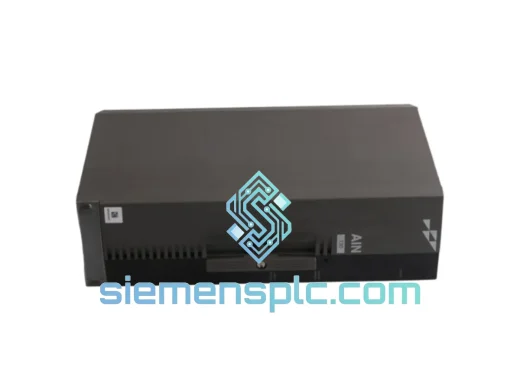
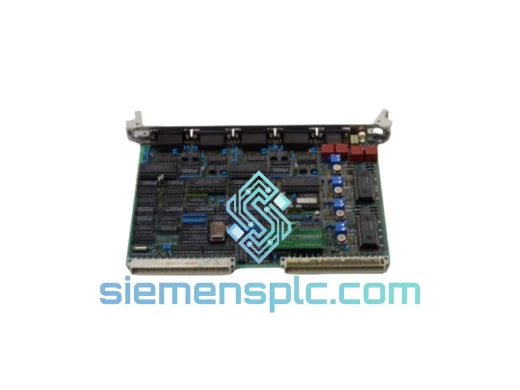
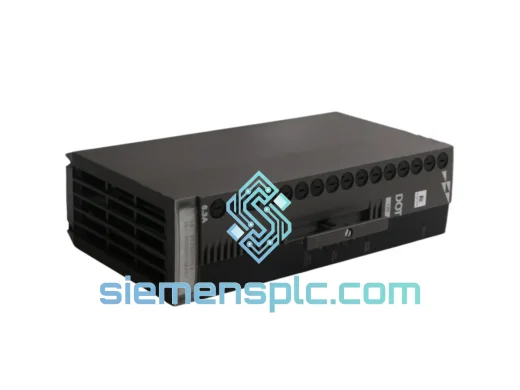
ABB P-HB-DOT-12010000 Safety Digital Output Module – AC500-S
AC500
Origin SE
Safety Digital Output Module
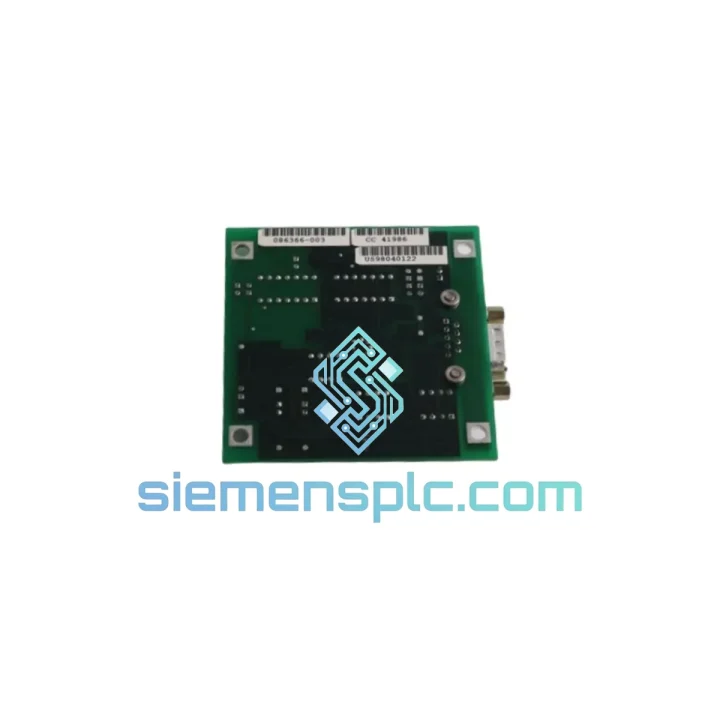
Request verified availability, condition, replacement risk review, packing options and courier lead time for P-HB-AIN-2200C100.
Click Request Quote and the part number is inserted into the inquiry form automatically.
Core fields for model confirmation and RFQ routing. Detailed product narrative remains below.
Every hour your line sits idle costs real money. When an analog input module fails on an ABB AC500 system, you don’t have time for a 6-week lead time from the OEM. The P-HB-AIN-2200C100 is on our shelf in Xiamen right now — inspected, verified, and ready to go out the door with DHL or FedEx Express. We’ve seen this module fail in chemical dosing lines, power substation RTUs, and HVAC control panels. We know what you’re up against. Let’s get you back online.
URGENT REQUIREMENT? Contact: [email protected] | WhatsApp: +86 18359268345
| Parameter | Value |
|---|---|
| Part Number | P-HB-AIN-2200C100 |
| Brand | ABB |
| Series | AC500 / S500 I/O Platform |
| Module Function | Analog Input (AIN) |
| Input Channels | 2-channel differential analog input |
| Signal Range | 0–10 V DC / 0–20 mA / 4–20 mA (configurable per channel) |
| Resolution | 16-bit A/D conversion |
| Bus Interface | AC500 S500 internal I/O expansion bus |
| Operating Temperature | -25°C to +60°C |
| Storage Temperature | -40°C to +70°C |
| Protection Rating | IP20 (DIN rail, panel-mount) |
| Power Consumption | Supplied via AC500 bus (no external 24 VDC required) |
| Certifications | CE, UL, cUL, RoHS, IEC 61131-2 |
| Weight | Approx. 400 g |
| Country of Origin | Germany |
| Stock Status | ✅ Ready to Ship — Xiamen Warehouse |
Pulled from real field calls. These are the failure patterns and swap gotchas that catch engineers off guard on the P-HB-AIN-2200C100:
Common Failure Symptoms
Replacement Procedure — Step by Step
Firmware Matching Note: ABB has released multiple firmware revisions for the S500 analog input family. If your replacement module ships with a newer firmware than your project expects, Automation Builder will flag a hardware mismatch warning. This is not a hard fault — the module will still operate — but you should update the hardware catalog in your project and re-download to clear the warning and ensure full diagnostic coverage.
The P-HB-AIN-2200C100 is not a office-grade component. ABB designed the AC500 S500 I/O series for continuous operation in environments that would kill consumer electronics inside a week.
Vibration: The module meets IEC 60068-2-6 sinusoidal vibration testing — 10–57 Hz at 0.075 mm displacement, 57–150 Hz at 1g. In practice, we’ve seen these modules run for years on compressor skids and pump control panels where the cabinet shakes constantly. The DIN rail latch mechanism is the weak point in high-vibration installs — use a secondary retention clip if your environment exceeds 2g continuous.
Temperature Cycling: The -25°C to +60°C operating range covers most outdoor enclosures and unheated plant rooms. The internal conformal coating on the PCB protects against condensation during temperature transitions. That said, if your enclosure is seeing daily thermal cycling from sub-zero nights to 50°C+ afternoons, inspect the terminal block connections annually — thermal expansion cycles can loosen screw terminals over time.
Humidity & Contamination: IP20 means the module is not sealed against dust or liquid ingress — it relies on the enclosure for environmental protection. In high-humidity environments (coastal plants, wash-down areas), ensure the control cabinet maintains positive pressure with filtered air. Corrosive atmospheres (H2S, SO2 in oil & gas or wastewater) will attack the PCB traces over time even with conformal coating — inspect annually and replace proactively rather than waiting for a failure.
EMC: The module is CE-marked for EMC compliance per EN 61000 series. In high-noise environments (VFD-heavy panels, large contactors), route analog signal cables away from power cables and use shielded twisted-pair with the shield grounded at one end only (typically the panel end). A floating shield at the field end prevents ground loops that corrupt 4–20 mA readings.
Our warehouse is in Xiamen, Fujian — one of China’s primary export hubs with direct access to DHL, FedEx, and UPS international gateways. Here’s how a typical urgent order moves:
If your plant is down and every hour matters, contact us directly on WhatsApp before placing the order. We’ll confirm stock, quote freight options, and get you a tracking number faster than going through a standard checkout flow.
Email: [email protected]
WhatsApp: +86 18359268345
Web: siemensplc.com
© 2026 siemensplc.com. All rights reserved.
We check the full part number, brand, series and visible nameplate information before quotation.
Sales confirms stock path, condition option, quantity and realistic lead time for export dispatch.
DHL, FedEx, UPS or buyer courier arrangements can be reviewed with packing requirements.
Similar brand or category products for fast comparison and multi-item RFQ lists.