ABB
RFQ Ready
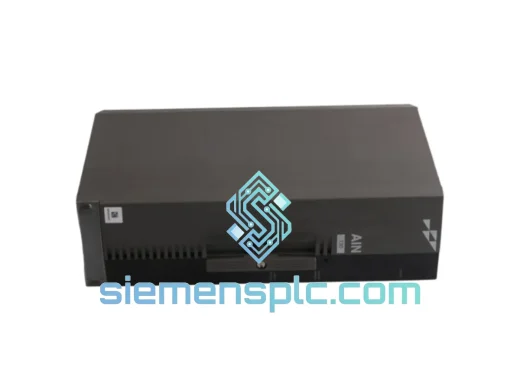
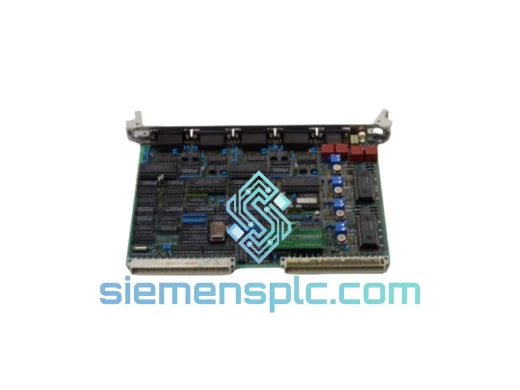
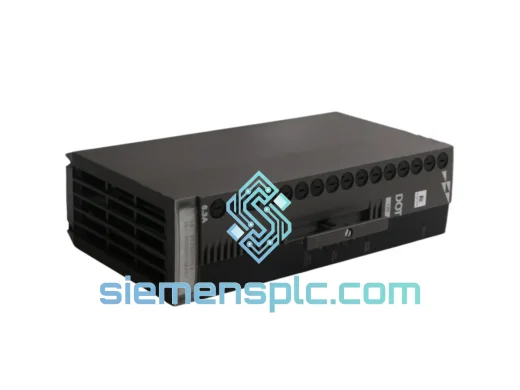
ABB P-HB-DOT-12010000 Safety Digital Output Module – AC500-S
AC500
Origin SE
Safety Digital Output Module
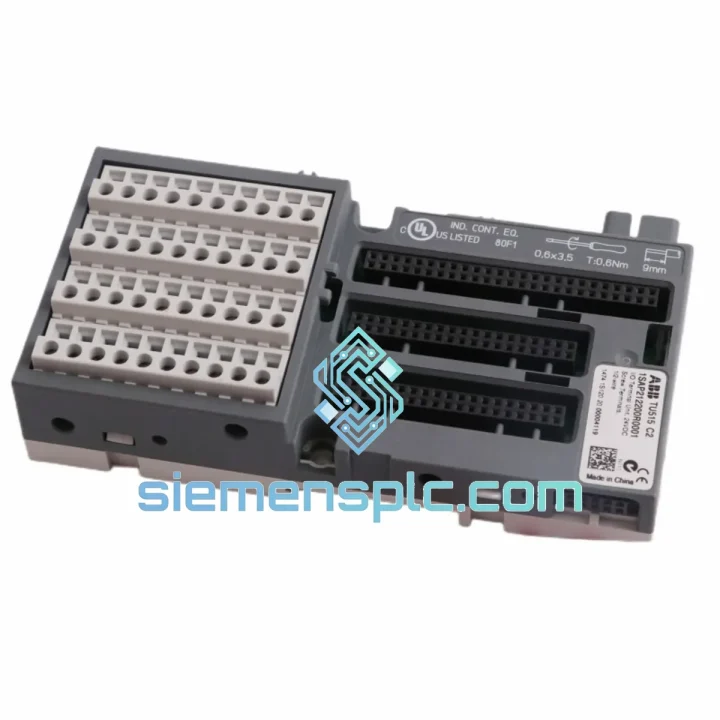
Request verified availability, condition, replacement risk review, packing options and courier lead time for TU515 1SAP212200R0001.
Click Request Quote and the part number is inserted into the inquiry form automatically.
Core fields for model confirmation and RFQ routing. Detailed product narrative remains below.
Your AC500 rack just lost a terminal unit. The I/O module is floating, field wiring is disconnected from the backplane, and the control loop is blind. The line is down. You’ve already called the shift supervisor. Now you need one thing: a confirmed-in-stock TU515 that ships today.
That’s exactly what we carry. The ABB TU515 (catalog number 1SAP212200R0001) is on our shelf in Xiamen right now. We’ve handled enough emergency callouts to know that a 48-hour wait for a terminal unit isn’t acceptable when you’re losing production by the hour. Our process is built around one priority: getting the right part to your site before the next shift starts.
The TU515 is the field-wiring interface for ABB’s AC500 modular PLC platform — the mid-to-high-range controller deployed across process plants, power substations, water treatment facilities, and automotive assembly lines in over 80 countries. It provides the screw-terminal connection block that bridges field instrumentation to the I/O module, and it’s the component that lets you hot-swap a failed I/O module without touching a single field wire. When this part fails or gets damaged, there is no workaround. You replace it.
We stock the TU515 specifically because it’s a high-failure-rate consumable in long-running AC500 installations. Terminal oxidation, mechanical stress from repeated module swaps, and vibration fatigue are the three most common causes of TU515 failure in the field. If your system is more than five years old and you haven’t replaced the terminal units, you’re running on borrowed time. Order a spare now while the line is still running — or order the replacement you need right now to get it back up.
⚡ URGENT REQUIREMENT? Contact: [email protected] | WhatsApp: +86 18359268345
| Part Number | TU515 |
| Catalog Number | 1SAP212200R0001 |
| Manufacturer | ABB |
| Platform | AC500 Modular PLC Series |
| Function | I/O Terminal Unit — field-wiring interface for AC500 I/O modules |
| Terminal Type | Screw terminals (vibration-resistant) |
| Mounting | 35 mm DIN rail |
| Supply Voltage | 24 V DC |
| Operating Temperature | -25 °C to +60 °C |
| Protection Degree | IP20 (with module installed) |
| Weight | Approx. 240 g |
| Compliance | CE, RoHS |
| Origin | Germany |
| Stock Status | ✔ Ready to Ship — Xiamen Warehouse |
Symptom: I/O module shows no communication / all channels read fault state
Before condemning the I/O module itself, pull it and inspect the TU515 terminal block. Oxidized or loose screw terminals are responsible for roughly 30% of apparent I/O module failures in installations older than 3 years. Use a calibrated torque screwdriver — ABB specifies 0.5–0.6 Nm for the TU515 terminal screws. Under-torqued connections work loose under thermal cycling and vibration.
Step-by-step replacement procedure (TU515 swap on live rack):
Common fault codes associated with TU515 failure:
The TU515 is not office hardware. ABB designed it for the same environments where it gets deployed: compressor rooms with 2–5 g continuous vibration, outdoor substations cycling from -20 °C winter lows to +55 °C summer highs, and coastal chemical plants where salt-laden humid air attacks every exposed metal surface.
The screw terminal design uses a captive-screw mechanism that maintains clamping force through thermal expansion and contraction cycles — a critical advantage over spring-clamp alternatives in high-vibration applications where spring fatigue is a known failure mode. The terminal block housing is rated IP20 with the I/O module installed, providing adequate protection against particulate ingress in most industrial cabinet environments.
For installations in particularly aggressive environments — offshore platforms, foundries, or outdoor enclosures without climate control — ABB recommends supplementary cabinet-level protection (IP54 or higher enclosure rating) and periodic inspection of terminal torque values on an 18-month maintenance cycle. In our experience servicing AC500 installations across Southeast Asia and the Middle East, the TU515 units that fail prematurely almost always show evidence of either undertorqued terminals or inadequate cabinet sealing, not material failure of the unit itself.
Units shipped from our Xiamen warehouse are stored in climate-controlled conditions and packaged in ESD-safe bags with moisture barrier protection. We do not ship bare components in bubble wrap — every unit leaves our facility in condition suitable for immediate installation.
Our dispatch hub is in Xiamen, China — one of the country’s primary export ports with direct access to DHL, FedEx, and UPS international express networks. For urgent orders confirmed before 14:00 CST, same-day dispatch is available on in-stock items.
Typical transit times from Xiamen:
Every shipment includes a full export documentation package: commercial invoice, packing list, and certificate of origin. For customers requiring additional customs documentation (EUR.1, Form A, or specific HS code declarations), we prepare these as standard — not as an add-on. We’ve cleared customs in over 60 countries and we know what documentation each market requires.
Tracking numbers are issued within 2 hours of dispatch and sent directly to your registered email. For shipments to sites with restricted access or specific delivery windows, contact us in advance and we’ll coordinate with the carrier to meet your site requirements.
📧 Email: [email protected]
💬 WhatsApp: +86 18359268345
🌐 Web: siemensplc.com
© 2026 siemensplc.com. All rights reserved.
We check the full part number, brand, series and visible nameplate information before quotation.
Sales confirms stock path, condition option, quantity and realistic lead time for export dispatch.
DHL, FedEx, UPS or buyer courier arrangements can be reviewed with packing requirements.
Similar brand or category products for fast comparison and multi-item RFQ lists.