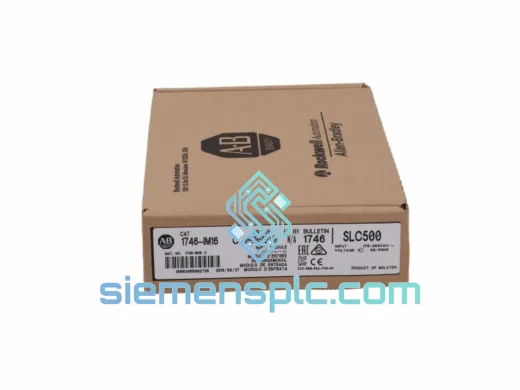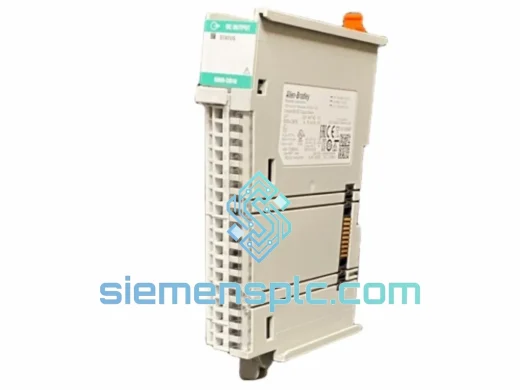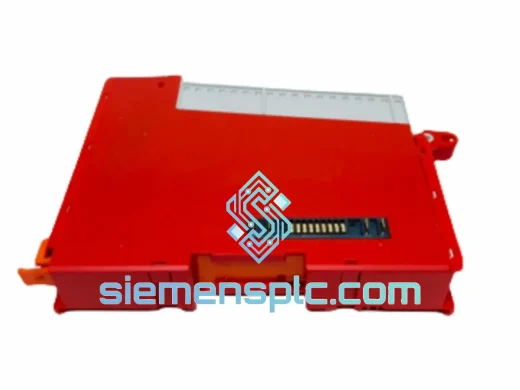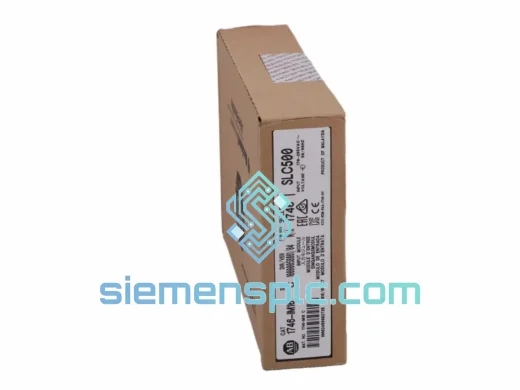
Allen-Bradley
RFQ Ready
Allen-Bradley DIM16 Discrete Input Module
SLC 500
Origin US
Discrete Input Module
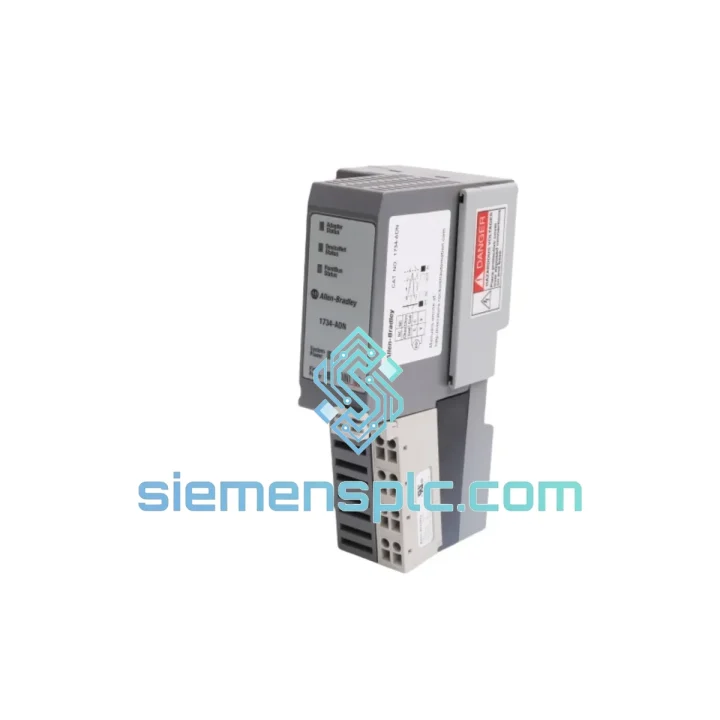
Request verified availability, condition, replacement risk review, packing options and courier lead time for 1734-ADN.
Click Request Quote and the part number is inserted into the inquiry form automatically.
Core fields for model confirmation and RFQ routing. Detailed product narrative remains below.
A failed DeviceNet adapter doesn’t just trip an alarm — it kills your entire Point I/O node. No communication, no I/O, no production. The Allen-Bradley 1734-ADN is the single point of failure between your DeviceNet trunk and every downstream module in that assembly. When it goes, the line stops. We’ve seen it happen on automotive body-in-white cells, pharmaceutical filling lines, and food packaging conveyors. The pattern is always the same: frantic calls, scrambled spare parts, and a maintenance team staring at a blinking red NET LED with no ETA on a replacement.
That’s exactly why we stock the 1734-ADN in Xiamen and ship globally via DHL Express and FedEx International Priority. Place your order before 3:00 PM CST and it moves the same day. No waiting on distributor lead times. No minimum order quantity. One unit, shipped fast, to wherever your plant is.
URGENT REQUIREMENT? Contact: [email protected] | WhatsApp: +86 18359268345
| Catalog Number | 1734-ADN ✅ Ready to Ship |
| Manufacturer | Allen-Bradley / Rockwell Automation |
| Series | Point I/O |
| Network Protocol | DeviceNet (ODVA-compliant, CAN-based) |
| Node Address Range | MAC ID 0–63 via rotary switches |
| Supported Baud Rates | 125 kbps / 250 kbps / 500 kbps |
| Max I/O Modules per Adapter | Up to 63 Point I/O modules |
| Max Input Data | 248 bytes |
| Max Output Data | 248 bytes |
| Backplane Power Draw | 200 mA @ 5V DC |
| Supply Voltage | 24V DC (via Point I/O power supply module) |
| Operating Temperature | 0°C to +55°C |
| Storage Temperature | -40°C to +85°C |
| Relative Humidity | 5%–95% non-condensing |
| Mounting | 35 mm DIN rail |
| Enclosure Rating | IP20 |
| Dimensions (H × W × D) | ~94 × 12 × 71 mm |
| Weight | 260 g |
| Certifications | UL, CE, cUL, C-Tick, RoHS |
| Configuration Tool | RSNetWorx for DeviceNet |
| Stock Status | ✅ In Stock — Ships from Xiamen |
After ten years of field work, here are the failure modes I see most often with the 1734-ADN and what to check before you condemn the module:
1. NET LED solid red — duplicate MAC ID on the network. Before swapping the adapter, walk the trunk. Another node may have been reconfigured to the same address. Use RSNetWorx to scan the network and identify the conflict. If the replacement 1734-ADN ships with factory-default rotary switches (MAC ID 63), verify that address is free before powering up.
2. NET LED flashing red — bus-off condition. This is almost always a wiring fault or termination issue, not a dead adapter. Check both 121 Ω termination resistors at the trunk ends. Measure shield continuity. A single broken drain wire on a drop cable can take the whole segment offline. Swap the adapter only after ruling out the physical layer.
3. MOD LED off, no backplane communication. The 1734-ADN draws 5V from the Point I/O power supply module. If the power supply (1734-EP24DC or 1734-EPAC) is undersized or failing, the adapter won’t initialize. Measure 5V backplane rail before pulling the adapter.
4. Replacement procedure — rotary switch matching is critical. The two rotary switches on the 1734-ADN set the MAC ID in tens and units digits. Match the failed unit’s switch positions exactly before inserting the replacement. Mismatch here means the DeviceNet master won’t find the node and you’ll waste another hour chasing a ghost fault.
5. Baud rate switch. The 1734-ADN has a third switch for baud rate (or auto-detect). If your network runs at a fixed rate, set the switch to match. Auto-detect works in most cases but can cause intermittent connection issues on noisy networks — set it manually if you see repeated connection timeouts after replacement.
6. EDS file version mismatch. If the replacement module has a different firmware revision than the original, RSNetWorx may flag a configuration mismatch. Download the correct EDS file from Rockwell’s PCDC matching the firmware revision stamped on the module label. Import it into RSNetWorx before going online.
7. Hot-swap precaution. The 1734-ADN supports hot-swap, but only if the power supply module is configured for it. If you’re unsure, de-energize the 24V supply to the Point I/O rail before pulling the adapter. Backplane damage from improper hot-swap is not covered under warranty.
The 1734-ADN was designed for the floor, not the lab. Rockwell Automation built the Point I/O series to survive the environments where most electronics fail quietly and expensively.
Vibration is the first killer in any plant. Conveyor drives, compressors, and press machines generate continuous mechanical shock that works connector pins loose and cracks solder joints over time. The 1734-ADN’s backplane connector uses a positive-latch mechanism that maintains contact integrity under IEC 60068-2-6 sinusoidal vibration profiles — the same standard used to qualify avionics and rail equipment.
Thermal cycling is the second. A module that runs at 55°C ambient all day and cools to 20°C overnight will expand and contract roughly 0.3 mm across its PCB length every cycle. Over five years, that’s thousands of cycles. The 1734-ADN’s conformal-coated PCB and industrial-grade capacitors are selected for this duty cycle, not consumer-grade components that fail at the 3-year mark.
Humidity and condensation are the third. In coastal plants, food processing facilities, and outdoor enclosures, relative humidity regularly hits 90%+. The conformal coating on the 1734-ADN’s PCB provides a barrier against moisture ingress that bare boards cannot. This is why you’ll find Point I/O running reliably in breweries, fish processing plants, and port terminal equipment where lesser I/O systems corrode within 18 months.
Every unit we ship from Xiamen is inspected for physical integrity — connector pins, label legibility, firmware revision marking, and anti-static packaging. We don’t ship modules that have been sitting in uncontrolled warehouse conditions. If it leaves our facility, it’s ready to go into your panel.
Our warehouse is in Xiamen, Fujian — one of China’s primary export hubs with direct access to DHL, FedEx, and UPS international gateways. Here’s how a typical urgent order moves:
Day 0 (Order Day): Order confirmed before 3:00 PM CST. Module pulled from stock, inspected, packed in anti-static foam with commercial invoice, packing list, and HS code documentation (HS 8537.10 for PLC/I/O modules). DHL or FedEx label generated. Shipment handed to carrier same evening.
Day 1–2: Xiamen to destination country gateway. DHL Express and FedEx International Priority both operate direct flights from Xiamen Gaoqi International Airport to major hubs in Europe, North America, Southeast Asia, and the Middle East. No transshipment delays through Shanghai or Hong Kong for most lanes.
Day 2–4: Customs clearance and last-mile delivery. We pre-declare all shipments with accurate HS codes and commercial values to minimize customs hold risk. For repeat customers, we maintain a shipment history that speeds broker clearance.
Typical transit times: USA/Canada 3–5 business days, Europe 3–5 business days, Southeast Asia 2–3 business days, Middle East 4–6 business days, Australia 4–6 business days. These are DHL/FedEx published transit times for express services — not estimates.
For orders requiring formal export documentation, CCCOA certificates, or specific carrier routing (e.g., UPS for bonded warehouse delivery), contact us before placing the order and we’ll configure the shipment accordingly.
Email: [email protected]
WhatsApp: +86 18359268345
Web: siemensplc.com
© 2026 siemensplc.com. All rights reserved.
We check the full part number, brand, series and visible nameplate information before quotation.
Sales confirms stock path, condition option, quantity and realistic lead time for export dispatch.
DHL, FedEx, UPS or buyer courier arrangements can be reviewed with packing requirements.
Similar brand or category products for fast comparison and multi-item RFQ lists.