Allen-Bradley
RFQ Ready
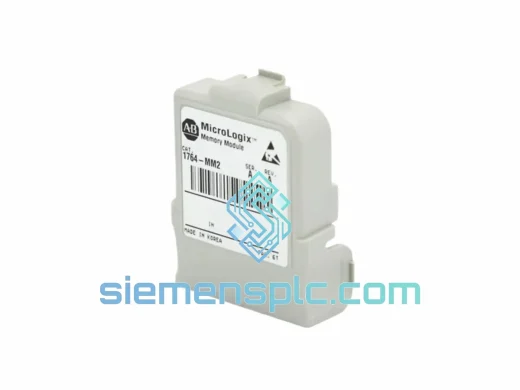
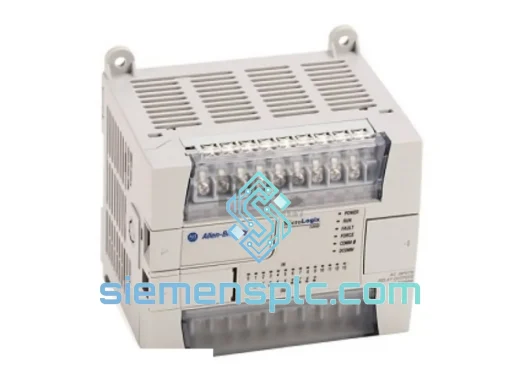
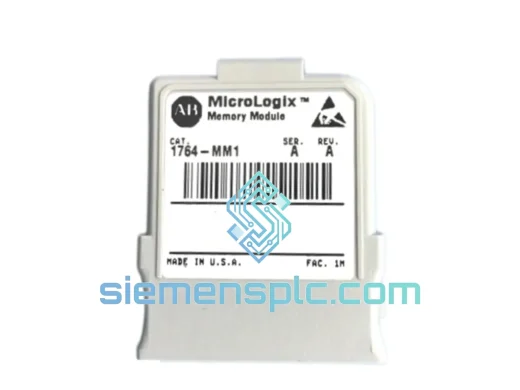
Allen-Bradley 1764-MM1 PLC Memory Module – MicroLogix 1500
MicroLogix
Origin US
PLC Memory Module
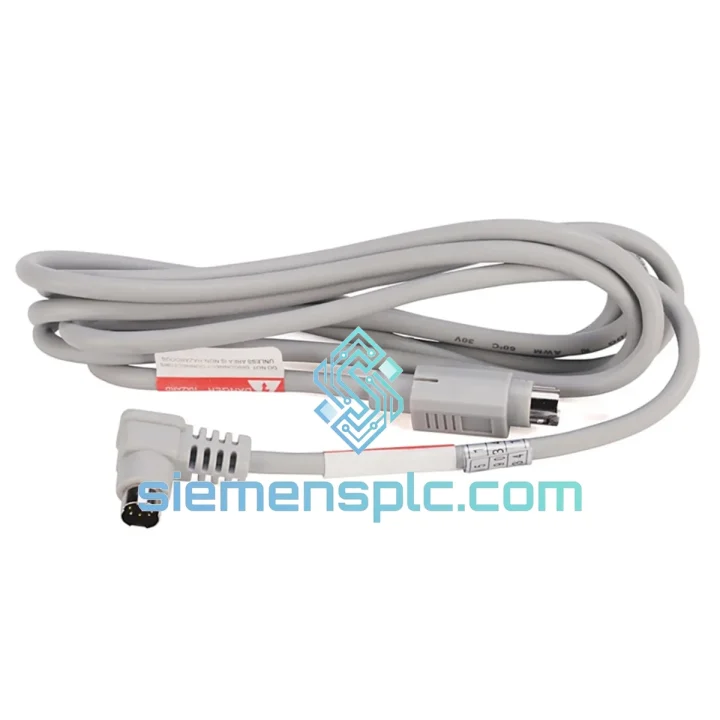
Request verified availability, condition, replacement risk review, packing options and courier lead time for 1761-CBL-HM02.
Click Request Quote and the part number is inserted into the inquiry form automatically.
Core fields for model confirmation and RFQ routing. Detailed product narrative remains below.
Your MicroLogix 1000 line is frozen. The HHP terminal is sitting useless on the panel door because the 1761-CBL-HM02 cable is gone — cracked connector, missing from the toolbox, or simply worn out after years of field abuse. You don’t need a lecture on specifications. You need the cable in your hands, fast.
We stock the Allen-Bradley 1761-CBL-HM02 in Xiamen and ship globally via DHL Express and FedEx International Priority. Most orders clear customs and land on your bench within 3–5 business days. For critical shutdowns, contact us directly — we’ve expedited same-day dispatch before and we’ll do it again.
URGENT REQUIREMENT? Contact: [email protected] | WhatsApp: +86 18359268345
| Part Number | 1761-CBL-HM02 |
| Brand | Allen-Bradley / Rockwell Automation |
| Series | MicroLogix 1000 (1761 Series) |
| Cable Function | Hand-Held Programmer (HHP) Communication Interface |
| Protocol | DH-485 / RS-485 |
| Controller-Side Connector | RJ45 8-pin modular |
| HHP-Side Connector | Proprietary 1761-HHP-B30 terminal connector |
| Cable Length | ~1 m |
| Operating Temperature | 0 °C to +60 °C |
| Compatible Controllers | MicroLogix 1000: 1761-L10xxx, L16xxx, L20xxx, L32xxx |
| Compatible HHP Terminal | 1761-HHP-B30 |
| Origin | United States |
| Stock Status | ✅ Ready to Ship — Xiamen warehouse |
Most common failure modes on the 1761-CBL-HM02:
1. RJ45 connector latch broken or pins bent. This is the #1 field failure. The controller-side RJ45 takes repeated plug/unplug cycles during commissioning and maintenance rounds. A bent pin on positions 4 or 5 (DH-485 A/B signal lines) will give you a solid “COMM ERROR” on the HHP display with no further detail. Inspect under magnification before assuming the cable is dead — sometimes a pin can be carefully straightened with a dental pick.
2. HHP terminal connector intermittent contact. The proprietary connector on the HHP side is a friction-fit design. Over time, the internal contacts oxidize, especially in humid or coastal environments. Symptom: HHP powers on but shows “NO COMM” or freezes mid-upload. Clean contacts with isopropyl alcohol (99%) and a fine brush before condemning the cable.
3. Cable jacket cracking near strain relief. The cable is rated to 0 °C minimum, but field reality is different — cables left coiled in unheated enclosures in winter climates develop micro-fractures in the jacket near the molded strain relief. These fractures eventually reach the signal conductors. If you see any jacket cracking within 5 cm of either connector, replace the cable. Don’t tape it. The DH-485 signal is differential and low-voltage; any intermittent open will corrupt your upload mid-transfer.
Replacement procedure (no tools required):
Common fault codes when the cable is suspect:
The 1761-CBL-HM02 is built for the environments where MicroLogix 1000 controllers actually live — not climate-controlled server rooms. The cable jacket is rated for continuous operation from 0 °C to +60 °C, covering the thermal range of most industrial enclosures, outdoor panels in temperate climates, and machine-side installations near heat sources.
The molded strain relief at both connector ends is the critical design feature for vibration resistance. On press lines, conveyor drives, and compressor skids — applications where the MicroLogix 1000 is a common choice — the cable sees constant low-frequency vibration transmitted through the panel structure. The overmolded strain relief prevents the conductor terminations inside the connector from flexing at the solder joint, which is where unprotected cables fail within months.
For humid environments — food processing, coastal installations, water treatment — the primary concern is connector oxidation rather than cable failure. The RJ45 contacts are gold-plated to resist oxidation, but the HHP-side proprietary connector uses tin-plated contacts that will develop a thin oxide layer over time. This is normal and manageable: clean contacts annually with IPA and a fine brush, and store the cable in a sealed bag with a silica gel packet when not in use. A cable stored properly will outlast the HHP terminal it connects to.
In dusty environments — cement plants, grain handling, aggregate processing — protect the RJ45 port on the controller with the factory dust cap when the cable is not connected. Dust ingress into the RJ45 port is a controller issue, not a cable issue, but it’s the most common reason a new cable appears to fail immediately after installation.
Our warehouse is located in Xiamen, Fujian Province — one of China’s primary export hubs with direct access to DHL, FedEx, and UPS international gateways. This is not a drop-ship arrangement. Stock is physically on our shelves, inspected, and ready to pack.
Standard dispatch timeline: Orders confirmed before 14:00 CST ship same business day. Orders confirmed after 14:00 ship the following morning. We do not batch orders — each confirmed order is picked, packed, and handed to the carrier individually.
Carrier options:
Documentation included with every shipment: Commercial invoice, packing list, and certificate of origin. For customers requiring a Certificate of Conformance or test report, request at time of order — we’ll include it in the shipment documentation at no additional charge.
Customs clearance: The 1761-CBL-HM02 is classified as an industrial communication cable (HS Code 8544.42). It is not subject to export controls or dual-use restrictions. We declare accurate commercial values — we do not undervalue shipments. If your facility requires a specific import documentation format, contact us before ordering and we’ll accommodate.
For genuine emergency shutdowns where every hour counts, contact us via WhatsApp before placing an online order. We can confirm stock, generate a proforma invoice, and hand the parcel to DHL within 2 hours of payment confirmation during business hours.
Email: [email protected]
WhatsApp: +86 18359268345
Web: siemensplc.com
© 2026 siemensplc.com. All rights reserved.
We check the full part number, brand, series and visible nameplate information before quotation.
Sales confirms stock path, condition option, quantity and realistic lead time for export dispatch.
DHL, FedEx, UPS or buyer courier arrangements can be reviewed with packing requirements.
Similar brand or category products for fast comparison and multi-item RFQ lists.