Allen-Bradley
RFQ Ready
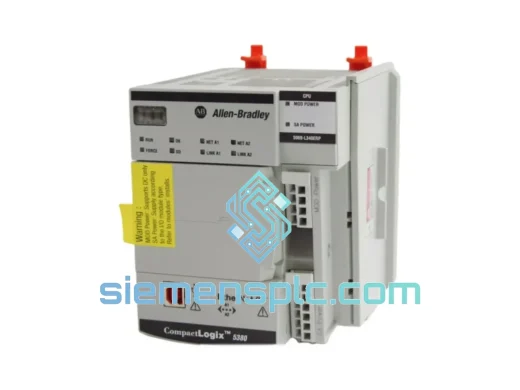
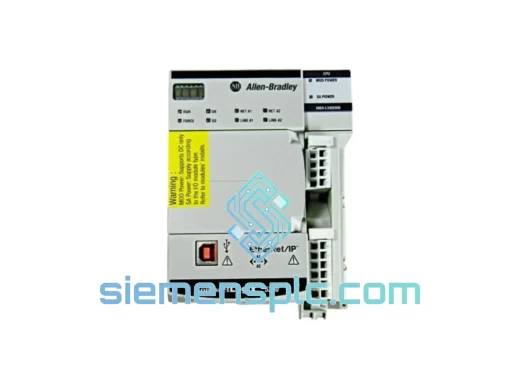
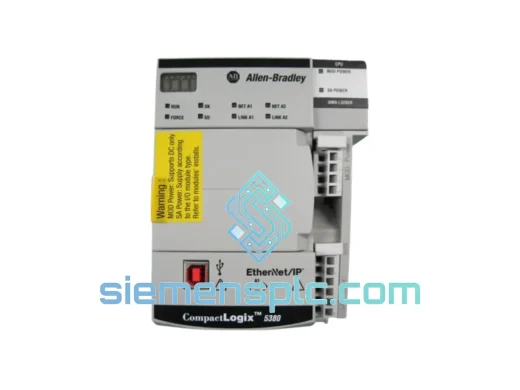
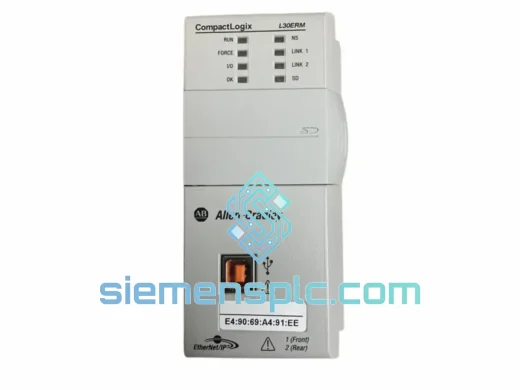
Allen-Bradley 1769-L30ERM PLC Motion Controller – CompactLogix 5370
CompactLogix
Origin US
PLC Motion Controller
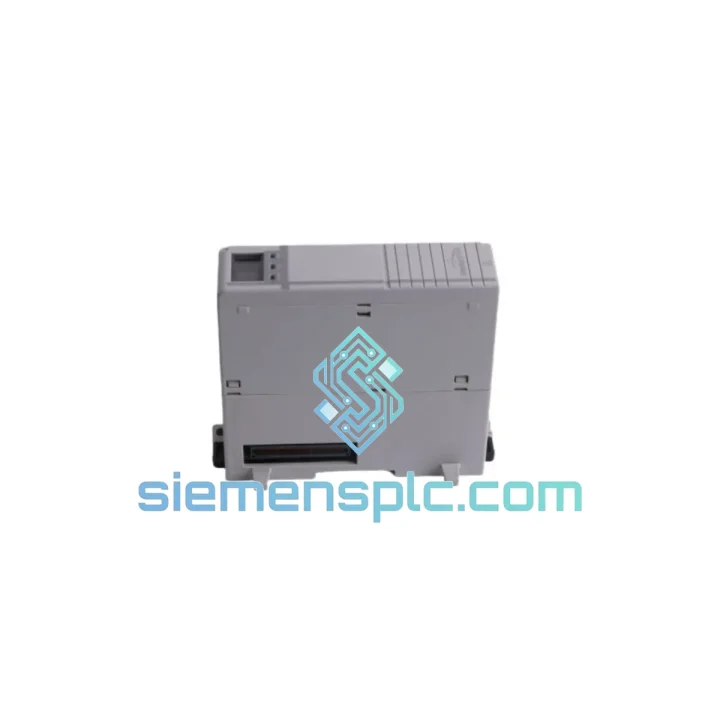
Request verified availability, condition, replacement risk review, packing options and courier lead time for 1768-ENBT.
Click Request Quote and the part number is inserted into the inquiry form automatically.
Core fields for model confirmation and RFQ routing. Detailed product narrative remains below.
Your CompactLogix line just dropped off the network. The HMI is blank, the SCADA screen is red, and your production supervisor is already on the phone. You’ve traced the fault to the 1768-ENBT EtherNet/IP bridge module — the single card that connects your 1768 backplane to the plant Ethernet. Without it, the entire cell is dead.
We stock the Allen-Bradley 1768-ENBT in Xiamen and ship same-day via DHL Express or FedEx International Priority. Most destinations in Southeast Asia receive within 24–48 hours. Europe and North America within 3–5 business days. While your maintenance team is still pulling the failed card, we’re already printing the airway bill.
⚡ URGENT REQUIREMENT? Contact: [email protected] | WhatsApp: +86 18359268345
| Parameter | Specification |
|---|---|
| Part Number | 1768-ENBT / 1768-ENBT/A |
| Brand | Allen-Bradley (Rockwell Automation) |
| Series | CompactLogix 1768 |
| Protocol | EtherNet/IP (IEEE 802.3) |
| Network Speed | 10/100 Mbps, Auto-negotiate |
| Connector | RJ-45 (single port) |
| Backplane Current | 120 mA @ 5V DC |
| Operating Temp | 0°C to 60°C (32°F to 140°F) |
| Storage Temp | -40°C to 85°C |
| Humidity | 5% to 95% non-condensing |
| Max Class 1 Connections | 32 simultaneous I/O connections |
| Compatible Controllers | 1768-L43, 1768-L45, 1768-L43S, 1768-L45S |
| Certifications | UL, CE, cUL, RoHS |
| Dimensions (H×W×D) | 118 mm × 35 mm × 87 mm |
| Weight | ~200 g |
| Stock Status | ✅ Ready to Ship — Xiamen Warehouse |
After ten years of field work, here are the failure patterns I see most often with the 1768-ENBT and what to check before you even pull the card:
Fault Code 16#0204 — Connection Timeout: Nine times out of ten this is a network switch port that dropped to half-duplex after a power event. Before condemning the module, force the switch port to 100 Mbps full-duplex and cycle power on the 1768-ENBT. If the fault clears, your module was fine — the switch was the culprit.
Fault Code 16#0001 — Connection Request Error: Check your RPI (Requested Packet Interval) settings in Studio 5000. If the RPI is set below 2 ms on a congested network, the module will refuse connections. Bump it to 10 ms as a diagnostic step.
Module LED Status — LINK solid green, MOD flashing red: The module has Ethernet link but the backplane communication has failed. This is a strong indicator of internal hardware failure — the module needs replacement, not reconfiguration.
Replacement Procedure (field-verified steps):
Firmware Note: The 1768-ENBT firmware must be compatible with your controller firmware revision. If you upgraded your 1768-L43/L45 to firmware v20 or above, ensure the ENBT module is running firmware v4.003 or later. Mismatched firmware is a common cause of intermittent connection drops post-replacement. Use ControlFLASH to update if needed.
The 1768-ENBT was designed for the factory floor, not a server room. Rockwell Automation built this module to operate continuously in environments that would kill consumer-grade networking hardware within weeks.
The conformal-coated PCB resists moisture ingress in high-humidity environments — foundries, food processing plants, and coastal installations where condensation is a daily reality. The operating temperature ceiling of 60°C means the module keeps running in poorly ventilated control cabinets during summer shutdowns when ambient temperatures spike. The backplane connector is rated for hundreds of insertion cycles, which matters when you’re doing quarterly PM swaps on a rotating spare program.
Vibration is where many third-party alternatives fail. The 1768-ENBT meets IEC 61131-2 vibration and shock specifications — 5g operational shock, 2g sinusoidal vibration from 10 to 500 Hz. On a press line or a compressor skid where the cabinet shakes continuously, this matters. Solder joint fatigue on counterfeit modules shows up as intermittent faults that are nearly impossible to diagnose without a scope. Genuine modules don’t have this problem.
The RJ-45 port uses a locking mechanism compatible with standard locking Ethernet cables — a small detail that prevents the cable from vibrating loose on mobile equipment or conveyor systems. If your installation sees significant vibration, use locking patch cables and secure the cable run with tie-wraps within 150 mm of the connector.
Our warehouse is located in Xiamen, Fujian Province — one of China’s primary export hubs with direct access to Xiamen Gaoqi International Airport and daily DHL and FedEx pickup schedules. This is not a drop-shipping operation. Stock is physically on our shelves, inspected, and ready to pack.
Standard Express Timeline (from order confirmation):
Every shipment includes a commercial invoice, packing list, and certificate of origin. For customers in regulated industries, we can provide an end-user declaration and ECCN classification documentation. Customs clearance support is available for first-time importers — contact us before placing the order if you have specific import requirements.
For orders placed before 14:00 CST on business days, same-day dispatch is standard. Weekend orders are processed first thing Monday morning. If your situation is a genuine production emergency, send a WhatsApp message — we monitor it around the clock and can arrange Saturday dispatch for critical shipments.
📧 Email: [email protected]
💬 WhatsApp: +86 18359268345
🌐 Web: siemensplc.com
© 2026 siemensplc.com. All rights reserved.
We check the full part number, brand, series and visible nameplate information before quotation.
Sales confirms stock path, condition option, quantity and realistic lead time for export dispatch.
DHL, FedEx, UPS or buyer courier arrangements can be reviewed with packing requirements.
Similar brand or category products for fast comparison and multi-item RFQ lists.