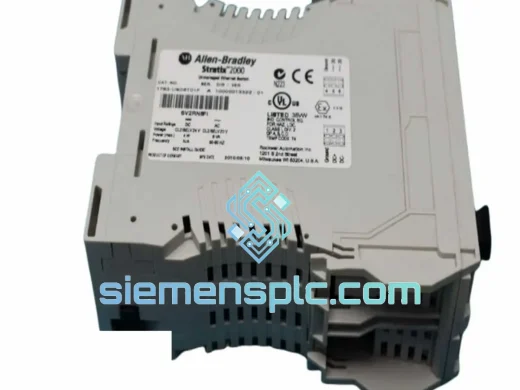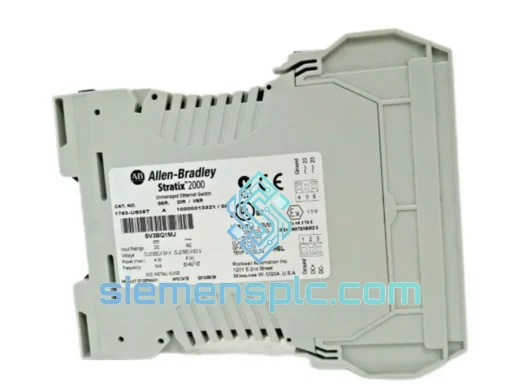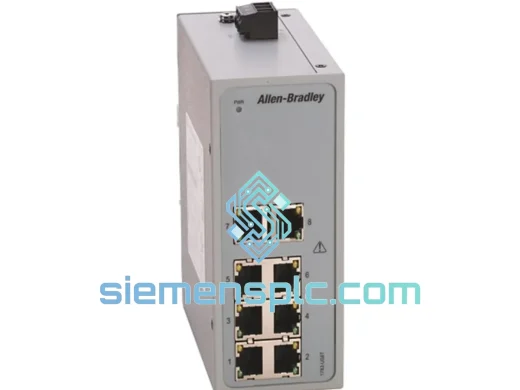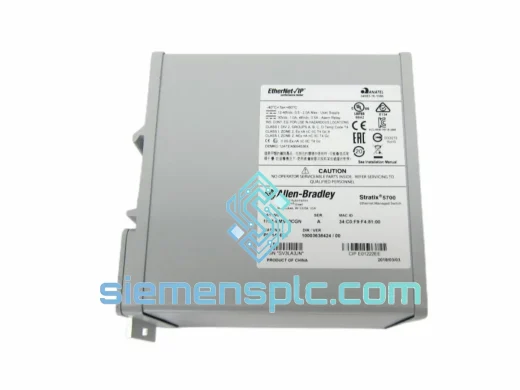
Allen-Bradley
RFQ Ready
Allen-Bradley 1783-BMS10CGN Industrial Ethernet Switch – Stratix 2000
Stratix
Origin US
Industrial Ethernet Switch
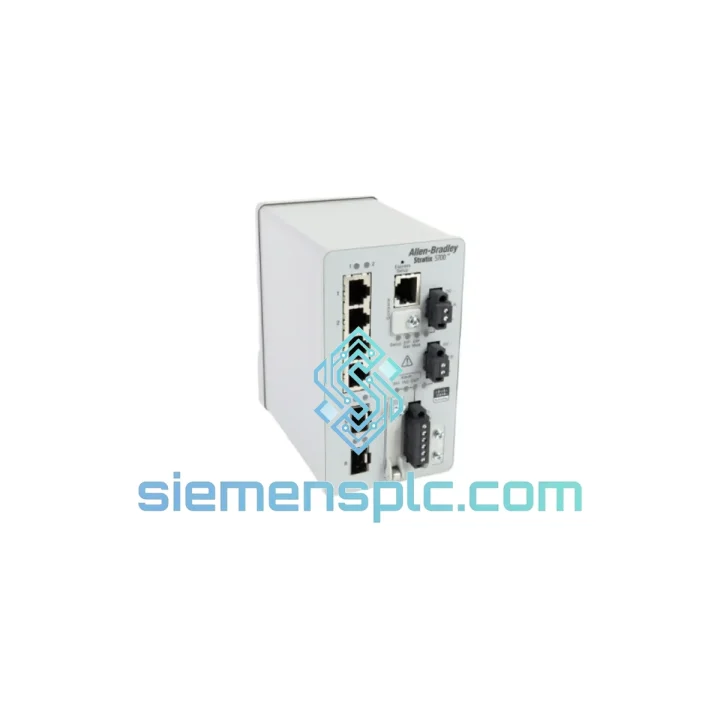
Request verified availability, condition, replacement risk review, packing options and courier lead time for 1783-BMS06SA.
Click Request Quote and the part number is inserted into the inquiry form automatically.
Core fields for model confirmation and RFQ routing. Detailed product narrative remains below.
Your EtherNet/IP backbone just dropped. The HMI is dark, the ControlLogix rack is throwing connection faults, and production is at a standstill. You’ve traced it to the Allen-Bradley 1783-BMS06SA — the 6-port managed switch that was quietly holding your entire cell network together. You need a replacement now, not in six weeks.
We stock the 1783-BMS06SA at our Xiamen warehouse. Same-day dispatch via DHL Express or FedEx International Priority. While your procurement team is still filling out the emergency PO, we’re already pulling the unit off the shelf.
URGENT REQUIREMENT? Contact: [email protected] | WhatsApp: +86 18359268345
| Parameter | Specification |
|---|---|
| Part Number | 1783-BMS06SA |
| Brand | Allen-Bradley / Rockwell Automation |
| Series | Stratix 5700 |
| Port Count | 6 × 10/100BASE-TX RJ45 (copper) |
| Management Platform | Cisco IOS — Studio 5000 / RSLogix 5000 integrated |
| Supported Protocols | EtherNet/IP, IGMP Snooping, QoS, VLANs, RSTP/STP |
| Operating Temperature | 0 °C to 60 °C |
| Input Power | 24 VDC nominal (18–30 VDC range) |
| Mounting | DIN-rail |
| Enclosure Rating | IP20, metal housing |
| Certifications | UL, CE, cUL, ATEX Zone 2 / Class I Div 2 |
| Weight | 1,570 g |
| Stock Status | Ready to Ship — Xiamen Warehouse |
After ten years of field work, here is what actually goes wrong with the 1783-BMS06SA and what to watch when you are swapping it under pressure.
Common Failure Modes
Step-by-Step Hot-Swap Procedure
Firmware Note: Match the firmware revision of the replacement to your existing network infrastructure. Mixing major firmware versions (e.g., 15.x vs. 12.x) on the same Stratix 5700 segment can cause VLAN and QoS policy incompatibilities. Check PCDC for the correct firmware bundle before flashing.
The 1783-BMS06SA was not designed for a server room. It was built for the plant floor — and every design decision reflects that.
The metal IP20 housing dissipates heat passively with no moving parts, eliminating fan failure as a failure mode entirely. The 0 °C to 60 °C operating range covers the vast majority of industrial enclosure environments, including non-climate-controlled panels in foundries, automotive stamping plants, and outdoor utility substations. ATEX Zone 2 and Class I Division 2 certification means it is rated for environments where flammable gases or vapors may be present under abnormal conditions — a hard requirement in petrochemical and oil and gas installations.
Vibration resistance meets IEC 60068-2-6 standards, critical for installations near heavy presses, compressors, or conveyor drive systems where panel vibration is constant. The DIN-rail mounting uses a positive-locking mechanism that prevents the unit from walking off the rail under sustained vibration — a failure mode we have seen on cheaper switches in high-cycle stamping environments.
Electrical isolation between the 24 VDC power input and the Ethernet ports protects the switch from ground loop currents, a common source of unexplained network instability in large facilities with multiple grounding points. Dual-power-input terminals allow redundant 24 VDC feeds, so a single PSU failure does not take down the network segment.
Every unit we ship from Xiamen is inspected for physical damage, port integrity, and power-on self-test completion before it leaves the warehouse.
Our Xiamen warehouse sits 15 minutes from Xiamen Gaoqi International Airport (XMN), with direct freight connections to DHL Asia-Pacific hub in Hong Kong and FedEx regional hub in Guangzhou. Orders confirmed before 14:00 CST ship same day.
All shipments include full commercial invoice, packing list, and country-of-origin documentation. Traceability records and inspection reports available on request for regulated industries. HS code 8517.62 pre-filled on all export documentation to minimize customs clearance delays. For multi-unit orders where express cost is a concern, consolidated sea freight via Xiamen Port is available at 12–18 day transit times — contact us for a freight comparison quote.
© 2026 siemensplc.com. All rights reserved.
We check the full part number, brand, series and visible nameplate information before quotation.
Sales confirms stock path, condition option, quantity and realistic lead time for export dispatch.
DHL, FedEx, UPS or buyer courier arrangements can be reviewed with packing requirements.
Similar brand or category products for fast comparison and multi-item RFQ lists.