Allen-Bradley
RFQ Ready
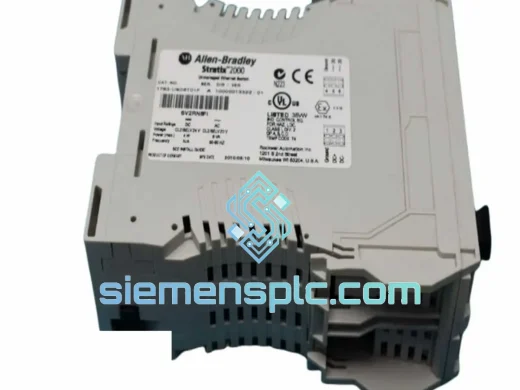
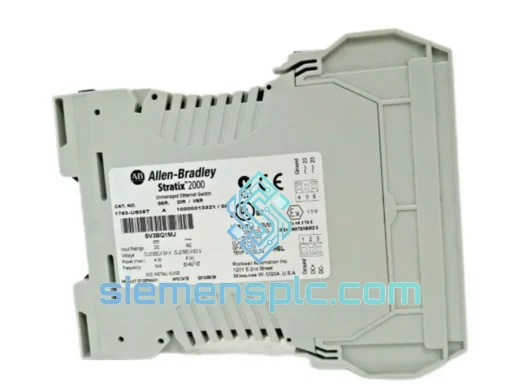
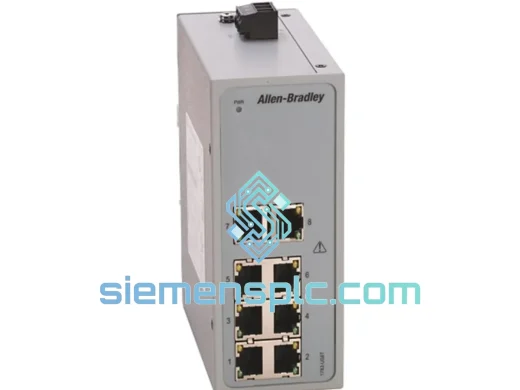
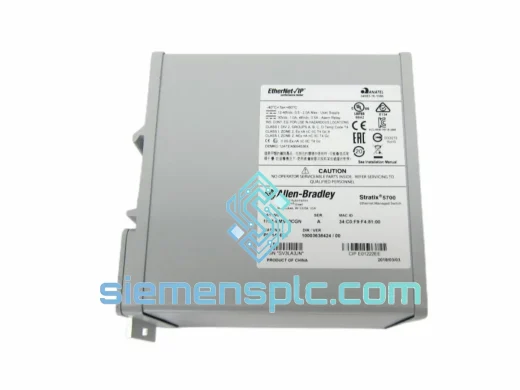
Allen-Bradley 1783-BMS10CGN Industrial Ethernet Switch – Stratix 2000
Stratix
Origin US
Industrial Ethernet Switch
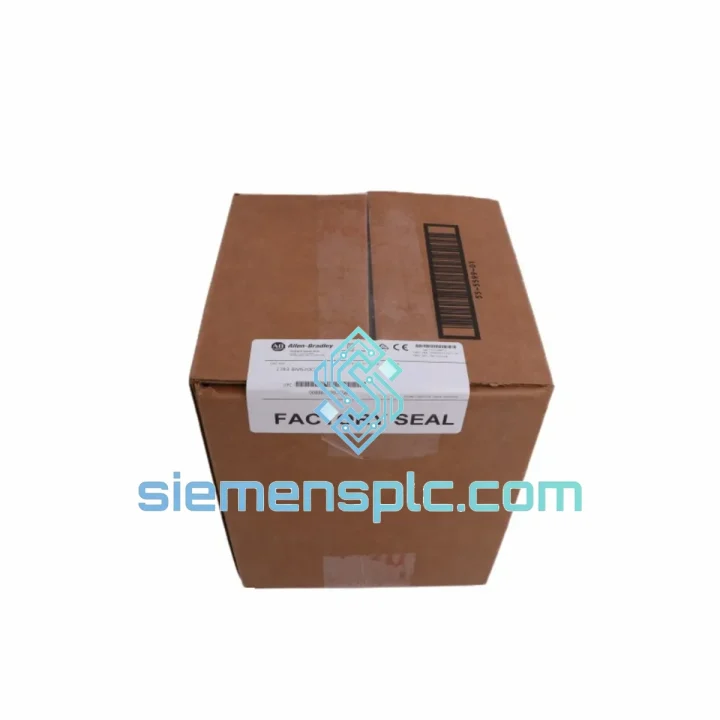
Request verified availability, condition, replacement risk review, packing options and courier lead time for 1783-BMS20CGP.
Click Request Quote and the part number is inserted into the inquiry form automatically.
Core fields for model confirmation and RFQ routing. Detailed product narrative remains below.
A failed managed switch on an EtherNet/IP backbone doesn’t just drop packets — it drops production. When your Stratix 5700 goes dark, robot cells freeze, HMIs go blind, and your line supervisor starts making calls you don’t want to receive. The Allen-Bradley 1783-BMS20CGP is a 20-port Layer 2/3 managed switch built specifically for ControlLogix and CompactLogix architectures. We stock it in Xiamen, verified and ready to ship within hours of order confirmation. No lead-time games, no broker markups — just the part you need, moving toward your dock.
URGENT REQUIREMENT? Contact: [email protected] | WhatsApp: +86 18359268345
| Parameter | Specification | Status |
|---|---|---|
| Catalog Number | 1783-BMS20CGP | ✔ Ready to Ship |
| Series | Stratix 5700 | |
| Manufacturer | Allen-Bradley / Rockwell Automation | |
| Total Ports | 20 (16 × RJ45 + 4 × SFP combo) | |
| Copper Port Speed | 10/100/1000 Mbps, PoE-capable | |
| SFP Uplink Speed | 100/1000 Mbps | |
| Switch Architecture | Managed Layer 2 / Layer 3, non-blocking fabric | |
| Redundancy Protocols | DLR (Device Level Ring), RSTP, REP | |
| EtherNet/IP / CIP | Native — integrates with Studio 5000 topology view | |
| VLAN Support | IEEE 802.1Q, up to 255 VLANs | |
| QoS | IEEE 802.1p / DSCP | |
| Power Input | 24 VDC (18–32 VDC), dual redundant inputs | |
| Operating Temperature | 0 °C to +60 °C | |
| Storage Temperature | −40 °C to +85 °C | |
| Humidity | 5–95% RH, non-condensing | |
| Enclosure / Mounting | IP30, DIN-rail | |
| Firmware Base | Cisco IOS — CLI + web GUI | |
| Certifications | UL 508, CE, cUL, RoHS, ODVA Conformance Tested | |
| Weight | ~2.5 kg | |
| Country of Origin | United States |
Ten years on the floor taught me that most 1783-BMS20CGP failures fall into three buckets. Know which one you’re dealing with before you pull the unit.
1. Port-Level Faults — Don’t Swap the Switch Yet
Before condemning the whole unit, isolate the fault. In Studio 5000 Logix Designer, open the Ethernet topology view and check port-level diagnostics. A single degraded SFP or a bent RJ45 pin on a copper port will throw CIP connection timeouts that look catastrophic but aren’t. Swap the suspect SFP first — use only Rockwell-qualified modules (1783-SFP1GSX for multimode, 1783-SFP1GLX for single-mode). Third-party SFPs will trigger firmware warnings and may cause intermittent link drops that are nearly impossible to trace.
2. DLR Ring Recovery Failure — Sub-3 ms or Nothing
If your Device Level Ring is not recovering within 3 ms after a cable break, the ring supervisor election has likely failed. Check: (a) only one device on the ring should be configured as ring supervisor — confirm via the switch web GUI under Configure > DLR; (b) verify all ring nodes are running compatible firmware — mismatched IOS versions between ring members cause supervisor conflicts; (c) check that ring ports are not accidentally assigned to a VLAN that excludes the supervisor’s management IP. When replacing the 1783-BMS20CGP as the ring supervisor, you must manually re-assign the supervisor role in the new unit’s configuration — it does not inherit this from the failed unit.
3. Hot-Swap Replacement Procedure — Step by Step
copy running-config tftp to a local TFTP server. Even a partial config export saves 2–3 hours of reconfiguration.Common Fault Codes to Know:
The 1783-BMS20CGP was not designed for a server room. It was designed for the kind of environment where a forklift clips a cable tray at 2 AM and nobody notices until the morning shift. The operating temperature range of 0 °C to +60 °C covers the majority of industrial panel interiors, including those in non-climate-controlled facilities in tropical and desert climates. The storage rating of −40 °C to +85 °C means units can be warehoused in unheated facilities without risk of component degradation.
Vibration resistance is validated to IEC 60068-2-6 (sinusoidal) and IEC 60068-2-27 (shock), which covers the mechanical stress profiles of stamping presses, compressors, and heavy conveyor systems. The DIN-rail mounting system uses a positive-locking mechanism that prevents the unit from walking off the rail under sustained vibration — a failure mode I’ve seen on cheaper switches in press-room panels.
Humidity tolerance up to 95% RH non-condensing addresses coastal and tropical installations where morning condensation cycles are a real concern. The IP30 enclosure rating means the unit requires installation inside a sealed panel — but within that panel, it handles the humidity and particulate levels typical of food processing, chemical, and marine environments. The conformal coating on the PCB provides an additional layer of protection against corrosive atmospheres, including those with elevated H₂S or SO₂ concentrations common in wastewater and pulp-and-paper plants.
EMC performance is validated to IEC 61000-4 series (ESD, radiated immunity, conducted immunity, surge, burst), which is the baseline requirement for any device operating near variable-frequency drives, large contactors, or welding equipment. In practice, this means the switch maintains link integrity in environments where unshielded consumer-grade hardware would reset or drop packets continuously.
Our warehouse is located in Xiamen, Fujian Province — one of China’s primary industrial export hubs with direct access to Xiamen Gaoqi International Airport and Xiamen Port. This geography is not accidental: it gives us same-day handoff to DHL Express, FedEx International Priority, and UPS Worldwide Express for urgent shipments.
Standard Dispatch Timeline:
Estimated Transit Times (DHL Express / FedEx IP):
Export Documentation Included with Every Shipment:
All units are packed in anti-static bags, foam-lined boxes, and outer cartons rated for international air freight handling. We do not use bare bubble wrap or single-wall cartons for industrial electronics — the packaging survives the courier network, not just the warehouse shelf.
For orders requiring customs clearance support, formal import documentation, or delivery to bonded warehouses, contact us directly. We have handled export compliance for shipments to over 60 countries and can advise on import duty rates, restricted-party screening, and end-user certificate requirements for your jurisdiction.
Email: [email protected]
WhatsApp: +86 18359268345
Web: siemensplc.com
© 2026 siemensplc.com. All rights reserved.
We check the full part number, brand, series and visible nameplate information before quotation.
Sales confirms stock path, condition option, quantity and realistic lead time for export dispatch.
DHL, FedEx, UPS or buyer courier arrangements can be reviewed with packing requirements.
Similar brand or category products for fast comparison and multi-item RFQ lists.