
Allen-Bradley
In Stock OK
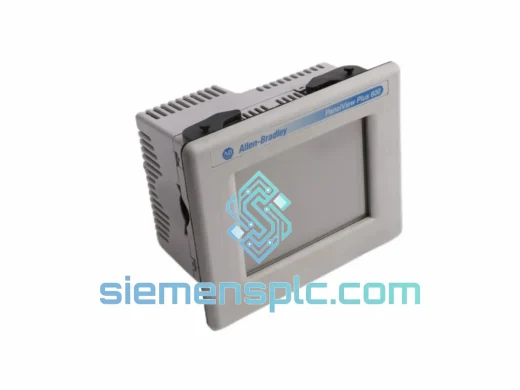
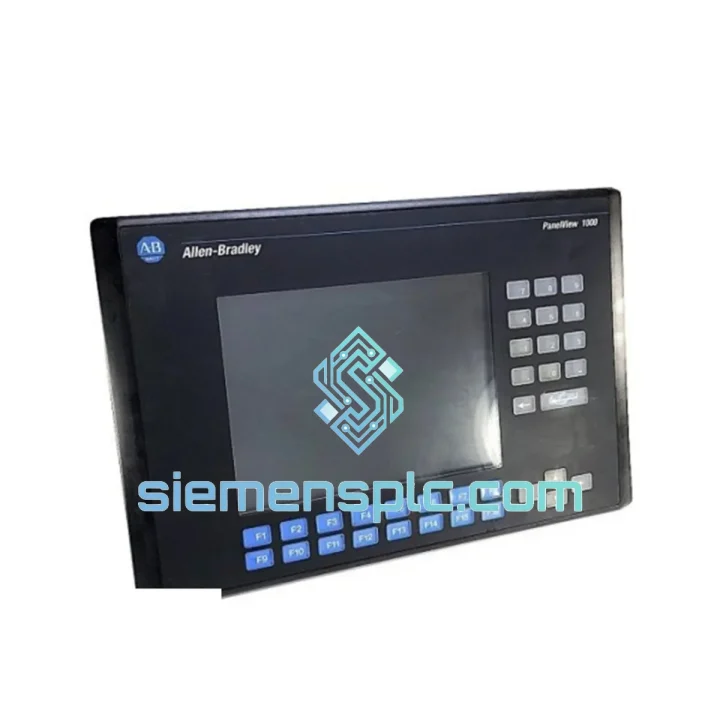
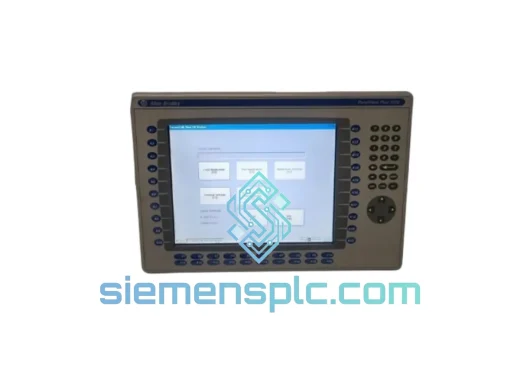
Allen-Bradley 2711-K10C15L1 HMI Terminal
Request verified availability, condition, replacement risk review, packing options and courier lead time for 2711-K10C15L1.
BrandAllen-Bradley
Part Number2711-K10C15L1
ConditionAvailability Check
Lead TimeRFQ Confirmation
DocumentsDatasheet / photos by RFQ
ShippingExport packing available
Auto-filled RFQ
2711-K10C15L1
Click Request Quote and the part number is inserted into the inquiry form automatically.
- Reply by email: [email protected]
- WhatsApp / Tel: +86 18359268345
- Mon-Sat 9:00-18:00 GMT+8
Procurement Data
Key Product Information
Core fields for model confirmation and RFQ routing. Detailed product narrative remains below.
- Brand
- Allen-Bradley
- Primary Part Number
- 2711-K10C15L1
- Product Type
- HMI Terminal
- Series / Family
- PanelView
- Country of Origin
- US
- Catalog Category
- HMI Panels
- Operating Temp.
- 0°C to 55°C
- Warranty
- 12 months, full functional guarantee
Model confirmed for inquiry
2711-K10C15L1
Send quantity, destination and urgency. The RFQ form keeps this part number attached.
Request Quote
Product Overview
2711-K10C15L1 Down? Every Minute of Downtime Costs You — Get This Unit Shipped Today
Your line is stopped. The operator screen is dead. Maintenance is standing by and the shift supervisor is already on the phone. You know the part number — Allen-Bradley 2711-K10C15L1 — and you need it now, not in three weeks. We stock this unit in Xiamen and ship globally via DHL and FedEx Express. Most orders clear customs and land on your dock within 3–5 business days. No broker delays, no minimum order quantity, no runaround.
The 2711-K10C15L1 is a 10.4-inch color keypad HMI from Rockwell Automation’s PanelView 1000 series. It runs on DH+ (Data Highway Plus) and is the backbone of thousands of legacy SLC 500 and PLC-5 installations still running in automotive, food processing, oil & gas, and heavy manufacturing plants worldwide. Rockwell discontinued this model years ago — which means when yours fails, you can’t call your local distributor. You call us.
⚡ URGENT REQUIREMENT? Contact: [email protected] | WhatsApp: +86 18359268345
Quick Technical Datasheet
| Parameter | Specification |
|---|---|
| Part Number | 2711-K10C15L1 |
| Brand | Allen-Bradley / Rockwell Automation |
| Series | PanelView 1000 |
| Display Size | 10.4 inch Color TFT LCD |
| Input Method | Keypad (non-touch) |
| Communication | DH+ (Data Highway Plus), RS-232 (DF1) |
| Power Supply | 120–240 VAC / 24 VDC (suffix dependent) |
| Operating Temperature | 0°C to 55°C |
| Enclosure Rating | NEMA 4/4X, 12, 13 (front bezel) |
| Application Memory | 512 KB |
| Programming Software | PanelBuilder 1400e v5.0+ |
| Certifications | UL, CE, CSA |
| Compatible PLCs | SLC 500, PLC-5, MicroLogix (via DH-485 bridge) |
| Stock Status | ✅ Ready to Ship — Xiamen Warehouse |
| Lead Time | Ships within 24–48 hours of order confirmation |
| Warranty | 12 months, full functional guarantee |
Troubleshooting & Replacement Tips
After ten years of field work, the failure patterns on the 2711-K10C15L1 are predictable. Here is what you are most likely dealing with and how to handle the swap without creating new problems.
Most Common Failure Modes:
- Blank or flickering display: Usually the backlight inverter board or the CCFL tube. If the unit powers on but the screen is dark, shine a flashlight at an angle — if you can faintly see the application, it is the backlight, not the logic board. A full unit swap is faster than sourcing the inverter.
- DH+ communication fault (Error 16#0004 or 16#0008): Before condemning the terminal, check the DH+ termination resistors at both ends of the trunk. A missing 82-ohm terminator causes intermittent comms that looks like a bad HMI. Verify node address via the rotary switch on the rear panel — default is node 1.
- Keypad keys not responding: The membrane keypad connector is a flat-flex cable that fatigues over time. If only certain keys fail, it is almost always the connector, not the logic board. Test all 32 function keys on the replacement unit before installing.
- Application lost after power cycle: Check the lithium backup battery (CR2032). If dead, the RAM-stored application is lost on power loss. Re-download the .PBA file from PanelBuilder 1400e.
- Transfer Error during download: Confirm your RS-232 cable is null-modem (pins 2 and 3 crossed). Straight-through cables will not work. COM port: 19200 baud, 8N1, no flow control.
Replacement Procedure — Field Checklist:
- Document the existing DH+ node address from the rear rotary switch before removing the old unit.
- Power down the panel. Lock out / tag out per your site procedure.
- Disconnect DH+ trunk cable, RS-232 if used, and power connector.
- Remove the four mounting clamps from the rear of the panel cutout.
- Set the DH+ node address on the replacement unit to match the original.
- Verify power supply voltage matches the unit nameplate — AC and DC variants are not interchangeable.
- Reconnect all cables. Power up. The unit should display the Rockwell splash screen within 15 seconds.
- If the application is not stored in the replacement unit, connect via RS-232 and download the .PBA file. Transfer takes approximately 2–4 minutes for a full 512 KB application.
- Cycle power once after download. Verify all screens, alarms, and PLC data links before releasing the line.
Firmware Note: The 2711-K10C15L1 does not have field-upgradeable firmware — the OS is stored in ROM. If the replacement unit has a different firmware revision, test all screen transitions and data type mappings carefully, as integer vs. floating point handling changed between early and late revisions.
Reliability in Harsh Conditions
The PanelView 1000 series was built for the shop floor. The 2711-K10C15L1 carries a NEMA 4/4X front panel rating — sealed against water jets and dust ingress, critical in washdown environments like food processing and beverage lines. The 0°C to 55°C operating range covers most industrial environments including unheated enclosures in cold climates.
Vibration resistance is a deliberate design choice. The keypad input method was selected over touch screens specifically because resistive and capacitive panels degrade under sustained mechanical vibration — a known failure mode in press rooms, compressor stations, and mobile equipment. The keypad membrane is rated for millions of actuations.
Humidity tolerance reaches 95% non-condensing. In paper mills, coastal facilities, or chemical plants, the sealed front panel prevents moisture ingress into the display assembly. The main logic board carries conformal coating to resist corrosion in chemically aggressive atmospheres.
Every unit we ship undergoes a minimum 4-hour powered burn-in and DH+ communication verification before packaging. We do not ship untested stock.
Global Express Logistics
Our warehouse is in Xiamen, Fujian Province — one of China’s primary export hubs with direct access to international freight lanes. We ship HMI terminals exclusively via DHL Express and FedEx International Priority. Here is exactly what happens after you confirm your order:
- Day 0 — Order Confirmed: Unit pulled from shelf, tested, packaged in anti-static foam-lined carton with moisture barrier. Export documentation prepared.
- Day 1 — Export Clearance: Commercial invoice, packing list, and HS code documentation filed with Xiamen Customs. DHL/FedEx pickup scheduled same day or next morning.
- Day 2–3 — In Transit: Unit clears Xiamen Gaoqi International Airport. Tracking number sent via email and WhatsApp. Real-time tracking available on carrier portals.
- Day 3–5 — Delivered: Typical delivery window for Europe, North America, Southeast Asia, and the Middle East. Australia and South America may require 5–7 days depending on customs clearance speed.
We prepare all export documentation to minimize customs holds. EU customers receive EORI-compatible commercial invoices. US imports are declared under the correct HTS code to avoid misclassification delays. If you need shipment on your own carrier account, provide the account number at order time and we will use it.
For genuine line-down emergencies, contact us via WhatsApp for real-time coordination. We have handled same-day export clearance before and will do everything within our control to get the unit moving within hours of payment confirmation.
Contact Information
📧 Email: [email protected]
💬 WhatsApp: +86 18359268345
🌐 Web: siemensplc.com
© 2026 siemensplc.com. All rights reserved. All trademarks are the property of their respective owners. This site is an independent distributor and is not affiliated with Rockwell Automation or Allen-Bradley.
Ready to quote
[email protected]
Send This Part Number to Sales
RFQ workflow
Quality workflow ->
Confirmation Process
01Model confirmation
We check the full part number, brand, series and visible nameplate information before quotation.
02Availability reply
Sales confirms stock path, condition option, quantity and realistic lead time for export dispatch.
03Packing & courier
DHL, FedEx, UPS or buyer courier arrangements can be reviewed with packing requirements.
Continue sourcing
Browse full catalog ->
Related Automation Parts
Similar brand or category products for fast comparison and multi-item RFQ lists.
Allen-Bradley
RFQ Ready
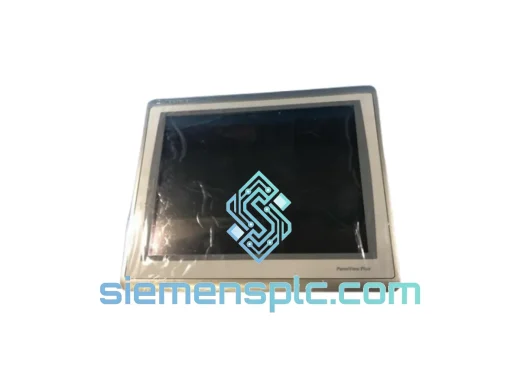
Allen-Bradley 2711P-T15C22D9P HMI Terminal
PanelView
Origin US
HMI Graphic Terminal
Allen-Bradley
RFQ Ready
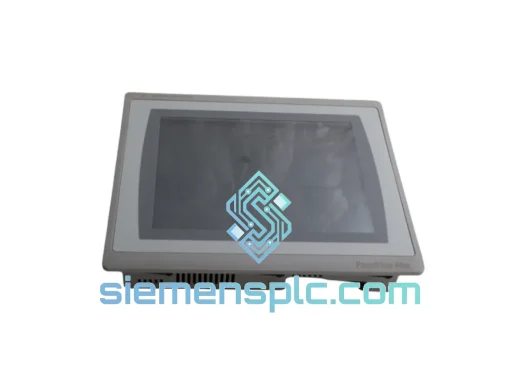
Allen-Bradley 2711P-T10C21D8S HMI Operator Terminal
PanelView
Origin US
HMI Operator Terminal
Allen-Bradley
RFQ Ready
Allen-Bradley 2711P-RN15S ControlNet Communication Module
PanelView
Origin US
PLC Communication Module