
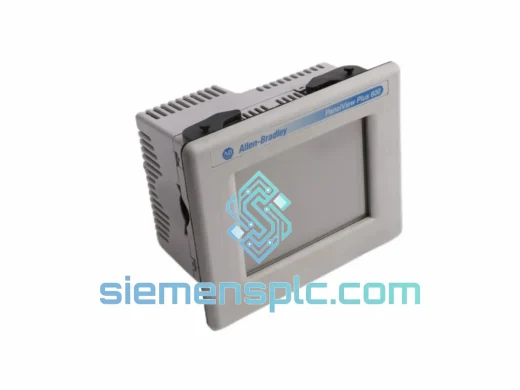
Allen-Bradley
In Stock OK
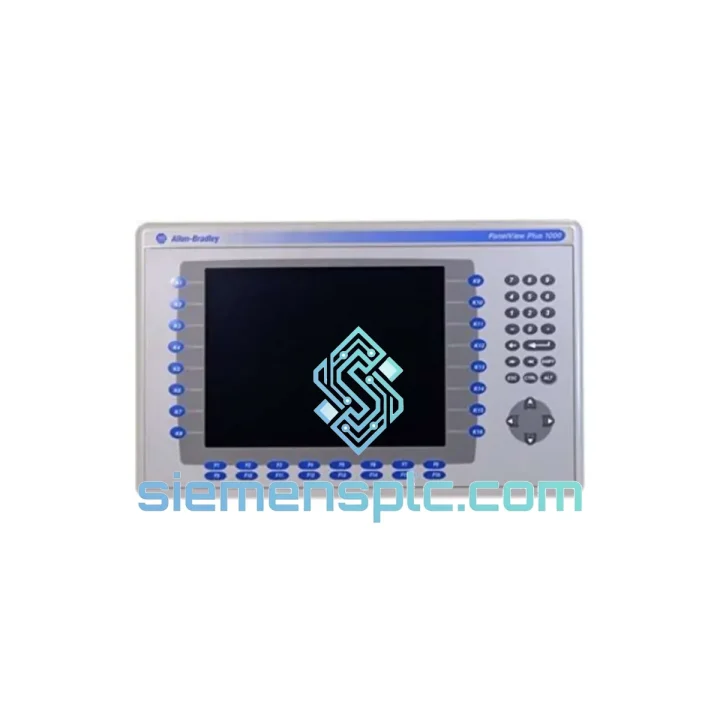
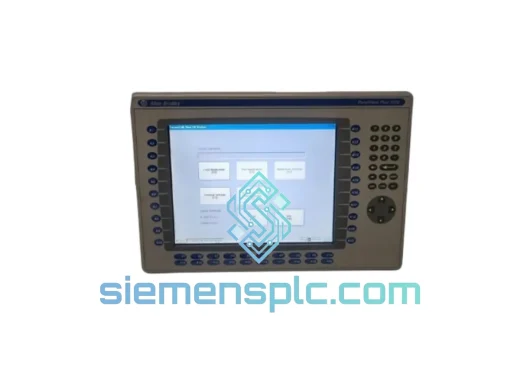
Allen-Bradley 2711P-B10C15A2/A HMI Terminal
Request verified availability, condition, replacement risk review, packing options and courier lead time for 2711P-B10C15A2/A.
BrandAllen-Bradley
Part Number2711P-B10C15A2/A
ConditionAvailability Check
Lead TimeRFQ Confirmation
DocumentsDatasheet / photos by RFQ
ShippingExport packing available
Auto-filled RFQ
2711P-B10C15A2/A
Click Request Quote and the part number is inserted into the inquiry form automatically.
- Reply by email: [email protected]
- WhatsApp / Tel: +86 18359268345
- Mon-Sat 9:00-18:00 GMT+8
Procurement Data
Key Product Information
Core fields for model confirmation and RFQ routing. Detailed product narrative remains below.
- Brand
- Allen-Bradley
- Primary Part Number
- 2711P-B10C15A2/A
- Product Type
- HMI Terminal
- Series / Family
- PanelView
- Country of Origin
- US
- Catalog Category
- HMI Panels
- Operating Temp.
- 0 °C to 55 °C
Model confirmed for inquiry
2711P-B10C15A2/A
Send quantity, destination and urgency. The RFQ form keeps this part number attached.
Request Quote
Product Overview
2711P-B10C15A2/A In Stock Now — Every Hour of Downtime Costs You Money
Your line is down. The HMI is dead. Maintenance is standing by and production is bleeding cash by the minute. The Allen-Bradley 2711P-B10C15A2/A — a 10.4-inch Key/Touch PanelView Plus 1000 terminal — is on the shelf at our Xiamen warehouse right now. We’ve shipped this exact part to plants in Southeast Asia, the Middle East, and Europe within 24 hours of order confirmation. No waiting on distributor lead times. No back-order excuses. Just the part, packed and moving.
URGENT REQUIREMENT? Contact: [email protected] | WhatsApp: +86 18359268345
Quick Technical Datasheet
| Part Number | 2711P-B10C15A2/A ✅ Ready to Ship |
| Brand | Allen-Bradley (Rockwell Automation) |
| Series | PanelView Plus 1000 |
| Display Size | 10.4 inch Color TFT LCD |
| Resolution | 640 × 480 VGA |
| Input Method | Keypad + Touchscreen (Combination) |
| Power Supply | 24V DC |
| Communication Ports | RS-232, DH-485, DF1, EtherNet/IP (model-dependent) |
| Operating Temperature | 0 °C to 55 °C |
| Protection Rating | NEMA 4/4X, IP65 (front panel) |
| Certifications | UL, CE, cUL, RoHS |
| Weight | ~2.9 kg |
| Stock Status | ✅ In Stock — Ships within 24 hrs of payment |
Troubleshooting & Replacement Tips
After ten years of field work, these are the failure modes I see most often on the 2711P-B10C15A2/A — and the traps that catch engineers during swap-out:
1. Firmware Version Mismatch (Most Common Cause of Post-Swap Failure)
The replacement unit must run a FactoryTalk View ME firmware version compatible with your existing application file (.mer). If the new terminal ships with a newer firmware than what your .mer was compiled on, the application will refuse to load or display a runtime error. Before powering on, check the firmware stamp on the unit label and compare against your FactoryTalk View ME project properties. Downgrade or recompile as needed. Do not skip this step.
2. Application Transfer — SD Card vs. USB vs. Network
The fastest field recovery method is SD card transfer. Copy your .mer file to a FAT32-formatted SD card, insert into the terminal’s card slot, and use the Configuration Mode menu to load the application. If you’re loading over EtherNet/IP, confirm the terminal’s IP address is set correctly in Configuration Mode before attempting a remote transfer — a misconfigured IP will time out and waste 20 minutes you don’t have.
3. Communication Port Configuration
If your existing panel used RS-232 or DH-485 for PLC communication, verify the replacement unit’s port settings match exactly: baud rate, data bits, stop bits, parity. The 2711P-B10C15A2/A supports multiple protocols but ships with default settings that may not match your installation. Access Communication Setup in Configuration Mode immediately after boot.
4. Touchscreen Calibration After Replacement
New units require touchscreen calibration before operator use. Access the calibration utility from Configuration Mode. Skipping this step causes input offset errors — operators will press one button and activate an adjacent one. Takes 90 seconds. Do it.
5. Fault Codes to Know
— Error 16#0004: Application file not found or corrupt. Re-transfer the .mer file.
— Error 16#0007: Firmware incompatibility. Check firmware version against project compile version.
— Error 16#0010: Communication timeout. Verify PLC connection and port settings.
— Blank screen on boot: Check 24V DC supply voltage at terminal — should be 20.4–28.8V DC. Low voltage causes display failure without fault code.
6. Panel Cutout & Gasket Check
The 2711P-B10C15A2/A uses a standard PanelView Plus 1000 cutout (approximately 310 × 248 mm). If replacing a failed unit of the same model, inspect the panel gasket before reinstalling — a compressed or torn gasket will compromise the IP65 rating and allow moisture ingress. Replacement gaskets are available separately.
Reliability in Harsh Conditions
The 2711P-B10C15A2/A was engineered for environments that destroy consumer-grade electronics. The front panel carries a NEMA 4/4X and IP65 rating — tested against sustained water jets, dust ingress, and corrosive washdown chemicals. The TFT display assembly is rated for continuous operation from 0 °C to 55 °C ambient, covering everything from cold-storage facilities to foundry floors. Vibration resistance meets IEC 68-2-6 test profiles, which means the unit holds up on press lines, compressor skids, and mobile equipment where constant mechanical shock is the norm. The sealed keypad membrane is rated for millions of actuations — in high-cycle applications like packaging lines, this matters. Internal components are conformal-coated on production runs, providing additional protection against humidity and condensation in coastal or tropical plant environments. This is not a unit that needs to be babied. It was built to run continuously in conditions where failure is not an option.
Global Express Logistics
Our warehouse is located in Xiamen, China — one of the most logistics-efficient export hubs on the mainland, with direct access to DHL, FedEx, and UPS international gateways operating daily flights.
Standard Express Process:
Order confirmed → Payment cleared → Unit inspected and packed → Airway bill generated → Handed to carrier — all within the same business day for orders received before 14:00 CST. Tracking number sent to your email within 2 hours of carrier pickup.
Transit Times (Estimated):
— Southeast Asia (SG, MY, TH, VN): 2–3 business days via DHL Express
— Middle East (AE, SA, QA): 3–4 business days via FedEx International Priority
— Europe (DE, NL, PL, UK): 4–5 business days via DHL Express
— North America (US, CA, MX): 4–6 business days via FedEx or UPS Worldwide
— Australia / New Zealand: 3–5 business days via DHL Express
Export Documentation Included: Commercial invoice, packing list, certificate of origin, HS code declaration (HS: 8537.10). We handle all export paperwork. For projects requiring CITES, dual-use, or specific import permits, contact us before ordering and we will advise on requirements for your destination country.
Bulk / Project Orders: For quantities of 3 units or more, we can arrange consolidated air freight or sea freight with full project documentation. Lead time and pricing on request.
Contact Information
📧 Email: [email protected]
💬 WhatsApp: +86 18359268345
🌐 Web: siemensplc.com
© 2026 siemensplc.com. All rights reserved.
Ready to quote
[email protected]
Send This Part Number to Sales
RFQ workflow
Quality workflow ->
Confirmation Process
01Model confirmation
We check the full part number, brand, series and visible nameplate information before quotation.
02Availability reply
Sales confirms stock path, condition option, quantity and realistic lead time for export dispatch.
03Packing & courier
DHL, FedEx, UPS or buyer courier arrangements can be reviewed with packing requirements.
Continue sourcing
Browse full catalog ->
Related Automation Parts
Similar brand or category products for fast comparison and multi-item RFQ lists.
Allen-Bradley
RFQ Ready
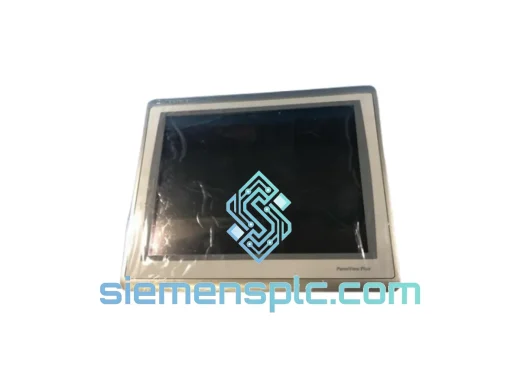
Allen-Bradley 2711P-T15C22D9P HMI Terminal
PanelView
Origin US
HMI Graphic Terminal
Allen-Bradley
RFQ Ready
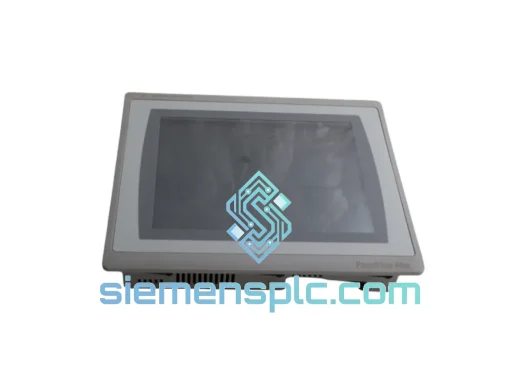
Allen-Bradley 2711P-T10C21D8S HMI Operator Terminal
PanelView
Origin US
HMI Operator Terminal
Allen-Bradley
RFQ Ready
Allen-Bradley 2711P-RN15S ControlNet Communication Module
PanelView
Origin US
PLC Communication Module