
Allen-Bradley
In Stock OK
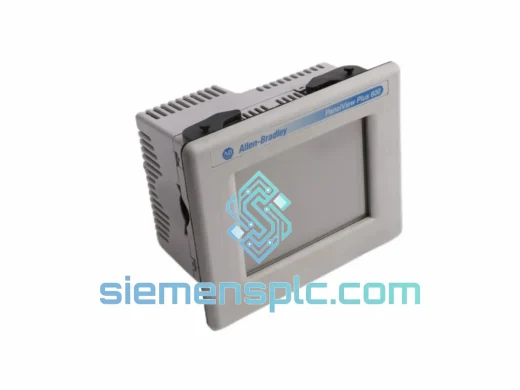
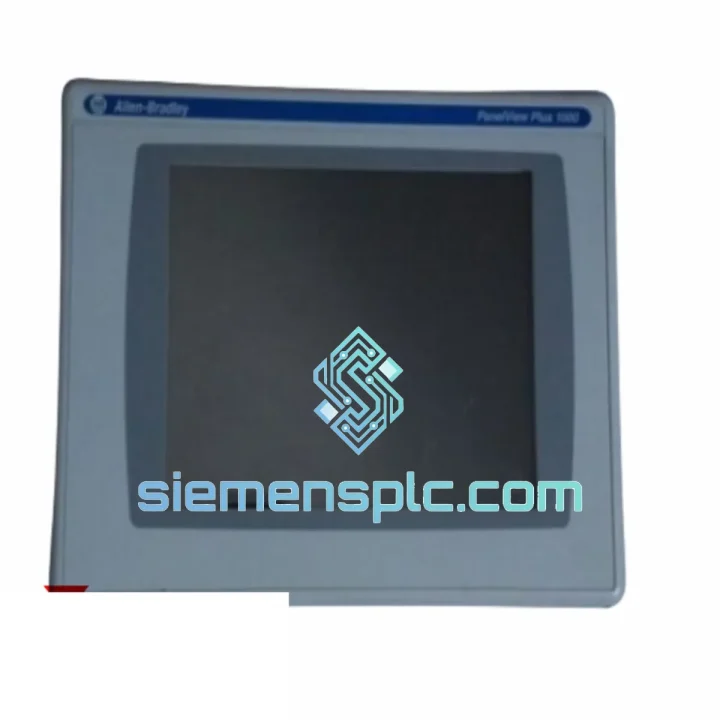
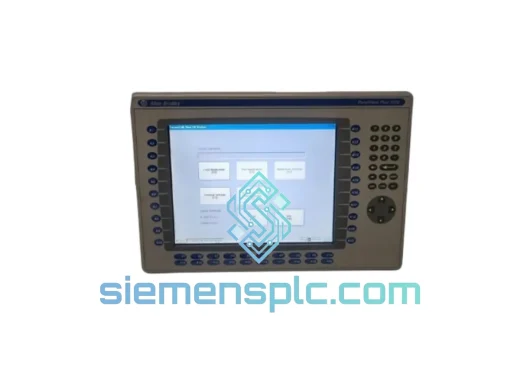
Allen-Bradley 2711P-T10C4D8 HMI Operator Terminal
Request verified availability, condition, replacement risk review, packing options and courier lead time for 2711P-T10C4D8.
BrandAllen-Bradley
Part Number2711P-T10C4D8
ConditionAvailability Check
Lead TimeRFQ Confirmation
DocumentsDatasheet / photos by RFQ
ShippingExport packing available
Auto-filled RFQ
2711P-T10C4D8
Click Request Quote and the part number is inserted into the inquiry form automatically.
- Reply by email: [email protected]
- WhatsApp / Tel: +86 18359268345
- Mon-Sat 9:00-18:00 GMT+8
Procurement Data
Key Product Information
Core fields for model confirmation and RFQ routing. Detailed product narrative remains below.
- Brand
- Allen-Bradley
- Primary Part Number
- 2711P-T10C4D8
- Product Type
- HMI Operator Terminal
- Series / Family
- PanelView
- Country of Origin
- US
- Catalog Category
- HMI Panels
- Operating Temp.
- 0 °C to 55 °C
Model confirmed for inquiry
2711P-T10C4D8
Send quantity, destination and urgency. The RFQ form keeps this part number attached.
Request Quote
Product Overview
2711P-T10C4D8 Down? Every Minute of Downtime Has a Price Tag — We Ship Today
Your line stopped. The PanelView screen is dead, frozen, or throwing a comm fault. Maintenance is on-site, the shift supervisor is breathing down your neck, and procurement is scrambling for a part number. You already know what you need: a verified, ready-to-ship Allen-Bradley 2711P-T10C4D8 — not a 6-week lead time from a distributor, not a refurb with unknown firmware, not a “we’ll check stock and get back to you” response.
We stock the 2711P-T10C4D8 in Xiamen and ship globally via DHL Express and FedEx International Priority. Orders confirmed before 3:00 PM CST leave the same day. For a plant running three shifts, that’s the difference between a 4-hour outage and a 3-day production loss. The math is simple.
URGENT REQUIREMENT? Contact: [email protected] | WhatsApp: +86 18359268345
Quick Technical Datasheet
| Parameter | Specification | Status |
|---|---|---|
| Part Number | 2711P-T10C4D8 | ✔ Ready to Ship |
| Series | PanelView Plus 7 Standard | — |
| Display Size | 10.4 inch Color TFT LCD | — |
| Touch Technology | Analog Resistive (glove-compatible) | — |
| Resolution | 640 × 480 VGA | — |
| Communication Ports | DH-485, RS-232, USB Type-A & Type-B | — |
| Power Input | 24V DC (18–32V DC range) | — |
| Operating Temperature | 0 °C to 55 °C | — |
| Storage Temperature | -20 °C to 70 °C | — |
| Enclosure Rating | NEMA 4/4X/12/13 front face; IP65 | — |
| Application Memory | 512 MB | — |
| Operating System | Windows CE 6.0 | — |
| Software Platform | FactoryTalk View ME v8.x+ | — |
| Certifications | UL, CE, cUL, RoHS | — |
| Weight | Approx. 800 g | — |
| Panel Cutout | Refer to 2711P-T10C4D8 installation drawing | — |
| Origin | USA (Rockwell Automation) | 100% Original |
Troubleshooting & Replacement Tips
After handling hundreds of PanelView Plus 7 swap-outs across automotive, food processing, and water treatment sites, these are the failure modes and gotchas that actually matter on the floor:
Most Common Failure Modes on the 2711P-T10C4D8:
- Blank screen on power-up, backlight dead: Usually the CCFL backlight inverter or the display module itself (2711P-RDT10C). Before condemning the terminal, verify 24VDC is stable at the terminal block — a sagging supply under load will cause exactly this symptom. Measure under load, not at idle.
- Touchscreen registers wrong coordinates or no touch response: Resistive touch layers degrade from UV exposure and chemical cleaning agents. If the unit boots and displays correctly but touch is off, run the built-in touch calibration utility first (System > Display > Touch Calibration). If calibration fails to hold across reboots, the touch overlay needs replacement.
- Comm fault / no connection to PLC after replacement: This is the #1 field headache. The 2711P-T10C4D8 stores its node address and baud rate in non-volatile memory. A replacement unit ships with factory defaults — DH-485 node 1, 19.2 kbps. If your network runs a different node address or baud rate, you must reconfigure before going live. Navigate to: Terminal Settings > Communications > DH-485 Port. Match node address and baud rate exactly to the failed unit’s configuration (pull it from your panel documentation or read it off the old unit if it still powers up).
- Application not loading / “Application file not found” error: The replacement unit has no application loaded. You must transfer the .MER file from your backup media or engineering workstation via USB or FactoryTalk View ME. If no backup exists, you will need to rebuild from the original .MED source file. This is why maintaining a USB backup of every HMI application on-site is non-negotiable.
- Firmware mismatch warning on application load: FactoryTalk View ME applications are version-locked. An application built on FTV ME v9.0 will throw a warning or refuse to load on a terminal running v8.x firmware. Check the firmware version on the replacement unit (System > About) and compare to the application’s target version. Firmware upgrades are performed via USB using the PanelView Plus 7 firmware upgrade utility — do not interrupt power during this process.
- Unit reboots randomly under load: Typically a power supply issue. The 2711P-T10C4D8 draws up to 30W at peak backlight. Undersized or aging 24VDC supplies that measure fine at no-load will sag under the terminal’s draw. Scope the supply rail during operation — anything below 18VDC triggers a brownout reset.
Step-by-Step Replacement Procedure:
- Document the existing unit’s comm settings, node address, and IP configuration before powering down. Photograph the terminal settings screens if needed.
- Back up the running application to USB via File > Save Application to USB Drive while the unit is still operational (if possible).
- Isolate 24VDC power to the terminal. Disconnect the DH-485 or RS-232 cable and USB connections.
- Remove the terminal from the panel cutout. The 2711P-T10C4D8 uses quarter-turn panel clamps — no tools required for removal.
- Install the replacement unit. Verify the panel gasket seats correctly for IP65 integrity.
- Reconnect power and comm cables. Power up and verify boot sequence completes without hardware fault codes.
- Reconfigure comm settings to match the original unit (node address, baud rate, RS-232 parameters as applicable).
- Transfer the .MER application file via USB. Load and run the application.
- Perform a full touch calibration and verify all screen navigation paths function correctly before releasing the line.
- Update your panel documentation with the new unit’s serial number and firmware version.
Reliability in Harsh Conditions
The 2711P-T10C4D8 is not a commercial-grade display bolted into an industrial enclosure — it is engineered from the ground up for plant-floor punishment. The front face carries a NEMA 4X and IP65 rating, meaning it withstands directed water jets and is sealed against dust ingress. That gasket is not decorative; it is the reason this terminal survives wash-down cycles in food and beverage lines where competing HMIs fail within months.
The analog resistive touchscreen technology is a deliberate engineering choice for industrial environments. Unlike capacitive screens that require bare fingertips, the resistive overlay responds to any stylus, gloved hand, or blunt object — critical in chemical plants, foundries, and cold-storage facilities where operators never work bare-handed. The overlay is also immune to the false-touch events that plague capacitive screens near high-frequency VFD noise.
Internally, the 2711P-T10C4D8 is rated for continuous operation from 0 °C to 55 °C ambient — covering the vast majority of indoor industrial environments without supplemental cooling. The unit is vibration-tested to IEC 60068-2-6 standards, qualifying it for installation on machinery with significant mechanical vibration sources such as compressors, presses, and conveyor drives. Conformal coating on internal PCBs provides additional protection against humidity and condensation in environments where temperature cycling causes moisture ingress.
Every unit we ship has been inspected for physical integrity, connector condition, and display quality. Units showing evidence of counterfeit labeling, board-level rework, or compromised seals are rejected. What arrives at your site is a terminal ready to go into service, not a gamble.
Global Express Logistics
Our warehouse is located in Xiamen, Fujian — one of China’s primary export hubs with direct access to international air freight lanes through Xiamen Gaoqi International Airport. This geography is not incidental; it is why we can offer transit times that most suppliers cannot match.
Standard export process for the 2711P-T10C4D8:
- Order confirmation cutoff: 3:00 PM CST. Orders confirmed before this window ship same business day.
- Packaging: Anti-static bag, foam-lined double-wall carton, moisture barrier. The terminal is secured against the shock loads of air freight handling — we have seen what happens to improperly packed HMIs after a FedEx hub sort.
- Carrier options: DHL Express Worldwide (typical 2–4 business days to Europe, North America, Southeast Asia), FedEx International Priority (1–3 business days for urgent shipments), TNT Economy Express for cost-sensitive non-urgent orders.
- Customs documentation: Commercial invoice, packing list, and certificate of origin prepared to destination country requirements. HS code 8537.10 applied for HMI terminals. We handle export customs clearance from the China side — your freight forwarder or our carrier handles import clearance at destination.
- Tracking: AWB number provided within 2 hours of dispatch. Real-time tracking link sent directly to your email.
- Insurance: Shipment insurance available on request for high-value orders. Recommended for orders above USD 2,000.
For sites in Southeast Asia — Malaysia, Thailand, Vietnam, Indonesia — DHL Express typically delivers within 2 business days from Xiamen. For European destinations, 3–4 business days is the standard. North America (US, Canada, Mexico) runs 3–5 business days depending on customs clearance speed at the destination port of entry.
If your plant is in a remote location or a country with complex import regulations, contact us before ordering. We have shipped to oil fields in Kazakhstan, mining operations in Chile, and offshore platforms in the North Sea. We know how to get parts to difficult destinations.
Contact Information
Email: [email protected]
WhatsApp: +86 18359268345
Web: siemensplc.com
© 2026 siemensplc.com. All rights reserved.
Ready to quote
[email protected]
Send This Part Number to Sales
RFQ workflow
Quality workflow ->
Confirmation Process
01Model confirmation
We check the full part number, brand, series and visible nameplate information before quotation.
02Availability reply
Sales confirms stock path, condition option, quantity and realistic lead time for export dispatch.
03Packing & courier
DHL, FedEx, UPS or buyer courier arrangements can be reviewed with packing requirements.
Continue sourcing
Browse full catalog ->
Related Automation Parts
Similar brand or category products for fast comparison and multi-item RFQ lists.
Allen-Bradley
RFQ Ready
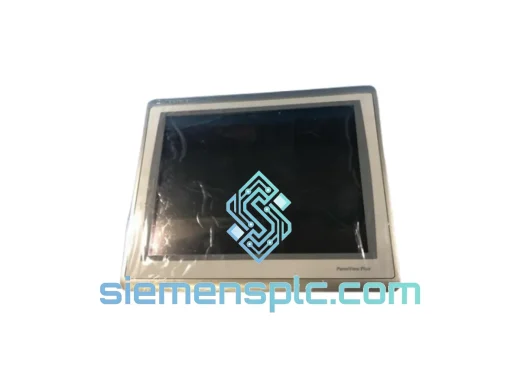
Allen-Bradley 2711P-T15C22D9P HMI Terminal
PanelView
Origin US
HMI Graphic Terminal
Allen-Bradley
RFQ Ready
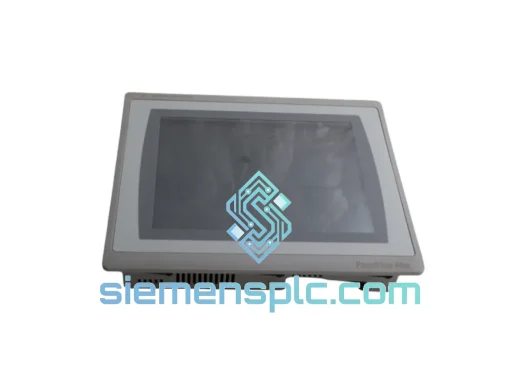
Allen-Bradley 2711P-T10C21D8S HMI Operator Terminal
PanelView
Origin US
HMI Operator Terminal
Allen-Bradley
RFQ Ready
Allen-Bradley 2711P-RN15S ControlNet Communication Module
PanelView
Origin US
PLC Communication Module