GE
RFQ Ready
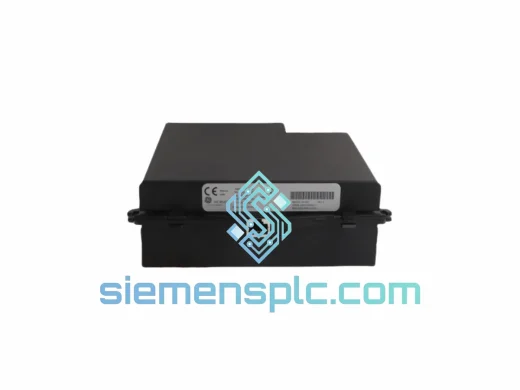
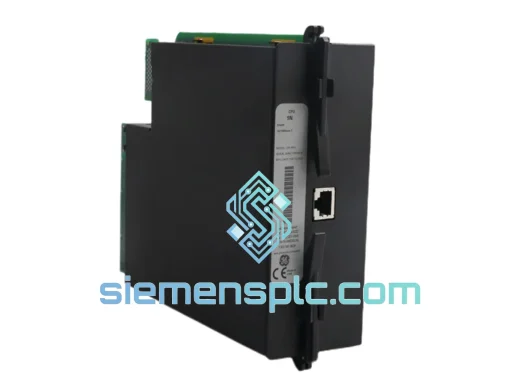
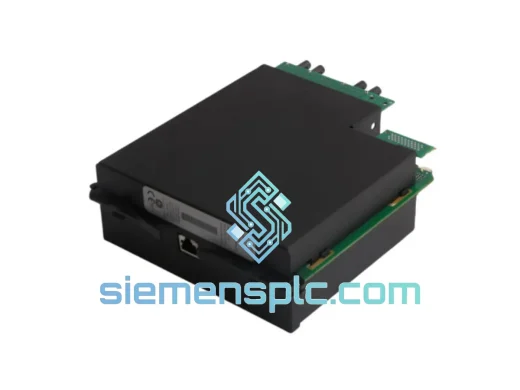
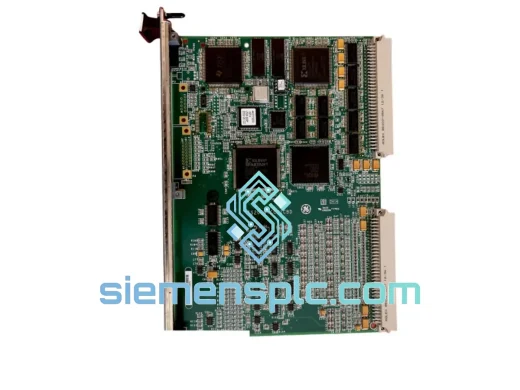
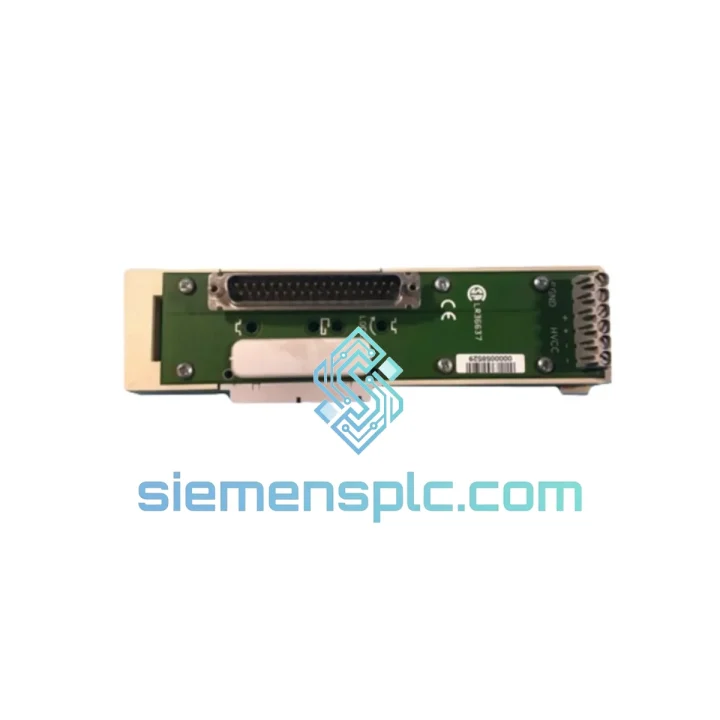
GE IS200VTCCH1CBD Thermocouple Processor Board – Mark VI IS200 Series
Mark VI
Origin US
Thermocouple Processor Board
Request verified availability, condition, replacement risk review, packing options and courier lead time for 8021-CE-LH.
Click Request Quote and the part number is inserted into the inquiry form automatically.
Core fields for model confirmation and RFQ routing. Detailed product narrative remains below.
Every minute your line is down, you’re bleeding money. A failed carrier extender in a GE Series Six rack doesn’t just halt one machine — it can cascade across an entire production cell. The 8021-CE-LH is the exact module that bridges your base rack to additional I/O capacity, and when it fails, there’s no workaround. You need the part. You need it now.
We stock the GE 8021-CE-LH at our Xiamen warehouse, pre-inspected and ready for same-day dispatch via DHL or FedEx Express. No lead-time games, no “check back in two weeks.” If you’re reading this during a breakdown, scroll to the contact section and reach out immediately — our team responds within the hour during business hours.
⚡ URGENT REQUIREMENT? Contact: [email protected] | WhatsApp: +86 18359268345
| Parameter | Detail |
|---|---|
| Part Number | 8021-CE-LH |
| Manufacturer | GE (General Electric Automation) |
| Platform / Series | Series Six PLC |
| Module Function | Carrier Extender — expands I/O slot capacity within the Series Six rack |
| Mounting Interface | Series Six compatible rack backplane |
| Operating Temperature | 0 °C to +60 °C (verify against GE Series Six hardware manual) |
| Weight | ~300 g |
| Country of Origin | USA |
| Stock Status | ✅ Ready to Ship — Xiamen Warehouse |
| Condition | Original / Surplus New / Refurbished (inspected) |
| Lead Time | Same-day dispatch for orders confirmed before 15:00 CST |
Swapping a carrier extender in a live Series Six system is not a plug-and-play operation. Here’s what field experience tells you to watch before you touch anything:
1. Power down the entire rack — no exceptions. The Series Six backplane does not support hot-swap on the carrier extender. Attempting a live swap risks corrupting the CPU’s I/O table and can damage the backplane connector pins. Isolate the rack from its power supply and confirm zero voltage before removal.
2. Document your I/O module slot assignments before disassembly. Photograph or sketch every module position. The 8021-CE-LH physically defines the slot numbering for the extended section of the rack. If modules are reinstalled in the wrong slots, the CPU will fault on I/O address mismatch at startup — a common post-replacement headache that wastes 30–60 minutes of troubleshooting time.
3. Inspect the backplane connector on the new unit. Bent or oxidized pins on the carrier extender’s backplane interface are the leading cause of intermittent I/O faults after replacement. Use a magnifying glass and a soft brush to clean the connector before seating the module.
4. Check the Logicmaster 6 hardware configuration. After physical replacement, open your Logicmaster 6 project and verify the rack configuration matches the physical slot count. If the extended rack slots were previously configured and the new extender is identical, the CPU should recognize the I/O without a full re-download — but confirm this before returning the line to auto mode.
5. Common fault codes associated with carrier extender failure:
6. Firmware note: The 8021-CE-LH is a passive carrier extender — it contains no firmware. There is no firmware matching requirement. However, confirm that your Series Six CPU firmware revision is compatible with the total slot count you are configuring after extension.
The GE Series Six platform was engineered for the factory floor, not the server room. The 8021-CE-LH carrier extender shares the same rugged construction philosophy as the rest of the Series Six hardware family.
Vibration resistance: The module’s mechanical design uses a rigid backplane connector and locking card guides that maintain electrical contact under continuous vibration loads typical of stamping presses, compressor rooms, and conveyor drive enclosures. Loose connections — the primary vibration failure mode in lesser hardware — are mitigated by the positive-locking slot mechanism.
Thermal performance: Industrial control panels routinely see internal temperatures of 45–55 °C during summer operation. The 8021-CE-LH is rated for continuous operation across this range without derating. The module’s passive design means it generates minimal heat of its own, reducing thermal load on adjacent modules.
Humidity and contamination: The conformal-coated PCB construction used in GE Series Six hardware resists moisture ingress and airborne particulates common in food processing, chemical, and foundry environments. This is not a consumer-grade board — it is built to survive the conditions that kill ordinary electronics within months.
Our pre-shipment inspection covers: physical housing integrity, backplane connector pin condition, PCB visual inspection for corrosion or burn marks, and label legibility. Units that do not pass are not listed. What you receive is what we would install ourselves.
Our dispatch hub is located in Xiamen, China — one of the country’s primary export ports with direct DHL and FedEx Express gateway access. This is not a drop-ship arrangement. Stock is physically on our shelves.
Typical transit times from Xiamen:
Our logistics process:
For emergency orders, contact us via WhatsApp before placing your order. We can confirm stock, prepare the shipment, and have it at the DHL counter within the same business day for orders received before 15:00 CST.
📧 Email: [email protected]
💬 WhatsApp: +86 18359268345
🌐 Web: siemensplc.com
© 2026 siemensplc.com. All rights reserved.
We check the full part number, brand, series and visible nameplate information before quotation.
Sales confirms stock path, condition option, quantity and realistic lead time for export dispatch.
DHL, FedEx, UPS or buyer courier arrangements can be reviewed with packing requirements.
Similar brand or category products for fast comparison and multi-item RFQ lists.