GE
RFQ Ready
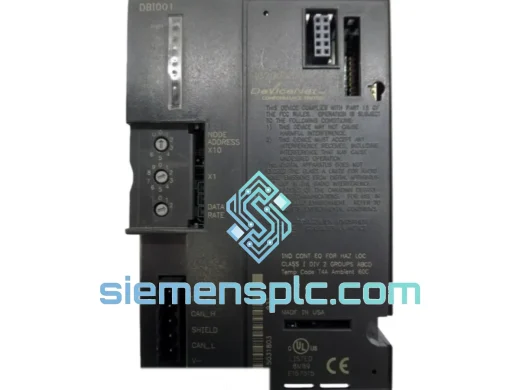
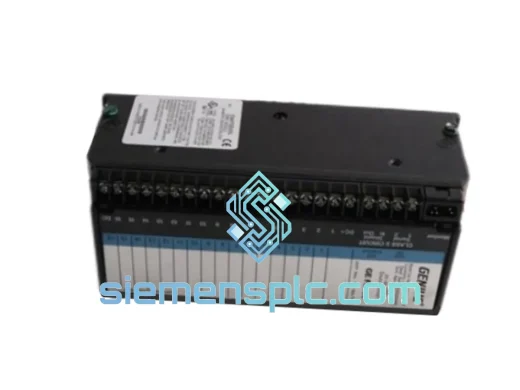
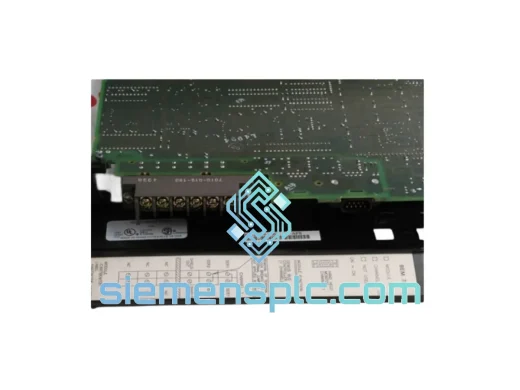
GE IC750-P5-G5-S5-HI-A1-R-E PLC Communication Module
VersaMax
Origin US
PLC Communication Module
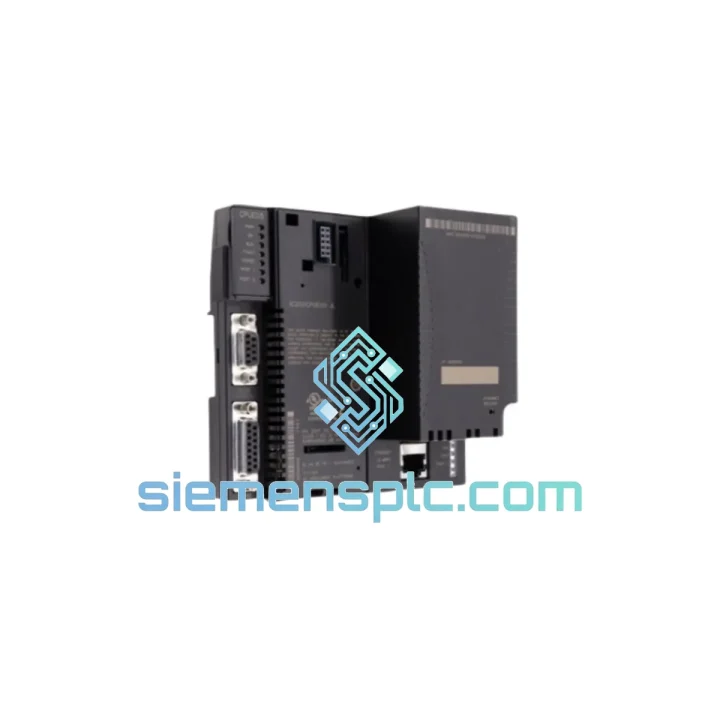
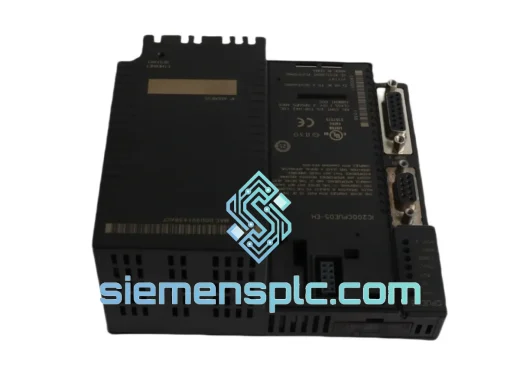
Request verified availability, condition, replacement risk review, packing options and courier lead time for IC200CPUE05-JL.
Click Request Quote and the part number is inserted into the inquiry form automatically.
Core fields for model confirmation and RFQ routing. Detailed product narrative remains below.
Your VersaMax system just went dark. The IC200CPUE05-JL CPU is the brain of the entire rack — when it fails, every downstream I/O card, every HMI screen, every actuator on that line goes with it. Every hour that conveyor sits idle, every batch that doesn’t complete, every shift that runs at zero output is money you’re not getting back. We stock the GE IC200CPUE05-JL precisely for this moment. Same-day dispatch from Xiamen. DHL Express to your dock in 48–72 hours. No waiting on a distributor’s lead time. No explaining to management why the line is still down on day four.
The IC200CPUE05-JL is a mid-range Ethernet CPU for the GE VersaMax PLC platform. It integrates a 10/100 Mbps Ethernet port directly on the module — no separate comm card required — and supports SRTP and Modbus TCP natively. It runs IEC 61131-3 logic programmed in GE Proficy Machine Edition (PME) and handles local plus remote VersaMax I/O expansion. This is a workhorse controller deployed in water treatment, automotive assembly, food processing, and oil & gas facilities worldwide. When yours fails, you need an exact replacement, fast.
⚡ URGENT REQUIREMENT? Contact: [email protected] | WhatsApp: +86 18359268345
| Parameter | Specification |
|---|---|
| Part Number | IC200CPUE05-JL |
| Manufacturer | GE (Emerson Automation Solutions) |
| Series | VersaMax |
| Module Type | Ethernet CPU Module |
| Ethernet Port | 10/100 Mbps, RJ-45, integrated |
| Protocols | SRTP, Modbus TCP, EGD |
| Programming Software | GE Proficy Machine Edition (PME) |
| IEC 61131-3 Languages | LD, FBD, ST, IL, SFC |
| Operating Temperature | 0°C to 60°C |
| Storage Temperature | -40°C to 85°C |
| Power Input | Via VersaMax backplane |
| Certifications | CE, UL, cUL, RoHS |
| Weight | ~300 g |
| Availability | ✔ Ready to Ship — Same Day Dispatch |
The IC200CPUE05-JL fails in predictable ways. Knowing the pattern cuts your diagnostic time from hours to minutes.
Common Failure Signatures:
Step-by-Step Replacement Procedure:
The VersaMax platform was designed for the factory floor, not the server room. The IC200CPUE05-JL is built to operate continuously in environments that would kill consumer-grade electronics within weeks.
The module’s conformal-coated PCB resists moisture ingress and condensation — critical in food processing plants where washdown cycles create high-humidity conditions inside control panels. The operating temperature ceiling of 60°C means it handles the thermal load of a sealed enclosure in a hot press shop without throttling or faulting. Vibration tolerance is validated to IEC 60068-2-6 standards, covering the mechanical stress of being mounted adjacent to large motors, compressors, and stamping presses.
The backplane connector is a gold-plated card-edge design rated for hundreds of insertion cycles — relevant when maintenance teams are swapping modules during scheduled PM windows. The module’s internal power regulation is isolated from backplane noise, which matters in environments with large VFDs and servo drives generating significant electrical interference on the DC bus.
Units we ship have been stored in climate-controlled conditions with ESD protection from the moment they left the original packaging. We don’t pull modules from scrap equipment and call them tested. Every IC200CPUE05-JL goes through a power-on functional check and Ethernet port verification before it ships.
We ship from Xiamen, China — one of the country’s primary export hubs with direct DHL and FedEx gateway access. Orders confirmed before 14:00 CST are dispatched the same business day.
Typical transit times from Xiamen:
Every shipment includes a commercial invoice, packing list, and certificate of conformance. For customers in regions with complex import requirements, we prepare HS code documentation (HS 8537.10) and can provide a country-of-origin certificate on request. ESD-safe inner packaging, foam-lined outer carton, and fragile labeling are standard — not optional extras.
We’ve shipped industrial control modules to 60+ countries. We know what customs in Frankfurt, Dubai, and Houston need to see on the paperwork. Your module clears, or we fix it.
Ready to order or need a quote for multiple units?
© 2026 siemensplc.com. All rights reserved.
We check the full part number, brand, series and visible nameplate information before quotation.
Sales confirms stock path, condition option, quantity and realistic lead time for export dispatch.
DHL, FedEx, UPS or buyer courier arrangements can be reviewed with packing requirements.
Similar brand or category products for fast comparison and multi-item RFQ lists.