GE Fanuc
RFQ Ready
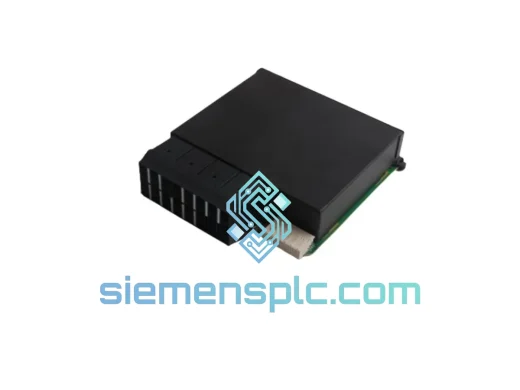
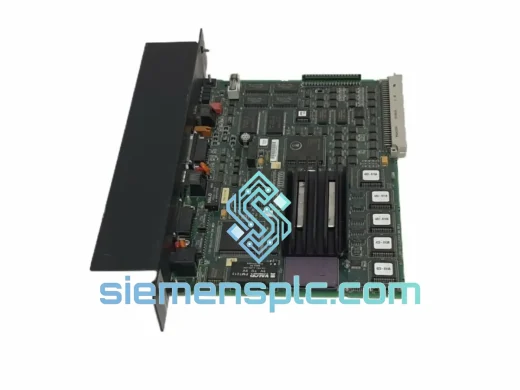
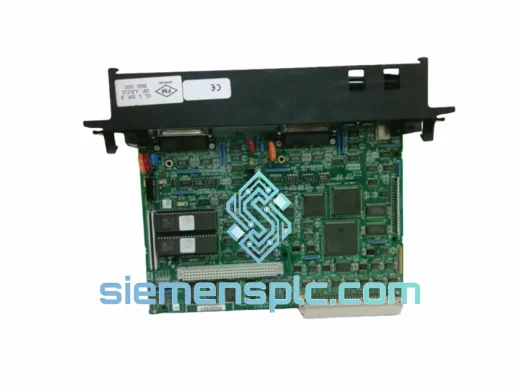
GE Fanuc IC697CMM712 Serial Communications Module
Fanuc
Origin US
Serial Communications Module
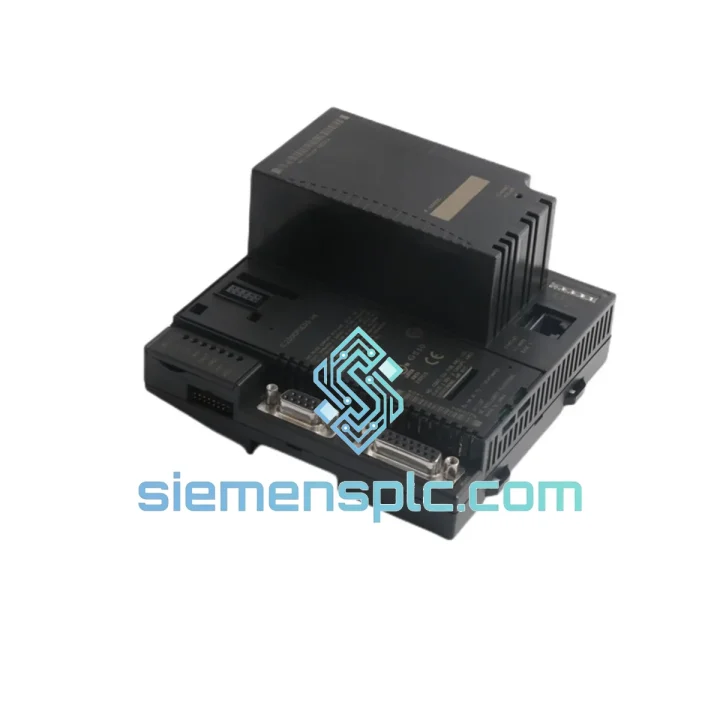
Request verified availability, condition, replacement risk review, packing options and courier lead time for IC200CPUE05.
Click Request Quote and the part number is inserted into the inquiry form automatically.
Core fields for model confirmation and RFQ routing. Detailed product narrative remains below.
Your line stopped. The HMI is blank. The VersaMax Micro CPU is dead and your maintenance team is staring at a rack with no spare. You’ve been here before — and you know the math: one hour of unplanned downtime in a mid-size plant can run $5,000 to $50,000 in lost production, labor, and penalties. The IC200CPUE05 is not a commodity item you can pull off a shelf at a local distributor. That’s exactly why we stock it.
We are a specialist supplier of industrial automation components based in Xiamen, China, with direct access to verified GE Fanuc VersaMax Micro inventory. When you contact us, you’re not waiting for a quote to go to a warehouse and come back three days later. We confirm stock, pull the unit, test it, and hand it to DHL or FedEx the same business day. That’s the only way this works when your plant is down.
URGENT REQUIREMENT? Contact: [email protected] | WhatsApp: +86 18359268345
| Part Number | IC200CPUE05 ✅ Ready to Ship |
| Manufacturer | GE Fanuc / GE Automation & Controls |
| Series | VersaMax Micro PLC |
| Module Type | CPU / Processor Module with Embedded Ethernet |
| User Logic Memory | 14 KB (Ladder / FBD) |
| Max I/O Points | 512 discrete (with expansion modules) |
| Embedded Comms | 10/100 Mbps Ethernet (RJ-45) + RS-232 serial |
| Supported Protocols | SRTP, Modbus TCP, EGD (Ethernet Global Data) |
| Programming Software | GE Proficy Machine Edition (PME) v8.0+ |
| Supply Voltage | 24 VDC (via base unit) |
| Operating Temperature | 0°C to +60°C |
| Storage Temperature | -40°C to +85°C |
| Humidity | 5%–95% non-condensing |
| Mounting | DIN rail / panel via VersaMax Micro base |
| Weight | ~300 g |
| Certifications | CE, UL, cUL |
| HS Code | 853710 |
| Origin | United States |
| Stock Status | ✅ In Stock — Ships Same Business Day |
Step 1 — Confirm the CPU is the fault, not the base or power supply. Before you pull the IC200CPUE05, check the base unit’s PWR LED. If it’s off or flickering, the 24 VDC supply to the base is suspect — not the CPU. A dead CPU will typically show: OK LED off, no Ethernet link light, and the HMI reporting a communications timeout. If the base PWR LED is solid and the CPU OK LED is off after a cold restart, the CPU is gone.
Step 2 — Back up the program before you lose it. If the CPU is partially functional (OK LED blinking), connect via PME immediately and upload the program to your laptop. The IC200CPUE05 does not have a built-in flash backup — program is stored in RAM with battery backup. If the battery is dead and power was lost, the program may already be gone. Check your last known-good backup on the engineering PC.
Step 3 — Note the IP address and EGD configuration. The Ethernet IP address is stored in the CPU’s non-volatile memory (NVRAM). When you swap the CPU, the replacement unit will default to 0.0.0.0 — it will not inherit the old IP. Before pulling the failed unit, document: IP address, subnet mask, gateway, EGD exchange IDs and producer/consumer assignments, and SRTP connection parameters. You’ll need all of this during commissioning of the replacement.
Step 4 — Physical swap procedure. Power down the base unit. The IC200CPUE05 slides into the CPU slot on the left side of the VersaMax Micro base — it is keyed and cannot be inserted backwards. Seat it firmly until the locking tab clicks. Restore power. The OK LED should blink during self-test, then go solid green within 10–15 seconds if no program is loaded.
Step 5 — Download program and configure Ethernet. Connect PME to the RS-232 port first (easier for initial IP configuration). Use the Hardware Configuration tool in PME to set the Ethernet parameters, then download the full hardware configuration and user program. Switch to Ethernet connection and verify SCADA/HMI communications before declaring the repair complete.
Common fault codes to know:
The IC200CPUE05 was designed for the kind of environments where PLCs actually live — not climate-controlled server rooms, but panel enclosures next to presses, conveyors, pump stations, and mixing tanks. GE Fanuc engineered the VersaMax Micro platform to handle the real world.
Vibration resistance: The module meets IEC 61131-2 vibration specifications — 10–57 Hz at 0.075 mm displacement, 57–150 Hz at 1g. In practice, this means it survives continuous operation on machinery with significant mechanical vibration without connector fatigue or board-level cracking. The CPU-to-base connector is a robust multi-pin edge connector, not a fragile ribbon cable.
Thermal performance: Rated 0°C to +60°C operating. In enclosures with poor ventilation or high ambient temperatures, the actual internal temperature can exceed the rated range — this is one of the most common causes of premature CPU failure in the field. If you’re replacing a CPU that failed in a hot enclosure, address the thermal management before installing the replacement. Add a thermostat-controlled fan or heat exchanger. A replacement CPU in the same thermal environment will fail again.
Humidity and condensation: Rated to 95% RH non-condensing. The critical word is non-condensing. In applications near washdown areas, cooling towers, or outdoor enclosures with temperature cycling, condensation is a real risk. The conformal coating on the IC200CPUE05 PCB provides a degree of protection, but it is not a substitute for proper enclosure sealing and desiccant management.
ESD and surge: The Ethernet port is the most vulnerable point on this CPU. Unshielded Ethernet cables running long distances in industrial environments act as antennas for electrical transients. If your IC200CPUE05 failed with a dead Ethernet port but the CPU logic was otherwise functional, install a DIN-rail Ethernet surge protector on the replacement before connecting the network cable.
We operate from Xiamen, China — one of the most logistics-efficient cities in the country, with direct access to Xiamen Gaoqi International Airport and major freight forwarding infrastructure. This is not a coincidence. We chose this location specifically because it allows us to move parts fast.
Standard express process:
For truly critical situations — plant down, production stopped, contractual penalties accruing — contact us via WhatsApp at +86 18359268345. We can arrange Saturday pickup with DHL in most cases, and we will personally track the shipment until it clears customs at your end.
Email: [email protected]
WhatsApp: +86 18359268345
Web: siemensplc.com
© 2026. All rights reserved.
We check the full part number, brand, series and visible nameplate information before quotation.
Sales confirms stock path, condition option, quantity and realistic lead time for export dispatch.
DHL, FedEx, UPS or buyer courier arrangements can be reviewed with packing requirements.
Similar brand or category products for fast comparison and multi-item RFQ lists.