GE
RFQ Ready
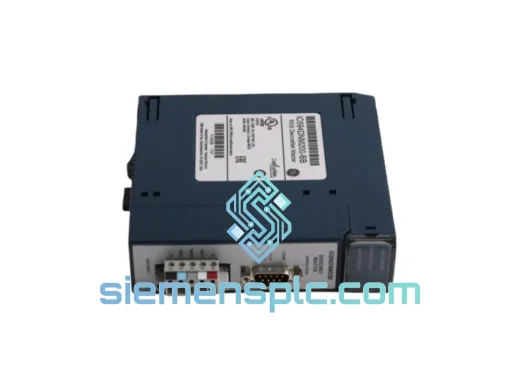
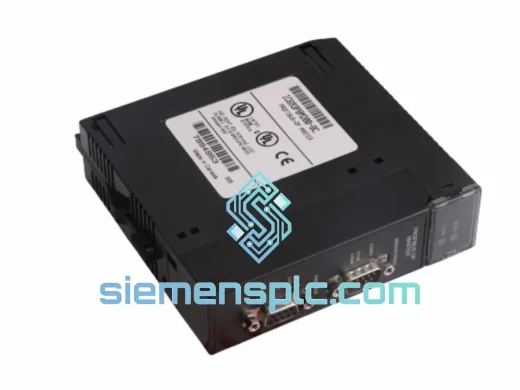
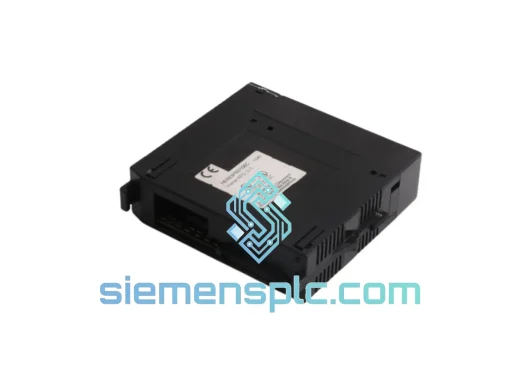
GE HE693PBS106 PROFIBUS DP Communication Module – Series 90-30
90-30
Origin US
PLC Communication Module
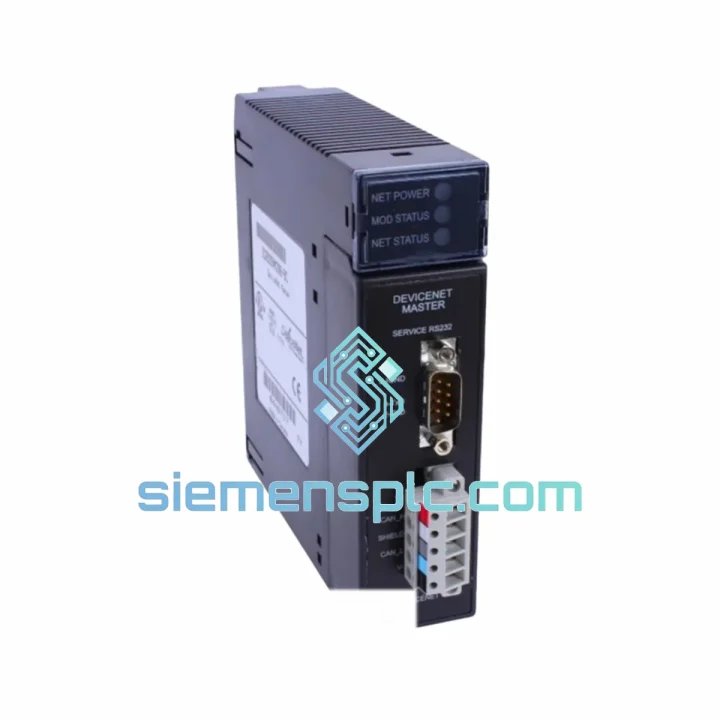
Request verified availability, condition, replacement risk review, packing options and courier lead time for IC693DNM200.
Click Request Quote and the part number is inserted into the inquiry form automatically.
Core fields for model confirmation and RFQ routing. Detailed product narrative remains below.
A dead DeviceNet master doesn’t just drop one node — it takes your entire distributed I/O network offline. Conveyors stop. Drives fault. Operators stand around. The IC693DNM200 is the heartbeat of your Series 90-30 DeviceNet architecture, and when it fails, the clock starts running against you immediately. We carry verified stock in Xiamen, tested and ready to dispatch the moment your PO clears. No lead time negotiations. No substitutes. No refurbished risk.
This page is written for the engineer on the floor, not the purchasing department. If you’re reading this at 11 PM with a red MS LED staring back at you, skip to the troubleshooting section. If you need to justify the spend to management, the logistics section has your transit times. Either way, you’re in the right place.
⚡ URGENT REQUIREMENT? Contact: [email protected] | WhatsApp: +86 18359268345
| Parameter | Value |
|---|---|
| Part Number | IC693DNM200 |
| Manufacturer | GE (General Electric Automation) |
| Platform | Series 90-30 |
| Module Role | DeviceNet Master (Scanner) |
| Max Slave Nodes | 64 nodes |
| Baud Rates | 125 / 250 / 500 kbps (auto-detect not supported — must match network) |
| I/O Data Capacity | 512 bytes IN / 512 bytes OUT |
| Backplane Compatibility | Series 90-30 CPU rack & expansion rack |
| Power Consumption | 5 VDC via backplane (no external supply required) |
| Operating Temperature | 0°C to +60°C |
| Form Factor | Single-slot, Series 90-30 standard |
| Certifications | UL Listed, CE Marked |
| Country of Origin | USA (OEM manufactured) |
| Stock Location | Xiamen, Fujian, China |
| Availability | ✅ In Stock — Same-Day Dispatch Available |
The IC693DNM200 fails in predictable ways. Here’s what the fault codes actually mean and how to replace the module without creating new problems in the process.
Fault Code Breakdown:
Replacement Procedure — Do Not Skip These Steps:
IC693DNM200 vs IC693DNM200E: The enhanced revision (DNM200E) is firmware-backward-compatible. No Proficy project changes required. The E revision adds extended diagnostic messaging — if you’re upgrading, update your HMI alarm text to capture the additional fault codes, otherwise they’ll appear as unknown alarms.
The Series 90-30 platform was built for continuous industrial duty in environments that would destroy commercial-grade hardware within months. The IC693DNM200 carries that same design philosophy into the DeviceNet layer.
The PCB is conformal-coated, providing resistance to condensation, airborne particulates, and chemical vapors. In food and beverage plants where washdown cycles drive humidity to near-saturation levels, or in coastal facilities where salt-laden air attacks unprotected copper traces, the conformal coating is the difference between a module that lasts a decade and one that fails in eighteen months. The backplane connector uses gold-plated contacts rated for thousands of mating cycles — critical in applications where modules are pulled for periodic inspection or relocated during line reconfigurations.
Thermal performance is entirely passive. No fans, no moving parts, no maintenance. The module is rated for continuous operation at 60°C ambient and has been validated to IEC 61131-2 thermal cycling requirements. In practice, these modules routinely operate in poorly ventilated enclosures at 50–55°C for years without degradation. When failure does occur, it’s almost always the CAN transceiver IC — a component that degrades gradually under sustained electrical noise rather than failing suddenly. This gives you warning signs (intermittent drops, increasing error counts) before complete failure, if you’re watching your diagnostic data.
Vibration tolerance meets IEC 61131-2: 5–8.4 Hz at 3.5 mm displacement, 8.4–150 Hz at 1g acceleration. For high-shock applications — stamping presses, rail-mounted equipment, compressor skids — mount the rack on anti-vibration isolators and verify all module latches are fully engaged. A module that vibrates loose from the backplane will generate intermittent faults that are extremely difficult to diagnose without physically inspecting the rack.
Our warehouse is in Xiamen, Fujian Province — a primary export hub with direct access to DHL and FedEx international freight lanes. Stock is physically on our shelves. This is not a broker listing or a drop-ship arrangement. When you confirm your order, we pull the module, test it, pack it, and hand it to the carrier the same day.
Dispatch Cutoffs:
Carrier Options and Transit Times:
Export Documentation: Every shipment includes commercial invoice, packing list, and certificate of origin as standard. For customers requiring ECCN classification letters, HS code documentation (HS 8537.10), specific customs declarations, or import clearance support for regulated markets, contact us before shipment. We’ve shipped to 60+ countries and maintain documentation templates for most major industrial import markets. All shipments are insured at full declared value — in the event of transit damage, we handle the carrier claim and dispatch a replacement. You don’t chase paperwork while your line is down.
📧 Email: [email protected]
📱 WhatsApp: +86 18359268345
🌐 Web: siemensplc.com
© 2026 siemensplc.com. All rights reserved.
We check the full part number, brand, series and visible nameplate information before quotation.
Sales confirms stock path, condition option, quantity and realistic lead time for export dispatch.
DHL, FedEx, UPS or buyer courier arrangements can be reviewed with packing requirements.
Similar brand or category products for fast comparison and multi-item RFQ lists.