GE
RFQ Ready
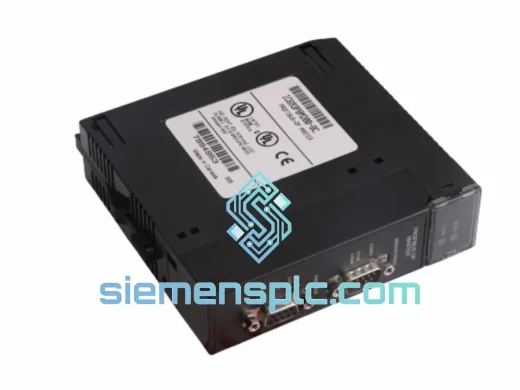
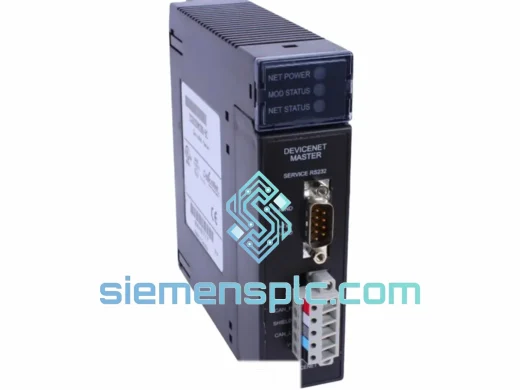
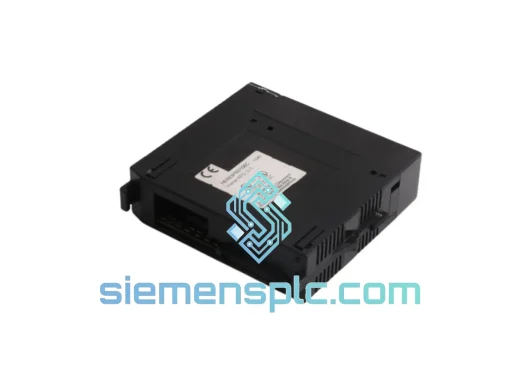
GE HE693PBS106 PROFIBUS DP Communication Module – Series 90-30
90-30
Origin US
PLC Communication Module
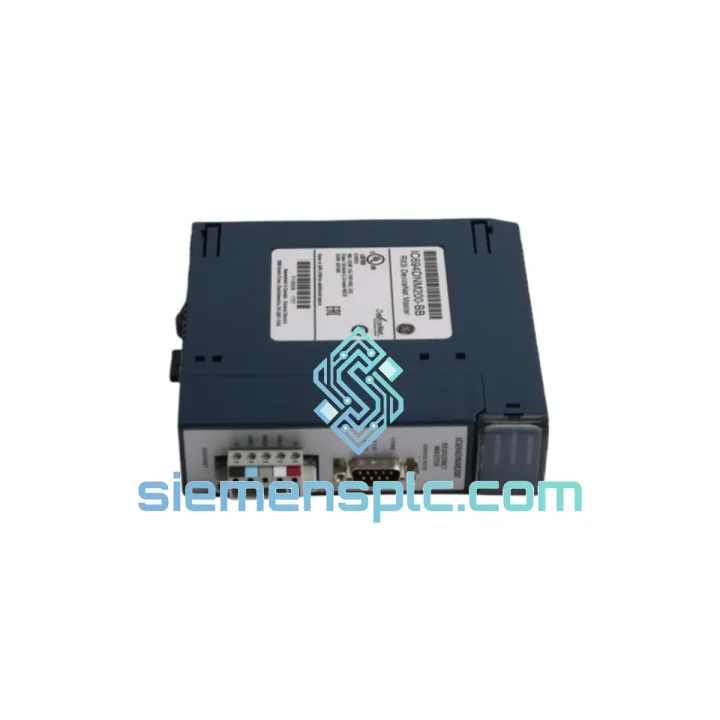
Request verified availability, condition, replacement risk review, packing options and courier lead time for IC694DNM200-BB.
Click Request Quote and the part number is inserted into the inquiry form automatically.
Core fields for model confirmation and RFQ routing. Detailed product narrative remains below.
Your DeviceNet network just dropped. The RX3i backplane is throwing faults. Production is at a standstill. You’ve already pulled the IC694DNM200-BB and confirmed it’s the culprit. Now you need a replacement in hand — not in two weeks.
At siemensplc.com, we stock the GE IC694DNM200-BB DeviceNet Master Communication Module for exactly this scenario. Same-day dispatch from Xiamen via DHL Express or FedEx International Priority. We’ve handled emergency breakdowns across automotive, food processing, oil & gas, and water treatment plants. We know what’s at stake when a line goes dark.
URGENT REQUIREMENT? Contact: [email protected] | WhatsApp: +86 18359268345
| Parameter | Specification |
|---|---|
| Part Number | IC694DNM200-BB |
| Manufacturer | GE / GE Fanuc Automation |
| Series | RX3i / Series 90-30 |
| Module Type | DeviceNet Master Communication Module |
| Network Protocol | DeviceNet (CAN-based, IEC 62026-3) |
| Max Slave Nodes | 64 devices |
| Supported Baud Rates | 125 kbps / 250 kbps / 500 kbps (auto-detect) |
| I/O Data Capacity | 512 bytes input / 512 bytes output |
| Backplane Power | 5 VDC (from RX3i / Series 90-30 backplane) |
| Operating Temperature | 0°C to 60°C |
| Certifications | CE, UL, cUL |
| Form Factor | Single-slot RX3i / Series 90-30 backplane module |
| Compatible CPUs | IC694CPU300/310/320, IC695CPU310/320 |
| Programming Software | GE Proficy Machine Edition 8.x+ |
| Country of Origin | United States |
| Stock Status | ✅ Ready to Ship — Xiamen Warehouse |
After ten years of field work, here’s what actually matters when you’re swapping an IC694DNM200-BB under pressure:
Common Fault Indicators Before Failure:
Step-by-Step Replacement Procedure:
Pro tip: Keep a spare IC694DNM200-BB pre-configured with your HWC file on a USB drive. A trained technician can complete a full swap and network restore in under 20 minutes.
The IC694DNM200-BB was engineered for continuous-duty industrial environments — not office-grade automation. The module’s conformal-coated PCB resists condensation and airborne contaminants common in food processing and chemical plants. Operating range of 0°C to 60°C covers the vast majority of panel enclosure conditions, even in non-climate-controlled facilities in tropical climates.
Vibration tolerance meets IEC 60068-2-6 standards, making it suitable for installation near heavy presses, compressors, and conveyor drives where panel vibration is a daily reality. The backplane connector uses a high-retention-force design that maintains electrical contact under sustained mechanical shock — a failure mode that plagues cheaper third-party alternatives.
EMC performance is certified to CE and UL standards. The CAN-based DeviceNet physical layer provides inherent differential signaling immunity to common-mode noise, which is critical in environments with large VFDs and motor starters generating significant electrical interference. In our field experience, IC694DNM200-BB modules routinely outlast the surrounding infrastructure — we’ve pulled units from decommissioned lines that had been running continuously for over 15 years.
Our Xiamen warehouse operates on a same-day dispatch model for in-stock modules. Here’s exactly how your order moves:
We’ve shipped IC694DNM200-BB modules to automotive plants in Germany, petrochemical facilities in Saudi Arabia, and food processing lines in Australia — all on emergency timelines. When your production manager is asking for an ETA every 30 minutes, you need a supplier who answers the phone.
📧 Email: [email protected]
💬 WhatsApp: +86 18359268345
🌐 Web: siemensplc.com
© 2026 siemensplc.com. All rights reserved.
We check the full part number, brand, series and visible nameplate information before quotation.
Sales confirms stock path, condition option, quantity and realistic lead time for export dispatch.
DHL, FedEx, UPS or buyer courier arrangements can be reviewed with packing requirements.
Similar brand or category products for fast comparison and multi-item RFQ lists.