GE Fanuc
RFQ Ready
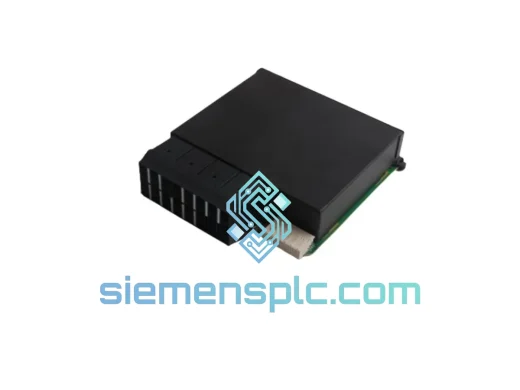
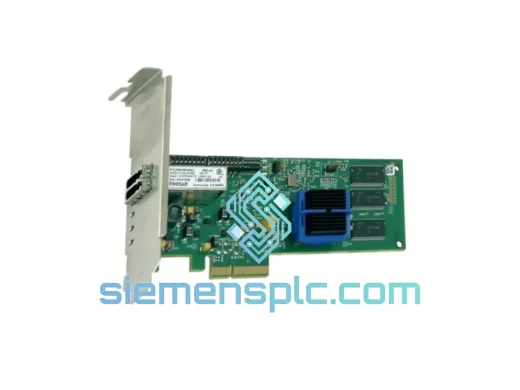
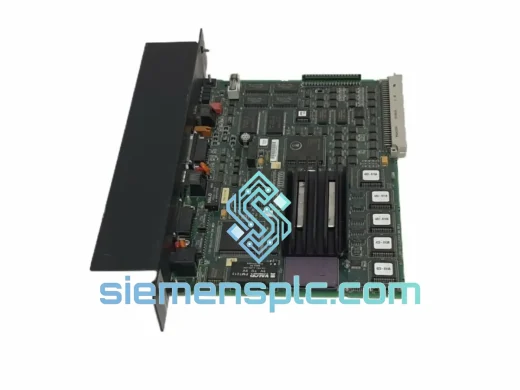
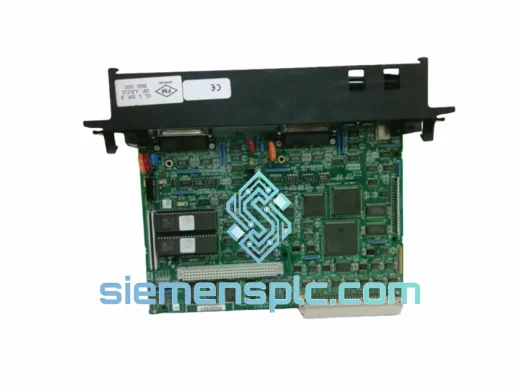
GE Fanuc IC697CMM712 Serial Communications Module
Fanuc
Origin US
Serial Communications Module
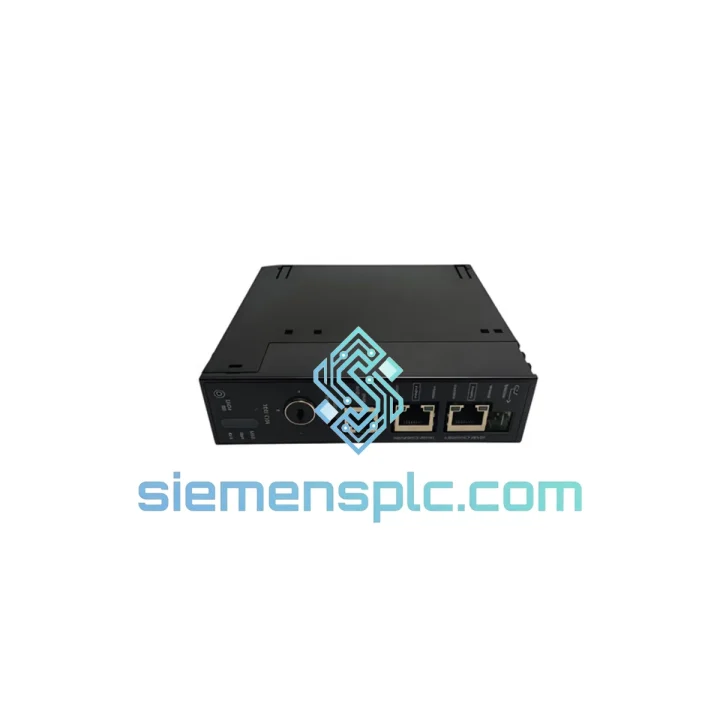
Request verified availability, condition, replacement risk review, packing options and courier lead time for IC693NIU004.
Click Request Quote and the part number is inserted into the inquiry form automatically.
Core fields for model confirmation and RFQ routing. Detailed product narrative remains below.
Every minute your Series 90-30 rack sits offline without a functioning Ethernet NIU, your production line is bleeding money. The IC693NIU004 is the single-slot Ethernet Network Interface Unit that bridges your GE 90-30 CPU to plant-floor SCADA, HMI, and peer PLC networks via 10BASE-T. When this module fails, there is no workaround — your entire Ethernet communications stack goes dark. We stock it. We ship it. Same-day dispatch from Xiamen on confirmed orders before 15:00 CST.
This is not a refurbished pull. Not a grey-market substitute. Every IC693NIU004 unit leaving our warehouse is 100% original GE Fanuc hardware, verified against factory markings, date codes, and firmware revision labels before it goes into the box.
URGENT REQUIREMENT? Contact: [email protected] | WhatsApp: +86 18359268345
| Parameter | Specification |
|---|---|
| Part Number | IC693NIU004 |
| Manufacturer | GE Fanuc Automation |
| Series | Series 90-30 |
| Module Type | Ethernet Network Interface Unit (NIU) |
| Network Speed | 10 Mbps (10BASE-T) |
| Physical Interface | RJ-45 |
| Supported Protocols | SRTP, Modbus TCP, EGD (Ethernet Global Data) |
| Slot Requirement | 1 × Series 90-30 I/O slot |
| Power Source | Series 90-30 backplane (no external PSU) |
| Operating Temperature | 0°C to 60°C |
| Storage Temperature | -40°C to 85°C |
| Humidity | 5% to 95% non-condensing |
| Certifications | CE, UL |
| Compatible CPUs | IC693CPU311 through IC693CPU374 |
| Compatible Racks | IC693CHS391/392/393/397/398/399 |
| Software | GE Proficy Machine Edition, Cimplicity, VersaPro |
| Weight | Approx. 350 g (module only) |
| Stock Status | ✔ Ready to Ship — Xiamen Warehouse |
Common failure signatures for IC693NIU004:
Step-by-step replacement procedure:
Firmware note: Confirm CPU firmware is v9.0 or later for full Modbus TCP and EGD support. Mismatched firmware between CPU and NIU is a common source of intermittent comms faults that are difficult to trace without checking revision levels first.
The IC693NIU004 was engineered for continuous-duty industrial environments, not office-grade networking. The module’s conformal-coated PCB resists moisture ingress and condensation — a critical factor in coastal plants, food processing facilities, and outdoor enclosures where humidity swings are routine. Vibration tolerance meets IEC 60068-2-6 test profiles, covering the shock and resonance frequencies generated by compressors, presses, and conveyor drives mounted in the same panel.
Thermal performance is validated across the full 0°C to 60°C operating range, with derating curves documented in GE’s hardware installation manual. In practice, modules installed in properly ventilated enclosures with adequate rack spacing routinely run for 10+ years without intervention. The backplane power draw is low enough that the NIU004 does not meaningfully contribute to rack thermal load even in high-density configurations.
The RJ-45 port uses a shielded connector body that provides a degree of EMI rejection — important in environments with variable-frequency drives and large motor starters generating conducted and radiated noise on the same cable trays as Ethernet runs. For high-EMI installations, use shielded Cat5e or Cat6 cable with properly grounded shield terminations at both ends.
Our Xiamen warehouse operates on a same-day dispatch model for in-stock modules confirmed before 15:00 CST. Here is exactly what happens after your order is placed:
For projects with hard deadlines — planned maintenance windows, insurance-mandated restart timelines, or contractual penalty clauses — contact us before ordering. We will confirm the realistic delivery window for your location and advise on the fastest routing option available.
Email: [email protected]
WhatsApp: +86 18359268345
Web: siemensplc.com
© 2026 siemensplc.com. All rights reserved.
We check the full part number, brand, series and visible nameplate information before quotation.
Sales confirms stock path, condition option, quantity and realistic lead time for export dispatch.
DHL, FedEx, UPS or buyer courier arrangements can be reviewed with packing requirements.
Similar brand or category products for fast comparison and multi-item RFQ lists.