GE Grid Solutions
RFQ Ready
GE UR8LV Analog Input Module – UR Series
Universal Relay UR Series
Origin US
Analog Input Module
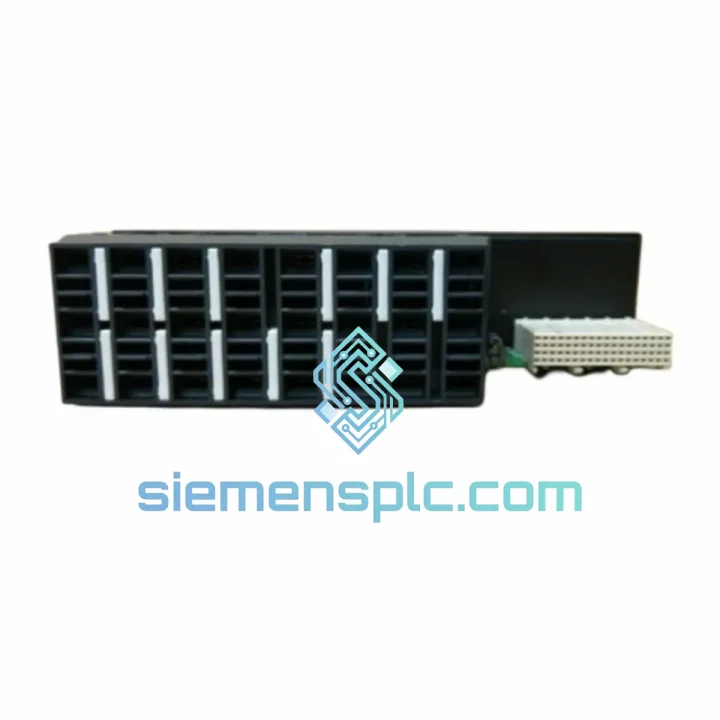
Request verified availability, condition, replacement risk review, packing options and courier lead time for UR 6CH.
Click Request Quote and the part number is inserted into the inquiry form automatically.
Core fields for model confirmation and RFQ routing. Detailed product narrative remains below.
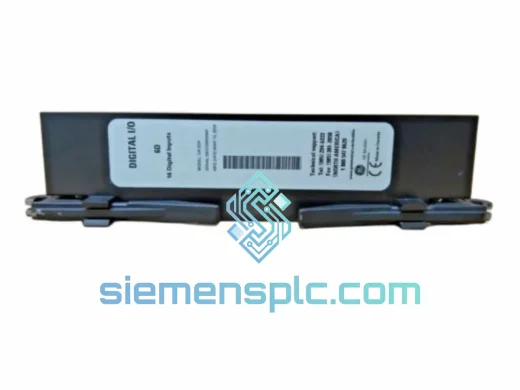
Every minute a protection relay is offline, your switchgear is exposed and your operations team is sweating. The GE UR 6CH Digital I/O Expansion Module is the exact plug-in card that restores your Universal Relay platform to full operational status — and we ship it today from Xiamen. No waiting on OEM lead times. No six-week procurement cycles. One call, one shipment, one relay back online.
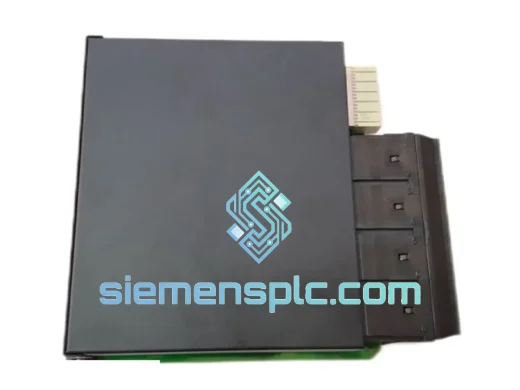
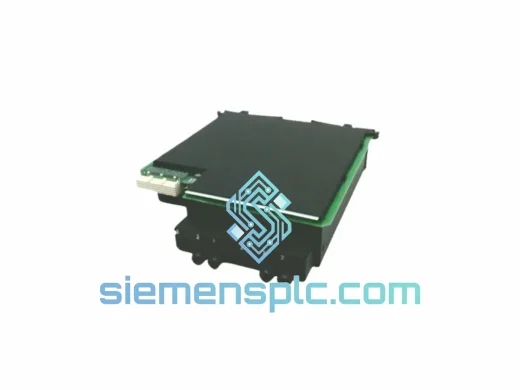
This is not a refurbished pull. This is a 100% original GE UR 6CH module, bench-verified, ESD-packed, and ready to drop into your UR chassis rear slot. Whether you’re running a T60 transformer protection scheme, an F60 feeder relay, or a G60 generator protection panel, this module restores your digital I/O capacity without a single panel modification.
⚡ URGENT REQUIREMENT? Contact: [email protected] | WhatsApp: +86 18359268345
| Parameter | Specification |
|---|---|
| Part Number | UR 6CH |
| Manufacturer | GE Grid Solutions (GE Multilin) |
| Platform | GE Universal Relay (UR) Series — T35, T60, L90, F35, F60, G30, G60, M60, C60, B30, B90, D60 |
| Channel Count | 6 Channels (Digital I/O, configurable) |
| Module Form Factor | Plug-in rear-slot expansion card for UR chassis |
| Input Voltage Range | 17–300 V DC / 20–265 V AC (wet contact, model-dependent) |
| Output Type | Form-A (NO) or Form-C (NO/NC) electromechanical relay contacts |
| Output Contact Rating | 8 A continuous / 30 A make — 250 V AC / 30 V DC resistive |
| Optical Isolation | Full galvanic isolation, field wiring to relay logic |
| Operating Temperature | –40 °C to +85 °C |
| Humidity | 5–95% RH, non-condensing |
| Weight | 268 g |
| Certifications | IEEE C37.90, IEC 60255, CE, UL (platform-level) |
| Configuration Tool | GE EnerVista UR Setup Software |
| Stock Status | ✅ Ready to Ship — Xiamen Warehouse |
Ten years of field work teaches you that most UR 6CH failures fall into three buckets. Here’s what to check before you pull the module — and what to watch when you install the replacement.
Common Failure Signatures:
Replacement Procedure — Field Checklist:
EnerVista Configuration Notes: After module swap, navigate to Settings → Product Setup → Hardware in EnerVista and confirm the 6CH module is listed with the correct slot assignment. If the relay was previously configured with the old module’s serial number locked, you may need to clear the hardware lock before the new module is accepted. This is done under Maintenance → Clear Hardware Lock — requires relay in test mode.
The GE UR 6CH is not office equipment. It was designed from the ground up for the environments that destroy lesser hardware — and it has the test pedigree to prove it.
Vibration & Mechanical Shock: Qualified to IEC 60255-21 Class 2 vibration and shock requirements. The module’s PCB is conformal-coated and the backplane connector uses a high-retention contact system that maintains electrical continuity under the sustained vibration loads found in diesel generator rooms, compressor stations, and rail traction substations. In field deployments across Southeast Asian mining operations and Middle Eastern petrochemical plants, the UR platform has demonstrated mean time between failures (MTBF) exceeding 200,000 hours.
Thermal Performance: The –40 °C to +85 °C operating range is not a marketing number — it reflects the actual temperature cycling the module undergoes during IEC 60068-2-14 thermal shock qualification. In outdoor kiosk substations in northern China where ambient temperatures swing from –30 °C in winter to +55 °C inside the panel in summer, the UR 6CH maintains full contact rating and input threshold accuracy without derating.
Humidity & Condensation: Conformal coating on all PCB assemblies provides protection against condensation events in coastal and tropical substations. The module meets IEC 60068-2-78 damp heat testing at 40 °C / 93% RH for 56 days — the standard that separates industrial-grade hardware from commercial-grade hardware that fails within two monsoon seasons.
Electromagnetic Immunity: Substations are electromagnetically hostile environments. The UR 6CH is qualified to IEEE C37.90.1 (surge withstand capability) and IEEE C37.90.2 (radiated EMI withstand). Full optical isolation between field wiring and relay logic prevents ground loop currents from corrupting digital input states — a failure mode that has caused protection misoperations in installations using non-isolated I/O modules.
Our Xiamen warehouse operates on a same-day dispatch model for in-stock modules. Here’s exactly how your shipment moves from our shelf to your site:
📧 Email: [email protected]
💬 WhatsApp: +86 18359268345
🌐 Web: siemensplc.com
© 2026 siemensplc.com. All rights reserved.
We check the full part number, brand, series and visible nameplate information before quotation.
Sales confirms stock path, condition option, quantity and realistic lead time for export dispatch.
DHL, FedEx, UPS or buyer courier arrangements can be reviewed with packing requirements.
Similar brand or category products for fast comparison and multi-item RFQ lists.