GE
RFQ Ready
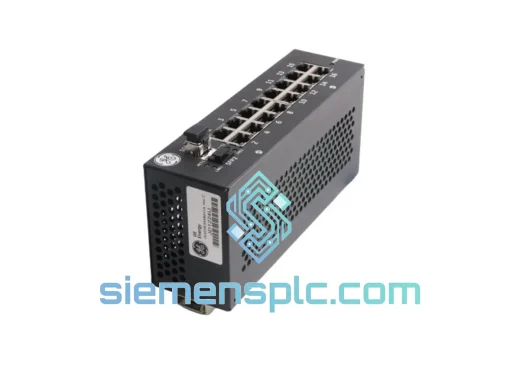
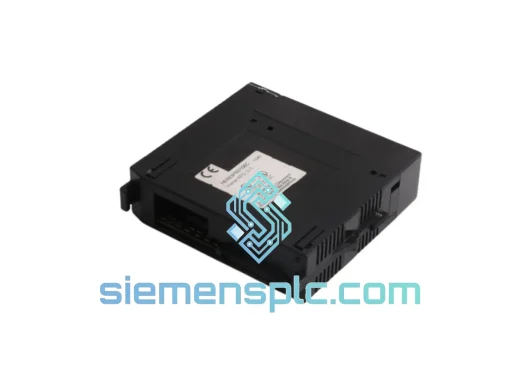
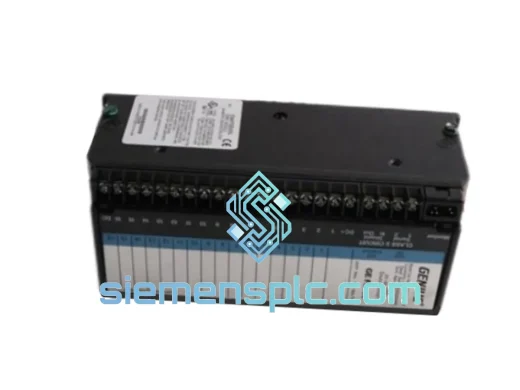
GE UR7HH Inter-Relay Communications Module
UR Series
Origin US
Inter-Relay Communications Module
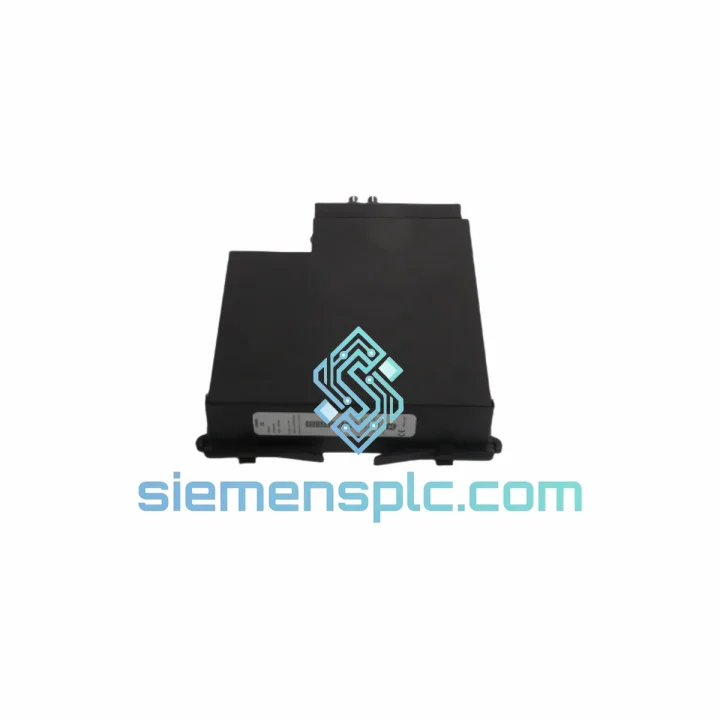
Request verified availability, condition, replacement risk review, packing options and courier lead time for UR 7BH UR7BH.
Click Request Quote and the part number is inserted into the inquiry form automatically.
Core fields for model confirmation and RFQ routing. Detailed product narrative remains below.
Every hour your protection relay is offline, the exposure compounds — unprotected feeders, stalled SCADA polling, and a control room waiting on one part. The GE UR7BH Communication Module is physically on the shelf in Xiamen. No lead-time negotiation, no factory backorder queue. We pull, test, pack, and hand to DHL the same business day you confirm. That is the only metric that matters when your substation is dark.
URGENT REQUIREMENT? Contact: [email protected] | WhatsApp: +86 18359268345
| Parameter | Value |
|---|---|
| Part Number | UR7BH / UR 7BH |
| Manufacturer | GE Grid Solutions (GE Multilin) |
| Series | Multilin UR Series |
| Module Function | Communication Module (plug-in) |
| Form Factor | UR chassis plug-in card |
| Supported Protocols | IEC 61850 (GOOSE / MMS), DNP3, Modbus RTU/TCP |
| Compatible Chassis | C30, C60, C70, D30, D60, F35, F60, G30, G60, L30, L60, L90, M60, N60, T35, T60 |
| Operating Temperature | -20 °C to +60 °C |
| Weight | 660 g (approx.) |
| Firmware Dependency | UR Series firmware ≥ 5.x recommended; verify with EnerVista UR Setup |
| Stock Status | ✅ Ready to Ship – Xiamen Warehouse |
| Lead Time | Same-day dispatch on confirmed orders before 15:00 CST |
| Shipping Options | DHL Express / FedEx International Priority |
Ten years of field calls on UR Series chassis teach you the same lesson repeatedly: most communication failures are not hardware death — they are configuration drift after a firmware update or a slot-address conflict after a chassis swap. Before you condemn the UR7BH, run through this sequence.
Common fault indicators pointing to the UR7BH:
Step-by-step replacement procedure:
Fault code reference: If the relay logs a “COMM MODULE FAIL” self-test alarm immediately after replacement, the most probable causes in order are: (1) firmware mismatch — reflash relay firmware to a compatible version; (2) backplane connector contamination — clean with IPA and reseat; (3) defective replacement unit — contact us immediately, we ship a swap unit same day.
Substations are not server rooms. The UR7BH is built to operate where ambient temperature swings 40 °C between morning and afternoon, where switchgear operations inject conducted transients onto every ground reference, and where coastal installations push humidity to 95% non-condensing for weeks at a time.
GE Multilin designed the UR Series communication modules to meet IEC 60255-26 EMC requirements, including 4 kV fast transient burst (IEC 61000-4-4) and 2 kV surge immunity (IEC 61000-4-5). The PCB conformal coating resists moisture ingress that would corrode unprotected boards within a single monsoon season. Vibration tolerance is validated to IEC 60255-21-1 Class 1, covering the mechanical stress of nearby transformer energization and switchgear racking operations.
Units in our Xiamen stock are stored in climate-controlled conditions at 20–25 °C with humidity maintained below 60% RH. Each module is individually bagged with desiccant and an ESD shunt before warehousing. When you receive the UR7BH, the board is in the same condition it left the GE factory — not degraded by years in an uncontrolled spare-parts cabinet.
Our dispatch operation runs out of Xiamen, Fujian — one of China’s primary export hubs with direct DHL and FedEx gateway access. Here is exactly what happens after you confirm your order:
For projects requiring multiple units or phased delivery schedules, contact us before ordering — we can stage shipments to match your site access windows and avoid customs consolidation delays.
Ready to order or need a quote with lead-time confirmation?
© 2026 siemensplc.com. All rights reserved.
We check the full part number, brand, series and visible nameplate information before quotation.
Sales confirms stock path, condition option, quantity and realistic lead time for export dispatch.
DHL, FedEx, UPS or buyer courier arrangements can be reviewed with packing requirements.
Similar brand or category products for fast comparison and multi-item RFQ lists.