HIMA
RFQ Ready
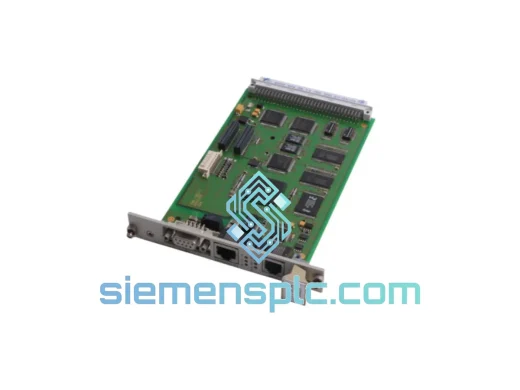
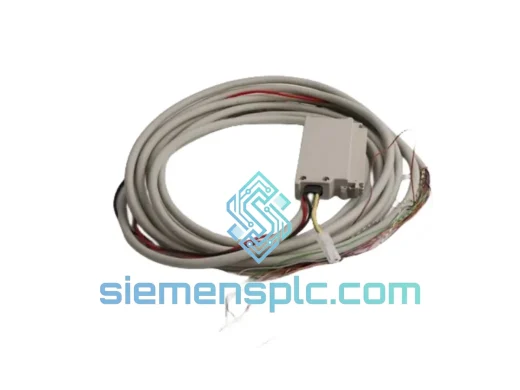
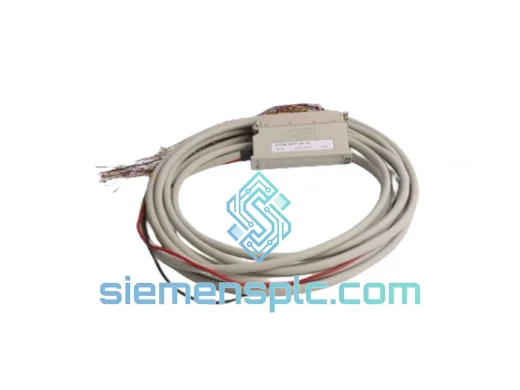
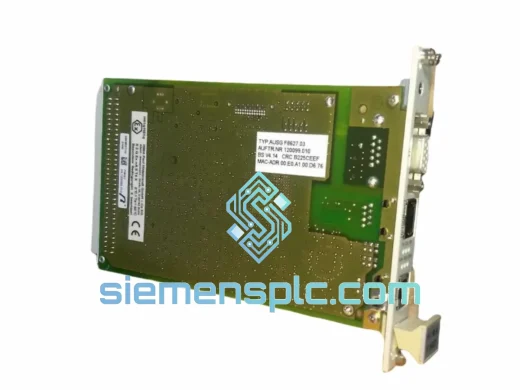
HIMA F8627 AUSG F8627.03 Safety Communication Module – HIMax
Origin DE
Safety Communication Module
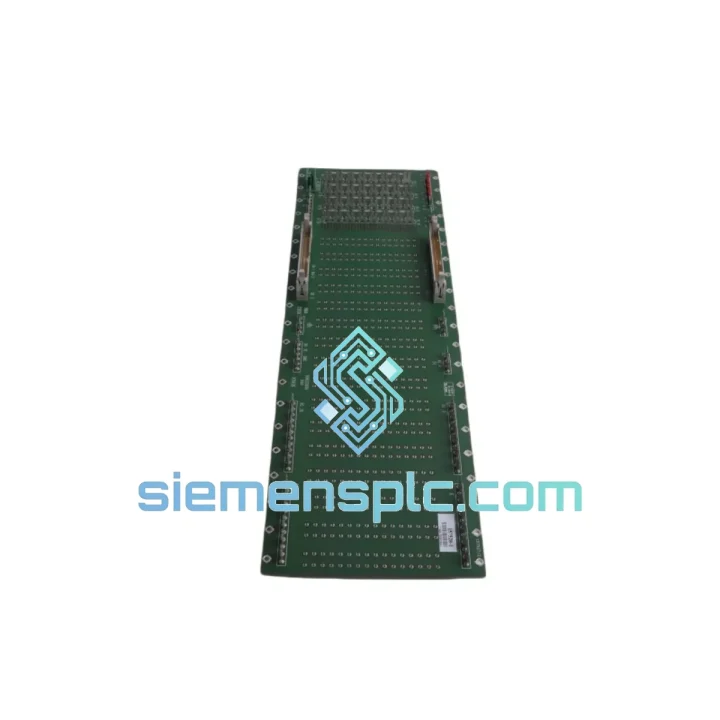
Request verified availability, condition, replacement risk review, packing options and courier lead time for Z1001.
Click Request Quote and the part number is inserted into the inquiry form automatically.
Core fields for model confirmation and RFQ routing. Detailed product narrative remains below.
Every minute a HIMATRIX node is offline in an ESD or BMS loop, the cost meter is running. A tripped SIS, a failed SafeEthernet segment, a corrupted Z1001 — these are not theoretical scenarios. They happen at 2 AM on a Sunday, and your maintenance team needs a replacement on the bench before the next shift. That is exactly why we stock the Z1001 here in Xiamen, pre-verified, ready to label and hand to DHL before the courier cutoff.
We are not a catalog. We are a stocking distributor with a direct line to your inbox. If you are reading this page, you probably already know what the Z1001 does. What you need to know is whether we have it and how fast it moves. The answer: yes, and fast.
URGENT REQUIREMENT? Contact: [email protected] | WhatsApp: +86 18359268345
| Parameter | Value |
|---|---|
| Part Number | Z1001 |
| Brand | HIMA Paul Hildebrandt GmbH |
| Product Family | HIMATRIX Distributed Safety System |
| Module Function | Safety Communication / Remote I/O Node |
| Safety Integrity Level | SIL 3 per IEC 61508 / SIL 2 per IEC 62061 |
| Communication Protocol | SafeEthernet (HIMA proprietary) |
| Supply Voltage | 24 V DC nominal |
| Operating Temperature | 0 °C to +60 °C |
| Protection Rating | IP20 |
| Certifications | TÜV, ATEX Zone 2 (with enclosure), IEC 61511 |
| Engineering Tool | HIMA ELOP II Factory / PADT |
| Country of Origin | Germany |
| Weight | approx. 340 g |
| Stock Status | ✅ Ready to Ship — Xiamen Warehouse |
Ten years of field work teaches you that a Z1001 swap is rarely just a swap. Here is what actually trips up engineers on-site:
1. Firmware revision mismatch — the silent killer. The Z1001 must run firmware that matches the host HIMatrix or HIMax CPU exactly. Pull the firmware version from your ELOP II Factory project file before you order. If the replacement unit ships with a different firmware build, you will need to re-flash it using ELOP II Factory before the node comes online. Attempting to force a mismatched node into a live ring will trigger a SafeEthernet timeout fault on the host CPU — fault code 0x2A11 or similar depending on your CPU generation. Do not ignore it and cycle power; diagnose first.
2. Node address conflicts in ring topology. The Z1001 uses software-assigned node addressing via ELOP II Factory — there are no physical DIP switches on this module. However, if you are replacing a unit that was previously configured with a specific node ID, the replacement must be downloaded with the identical project configuration. A factory-default Z1001 inserted into a live ring will appear as an unknown node and the host CPU will flag a topology error. Always download the project to the replacement module on the bench before installing it in the cabinet.
3. SafeEthernet ring recovery after hot-swap. HIMATRIX supports ring redundancy, but recovery time after a node replacement depends on whether the ring was broken during removal. If you pulled the module with the ring intact (both ports live), expect a 3–5 second ring reconfiguration cycle after reinsertion. If the ring was broken, the host CPU will log a ring open event — clear it from the ELOP II diagnostics panel after the ring is restored.
4. Hardware revision tracking. HIMA has released multiple HW revisions of the Z1001. In most cases, revisions are backward compatible, but always cross-check the HW revision label on the failed unit against your system documentation. If your project was validated against a specific HW revision for SIL 3 compliance, substituting a different revision may require a change note from your TÜV-certified integrator.
5. Common fault codes to check before condemning the module:
The Z1001 was engineered for environments where consumer-grade electronics last weeks, not years. HIMA’s HIMATRIX platform is deployed on offshore platforms in the North Sea, in desert gas processing facilities in the Middle East, and in chemical complexes across Southeast Asia — none of which are gentle on electronics.
The module’s conformal-coated PCB resists humidity ingress in coastal and high-humidity industrial environments. Its operating temperature ceiling of 60 °C covers the majority of cabinet installations even in tropical climates without forced cooling. Vibration tolerance meets IEC 60068-2-6 test profiles, which is relevant for installations near rotating machinery such as compressors and turbines where panel vibration is a constant stress factor.
The IP20 rating means the Z1001 is designed for installation inside a sealed control cabinet — not for open-air exposure. Ensure your enclosure maintains positive pressure or filtered ventilation if the installation site has airborne particulates, which is common in cement, mining, and steel applications.
Every unit we ship has been visually inspected for physical damage, label integrity, and connector condition. We do not ship modules with bent pins, cracked housings, or missing firmware labels. If a unit does not pass our pre-shipment check, it does not leave the warehouse.
Our warehouse is located in Xiamen, Fujian — one of China’s primary export hubs with direct DHL and FedEx service center access. This is not a drop-shipping arrangement. Stock is physically on our shelves.
Standard export process for the Z1001:
We understand that a module sitting in customs is as useless as a failed one. We prepare documentation correctly the first time to avoid clearance delays.
📧 Email: [email protected]
📱 WhatsApp: +86 18359268345
🌐 Web: siemensplc.com
© 2026 siemensplc.com. All rights reserved.
We check the full part number, brand, series and visible nameplate information before quotation.
Sales confirms stock path, condition option, quantity and realistic lead time for export dispatch.
DHL, FedEx, UPS or buyer courier arrangements can be reviewed with packing requirements.
Similar brand or category products for fast comparison and multi-item RFQ lists.