Siemens PLC sourcing desk · Multi-brand automation spares [email protected] +86 18359268345
Request Quote
Honeywell In Stock OK

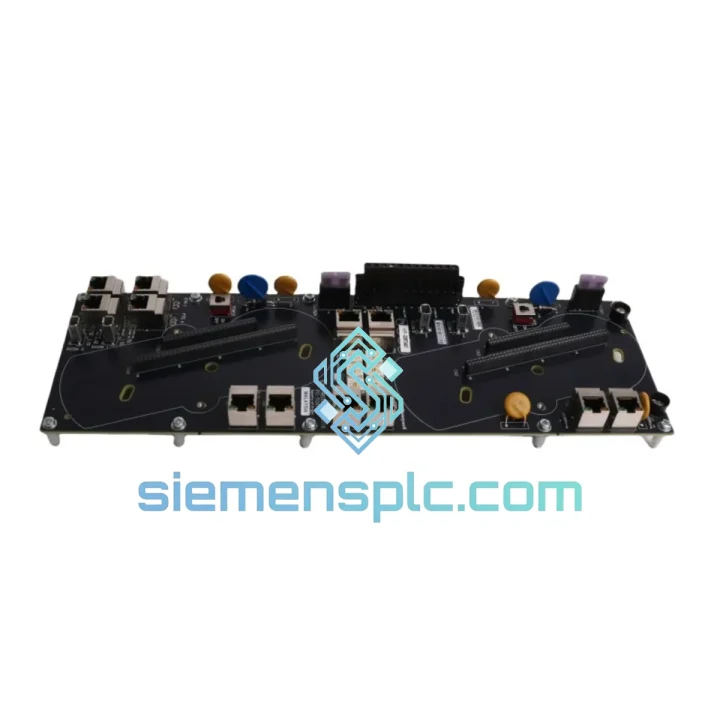
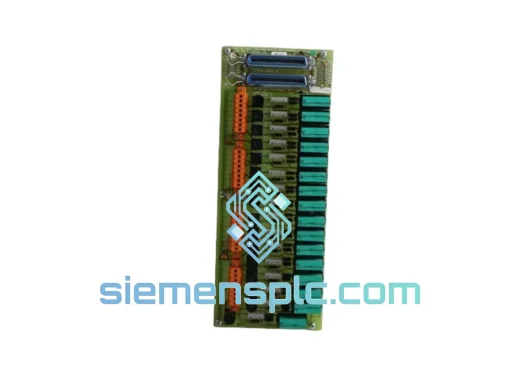
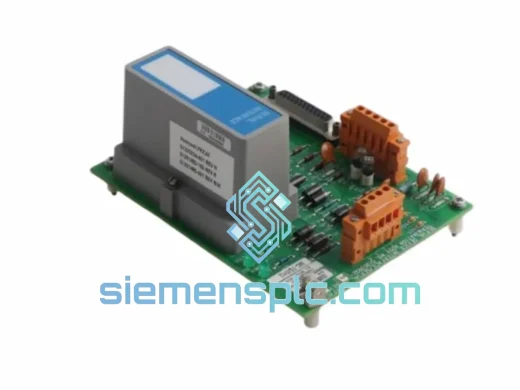
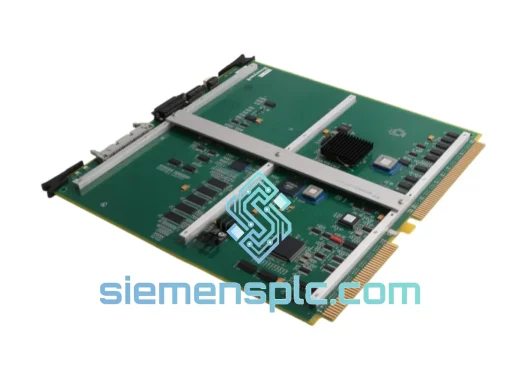
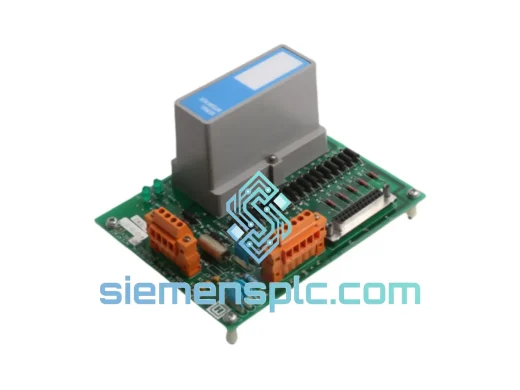
Honeywell FC-TCNT01 TC Network Interface Module

Request verified availability, condition, replacement risk review, packing options and courier lead time for FC-TCNT01.

Exact partFC-TCNT01 RFQ auto-fillPart number attached Export packingDHL / FedEx / UPS Sales replyEmail or WhatsApp
BrandHoneywell Part NumberFC-TCNT01 ConditionAvailability Check Lead TimeRFQ Confirmation DocumentsDatasheet / photos by RFQ ShippingExport packing available
Auto-filled RFQ FC-TCNT01

Click Request Quote and the part number is inserted into the inquiry form automatically.

Procurement Data

Key Product Information

Core fields for model confirmation and RFQ routing. Detailed product narrative remains below.

Brand
Honeywell
Primary Part Number
FC-TCNT01
Product Type
Network Interface Module
Series / Family
neywell FC-TCNT01 SC Series
Manufacturer
Honeywell Process Solutions
Country of Origin
US
Catalog Category
Communication
Operating Temp.
0°C to +60°C
Compliance
CE, RoHS
Model confirmed for inquiry FC-TCNT01 Send quantity, destination and urgency. The RFQ form keeps this part number attached.
Request Quote
Product Overview

FC-TCNT01 Down? Every Minute of Downtime Costs You — We Ship Today

A failed Honeywell FC-TCNT01 TC Network Interface Module doesn’t just trip an alarm — it can bring an entire SC Series safety loop offline, triggering a plant-wide shutdown that bleeds thousands of dollars per hour. We stock the FC-TCNT01 in Xiamen and dispatch same-day on confirmed orders. No waiting for factory lead times. No broker runaround. Just a verified, original module on its way to your site before your next shift change.

URGENT REQUIREMENT? Contact: [email protected] | WhatsApp: +86 18359268345

Quick Technical Datasheet

Part Number FC-TCNT01
Manufacturer Honeywell Process Solutions
Series SC (Safety Controller) Series
Module Function TC Network Interface / Communication Bridge
Communication Protocol TotalCare (TC) Proprietary Network
Mounting SC Series Rack / DIN-rail compatible backplane
Safety Rating IEC 61508 SIL-rated design
Compliance CE, RoHS
Operating Temperature 0°C to +60°C
Weight Approx. 450 g
Origin USA
Stock Status ✔ Ready to Ship — Xiamen Warehouse

Troubleshooting & Replacement Tips

The FC-TCNT01 sits at the heart of the SC Series TC Network ring. When it fails, symptoms are rarely subtle — you will typically see one or more of the following before the module goes dark entirely:

  • Fault Code 0x4A / TC Network Loss: The SC controller logs a TC Network communication fault. Check the STATUS LED first — solid red or alternating red/amber confirms the interface has lost its network handshake. Do not assume the cable is the culprit until you have swapped the module; internal transceiver failures are the leading cause on units with more than 5 years of runtime.
  • Intermittent CRC Errors on TC Ring: Sporadic CRC errors logged in your historian point to a drifting internal oscillator — a known aging failure mode. Temporary workaround: reduce TC ring baud rate one step in the SC configuration tool. Permanent fix: replace the module.
  • Controller Enters Safe State Unexpectedly: An FC-TCNT01 that drops off the TC ring mid-scan can trigger the SC controller safe-state logic — valves close, drives trip. Pull the diagnostic log and look for a TC Network timeout event in the 200–500 ms window before the trip.

Replacement Procedure — Field Checklist:

  1. Confirm the SC controller is in a safe, de-energized state or that a redundant controller has taken over. Never hot-swap the FC-TCNT01 without verifying redundancy status.
  2. Document the current slot position and TC ring port assignments. Port A / Port B orientation matters — reversing them causes a ring break fault on startup.
  3. Note the firmware revision label on the outgoing module. The replacement must run the same firmware major version. Mismatched firmware between the FC-TCNT01 and the SC controller CPU can result in a non-recoverable boot fault.
  4. Seat the new FC-TCNT01 firmly into the backplane connector. Partial seating is the single most common cause of callback calls — apply firm, even pressure until the locking tab engages.
  5. Power up and observe the STATUS LED sequence: green flash (self-test) then solid green (TC ring joined). Amber after 30 seconds means the module has not joined the ring — recheck port A/B orientation and cable continuity.
  6. Force a controller diagnostic scan from the SC engineering workstation and confirm the FC-TCNT01 appears in the network topology map with zero error counts before returning the loop to automatic.

Configuration Note: The FC-TCNT01 acquires its TC network node address automatically from the SC controller configuration database on first boot — no DIP switches, no manual addressing. However, if the system has never been re-commissioned after a controller CPU swap, verify that the TC node address table in the SC configuration tool still matches the physical slot assignments.

Reliability in Harsh Conditions

The FC-TCNT01 was built for environments where harsh is the baseline. Honeywell SC Series hardware undergoes qualification testing well beyond commercial-grade standards:

  • Vibration: Qualified to IEC 60068-2-6 sinusoidal vibration profiles — relevant for compressor skids, offshore platforms, and rotating machinery enclosures where panel vibration is continuous.
  • Thermal Cycling: Continuous operation up to 60°C ambient without derating. Internal power regulation is specified for a minimum 10-year MTBF at rated temperature — critical when your next planned maintenance window is 18 months out.
  • Humidity and Condensation: Conformal-coated PCB provides protection up to 95% RH non-condensing, suitable for coastal refineries, LNG terminals, and tropical process plants.
  • EMI/RFI Immunity: TC Network transceiver circuitry meets IEC 61000-4 immunity levels for conducted and radiated interference — essential in environments with large VFDs, high-voltage switchgear, or nearby welding operations.

Every unit shipped from our Xiamen stock is inspected for physical integrity and label authenticity before packaging. Original, traceable, no exceptions.

Global Express Logistics

Our Xiamen warehouse is positioned for fast export to every major industrial region. Here is how a typical urgent order moves:

  • Order confirmed before 14:00 CST: Same-day pick, pack, and handoff to DHL Express or FedEx International Priority.
  • Export documentation: Commercial invoice, packing list, and certificate of origin prepared in parallel with packing — no paperwork delays.
  • Typical transit times: Southeast Asia 2–3 days | Middle East 3–4 days | Europe 4–5 days | North America 4–6 days | Australia 3–5 days.
  • Tracking: AWB number sent within 2 hours of carrier pickup with real-time tracking link.
  • Customs support: HS code classification and customs value documentation provided. We clear industrial automation components through customs in 40+ countries.

Hard deadline — restart window, regulatory inspection, penalty clause? Contact us before placing the order. We confirm the realistic delivery date for your location before you commit.

Contact Information

Email: [email protected]
WhatsApp: +86 18359268345
Web: siemensplc.com
© 2026 siemensplc.com. All rights reserved.

Ready to quote

Send This Part Number to Sales

[email protected]
RFQ workflow

Confirmation Process

Quality workflow ->
01Model confirmation

We check the full part number, brand, series and visible nameplate information before quotation.

02Availability reply

Sales confirms stock path, condition option, quantity and realistic lead time for export dispatch.

03Packing & courier

DHL, FedEx, UPS or buyer courier arrangements can be reviewed with packing requirements.