Jetter
RFQ Ready
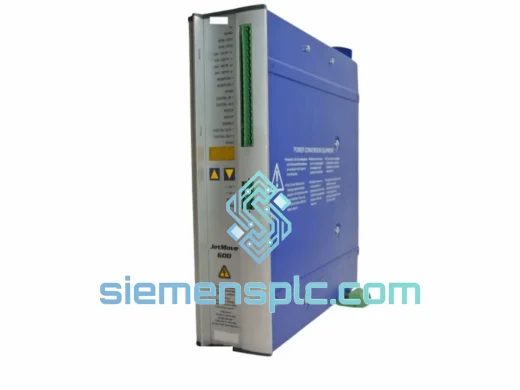
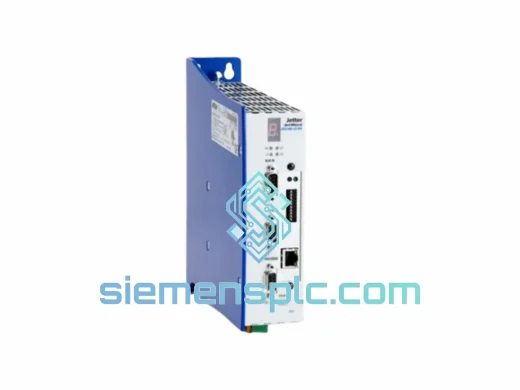
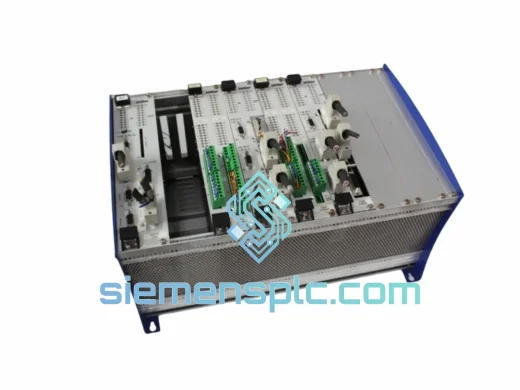
JETTER JX6-BASIS-8 PLC Backplane – JX6 Series
JX6 Modular PLC
Origin Germany
PLC Backplane / Card Rack
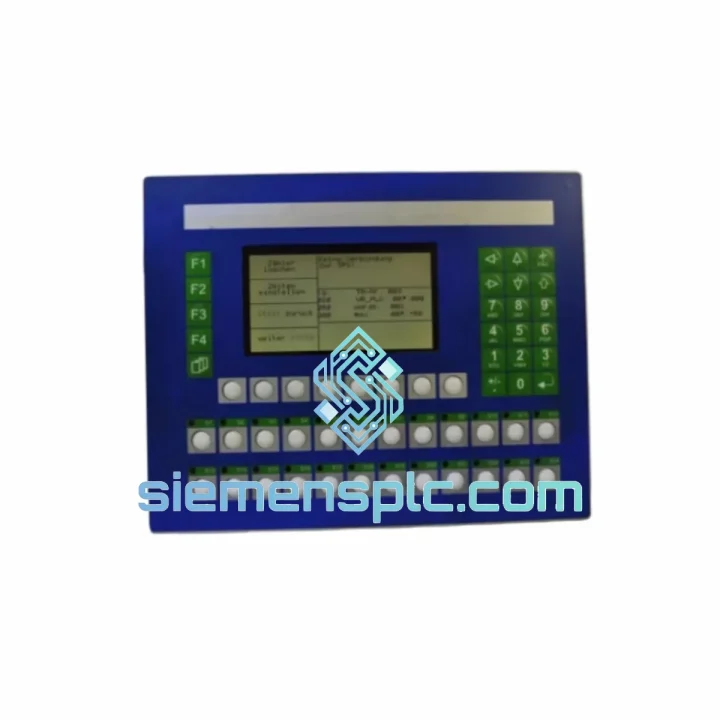
Request verified availability, condition, replacement risk review, packing options and courier lead time for BT20-24-Z-CFL.
Click Request Quote and the part number is inserted into the inquiry form automatically.
Core fields for model confirmation and RFQ routing. Detailed product narrative remains below.
Your line stopped. The BT20-24-Z-CFL is dark, unresponsive, or throwing a comm fault. You’ve already lost 30 minutes diagnosing it. The maintenance team is standing by. Procurement is calling. You don’t need a datasheet lecture — you need the part, now, with someone who’s actually replaced one of these before.
We stock the Jetter BT20-24-Z-CFL in Xiamen and ship globally via DHL Express and FedEx International Priority. Orders confirmed before 18:00 CST go out same day. That’s not a marketing line — it’s how we operate.
URGENT REQUIREMENT? Contact: [email protected] | WhatsApp: +86 18359268345
| Parameter | Specification |
|---|---|
| Part Number | BT20-24-Z-CFL |
| Manufacturer | Jetter AG (Germany) |
| Series | BT20 |
| Device Type | HMI Operator Panel / Industrial TFT Touch Display |
| Supply Voltage | 24 V DC (regulated) |
| Backlight Technology | CFL (Cold Fluorescent Lamp) |
| Display Type | TFT LCD Resistive Touch |
| Front Protection | IP65 (panel-mount, front face) |
| Operating Temperature | 0 °C to +50 °C |
| PLC Compatibility | Jetter JetControl series (JC-340, JC-647, JC-647M) |
| Communication | Jetter proprietary bus / Ethernet (model-dependent) |
| Programming Environment | JetSym STX / JetSym Workbench |
| Mounting | Panel cut-out, rear-mount clips |
| Weight | ~3,900 g |
| Origin | Germany |
| Stock Status | ✅ Ready to Ship — Xiamen Warehouse |
After handling dozens of BT20-24-Z-CFL swaps in the field, here are the failure modes and gotchas that actually matter:
Most Common Failure Points:
Step-by-Step Replacement Procedure:
The BT20-24-Z-CFL was built for environments that destroy consumer-grade electronics in weeks. IP65 front panel protection seals against dust and low-pressure water jets — relevant in food processing, washdown zones, and outdoor enclosures. The 0–50 °C operating range covers the majority of industrial floor environments including poorly climate-controlled production halls in summer.
The steel rear housing provides structural rigidity against vibration loads common in press rooms, stamping lines, and mobile equipment. Resistive touch technology is inherently immune to false triggering from water droplets, gloved hands, and metal swarf — the correct choice for machine tool and metalworking environments where capacitive panels routinely fail.
EMI immunity is built to IEC 61000 industrial standards. The panel has been validated in environments with variable-frequency drives, servo amplifiers, and high-current switching loads operating in close proximity — the exact conditions where cheaper HMI alternatives generate spurious resets and communication errors.
Every unit shipped from our Xiamen warehouse is inspected for physical integrity, connector condition, and basic power-on function before packaging. No cracked bezels, no damaged connectors, no missing mounting hardware.
Our warehouse is in Xiamen, Fujian Province — one of China’s primary export hubs with direct access to DHL, FedEx, and UPS international gateways. Stock is physically on our shelves. This is not a drop-ship operation.
Typical Transit Times from Xiamen:
All shipments include commercial invoice, packing list, and certificate of origin where required for customs clearance. Tracking numbers issued within 2 hours of dispatch. For critical downtime situations, same-day courier pickup can be arranged with real-time tracking shared directly to your WhatsApp.
Import duties and taxes are the buyer’s responsibility and vary by destination country. We declare at actual value — under-declaration creates customs holds that defeat the entire purpose of express shipping.
📧 Email: [email protected]
💬 WhatsApp: +86 18359268345
🌐 Web: siemensplc.com
© 2026 siemensplc.com. All rights reserved.
We check the full part number, brand, series and visible nameplate information before quotation.
Sales confirms stock path, condition option, quantity and realistic lead time for export dispatch.
DHL, FedEx, UPS or buyer courier arrangements can be reviewed with packing requirements.
Similar brand or category products for fast comparison and multi-item RFQ lists.