Mitsubishi Electric
RFQ Ready
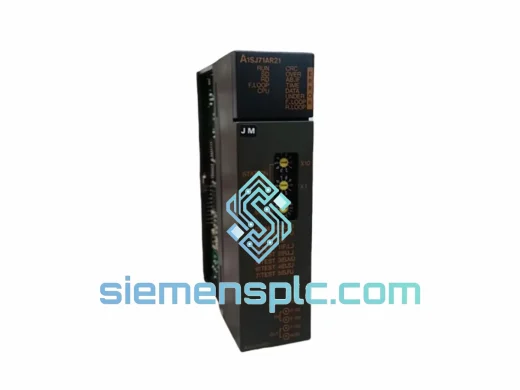
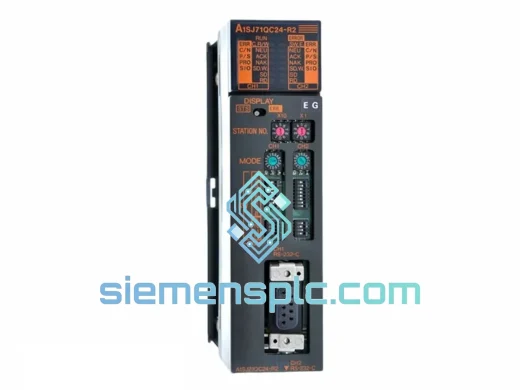
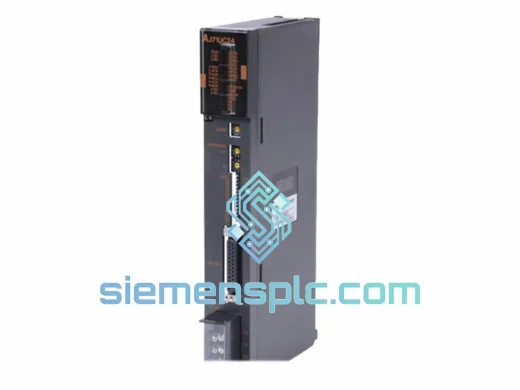
Mitsubishi AJ71UC24 CC-Link Communication Module
MELSEC-A
Origin JP
CC-Link Communication Module
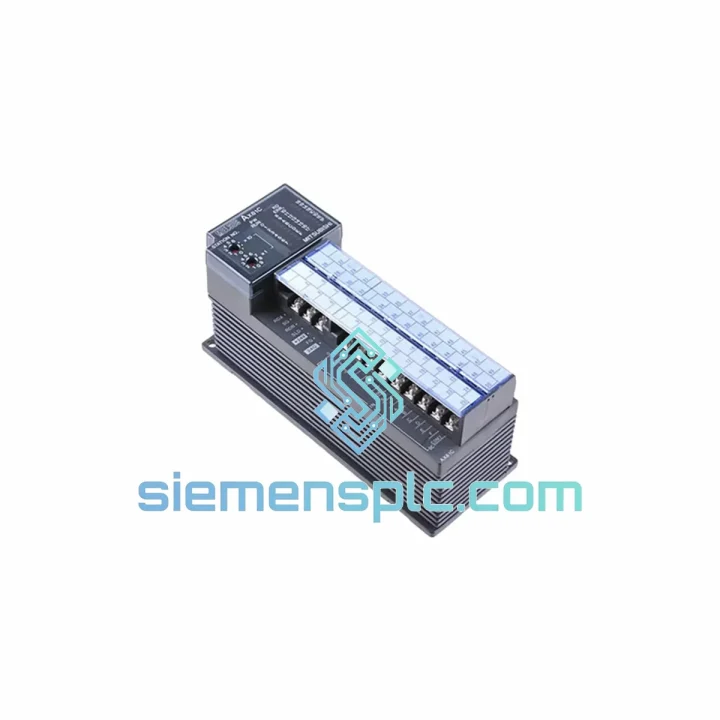
Request verified availability, condition, replacement risk review, packing options and courier lead time for AX81.
Click Request Quote and the part number is inserted into the inquiry form automatically.
Core fields for model confirmation and RFQ routing. Detailed product narrative remains below.
Your MELSEC-A Series line just stopped. The AX81 communication module is dead — no data link, no host handshake, production at zero. You’ve already called your local distributor and heard the words nobody wants: “4–6 weeks lead time.” That’s not an option when your line is losing thousands per hour.
We stock the MITSUBISHI AX81 in Xiamen. Verified OEM. Not refurbished. Not a clone. The real module, pulled from authenticated supply channels, inspected, and ready to go out the door today via DHL Express or FedEx International Priority. We’ve shipped to automotive plants in Germany, food processing facilities in Australia, and petrochemical sites in the Middle East — all on emergency timelines. We know what downtime looks like, and we move accordingly.
URGENT REQUIREMENT? Contact: [email protected] | WhatsApp: +86 18359268345
| Parameter | Specification |
|---|---|
| Part Number / SKU | AX81 |
| Manufacturer | MITSUBISHI Electric Corporation |
| Series / Platform | MELSEC-A Series |
| Module Function | Programmable Controller Communication Module |
| Interface | Backplane bus (A-Series base unit slot-mount) |
| Protocol | MELSEC-A native host-link / data link (MC Protocol predecessor) |
| Operating Temperature | 0°C to 55°C |
| Storage Temperature | -20°C to 75°C |
| Humidity | 5% to 95% RH, non-condensing |
| Power Supply | Via A-Series base unit backplane |
| Weight | 1,340 g (approx.) |
| Country of Origin | Japan |
| Compliance | CE, UL (lot-specific — documentation available on request) |
| Stock Status | ✅ Ready to Ship — Xiamen Warehouse |
| Typical Dispatch | Same day / next business day on confirmed order |
After 10 years of field work on MELSEC-A platforms, here are the failure patterns and swap pitfalls I see most often with the AX81:
Common Failure Indicators
Replacement Procedure — Field Checklist
Compatibility Note: The AX81 is exclusive to the MELSEC-A Series base unit. It is not compatible with MELSEC-Q, MELSEC-L, or iQ-R Series hardware. If you are migrating from A-Series to Q-Series, a different communication module and base unit are required.
The MELSEC-A Series was engineered for the factory floor — not a climate-controlled server room. The AX81 reflects that design philosophy. Its backplane-mounted architecture eliminates external cable connections as a failure point, and the module’s onboard communication controller is isolated from the CPU’s main processing bus, meaning electrical noise on the communication lines does not propagate into the CPU scan cycle.
In automotive stamping plants, where press vibration runs continuously at frequencies that loosen connectors and fatigue PCB solder joints, the AX81’s slot-mount design keeps it mechanically stable. In steel mills and foundries, where ambient temperatures regularly push 45–50°C and airborne particulate is a constant, the module’s sealed component layout and wide operating temperature range (0–55°C) provide the margin needed for sustained operation. In coastal and humid environments — common across Southeast Asian manufacturing — the 5–95% RH non-condensing rating covers the real-world humidity swings that occur during seasonal transitions.
Every AX81 unit we ship has been stored in controlled conditions: temperature-regulated warehouse, ESD-safe racking, anti-static packaging. We do not sell modules that have been sitting in uncontrolled environments or stripped from scrapped equipment without inspection. What you receive is a module that is ready to perform to original Mitsubishi Electric specifications from the moment it goes into your base unit.
Our dispatch warehouse is located in Xiamen, Fujian Province — one of China’s primary industrial export hubs with direct access to DHL Express, FedEx International Priority, and UPS Worldwide Express networks. This is not a drop-ship arrangement. Stock is physically on-hand, and orders confirmed before 14:00 CST typically ship same day.
Typical transit times from Xiamen:
All shipments include: full commercial invoice and packing list for customs clearance, ESD-safe inner packaging with foam protection, outer carton rated for international freight handling, and real-time tracking from dispatch to delivery. For orders requiring export documentation, CITES exemption letters, or specific country-of-origin certificates, contact us at the time of order — we handle this routinely for regulated industries.
Emergency freight options (next-flight-out, charter courier) are available for critical downtime situations. Contact us directly on WhatsApp for fastest response on urgent shipments.
📧 Email: [email protected]
💬 WhatsApp: +86 18359268345
🌐 Web: siemensplc.com
© 2026 siemensplc.com. All rights reserved.
We check the full part number, brand, series and visible nameplate information before quotation.
Sales confirms stock path, condition option, quantity and realistic lead time for export dispatch.
DHL, FedEx, UPS or buyer courier arrangements can be reviewed with packing requirements.
Similar brand or category products for fast comparison and multi-item RFQ lists.