Mitsubishi Electric
RFQ Ready
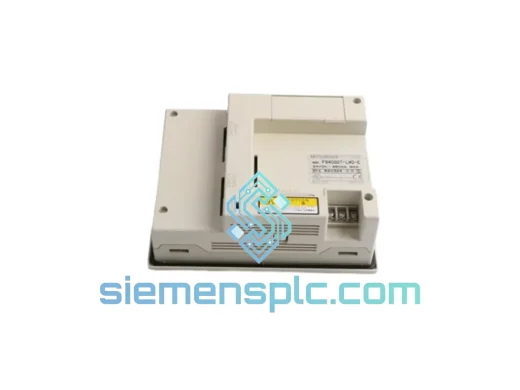
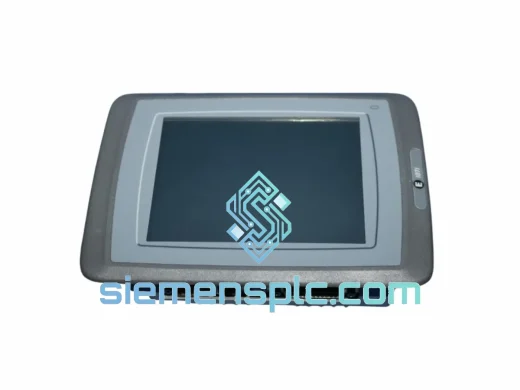
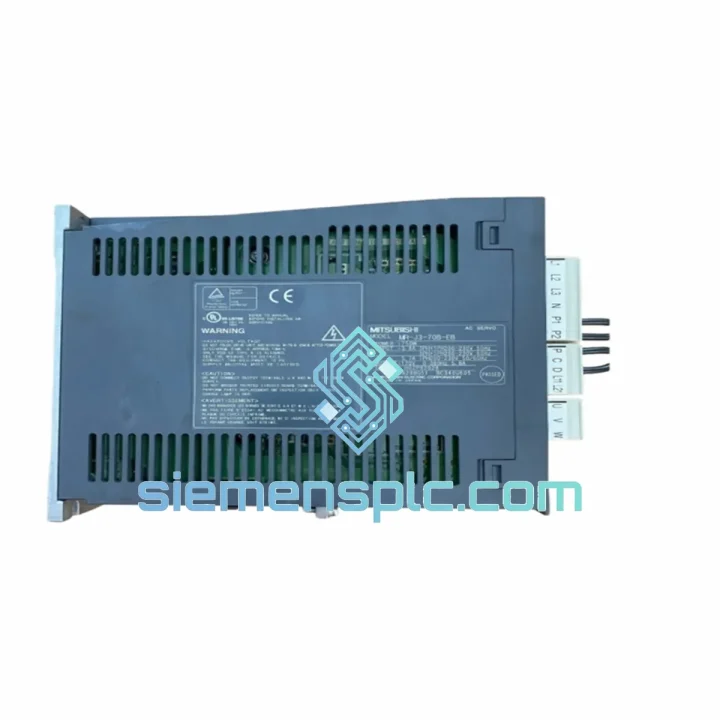
Mitsubishi FR-PU02ER Inverter Parameter Unit
E500 Series
Origin JP
Inverter Parameter Unit
Request verified availability, condition, replacement risk review, packing options and courier lead time for GT2508-VTBD.
Click Request Quote and the part number is inserted into the inquiry form automatically.
Core fields for model confirmation and RFQ routing. Detailed product narrative remains below.
Your line stopped. The GT2508-VTBD is dead — blank screen, no touch response, or a persistent system error that won’t clear. You’ve already rebooted the panel, checked the 24 VDC supply, and confirmed the PLC is running. The HMI is the fault. You need a replacement unit on-site before the next shift, not in three weeks.
We stock the Mitsubishi Electric GT2508-VTBD in Xiamen and ship globally via DHL Express and FedEx International Priority. Most orders placed before 15:00 CST clear customs documentation the same day. This is not a lead-time quote — this is a unit on a shelf, ready to box.
The GT2508-VTBD is an 8.4-inch SVGA (800 × 600) TFT color touch panel from Mitsubishi Electric’s GOT2000 GT25 series. It runs on 24 VDC, draws under 14 W, and communicates natively with MELSEC-Q, MELSEC-L, MELSEC-FX, CC-Link IE Field, and over 100 third-party controllers via built-in Ethernet and optional serial expansion. IP67-rated front face. Analog resistive touch. 57 MB user memory with SDHC slot for project backup. This is the workhorse HMI you find on automotive lines, food packaging conveyors, pharmaceutical filling machines, and water treatment skids worldwide — and when it fails, production stops.
Don’t wait for a distributor’s lead time. Contact us now.
⚡ URGENT REQUIREMENT?
Email: [email protected]
WhatsApp: +86 18359268345
| Parameter | Specification | Status |
|---|---|---|
| Part Number | GT2508-VTBD | ✅ Ready to Ship |
| Series | GOT2000 (GT25) | |
| Display | 8.4″ TFT Color LCD, 800 × 600 SVGA | |
| Brightness | 400 cd/m² | |
| Touch Type | Analog Resistive | |
| Processor | 32-bit RISC | |
| User Memory | 57 MB | |
| SD Card | SDHC up to 32 GB | |
| USB Host / Device | USB-A × 1 / USB-B × 1 | |
| Ethernet | 100BASE-TX × 1 | |
| Power Supply | DC 24 V ±10% | |
| Power Consumption | ≤ 14 W | |
| Operating Temp | 0 °C to +55 °C | |
| Storage Temp | -20 °C to +60 °C | |
| Humidity | 10–90% RH, non-condensing | |
| Front Panel IP Rating | IP67 | |
| Vibration | 5–8.4 Hz: 3.5 mm / 8.4–150 Hz: 9.8 m/s² | |
| Panel Cutout (W × H) | 227 mm × 175 mm | |
| Unit Dimensions | 246 × 194 × 60 mm | |
| Weight | Approx. 1.2 kg | |
| Programming Software | GT Works3 (GT Designer3) | |
| Certifications | CE, UL, cUL, KC | |
| Origin | Japan |
Before you pull the unit, run through this checklist. A surprising number of “dead HMI” calls are actually power or communication faults that a replacement won’t fix.
Step 1 — Verify 24 VDC at the terminal block. Measure directly at the HMI power terminals, not at the PSU output. Voltage drop across long cable runs or corroded terminals can pull supply below the ±10% tolerance. Anything under 21.6 VDC will cause random resets or a blank screen at startup.
Step 2 — Check the backlight, not the panel. If the touch panel responds (you hear relay clicks or see PLC I/O change when you press the screen) but the display is dark, the backlight has failed — not the logic board. The GT2508-VTBD backlight is not field-replaceable; the whole unit must be swapped. Confirm this by shining a flashlight at an angle across the screen surface: if you can faintly see the screen image, it’s the backlight.
Step 3 — Read the system alarm before powering down. The GOT2000 logs system errors in the alarm history even after a crash. If the unit still powers on intermittently, navigate to Utility → System Information → System Alarm and photograph the error codes. Common codes to note:
Step 4 — Swap procedure. Power down the panel. Label every connector before disconnecting — Ethernet, USB, power, and any serial expansion units. Remove the four mounting clamps from the rear (do not lose the gasket). Seat the new GT2508-VTBD into the cutout, confirm the gasket is fully compressed, and torque the clamps evenly to 0.5 N·m. Reconnect all cables. Power up — the unit will boot to the Utility screen on first power if no project is loaded.
Step 5 — Restore the project. If you have a pre-loaded SD card with the current GT Works3 project, insert it and navigate to Utility → SD Card → Write to GOT. The project transfers in under two minutes for most screen counts. If no backup exists, connect a laptop with GT Works3 and download the project via USB or Ethernet. Confirm the communication settings (IP address, PLC type, station number) match the original unit before going live.
Step 6 — Firmware check. If the replacement unit ships with an older OS version than the project was built on, GT Works3 will flag a version mismatch warning. Update the GOT OS via Utility → OS Installation using the OS data on the SD card or from the GT Works3 installation media. Mismatched firmware is the most common cause of “new unit, same problem” callbacks.
The GT2508-VTBD was not designed for a climate-controlled server room. It was built for the floor — the kind of environment where coolant mist settles on panel faces, forklifts shake the building, and summer ambient temperatures in non-air-conditioned facilities push 45 °C before the panel’s own heat dissipation is added.
The IP67-rated front face is sealed against dust ingress and temporary immersion — it survives high-pressure washdowns in food and pharmaceutical lines where lesser panels develop condensation behind the glass within months. The analog resistive touch layer operates reliably with gloved hands and in the presence of water droplets that would confuse capacitive panels into phantom touches.
Vibration resistance is rated to 9.8 m/s² from 8.4 to 150 Hz — sufficient for panels mounted on press frames, compressor skids, and mobile equipment. The operating temperature ceiling of 55 °C means the unit continues to function in enclosures that see significant solar gain or are located adjacent to furnaces and dryers.
Internal components are mounted on a single rigid PCB assembly with conformal coating on production variants, reducing the risk of corrosion failure in humid coastal or chemical plant environments. The SDHC slot cover is gasketed to prevent particulate ingress into the card bay — a detail that matters on grinding, cutting, and casting lines where metallic dust is airborne.
Mitsubishi Electric’s GOT2000 series carries a published 10-year production lifecycle commitment, which means spare units and replacement parts remain available long after the machine it controls has been fully amortized. For capital equipment with 15–20 year service lives, this is not a minor consideration — it is a procurement decision that determines whether your maintenance team can source parts in year 12 or is forced into a costly HMI migration project.
Our warehouse is located in Xiamen, Fujian Province, China — one of the country’s primary export hubs with direct access to DHL, FedEx, and UPS international gateways. This geography is not accidental: Xiamen’s port and air cargo infrastructure allows us to move parts to most major industrial regions faster than distributors operating from inland Chinese cities or from European hubs that must first import from Asia.
Standard export process for a GT2508-VTBD order:
For plant shutdowns, scheduled maintenance windows, or emergency breakdowns where every hour counts, contact us directly on WhatsApp before placing an order. We can confirm the exact unit on the shelf, arrange priority packing, and coordinate with the carrier for the earliest possible pickup slot.
Email: [email protected]
WhatsApp: +86 18359268345
Web: siemensplc.com
© 2026. All rights reserved.
We check the full part number, brand, series and visible nameplate information before quotation.
Sales confirms stock path, condition option, quantity and realistic lead time for export dispatch.
DHL, FedEx, UPS or buyer courier arrangements can be reviewed with packing requirements.
Similar brand or category products for fast comparison and multi-item RFQ lists.