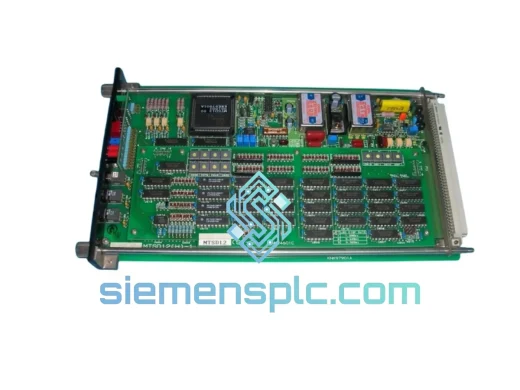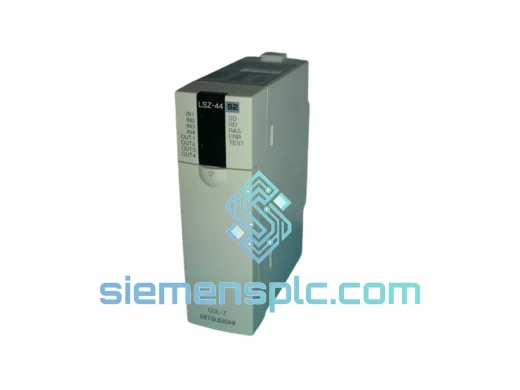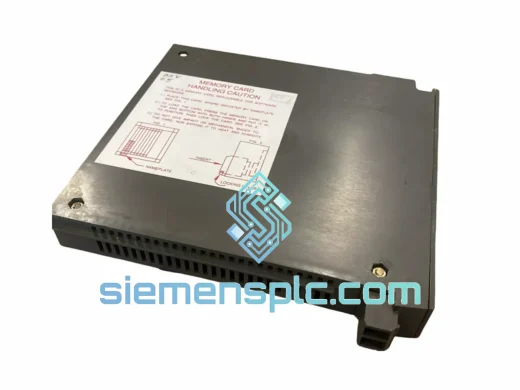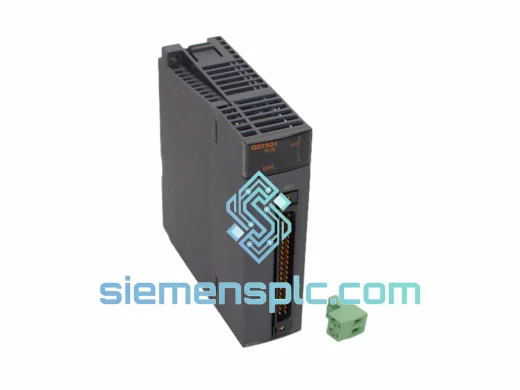
Mitsubishi Electric
RFQ Ready
Mitsubishi SD1T0A-A SD-1T0A-08 PLC Memory Module – MELSEC iQ-R Series
MELSEC
Origin JP
PLC Memory Module
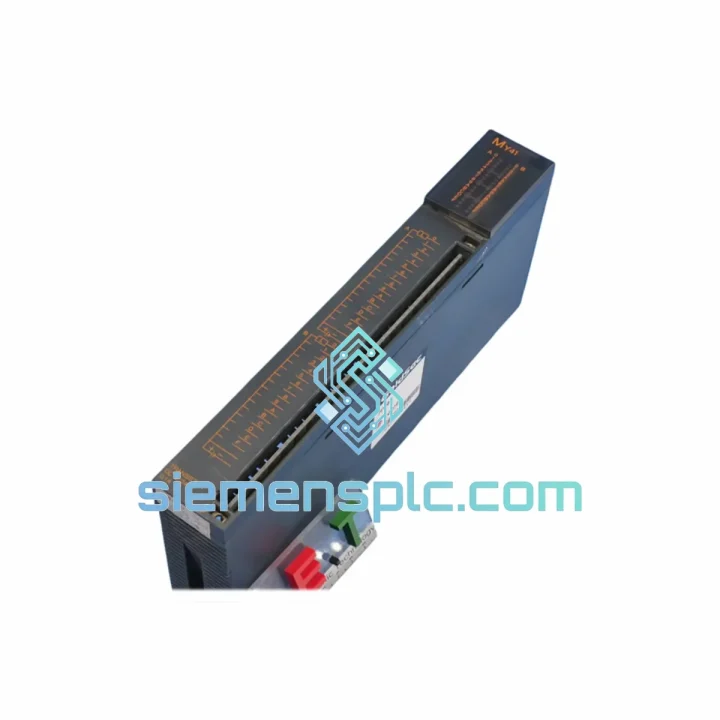
Request verified availability, condition, replacement risk review, packing options and courier lead time for MY41.
Click Request Quote and the part number is inserted into the inquiry form automatically.
Core fields for model confirmation and RFQ routing. Detailed product narrative remains below.
Every minute your line sits idle, you’re bleeding money. Whether it’s a failed microcode emulator mid-commissioning or a corrupted program environment that’s locked your MELSEC CPU in error mode, the MY41 is the unit you need on-site — now. We stock it in Xiamen, we ship it globally, and we’ve done this enough times to know that procurement delays are the enemy. This page exists to get you the part, the specs, and the confidence to pull the trigger without a second call to your distributor.
URGENT REQUIREMENT? Contact: [email protected] | WhatsApp: +86 18359268345
| Part Number | MY41 ✅ Ready to Ship |
| Brand | Mitsubishi Electric |
| Series | MELSEC |
| Function | Microcode Emulator / PLC Program Development & Debug Unit |
| Compatible Platforms | MELSEC-Q, MELSEC-F, MELSEC-L (confirm CPU series before ordering) |
| Interface | USB / RS-232C (SC-09 or USB-SC09-FX cable) |
| Software | GX Works2 / GX Works3 (GX Developer legacy support varies by firmware) |
| Weight | 1,080 g |
| Country of Origin | Japan |
| Condition | 100% Original, Factory Packaging |
| Stock Status | ✅ In Stock — Ships within 24 hrs of payment confirmation |
Ten years of field calls have taught me that most MY41 failures fall into three buckets. Here’s how to diagnose fast and swap clean:
1. Emulator Not Recognized by GX Works
Ninety percent of the time this is a driver conflict, not a dead unit. Before you condemn the MY41, check Device Manager for a yellow-flagged USB entry. Uninstall the Melsoft USB driver, reboot, and reinstall from the GX Works installation media. If the unit still won’t enumerate after a clean driver install on a second PC, the USB bridge IC on the MY41 board has likely failed — that’s your replacement trigger.
2. CPU Error After Program Transfer (Error Code 2100 / 2101)
This is a firmware mismatch between the emulator and the target CPU. The MY41 must match the firmware revision of the MELSEC CPU you’re targeting. Pull the CPU firmware version from GX Works → Diagnostics → System Monitor before you transfer. If the MY41 firmware is behind, update via the Mitsubishi Electric FA Global Website using the serial number on the unit’s label. Do not skip this step on MELSEC-Q series — a version delta of even one minor revision can cause the CPU to reject the program block.
3. DIP Switch / Address Configuration on Replacement
The MY41 does not auto-address on the MELSEC backplane. When swapping a failed unit, photograph the DIP switch bank on the old unit before removal. The station number set on SW1–SW4 must be replicated exactly on the replacement. Failure to match the station address will cause a network parameter mismatch error (typically Error 7000 on the CPU) and the entire rack will drop to STOP mode. If the original switch configuration is unknown, pull the network parameters from GX Works → Network Parameter → CC-Link or MELSECNET settings before powering down.
4. Intermittent Communication Drops During Emulation
Check the RS-232C cable shielding first — unshielded cables in high-EMI environments (near VFDs or servo drives) will cause random frame errors that look like emulator faults. Switch to a shielded USB cable or use the RS-232C port with a properly grounded cable. Also verify the COM port baud rate in GX Works matches the MY41’s hardware setting (default 9600 bps for RS-232C mode).
Replacement Checklist:
The MY41 is built to Mitsubishi Electric’s industrial-grade manufacturing standard — the same standard applied across the MELSEC production line. That means it’s not a lab instrument dressed up in industrial packaging. It’s designed to operate where your plant actually runs.
Vibration tolerance is rated to IEC 60068-2-6 test profiles, covering the kind of resonance you get from nearby compressors, presses, and conveyor drives. The internal PCB uses conformal coating on critical signal traces, which matters in high-humidity environments like food processing washdown areas or coastal facilities where salt-laden air accelerates corrosion on unprotected boards.
Operating temperature range covers 0°C to 55°C ambient — adequate for most panel enclosures, but if your cabinet runs hot (common in summer in Southeast Asian facilities without active cooling), verify your enclosure thermal design before mounting. The MY41 does not have active cooling; it relies on convection, so airflow clearance around the unit is not optional.
EMC compliance is certified to EN 61000 class requirements, which means it’s been tested against the conducted and radiated emissions profiles typical of industrial switchgear environments. In practice, this translates to stable emulator operation even when running adjacent to variable frequency drives and motor starters — provided your panel grounding is properly executed. A floating ground on the DIN rail is the single most common cause of unexplained communication errors in the field.
Our warehouse is located in Xiamen, Fujian Province — one of China’s primary export hubs with direct access to DHL, FedEx, and UPS international gateways. Here’s exactly how your shipment moves:
Day 0 (Payment Confirmed): Unit pulled from bonded stock, inspected, photographed, and packed in anti-static foam with original Mitsubishi Electric documentation. Commercial invoice and packing list generated with correct HS code (8537.10 for PLC control units) for customs clearance.
Day 1 (Dispatch): Shipment handed to DHL Express or FedEx International Priority by 18:00 CST. Tracking number issued to your email within 2 hours of pickup scan. For urgent orders flagged before 12:00 CST, same-day dispatch is available — contact us directly on WhatsApp to confirm.
Transit Times (Typical):
All shipments include full export documentation. DDP (Delivered Duty Paid) terms available on request for customers who need a single landed cost with no customs surprises. For orders above USD 2,000, we recommend DHL Express with insurance — ask us to arrange this at checkout.
If your line cannot wait for standard transit, contact us immediately. We have relationships with freight forwarders who operate charter and next-flight-out services from Xiamen Gaoqi International Airport for genuine production emergencies.
📧 Email: [email protected]
📱 WhatsApp: +86 18359268345
🌐 Web: siemensplc.com
© 2026 siemensplc.com. All rights reserved.
We check the full part number, brand, series and visible nameplate information before quotation.
Sales confirms stock path, condition option, quantity and realistic lead time for export dispatch.
DHL, FedEx, UPS or buyer courier arrangements can be reviewed with packing requirements.
Similar brand or category products for fast comparison and multi-item RFQ lists.