Mitsubishi Electric
RFQ Ready
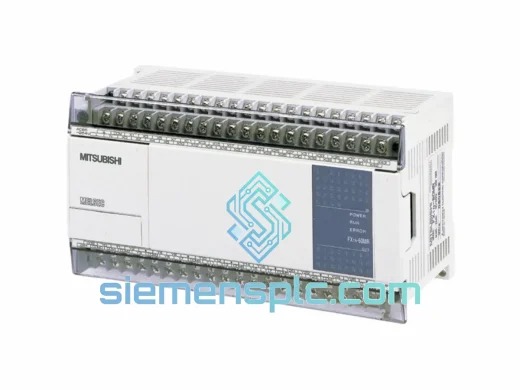
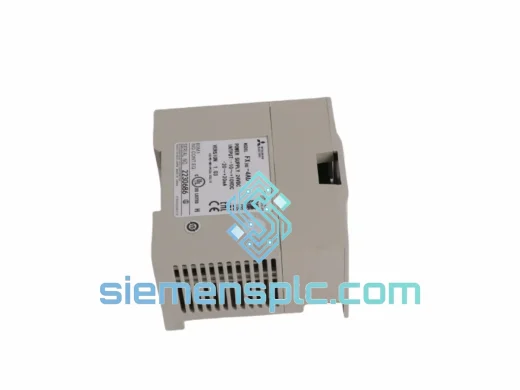
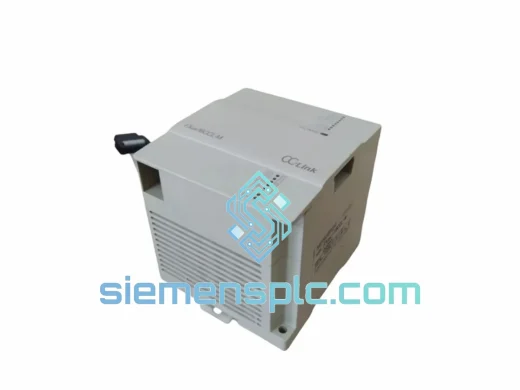
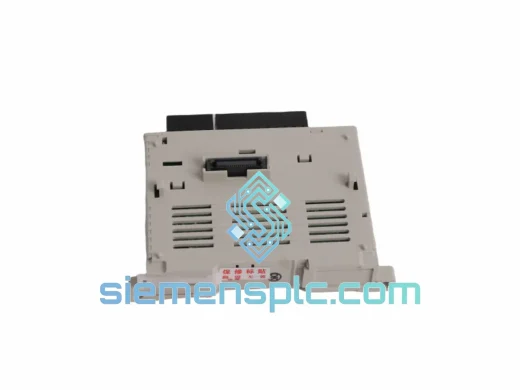
Mitsubishi FX3U-4AD-PT-ADP Analog Input Adapter
MELSEC FX
Origin JP
PLC Analog Input Adapter
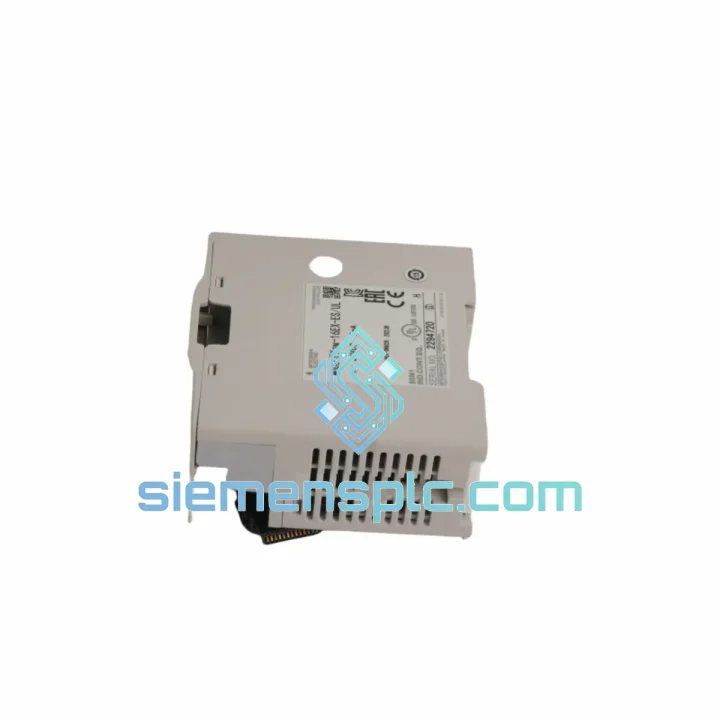
Request verified availability, condition, replacement risk review, packing options and courier lead time for FX2N-16EX-ES/UL.
Click Request Quote and the part number is inserted into the inquiry form automatically.
Core fields for model confirmation and RFQ routing. Detailed product narrative remains below.
Every hour a production line sits idle costs real money. When a Mitsubishi FX2N-16EX-ES/UL input expansion module fails, you are not dealing with a minor inconvenience — you are watching throughput evaporate, SLA penalties accumulate, and maintenance crews scramble. At siemensplc.com, we stock the FX2N-16EX-ES/UL specifically because we know this module sits at the heart of thousands of active FX2N installations worldwide, and when it goes down, there is no time to wait on a distributor’s 4-week lead time.
The FX2N-16EX-ES/UL is a 16-point 24 VDC digital input expansion module for Mitsubishi’s MELSEC FX2N PLC platform. It extends the base unit’s I/O capacity via the FX2N expansion bus, drawing power directly from the 5 VDC backplane rail. Despite the FX2N series reaching end-of-life status with Mitsubishi Electric, this module remains deeply embedded in operating machinery across automotive, food processing, packaging, and water treatment sectors. Replacement demand is high. Our job is to have it on your bench before your next shift starts.
URGENT REQUIREMENT? Contact: [email protected] | WhatsApp: +86 18359268345
| Part Number | FX2N-16EX-ES/UL |
| Manufacturer | Mitsubishi Electric |
| Series | MELSEC FX2N |
| Module Function | 16-Point Digital Input Expansion |
| Input Voltage | 24 VDC (±10%) |
| Input Current per Point | Approx. 7 mA |
| Input Type | DC Sink / Source (bidirectional) |
| Response Time | 10 ms default; adjustable 0–60 ms via D8020 |
| Isolation | Photocoupler (field-side to logic-side) |
| Bus Power Draw | 5 VDC, 90 mA from FX2N expansion bus |
| Connection | Terminal block, M3 screw |
| Certifications | UL Listed, CE Marked |
| Operating Temperature | 0°C to 55°C |
| Humidity | 5%–95% RH, non-condensing |
| Dimensions (W×H×D) | 55 × 90 × 87 mm |
| Weight | Approx. 160 g |
| Origin | Japan |
| Stock Status | ✔ Ready to Ship — Contact for Live Availability |
| Lead Time | In-stock: ships within 24 hours of payment confirmation. Sourced: 7–14 business days. |
| Warranty | 12 months from shipment date |
Common Failure Signatures
Before condemning the FX2N-16EX-ES/UL, verify the fault is actually in the module and not upstream. The three most common misdiagnoses in the field:
Step-by-Step Replacement Procedure
Key Configuration Reminder: If you are inserting this module into a position different from the failed unit (e.g., adding it at the end of the chain rather than the same slot), all downstream X-addresses will shift. Update your PLC program accordingly before going live.
The FX2N-16EX-ES/UL was not designed for a climate-controlled server room. It was built for the factory floor — and it shows. Photocoupler isolation on every input channel provides a hard electrical barrier between field-side wiring (where voltage spikes, ground loops, and inductive kickback are daily realities) and the logic-side bus. This isolation is what keeps a welding machine’s EMI from corrupting your CPU’s input register.
The module’s operating temperature ceiling of 55°C covers the majority of industrial enclosure environments, including poorly ventilated panels in foundries and outdoor pump stations. The terminal block design uses M3 screw clamps rated for repeated re-termination cycles — relevant in maintenance-heavy environments where wiring is frequently disturbed. Humidity tolerance up to 95% RH (non-condensing) means the module survives the steam and washdown proximity common in food processing and beverage plants, provided the enclosure maintains IP rating integrity.
Vibration resistance follows Mitsubishi’s standard FX2N platform specification: 5–9 Hz at 3.5 mm amplitude, 9–150 Hz at 9.8 m/s² — sufficient for conveyor frames, compressor skids, and mobile equipment panels. Units supplied by siemensplc.com are inspected for PCB solder joint integrity and connector seating before dispatch, specifically targeting the failure modes that vibration exposure accelerates over time.
Our dispatch hub is located in Xiamen, Fujian Province — one of China’s primary international freight gateways with direct DHL, FedEx, and UPS express lanes to major industrial hubs across Asia-Pacific, Europe, the Middle East, and the Americas. For urgent orders confirmed before 14:00 CST, same-day dispatch is available.
Typical transit times from Xiamen:
All shipments include full tracking from pickup to delivery. Export documentation — commercial invoice, packing list, and Xiamen customs declaration — is prepared in compliance with Chinese export regulations and destination country import requirements. For orders requiring specific HS code declarations, CITES documentation, or end-user certificates, notify us at the time of order placement. We handle the paperwork so your receiving team can clear customs without delays.
ESD-safe packaging with desiccant is standard. Fragile module corners are foam-protected. For multi-unit orders, individual anti-static bags are used before outer carton packing. Insurance coverage is available on request for high-value shipments.
Email: [email protected]
WhatsApp: +86 18359268345
Web: siemensplc.com
© 2026 siemensplc.com. All rights reserved.
We check the full part number, brand, series and visible nameplate information before quotation.
Sales confirms stock path, condition option, quantity and realistic lead time for export dispatch.
DHL, FedEx, UPS or buyer courier arrangements can be reviewed with packing requirements.
Similar brand or category products for fast comparison and multi-item RFQ lists.