Omron
RFQ Ready
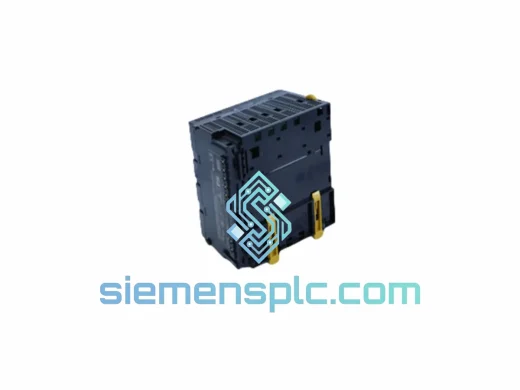
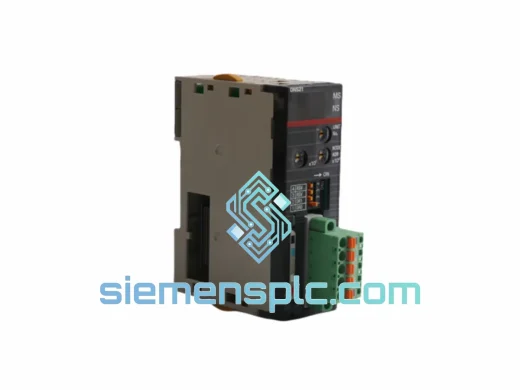
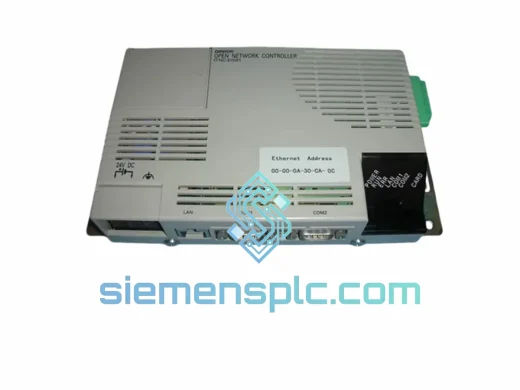
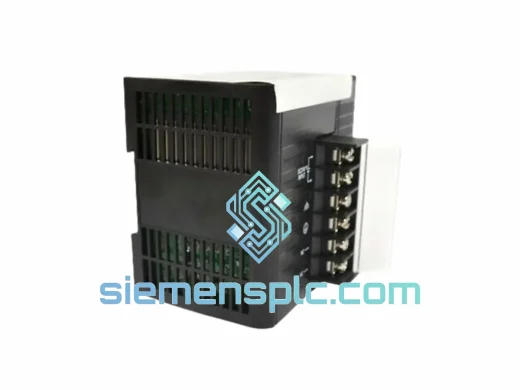
OMRON NE2A-PD025 Safety Power Supply Module
Origin JP
Safety PLC Power Supply Module
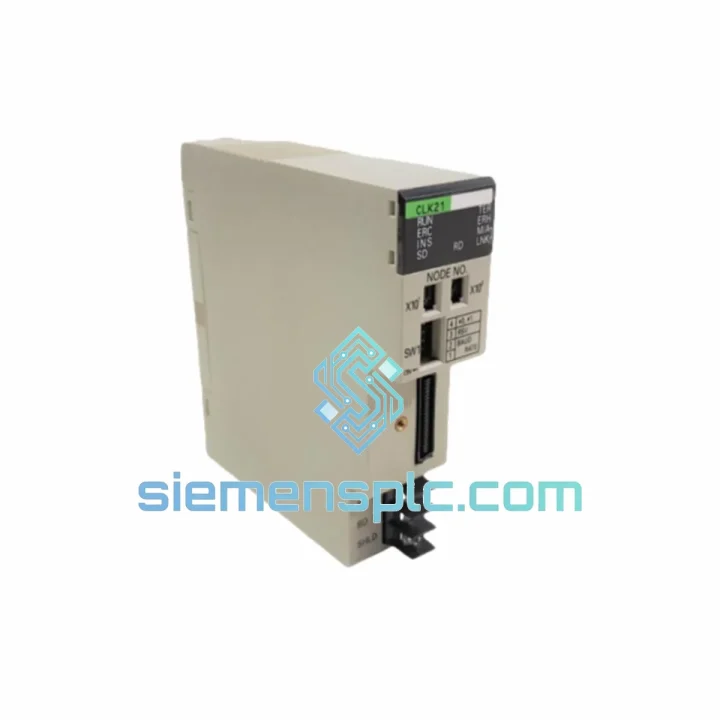
Request verified availability, condition, replacement risk review, packing options and courier lead time for C200HW-SLK13.
Click Request Quote and the part number is inserted into the inquiry form automatically.
Core fields for model confirmation and RFQ routing. Detailed product narrative remains below.
Your SYSMAC Link network just dropped a node. The line is cold. Every minute of unplanned downtime on a C200HW-based system costs real money — and the C200HW-SLK13 is the single point of failure you cannot afford to wait weeks for. We stock this unit in Xiamen, tested and ready to clear customs today. One call, one shipment, line back up.
URGENT REQUIREMENT? Contact: [email protected] | WhatsApp: +86 18359268345
| Parameter | Specification |
|---|---|
| Model | C200HW-SLK13 |
| Brand | OMRON |
| Series | C200H / C200HW |
| Function | SYSMAC Link Communication Unit (coaxial) |
| Network Type | SYSMAC Link — token-bus, coaxial RG-58 |
| Max Nodes per Network | 62 nodes |
| Data Link Words | Up to 1,000 words per node |
| Backplane Slot | C200HW CPU rack (any I/O slot) |
| Unit Number Setting | Rotary switch on front face (0–F) |
| Power Consumption | 5 VDC, 0.55 A (from backplane) |
| Operating Temperature | 0 °C to 55 °C |
| Storage Temperature | −20 °C to 75 °C |
| Humidity | 10% to 90% RH (non-condensing) |
| Weight | Approx. 500 g |
| Country of Origin | Japan |
| Stock Status | ✅ Ready to Ship — Xiamen Warehouse |
After ten years of pulling failed SLK13 units out of racks mid-shift, here is what actually matters when you are doing this swap under pressure:
1. Unit Number Conflict — the silent killer. The rotary switch on the front face sets the unit number (0–F hex). Before you slide the new card in, confirm no other SLK unit on the same backplane is set to the same address. A duplicate unit number will prevent the CPU from recognizing the card entirely — no error code, just a dead node. Check the existing rack label or pull the I/O table from CX-Programmer before powering up.
2. Node Address on the SYSMAC Link network. The SLK13 uses a separate node address setting (also a rotary switch, labeled NODE NO.) distinct from the unit number. This address must match what was configured in the data link table of the master node. If you are replacing a failed unit and the original address label is gone, pull the network configuration from CX-Net on any surviving node — the data link table will show you exactly which node address was assigned to this slot.
3. Data Link Table — do not skip this step. After physical installation, open CX-Net and verify the data link table is still intact in the CPU. A power surge that killed the SLK13 may have also corrupted the CPU’s data link parameters. Re-transfer the table from your backup project file before going online. If no backup exists, you will need to rebuild the table manually — node count, word allocation per node, and polling cycle.
4. Common fault indicators on the SLK13:
5. Firmware note. The C200HW-SLK13 does not carry user-upgradeable firmware. However, CPU firmware version matters: CPUs below revision 3.0 have known issues with data link refresh timing when more than 32 nodes are active. If you are running a high-node-count network, confirm your CPU revision via the PLC Information dialog in CX-Programmer.
6. Hot-swap is not supported. Power down the CPU rack before removing or inserting the SLK13. Inserting under power risks backplane damage and will void any warranty claim.
The C200HW-SLK13 was engineered for the factory floor, not a server room. The conformal-coated PCB resists condensation in high-humidity environments — common in food processing and coastal chemical plants. Vibration tolerance meets IEC 60068-2-6 standards, making it suitable for installation near press lines and compressor rooms where constant mechanical vibration would degrade lesser hardware.
Operating range of 0–55 °C covers the vast majority of industrial enclosure environments without forced cooling. The coaxial SYSMAC Link medium itself is inherently noise-resistant compared to twisted-pair alternatives, which matters in environments with heavy VFD switching noise or large motor starts. Units sourced from our Xiamen stock are stored in climate-controlled conditions with humidity indicator cards in each anti-static bag — you receive a unit that has not been sitting in an uncontrolled warehouse for years.
Each unit leaving our facility passes a visual inspection covering connector integrity, PCB surface condition, and rotary switch operation. We verify date codes and serial number ranges against known production batches. No cosmetically refurbished units. No remarked parts.
Our Xiamen warehouse sits 40 minutes from Xiamen Gaoqi International Airport — one of South China’s primary air cargo hubs with daily freighter connections to Frankfurt, Chicago O’Hare, Dubai, Singapore Changi, and Tokyo Narita. This geography is not accidental. It means your urgent order does not wait for a weekly consolidation flight.
Standard express workflow:
For projects requiring multiple units or phased delivery across sites, contact us for a dedicated logistics plan. We have shipped to 60+ countries and understand the documentation requirements for industrial imports in regulated markets including the EU, India, Brazil, and Saudi Arabia.
Ready to place an order or need a technical consultation before committing?
📧 Email: [email protected]
📱 WhatsApp: +86 18359268345
🌐 Web: siemensplc.com
© 2026 siemensplc.com. All rights reserved.
We check the full part number, brand, series and visible nameplate information before quotation.
Sales confirms stock path, condition option, quantity and realistic lead time for export dispatch.
DHL, FedEx, UPS or buyer courier arrangements can be reviewed with packing requirements.
Similar brand or category products for fast comparison and multi-item RFQ lists.