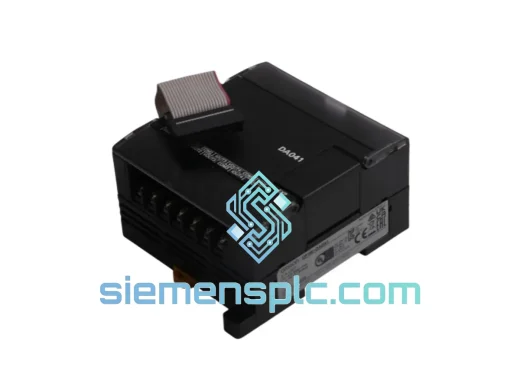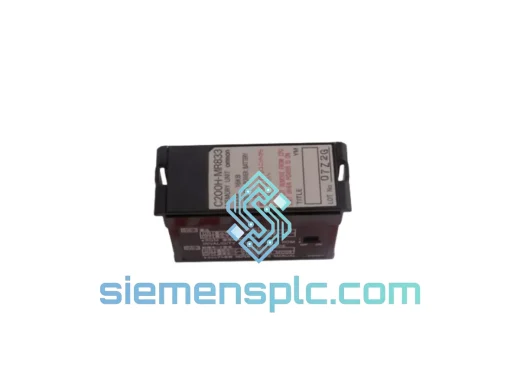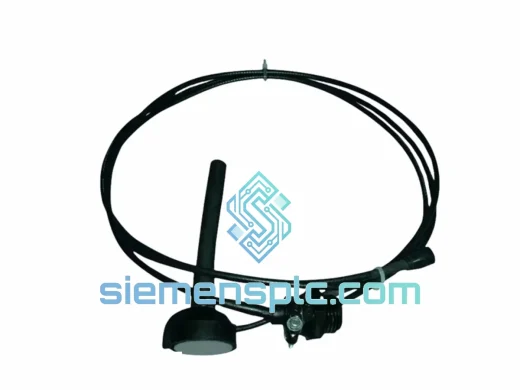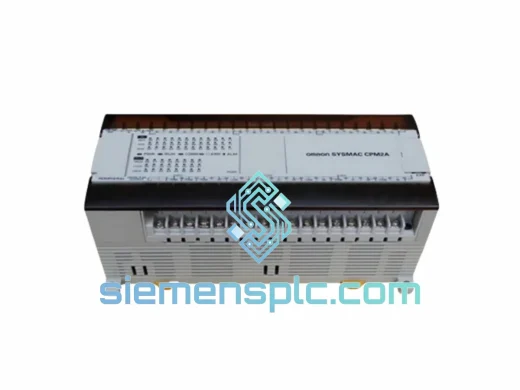
Omron
RFQ Ready
OMRON CPM2AE-60CDR-A Programmable Logic Controller
CPM2A Series
Origin JP
Programmable Logic Controller
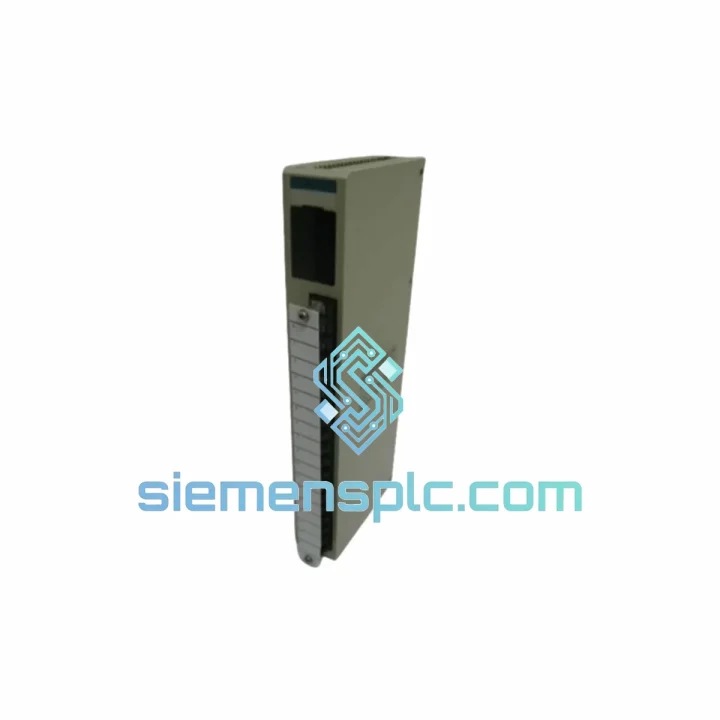
Request verified availability, condition, replacement risk review, packing options and courier lead time for C500-AD501-EU.
Click Request Quote and the part number is inserted into the inquiry form automatically.
Core fields for model confirmation and RFQ routing. Detailed product narrative remains below.
Every minute your C500 rack sits dark, you’re burning money. A failed analog input module shouldn’t take your entire process down for days while you chase lead times through slow distribution channels. The C500-AD501-EU is in stock at our Xiamen warehouse right now — inspected, verified, and ready to clear customs before your maintenance window closes. We’ve shipped this exact module to plants in Southeast Asia, the Middle East, and Europe within 48 hours of order confirmation. That’s not a promise — it’s a track record.
URGENT REQUIREMENT? Contact: [email protected] | WhatsApp: +86 18359268345
| Parameter | Specification |
|---|---|
| Model | C500-AD501-EU |
| Brand | OMRON |
| Series | SYSMAC C500 |
| Module Type | Analog Input Unit |
| Input Channels | 4 (voltage / current selectable per channel) |
| Input Signal Range | 0–10 V DC | 0–20 mA | 4–20 mA |
| Resolution | 12-bit (0–4095 counts) |
| Conversion Speed | ~2.5 ms per channel |
| Isolation | Photocoupler (channel-to-CPU) |
| Power Draw | 5 V DC, 200 mA (backplane supplied) |
| Operating Temp | 0–55 °C |
| Storage Temp | –20 to +75 °C |
| Humidity | 10–90% RH, non-condensing |
| Weight | ~1,230 g |
| Compliance | CE marked (EU EMC & LVD directives) |
| Backplane Compatibility | C500 3/5/8/10-slot racks |
| Stock Status | ✅ Ready to Ship — Xiamen Warehouse |
After handling dozens of C500-AD501-EU swap-outs in the field, here’s what actually trips people up — not the textbook stuff, the real stuff:
1. Slot addressing — don’t assume it auto-configures. The C500 CPU reads slot position physically. When you pull the failed module and insert the replacement, confirm the new unit occupies the exact same slot number on the backplane. If you’ve rearranged any modules during troubleshooting, your I/O table in SYSWIN or CX-Programmer will be mismatched and you’ll get ERR LED on the CPU. Re-verify the I/O table against physical slot layout before powering up.
2. Input mode jumpers / DIP switches. The C500-AD501-EU uses onboard DIP switches (SW1) to select voltage vs. current mode per channel. The factory default is voltage (0–10 V). If your process uses 4–20 mA transmitters — which is the majority of field instruments — you must flip the corresponding channel switches to current mode before installation. Skipping this step gives you a flat zero reading on current channels and wastes hours of loop-checking time.
3. Common fault codes to watch:
4. Firmware note. The C500-AD501-EU has no field-upgradeable firmware — it’s hardware-fixed logic. No firmware matching is required. However, confirm your CPU revision supports the EU variant; very early C500 CPUs (pre-1995 hardware revision) may have backplane timing issues with EU-spec modules. Check the CPU label for hardware revision code.
5. Replacement procedure (condensed):
The C500-AD501-EU was engineered for industrial environments that would destroy consumer-grade electronics. The photocoupler isolation between field inputs and the CPU backplane provides a hard barrier against ground loops and transient voltage spikes — a daily reality in plants running large motor drives and welding equipment on shared power infrastructure. The module’s conformal-coated PCB resists moisture ingress in environments where humidity swings between 10% and 90% RH without condensation control.
Vibration tolerance meets IEC 68-2-6 standards, which means the module stays operational on machinery bases where resonance frequencies between 10–57 Hz are common. In cement plants, mining operations, and offshore platforms where we’ve seen these modules deployed, the mechanical robustness of the C500 form factor outlasts the surrounding infrastructure. Operating across 0–55 °C without derating means it handles both unheated winter control rooms in northern climates and poorly ventilated enclosures in tropical facilities.
Units sourced through our warehouse undergo physical inspection: connector pin integrity, label authenticity cross-check, and a visual PCB inspection for signs of prior thermal stress or repair. We do not sell modules with evidence of field repair or component-level rework.
Our Xiamen warehouse sits 40 minutes from Xiamen Gaoqi International Airport, one of China’s primary cargo hubs with direct freight connections to Frankfurt, Dubai, Los Angeles, Singapore, and Sydney. This geography is deliberate — it cuts the time between order confirmation and aircraft departure to under 24 hours for most destinations.
Standard express flow:
For plant shutdowns with hard restart deadlines, contact us on WhatsApp before placing the order. We can coordinate with the freight forwarder to prioritize your shipment in the sort queue and provide a realistic delivery commitment — not an estimate pulled from a rate card.
Email: [email protected]
WhatsApp: +86 18359268345
Web: siemensplc.com
© 2026 siemensplc.com. All rights reserved.
We check the full part number, brand, series and visible nameplate information before quotation.
Sales confirms stock path, condition option, quantity and realistic lead time for export dispatch.
DHL, FedEx, UPS or buyer courier arrangements can be reviewed with packing requirements.
Similar brand or category products for fast comparison and multi-item RFQ lists.