Pro-face
RFQ Ready
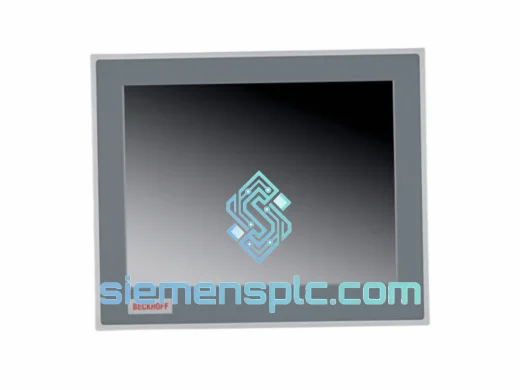
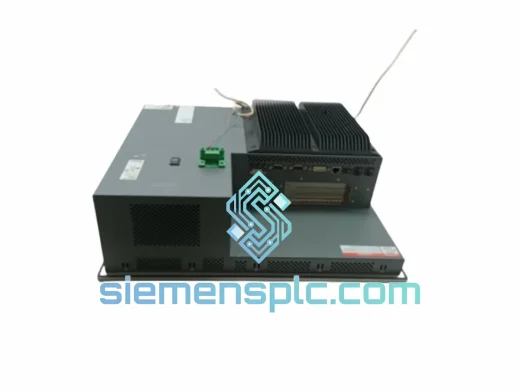
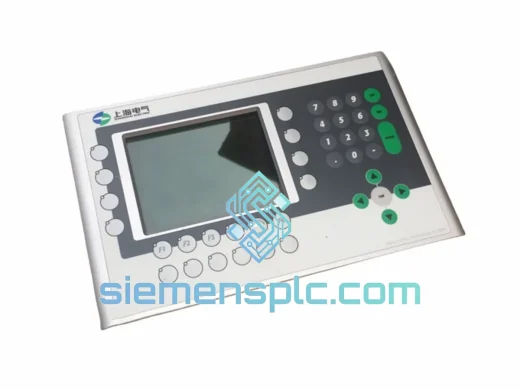
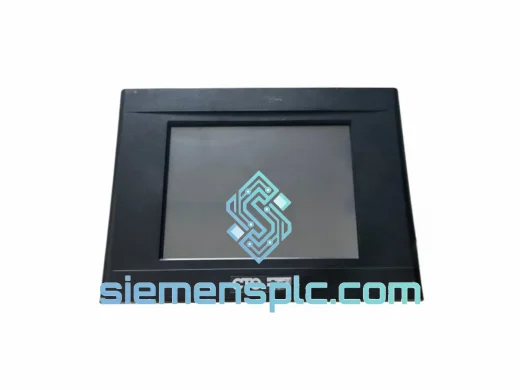
Pro-face PL6700-T11-W901F Industrial HMI Panel – GP-Pro EX
Origin Japan
Industrial HMI Touch Panel
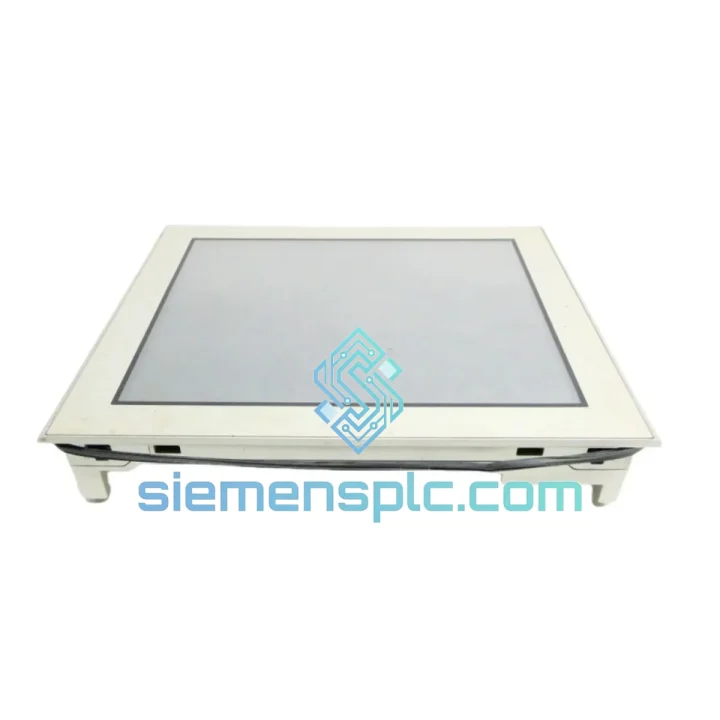
Request verified availability, condition, replacement risk review, packing options and courier lead time for AGP3600-T1-D24.
Click Request Quote and the part number is inserted into the inquiry form automatically.
Core fields for model confirmation and RFQ routing. Detailed product narrative remains below.
An unplanned HMI failure on a production line is not a maintenance ticket — it is a financial emergency. The Pro-face AGP3600-T1-D24 is a 10.4″ TFT color touchscreen HMI running on 24 VDC, and when it goes dark, your entire cell goes with it. We stock this unit in Xiamen and can have it moving toward your facility within hours of order confirmation. No waiting on factory lead times. No distributor back-order queues. Just a verified, original unit on the fastest available freight.
Whether you are dealing with a blank screen at 2 AM, a corrupted project after a power surge, or a panel that simply stopped responding mid-shift, the fastest path back to production is a direct swap with a confirmed-genuine replacement. That is exactly what we provide.
URGENT REQUIREMENT? Contact: [email protected] | WhatsApp: +86 18359268345
| Parameter | Specification |
|---|---|
| Model / SKU | AGP3600-T1-D24 |
| Brand | Pro-face (Schneider Electric) |
| Series | AGP3600 |
| Display Size | 10.4″ TFT Color LCD |
| Resolution | 800 × 600 (SVGA) |
| Touch Technology | Analog Resistive |
| Supply Voltage | 24 VDC (±10%) |
| Power Consumption | Approx. 25 W |
| COM Ports | RS-232C, RS-422/485 (COM1/COM2) |
| USB | USB Host × 1, USB Client × 1 |
| Ethernet | 10/100BASE-T (RJ-45) |
| Programming Software | GP-Pro EX |
| Operating Temp | 0 – 50 °C |
| Storage Temp | -20 – 60 °C |
| Humidity | 10 – 90% RH (non-condensing) |
| Front Panel Rating | IP65F |
| Certifications | CE, UL, cUL |
| Weight | Approx. 3.2 kg |
| Stock Status | ✅ Ready to Ship – Xiamen Warehouse |
Ten years of field work teaches you that most AGP3600-T1-D24 failures fall into four categories. Here is how to handle each one before and after the swap:
1. Blank Screen / No Backlight
First, confirm 24 VDC is present at the power terminals — a loose DIN rail connection after vibration is more common than you think. If power is confirmed and the unit is still dark, the backlight inverter or the LCD panel itself has failed. This is not field-repairable. Pull the unit, note the serial number for your records, and install the replacement. The AGP3600 series does not require any hardware addressing switches — it is plug-and-play at the hardware level.
2. Project Upload Failure After Replacement
The most common post-swap issue: GP-Pro EX refuses to download the project to the new unit. Check the GP-Pro EX version against the firmware on the replacement unit. If the firmware is older than the project file’s target version, you will get a version mismatch error. Connect via USB Client port, open GP-Pro EX Transfer Tool, and update the unit firmware first before attempting the project download. Always keep a copy of your .prx project file on a USB stick taped inside the panel door.
3. Communication Loss with PLC After Swap
The AGP3600-T1-D24 stores its IP address and COM port settings in internal flash — these do not transfer automatically. After installing the replacement unit, you must reconfigure the network settings via the offline menu (hold the top-left corner of the screen during power-on to enter System Menu). Set the IP address, subnet mask, and gateway to match your original configuration. For RS-422/485 connections, verify the termination resistor switch position on the rear of the unit — it is a small DIP switch bank labeled SW1. Incorrect termination causes intermittent communication errors that are notoriously difficult to trace.
4. Touchscreen Calibration Drift
On analog resistive panels that have been in service for several years, touch registration drifts from the actual display coordinates. Before condemning the unit, enter the System Menu and run the touch calibration routine. If calibration cannot be saved or the drift returns immediately, the resistive overlay has worn through and the unit needs replacement. When installing the new panel, run calibration once before handing back to the operator.
Replacement Checklist:
The AGP3600-T1-D24 was designed for environments that would destroy consumer-grade electronics within weeks. The front panel carries an IP65F rating — fully sealed against dust ingress and protected against low-pressure water jets from any direction. This matters on food processing lines where washdown is a daily routine, and on foundry floors where metallic dust is airborne at all times.
The operating temperature range of 0 to 50 °C covers the majority of industrial enclosures, including those in non-air-conditioned facilities in tropical climates. The internal components are mounted on vibration-dampened PCBs, and the analog resistive touchscreen has no moving parts — it continues to register input even when operators are wearing heavy gloves, which capacitive panels cannot do.
The unit’s power supply accepts 24 VDC ±10%, giving it tolerance against the voltage fluctuations common in facilities with large motor loads. Surge protection on the communication ports prevents the kind of damage that occurs when a VFD is powered down without proper isolation. Units that have been in continuous service for 8 to 12 years in automotive stamping plants and chemical processing facilities confirm that the AGP3600 platform was built to outlast the machinery it monitors — provided the backlight is replaced on schedule (typically every 50,000 hours).
Our warehouse is located in Xiamen, Fujian Province — one of China’s primary export hubs with direct access to DHL, FedEx, and UPS international gateways. For urgent orders confirmed before 15:00 CST, same-day dispatch is standard. Here is what the logistics process looks like from your order to your panel door:
Typical transit times: Southeast Asia 1–2 days, Europe 2–3 days, Middle East 2–3 days, North America 3–5 days, South America 4–6 days. These are DHL/FedEx express estimates — not economy freight.
Ready to order or need a quote? Reach us directly — no ticketing system, no chatbot queue.
📧 Email: [email protected]
💬 WhatsApp: +86 18359268345
🌐 Web: siemensplc.com
© 2026 siemensplc.com. All rights reserved.
We check the full part number, brand, series and visible nameplate information before quotation.
Sales confirms stock path, condition option, quantity and realistic lead time for export dispatch.
DHL, FedEx, UPS or buyer courier arrangements can be reviewed with packing requirements.
Similar brand or category products for fast comparison and multi-item RFQ lists.