ProSoft Technology
RFQ Ready
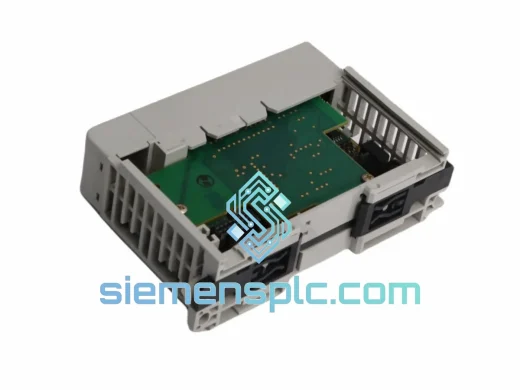
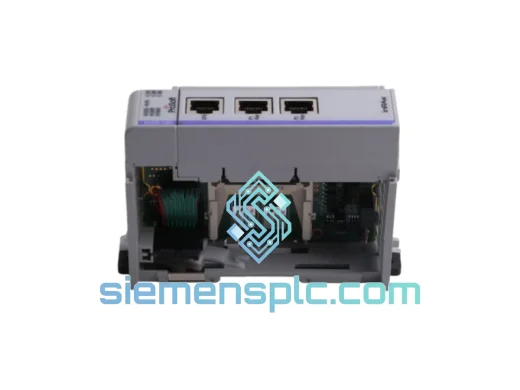
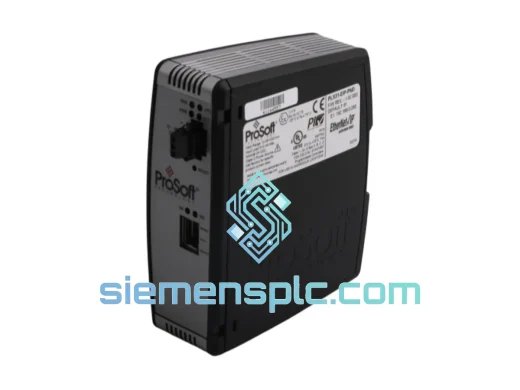
ProSoft PLX31-EIP-PND Protocol Gateway – PLX31 Series
Origin US
Protocol Gateway
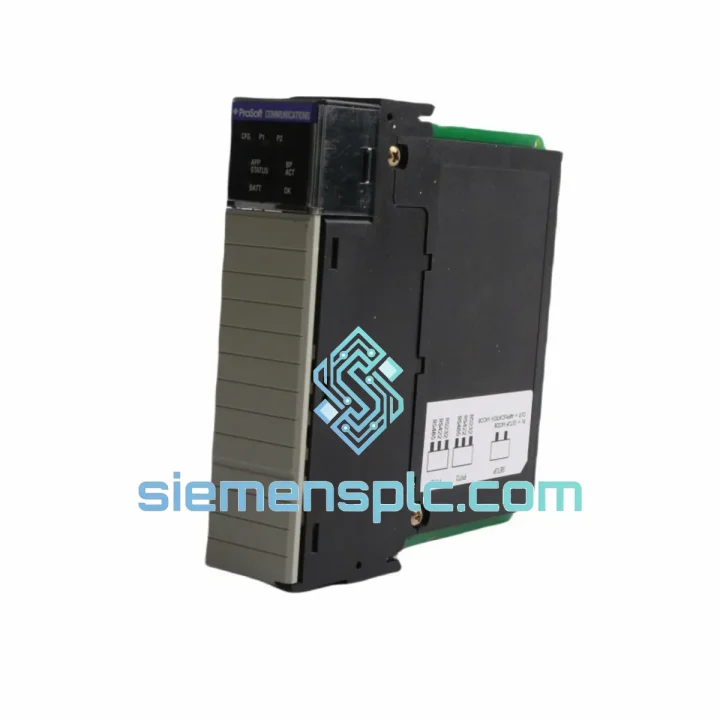
Request verified availability, condition, replacement risk review, packing options and courier lead time for MVI56-MDA4.
Click Request Quote and the part number is inserted into the inquiry form automatically.
Core fields for model confirmation and RFQ routing. Detailed product narrative remains below.
Your CM4 gas analyzer network just went dark. The ControlLogix CPU is throwing fault codes. Production is halted. You’ve already called three distributors and the earliest they can commit is three weeks. That’s not acceptable — and you know it.
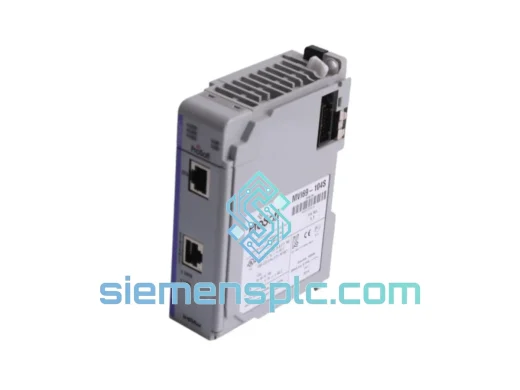
The ProSoft MVI56-MDA4 is a single-slot ControlLogix communication gateway that bridges MDA Scientific CM4 multi-gas analyzers directly into the 1756 backplane tag space. When this module fails, there is no workaround. No bypass. No software patch. You need the hardware in your hands, seated in the chassis, and the system back online. We stock it. We ship it today from Xiamen via DHL or FedEx Express. Typical door-to-door transit: 3–5 business days to most industrial hubs worldwide.
We’ve supplied replacement MVI56-MDA4 units to petrochemical plants in the Middle East, wastewater facilities in Europe, and mining operations across Southeast Asia — all under emergency procurement timelines. This is what we do.
URGENT REQUIREMENT? Contact: [email protected] | WhatsApp: +86 18359268345
| Part Number | MVI56-MDA4 |
| Manufacturer | ProSoft Technology |
| Series | MVI56 (ControlLogix Platform) |
| Platform | Rockwell Automation ControlLogix 1756 |
| Analyzer Protocol | MDA Scientific CM4 proprietary serial |
| Serial Ports | Up to 4 × RS-232 / RS-485 |
| Baud Rate | 300 – 115,200 bps (configurable) |
| Data Update Rate | <100 ms per analyzer channel (configurable) |
| Power Supply | Via 1756 backplane — no external PSU required |
| Operating Temperature | 0 °C to +60 °C |
| Storage Temperature | -40 °C to +85 °C |
| Humidity | 5 – 95% RH, non-condensing |
| Chassis Slots | 1 slot (1756 standard) |
| Configuration Tool | ProSoft Configuration Builder (PCB) — free |
| Firmware | Field-upgradeable via PCB |
| Certifications | CE, UL Listed |
| Origin | USA (ProSoft Technology) |
| Stock Status | ✔ Ready to Ship — Xiamen Warehouse |
Step 1 — Confirm the module is the fault source, not the wiring. Before pulling the MVI56-MDA4, check the module’s LED indicators. A solid red APP LED with a flashing CFG LED almost always points to a corrupted or missing PCB configuration file — not a hardware failure. Download the PCB project from your backup, reconnect via the CFG RS-232 port, and re-flash. If the APP LED stays red after a clean config download, the module’s internal processor has failed. Replace it.
Step 2 — Backplane slot addressing. The MVI56-MDA4 does not use DIP switches for slot addressing. Slot assignment is handled entirely in the ControlLogix I/O tree. When you seat the replacement module, RSLogix 5000 / Studio 5000 will detect it automatically if the chassis slot number matches the existing I/O configuration. Do not change the slot number unless you are also updating the controller project — mismatched slot assignments will cause an immediate major fault (Fault Code 0x0204).
Step 3 — Firmware version matching. Pull the firmware revision from the failed module’s label before discarding it. The replacement unit must run the same major firmware revision to maintain PCB project compatibility. If the replacement ships with a newer firmware, download the PCB project, verify the configuration parameters are intact, and re-download to the module. Mismatched firmware between the module and PCB project file is the #1 cause of post-replacement communication failures.
Step 4 — Serial port wiring verification. After seating the replacement, verify RS-232/RS-485 wiring at each port before going online. A reversed TX/RX pair on even one port will prevent that analyzer channel from responding, and the module will log a Port Timeout error in the ControlLogix tag MVI56MDA4.Status.Port[x].Timeout. Check termination resistors on RS-485 multi-drop runs — a missing 120 Ω terminator causes intermittent CRC errors that look like analyzer faults.
Common fault codes to know:
The MVI56-MDA4 was engineered for environments where “controlled conditions” is a polite fiction. Petrochemical control rooms run hot. Offshore platforms vibrate constantly. Wastewater facilities are humid year-round. ProSoft designed the MVI56 platform to handle all of it.
The module’s conformal-coated PCB resists moisture ingress and corrosive airborne contaminants — a critical feature in facilities where H₂S or chlorine is present in the atmosphere. The 1756 backplane connector is a gold-contact, high-cycle-rated interface that maintains signal integrity through thousands of insertion cycles and the thermal expansion/contraction cycles of a plant that runs 24/7/365.
Vibration tolerance meets IEC 61131-2 requirements for industrial control equipment — the same standard applied to the ControlLogix chassis itself. In practice, this means the module survives the mechanical shock of nearby compressor startups, forklift traffic on raised flooring, and the low-frequency vibration endemic to pump-heavy process plants.
Operating temperature ceiling of +60 °C gives you real headroom in non-air-conditioned auxiliary panels. Storage down to -40 °C means units held in unheated warehouses or shipped through cold-chain logistics arrive fully functional. Every unit we dispatch from Xiamen is tested for power-on functionality before packaging — we do not ship cold-stored modules that have never been verified.
Our dispatch warehouse is located in Xiamen, Fujian Province — one of China’s primary industrial export hubs with direct access to DHL, FedEx, and UPS international express networks. Orders confirmed before 14:00 CST are processed for same-day dispatch.
Typical transit times from Xiamen:
Every shipment includes a commercial invoice, packing list, and HS code 8537.10 export declaration. For customers requiring formal import documentation, ATA Carnet support, or specific country-of-origin certificates, contact us before placing the order — we handle the paperwork so your customs clearance doesn’t add another day to your downtime clock.
Emergency same-day courier arrangements are available for critical shutdowns. WhatsApp us directly and we will coordinate the fastest available routing from our warehouse to your site.
Email: [email protected]
WhatsApp: +86 18359268345
Web: siemensplc.com
© 2026 siemensplc.com. All rights reserved.
We check the full part number, brand, series and visible nameplate information before quotation.
Sales confirms stock path, condition option, quantity and realistic lead time for export dispatch.
DHL, FedEx, UPS or buyer courier arrangements can be reviewed with packing requirements.
Similar brand or category products for fast comparison and multi-item RFQ lists.