ProSoft Technology
RFQ Ready
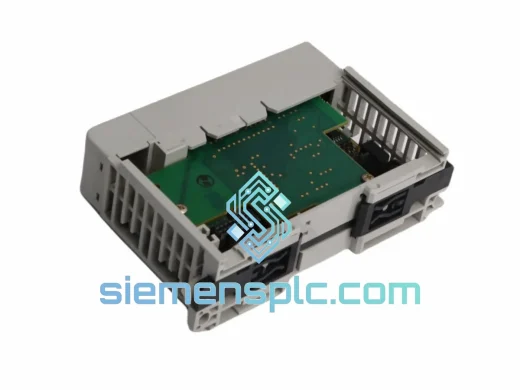
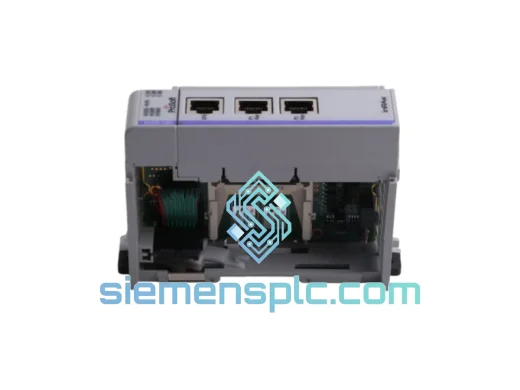
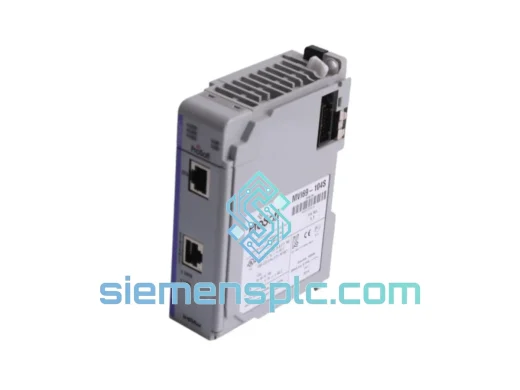
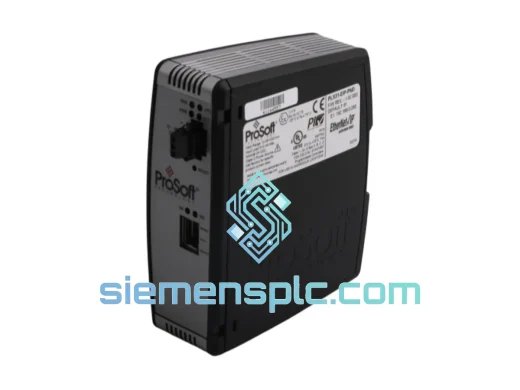
ProSoft PLX31-EIP-PND Protocol Gateway – PLX31 Series
Origin US
Protocol Gateway
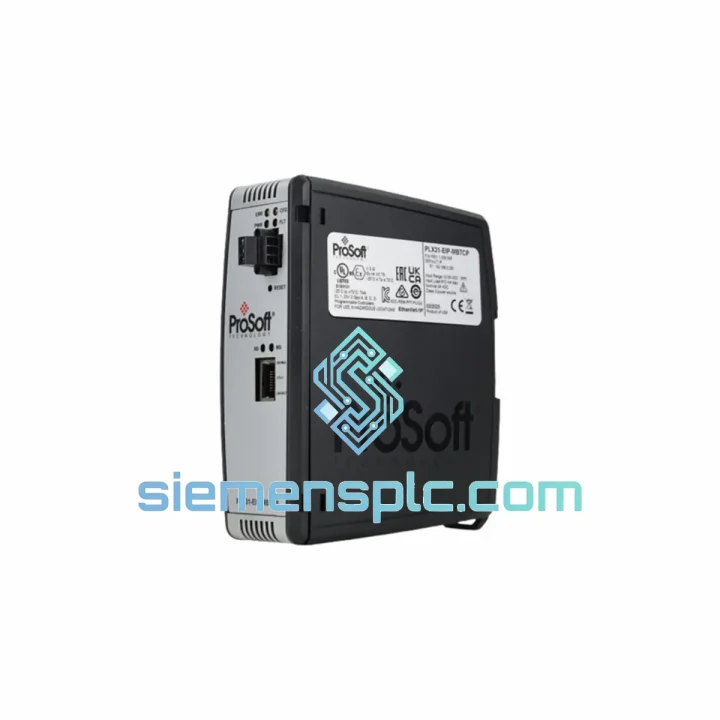
Request verified availability, condition, replacement risk review, packing options and courier lead time for PLX31-EIP-MBS.
Click Request Quote and the part number is inserted into the inquiry form automatically.
Core fields for model confirmation and RFQ routing. Detailed product narrative remains below.
Your EtherNet/IP network just lost its bridge to the Modbus serial field devices. The drives aren’t responding, the SCADA screen is red, and the plant manager is already calling. You don’t have three weeks to wait on a standard distributor lead time. The ProSoft PLX31-EIP-MBS sitting in our Xiamen warehouse can be on a DHL Express flight tonight. That’s the difference between a four-hour outage and a four-day shutdown.
We stock the PLX31-EIP-MBS specifically because it is one of the most failure-prone gateways in aging EtherNet/IP-to-Modbus architectures — not because the hardware is unreliable, but because it sits at a critical junction point and gets replaced when the surrounding infrastructure changes. When it goes down, there is no workaround. You need the exact module, configured correctly, in the rack before the next shift.
URGENT REQUIREMENT? Contact: [email protected] | WhatsApp: +86 18359268345
| Parameter | Specification |
|---|---|
| Part Number | PLX31-EIP-MBS |
| Availability | ✅ Ready to Ship — Xiamen Stock |
| Brand / Series | ProSoft Technology / PLX31 Standalone Gateway |
| EtherNet/IP Role | Adapter or Scanner (configurable) |
| Modbus Role | Master or Slave — RTU and ASCII (configurable) |
| Ethernet Ports | 2 × RJ45, 10/100 Mbps, integrated switch |
| Serial Port | 1 × RS-232 / RS-485 / RS-422 (software selectable) |
| Power Input | 10–32 VDC, 3 W typical |
| Operating Temp | -20°C to +70°C |
| Mounting | 35 mm DIN rail |
| Dimensions | 45 × 99 × 114 mm |
| Certifications | CE, UL, cUL, RoHS |
| Config Tool | ProSoft Configuration Builder (PCB) — free |
| Firmware Update | Field-upgradeable via Ethernet |
| Origin | USA (ProSoft Technology, Bakersfield CA) |
Ten years of field calls on this module family have produced a short list of failure patterns and replacement traps. Work through these before you power up the new unit:
Most Common Failure Modes
1. EtherNet/IP connection drops intermittently but Modbus side stays alive. Almost always a corrupted connection instance table in flash. The module stops accepting new CIP connections after a power cycle but the serial side keeps polling. Replacement is the fastest fix — reconfiguring the connection table in PCB takes longer than swapping hardware if you have a spare on the shelf.
2. Modbus serial side stops responding after a firmware update on the connected PLC. The PLX31-EIP-MBS stores the Modbus node map in its own non-volatile memory. A PLC firmware bump does not touch the gateway config, but if the PLC’s EtherNet/IP scanner parameters changed (assembly instance numbers, RPI), the gateway will silently drop Modbus polling because it is waiting for data that never arrives. Check the scanner configuration in PCB first before condemning the hardware.
3. Unit powers on, LEDs cycle, then APP LED stays red. This is a configuration file corruption — typically caused by a power interruption during a PCB download. Connect via Ethernet, open PCB, and attempt a fresh download. If the module does not enumerate on the network, the bootloader is intact but the application partition is corrupt. ProSoft’s recovery procedure involves holding the reset button during power-up to force bootloader mode, then re-flashing firmware before downloading config.
Replacement Checklist — Do This Before You Rack the New Unit
① Export the existing configuration from PCB if the old module still powers on — even partially. File → Save As. This saves 45 minutes of re-entry.
② Note the IP address, subnet, gateway, and EtherNet/IP assembly instance numbers from the old unit’s PCB project file or from the PLC’s I/O tree.
③ Check the serial port wiring termination. RS-485 two-wire vs. four-wire selection is done in software on the PLX31-EIP-MBS, but the physical termination resistor jumper (120 Ω) on the terminal block must match. Mismatched termination causes intermittent Modbus CRC errors that look like a bad module.
④ Verify the Modbus node address list. If the old unit was configured as Modbus Master, the new unit needs the identical node table — addresses, function codes, register maps, and poll rates. Do not assume the PCB default template matches your installation.
⑤ Match firmware revision if your site has a validated configuration. PLX31-EIP-MBS firmware is backward-compatible in most cases, but if you are running a validated process (pharma, food & bev), confirm with your validation team before upgrading.
⑥ After racking and powering, confirm the APP LED goes solid green within 90 seconds. If it stays amber, the EtherNet/IP scanner has not established a connection — check IP conflicts and CIP connection parameters in the PLC I/O tree.
The PLX31-EIP-MBS is not a office-grade device dressed up in industrial packaging. The enclosure is rated for continuous operation at 70°C ambient — that means it survives inside a sealed control panel in a foundry or a compressor station without derating. The conformal-coated PCB handles humidity up to 95% non-condensing, which matters in coastal plants, paper mills, and food processing environments where condensation is a daily reality.
Vibration tolerance meets IEC 61131-2 requirements — the same standard applied to the PLCs it connects to. DIN rail mounting with the supplied locking clip prevents the module from walking off the rail under sustained mechanical vibration from pumps, compressors, or vehicle-mounted panels. The wide-input power supply (10–32 VDC) absorbs the voltage sag and surge events that are routine on 24 VDC plant bus systems without requiring an external conditioner.
Every unit we ship from Xiamen is bench-tested: powered on, IP address assigned, PCB connection established, and both Ethernet ports verified active. We do not ship modules that have been sitting in uncontrolled storage. Units are stored in climate-controlled conditions and shipped in anti-static foam with desiccant packs. What arrives at your dock is ready to configure, not ready to diagnose.
Our Xiamen warehouse is 12 km from Xiamen Gaoqi International Airport (XMN), a DHL and FedEx hub with daily freighter departures to Frankfurt, Memphis, Dubai, and Singapore. That geography is deliberate — it means a module pulled from our shelf at 4 PM CST can be on an aircraft the same evening.
Standard Express Timeline (DHL / FedEx International Priority):
— Europe (DE, NL, UK, PL): 3–5 business days door to door
— North America (US, CA, MX): 4–6 business days
— Southeast Asia (SG, TH, MY, VN): 2–4 business days
— Middle East (AE, SA, QA): 4–6 business days
— Australia / New Zealand: 4–6 business days
All shipments include a commercial invoice with correct HS code (8537.10 for programmable controllers and gateways), packing list, and certificate of origin. For customers in the EU, we can provide EUR.1 movement certificates for preferential tariff treatment where applicable. Dangerous goods declaration is not required for this product — no lithium batteries, no hazmat classification.
For urgent plant-down situations, contact us directly on WhatsApp before placing an online order. We can confirm stock, generate a proforma invoice, and arrange same-day pickup by DHL courier within two hours of payment confirmation. We have done this for customers in Germany, Australia, and the United States — the process works.
📧 Email: [email protected]
💬 WhatsApp: +86 18359268345
🌐 Web: siemensplc.com
© 2026 siemensplc.com. All rights reserved.
We check the full part number, brand, series and visible nameplate information before quotation.
Sales confirms stock path, condition option, quantity and realistic lead time for export dispatch.
DHL, FedEx, UPS or buyer courier arrangements can be reviewed with packing requirements.
Similar brand or category products for fast comparison and multi-item RFQ lists.