ProSoft Technology
RFQ Ready
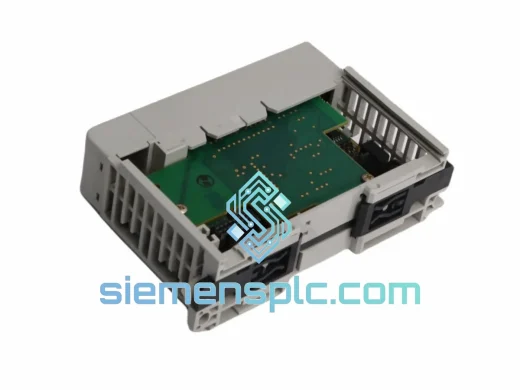
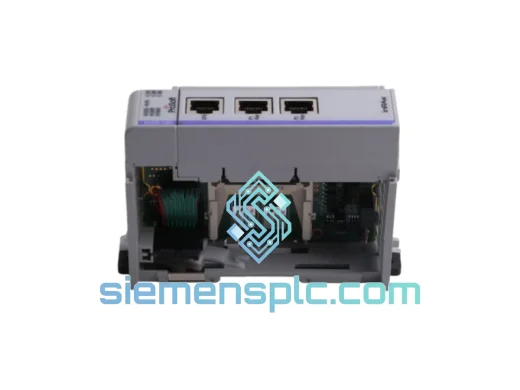
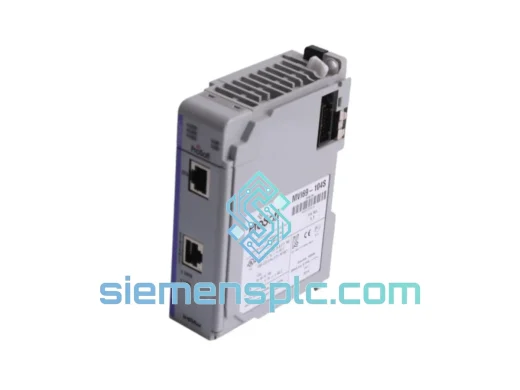
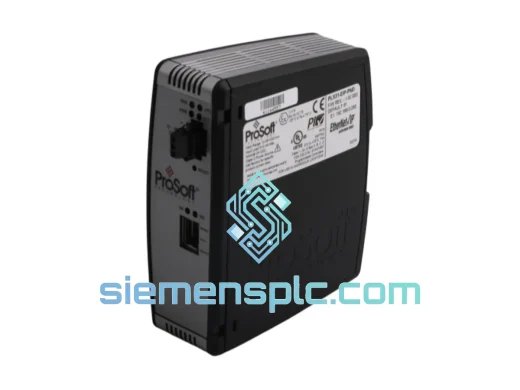
ProSoft PLX31-EIP-PND Protocol Gateway – PLX31 Series
Origin US
Protocol Gateway
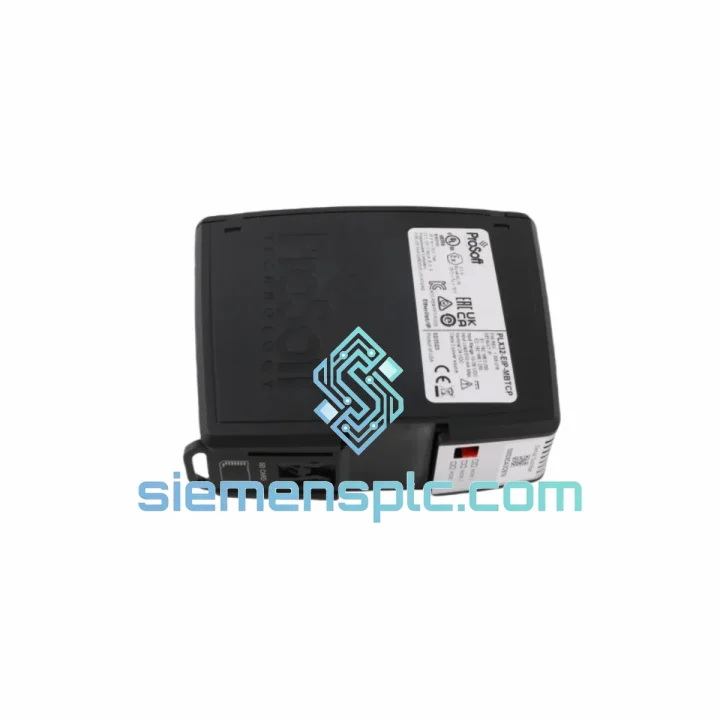
Request verified availability, condition, replacement risk review, packing options and courier lead time for PLX32-EIP-MBTCP.
Click Request Quote and the part number is inserted into the inquiry form automatically.
Core fields for model confirmation and RFQ routing. Detailed product narrative remains below.
Your line is down. Every minute the EtherNet/IP-to-Modbus TCP bridge is offline, you’re bleeding production time and money. The ProSoft PLX32-EIP-MBTCP is the exact module you need — and we have it on the shelf right now. No lead-time games, no “check back in 8 weeks.” We pull, test, pack, and hand it to DHL or FedEx the same business day you confirm the order.
This is not a substitute, not a compatible alternative, not a refurbished unit with a fresh label. It is a 100% genuine ProSoft Technology PLX32-EIP-MBTCP, sourced through verified supply channels, with OEM label integrity confirmed before it leaves our warehouse in Xiamen, China.
URGENT REQUIREMENT?
📧 Email: [email protected]
📱 WhatsApp: +86 18359268345
| Parameter | Specification | Status |
|---|---|---|
| Part Number / SKU | PLX32-EIP-MBTCP | ✅ Ready to Ship |
| Manufacturer | ProSoft Technology | 100% OEM |
| Series | PLX32 Industrial Protocol Gateway | — |
| Protocol Side A | EtherNet/IP – Adapter (Server) mode | — |
| Protocol Side B | Modbus TCP/IP – Client & Server simultaneous | — |
| Ethernet Ports | 2 × RJ45, 10/100 Mbps, independent | — |
| Power Input | 24 VDC ±10%, <3 W typical | — |
| Mounting | DIN rail EN 50022 | — |
| Data Mapping Capacity | Up to 5,000 registers bidirectional | — |
| EIP Connections | Up to 10 Class 1 (I/O) + Class 3 (explicit) | — |
| Modbus TCP Sessions | Up to 10 simultaneous client/server | — |
| Operating Temperature | 0°C to +60°C | — |
| Storage Temperature | -40°C to +85°C | — |
| Humidity | 5–95% RH, non-condensing | — |
| Enclosure Rating | IP20 | — |
| Dimensions (W×H×D) | ~45 × 100 × 75 mm | — |
| Weight | ~240 g | — |
| Configuration Tool | ProSoft Configuration Builder (PCB) – free | — |
| Certifications | CE, UL, cUL, RoHS | — |
| Country of Origin | United States | — |
| Warranty | ProSoft standard 1-year OEM warranty | — |
Swapping a PLX32-EIP-MBTCP under pressure is not the same as a planned commissioning. Here is what catches engineers off guard on the bench at 2 AM:
1. IP Address — Don’t Assume DHCP
The factory default IP is 192.168.0.250. If your network runs static addressing, connect a laptop directly to Port 1 with a crossover cable (or modern auto-MDI switch), open PCB software, and use the “Locate Gateways” scan before touching anything else. Trying to ping a module that’s on the wrong subnet wastes 30 minutes you don’t have.
2. Configuration Backup — Pull It Before You Pull the Module
If the old unit is still partially alive, connect PCB and do File → Upload from Device immediately. Save the .pcb project file. A replacement unit with a blank config will not pass data — the mapping rules, Modbus register addresses, and EIP connection parameters must be restored exactly. If the old unit is dead, check your SCADA historian or DCS backup for the last known register map.
3. EDS File Registration in Studio 5000
The PLX32-EIP-MBTCP requires its EDS file registered in Rockwell Studio 5000 / RSLogix 5000 before the PLC will recognize it as a valid EtherNet/IP adapter. Download the correct EDS from ProSoft’s website matching your firmware version. Mismatch between EDS revision and module firmware is a common cause of “Module Not Found” faults after replacement.
4. Firmware Version Matching
If your system was commissioned with firmware v1.x and the replacement ships with v2.x, verify that the PCB project file is compatible. ProSoft PCB software will flag version mismatches on upload. Do not force-download a mismatched config — it can corrupt the mapping table. Update firmware first if required, then restore config.
5. Common Fault Codes to Know
6. Dual-Port Network Isolation
Port 1 (EtherNet/IP) and Port 2 (Modbus TCP) are electrically independent. Do not connect both ports to the same network switch unless you have a specific reason — doing so can create routing loops and degrade scan performance. Keep the two protocol networks physically or VLAN-separated.
The PLX32-EIP-MBTCP is not a commercial-grade device dressed up in industrial packaging. It is built to run continuously inside steel enclosures where temperatures swing, vibration is constant, and humidity is never controlled.
The operating range of 0°C to +60°C covers the majority of industrial cabinet environments globally — from unheated outdoor enclosures in northern climates to machine rooms in Southeast Asian factories running without air conditioning. Storage tolerance extends to -40°C / +85°C, meaning units can be warehoused in uncontrolled environments without degradation.
The conformal-coated PCB resists moisture ingress and condensation — critical in food processing, water treatment, and coastal facilities where humidity regularly exceeds 80% RH. The DIN-rail housing has no moving parts, no fans, and no electrolytic capacitors in the signal path that would degrade under thermal cycling.
Vibration resistance meets IEC 61131-2 standards, which means the module stays seated and operational on machine frames subject to continuous mechanical vibration from motors, compressors, and conveyors. The RJ45 connectors are recessed and locking-capable with standard locking patch cables — they will not back out from vibration.
Every unit we ship has been inspected for physical integrity: housing cracks, bent connector pins, label authenticity, and firmware boot confirmation. We do not ship units that fail visual or functional pre-check.
Our warehouse is located in Xiamen, Fujian, China — one of China’s primary export hubs with direct access to Xiamen Gaoqi International Airport and daily DHL/FedEx flight connections to major global hubs.
Standard Express Timeline (from order confirmation):
For orders requiring same-day air freight booking or door-to-door customs brokerage in your country, contact us directly on WhatsApp. We handle urgent freight coordination daily — it is not an exception, it is part of the service.
Export documentation is prepared in English and complies with EU, US, and ASEAN import requirements. We have shipped to over 40 countries. Customs delays caused by incomplete documentation are not something our customers experience.
📧 Email: [email protected]
📱 WhatsApp: +86 18359268345
🌐 Web: siemensplc.com
© 2026 siemensplc.com. All rights reserved. All trademarks are property of their respective owners. ProSoft Technology and PLX32 are registered trademarks of ProSoft Technology, Inc.
We check the full part number, brand, series and visible nameplate information before quotation.
Sales confirms stock path, condition option, quantity and realistic lead time for export dispatch.
DHL, FedEx, UPS or buyer courier arrangements can be reviewed with packing requirements.
Similar brand or category products for fast comparison and multi-item RFQ lists.