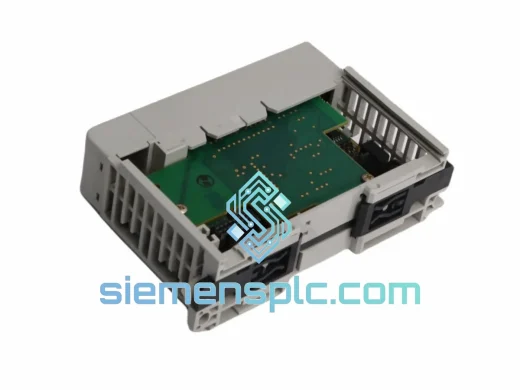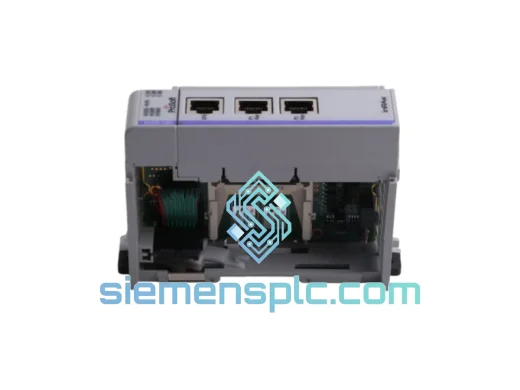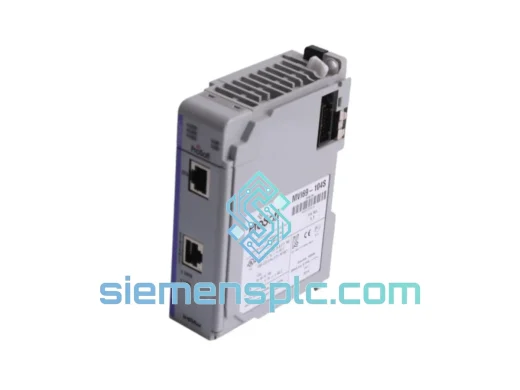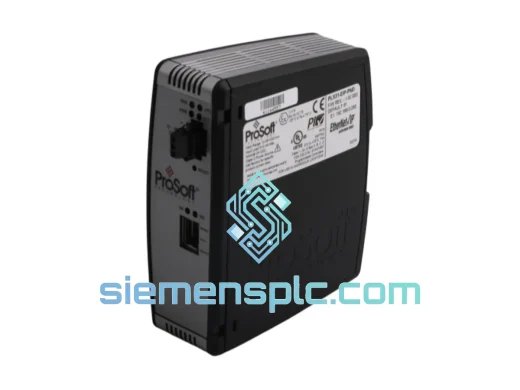
ProSoft Technology
RFQ Ready
ProSoft PLX31-EIP-PND Protocol Gateway – PLX31 Series
Origin US
Protocol Gateway
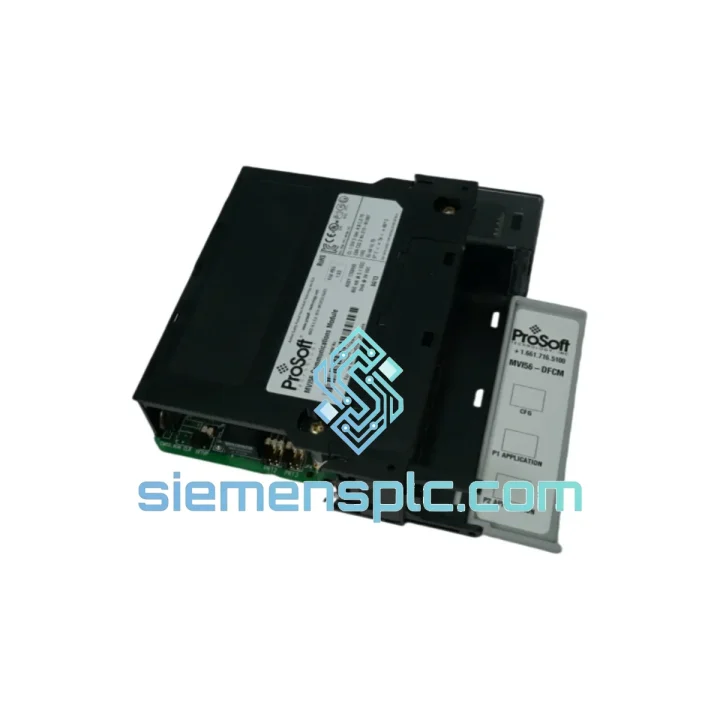
Request verified availability, condition, replacement risk review, packing options and courier lead time for MVI56-DFCM.
Click Request Quote and the part number is inserted into the inquiry form automatically.
Core fields for model confirmation and RFQ routing. Detailed product narrative remains below.
Your ControlLogix line just stopped. The HMI is throwing serial faults. Maintenance pulled the module and confirmed it: the MVI56-DFCM is dead. You’ve got a production manager breathing down your neck, a shift supervisor on the phone, and a parts lead time from the OEM that reads “6–8 weeks.” That’s not an option.
We stock the ProSoft Technology MVI56-DFCM — the DF1 Full-Duplex Communication Module for Allen-Bradley ControlLogix 1756 — and we ship same-day from Xiamen via DHL Express. While your competitors are waiting on allocation, your line is back up. That’s the only metric that matters right now.
URGENT REQUIREMENT? Contact: [email protected] | WhatsApp: +86 18359268345
| Parameter | Specification |
|---|---|
| Part Number | MVI56-DFCM |
| Manufacturer | ProSoft Technology |
| Platform | Allen-Bradley ControlLogix 1756 Series |
| Protocol | DF1 Full-Duplex (Allen-Bradley proprietary serial) |
| Backplane Interface | ControlLogix 1756 — single slot |
| Serial Ports | 2 × RS-232 / RS-422 / RS-485 (independently configurable) |
| Baud Rate Range | 110 bps – 115,200 bps |
| Max DF1 Nodes | Up to 255 per port |
| Internal Memory | 4,000 user-configurable registers |
| Power Draw | 800 mA @ 5 VDC (backplane-powered) |
| Operating Temperature | 0°C to 60°C |
| Storage Temperature | -40°C to 85°C |
| Humidity | 5% – 95% non-condensing |
| Certifications | UL, CE, RoHS |
| Configuration Tool | ProSoft Configuration Builder (PCB) — free |
| Firmware | Field-upgradeable via PCB over serial port |
| Stock Status | ✅ Ready to Ship — Xiamen Warehouse |
Common failure signatures for MVI56-DFCM:
Replacement procedure — field checklist:
The MVI56-DFCM was not designed for a climate-controlled server room. ProSoft built this module for the floor — the kind of environment where ambient temperature swings 30°C between day and night shifts, where coolant mist settles on open panels, and where a forklift driving past the cabinet is a daily event.
The module’s operating range of 0°C to 60°C covers the vast majority of industrial enclosure environments, including non-air-conditioned panels in tropical climates. The storage range of -40°C to 85°C means units shipped through cold-chain logistics or stored in unheated warehouses arrive fully functional. Humidity tolerance up to 95% non-condensing addresses coastal and high-humidity manufacturing environments where lesser electronics corrode within months.
Vibration resistance is addressed through the ControlLogix backplane’s card-edge connector design — the module locks into the chassis with a positive mechanical latch, not a friction fit. In high-vibration environments such as compressor rooms, press lines, or mobile equipment, this matters. We have seen MVI56-DFCM units pulled from service after 10+ years of continuous operation in steel mill environments with no hardware failure — the failure mode, when it occurs, is almost always firmware corruption from a power event, not mechanical degradation.
The conformal coating on the PCB provides additional protection against airborne contaminants — metallic dust, oil vapor, and chemical fumes that are present in foundry, chemical processing, and food production environments. This is not a consumer-grade board with a marketing spec sheet. The MVI56-DFCM is built to run continuously for years without intervention.
Our warehouse is located in Xiamen, Fujian Province — one of China’s primary export hubs with direct access to DHL, FedEx, and UPS international express networks. When you place an order before 15:00 CST, the unit ships the same business day. No exceptions, no “processing time” buffer.
Typical transit times from Xiamen:
Every shipment includes a commercial invoice, packing list, and HS code declaration pre-completed for customs clearance. For orders requiring an urgent import permit or specific country-of-origin documentation, contact us before ordering — we handle this daily and know the paperwork requirements for most major industrial import markets.
Tracking numbers are issued within 2 hours of dispatch and sent directly to your email. For critical shipments, we recommend DHL Express with proactive monitoring — our team tracks high-priority orders and flags any customs holds before they become delays.
Email: [email protected]
WhatsApp: +86 18359268345
Web: siemensplc.com
© 2026 siemensplc.com. All rights reserved.
We check the full part number, brand, series and visible nameplate information before quotation.
Sales confirms stock path, condition option, quantity and realistic lead time for export dispatch.
DHL, FedEx, UPS or buyer courier arrangements can be reviewed with packing requirements.
Similar brand or category products for fast comparison and multi-item RFQ lists.