SCHLEICHER
RFQ Ready
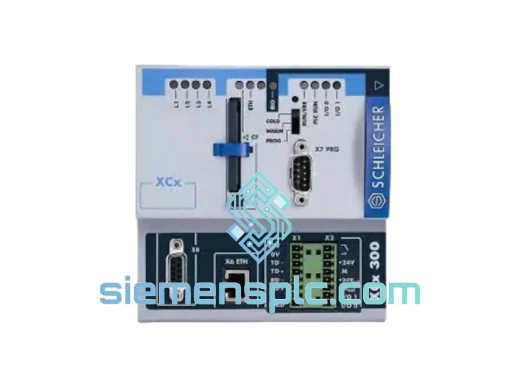
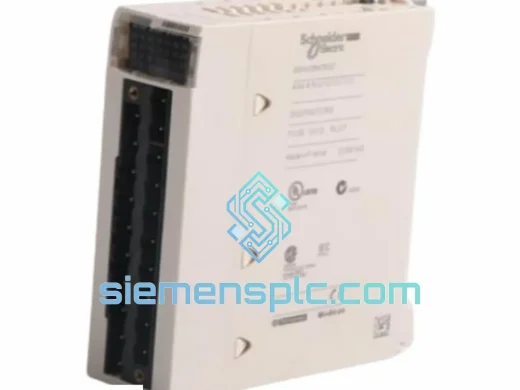
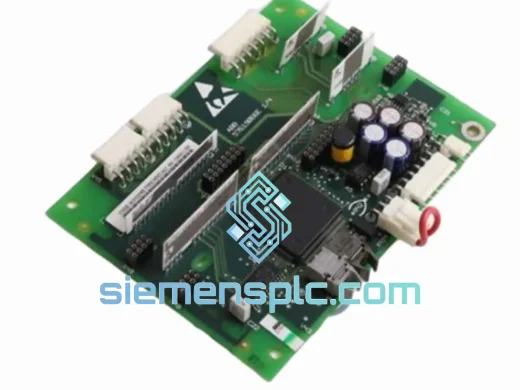
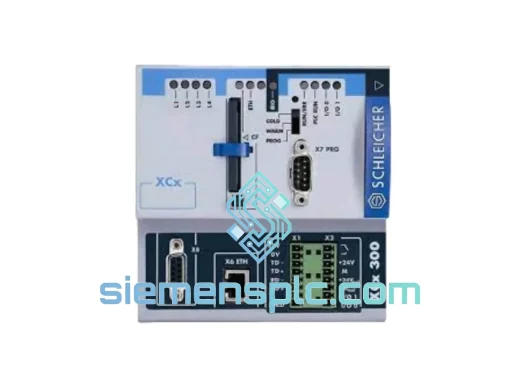
SCHLEICHER XCX300 XCN300E PLC CPU Module – XCx300 Series
XCx300 Series
Origin Germany
PLC CPU Module
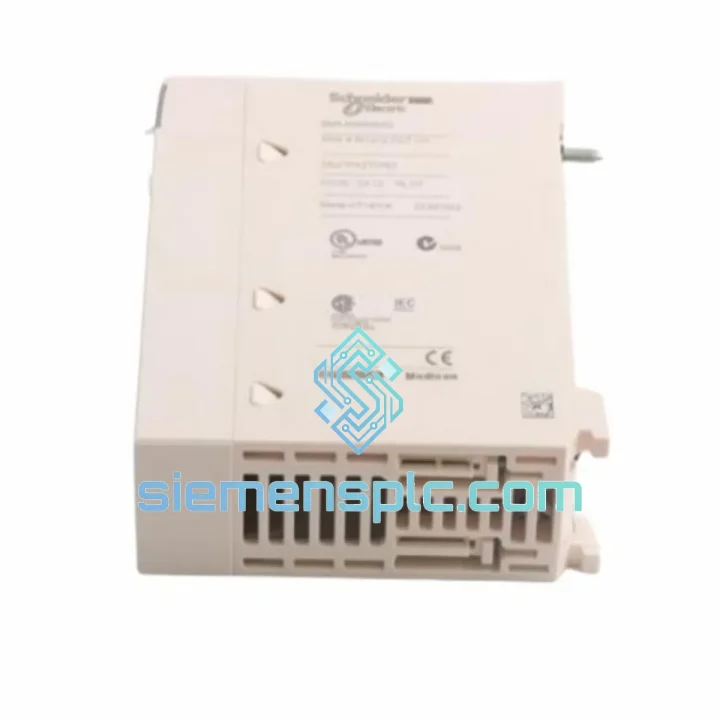
Request verified availability, condition, replacement risk review, packing options and courier lead time for USP2I.
Click Request Quote and the part number is inserted into the inquiry form automatically.
Core fields for model confirmation and RFQ routing. Detailed product narrative remains below.
Your line is down. Every minute the SCHLEICHER USP2I positioning module sits dead in that rack, you’re bleeding production time and money. We’ve been there — standing on the shop floor at 2 AM with a flashlight and a multimeter, watching the shift supervisor pace. That’s exactly why we stock the USP2I and ship it the same day from Xiamen. No waiting on distributor lead times. No “we’ll check availability and get back to you.” The module is on the shelf. Your order triggers a pick ticket, not a sourcing email.
The USP2I is a single/dual-axis positioning module native to the SCHLEICHER modular PLC platform — XCx, XCM, and XCR rack families. It handles encoder feedback, position setpoints, and velocity profiles directly on the backplane bus without consuming CPU cycle time. When this card fails, your servo axes go blind. The CPU keeps running, alarms stack up, and the HMI shows position errors that won’t clear until the hardware is replaced. There is no software workaround. You need the card.
URGENT REQUIREMENT? Contact: [email protected] | WhatsApp: +86 18359268345
| Parameter | Specification |
|---|---|
| Manufacturer | SCHLEICHER |
| Part Number | USP2I |
| Module Function | Positioning Module (1–2 axes) |
| Compatible Racks | SCHLEICHER XCx / XCM / XCR Series |
| Bus Interface | SCHLEICHER Proprietary Backplane Bus |
| Encoder Input | Incremental encoder (TTL/RS-422) |
| Position Resolution | Up to 32-bit counter |
| Operating Temperature | 0°C to +55°C |
| Storage Temperature | -25°C to +70°C |
| Relative Humidity | 5–95% RH, non-condensing |
| Power Supply | Via rack backplane (no external PSU required) |
| Weight | Approx. 500 g |
| Compliance | CE, RoHS |
| Condition | ✅ New Original — Ready to Ship |
| Lead Time | Ships within 24 hours of order confirmation |
| Origin | Germany (OEM) |
Before you pull the card, confirm the fault is hardware and not a wiring or parameter issue. Here’s the field-tested sequence:
Step 1 — Isolate the fault. Check the CPU diagnostic buffer in ProNumeric/XCpro. A USP2I hardware fault typically throws error codes in the 0x3xxx range (positioning module communication loss) or axis-specific faults like “Encoder signal missing” or “Module not responding.” If the fault clears on a CPU restart but returns within seconds, the card is failing — not the encoder or drive.
Step 2 — Check the slot address. The USP2I uses rack-slot-based addressing. Before removing the failed card, note the physical slot number. The replacement must go into the exact same slot — the CPU maps axis assignments by slot position. Swapping slots without reconfiguring the hardware table in XCpro will cause axis mismatch faults on startup.
Step 3 — DIP switch verification. Some USP2I revisions carry DIP switches on the PCB edge for encoder type selection (single-ended vs. differential) and termination resistor enable. Before powering up the replacement, match the switch positions to the failed card. Photograph the old card before removal — this takes 10 seconds and saves 2 hours of fault-finding.
Step 4 — Firmware revision check. The USP2I firmware is stored on the module itself. If your CPU is running a newer XCpro project version, there may be a firmware mismatch warning on first boot. In most cases the CPU will still operate the module in compatibility mode, but update the module firmware via XCpro’s firmware download function if the warning persists or axis behavior is erratic.
Step 5 — Encoder re-homing. After a positioning module swap, all absolute position references are lost. The axis will power up in “not referenced” state. Execute your homing routine before resuming production — do not attempt to jog to position without a valid home reference, especially on gantry or press applications where a runaway axis causes mechanical damage.
Common fault codes associated with USP2I failure:
The USP2I was engineered for the factory floor, not a server room. SCHLEICHER designed the XCx module family to operate continuously in environments that would kill consumer-grade electronics within weeks. The conformal coating on the PCB resists moisture ingress and condensation — critical in facilities where temperature swings between shifts cause dew point crossings on cold metal surfaces. Vibration damping on the backplane connector maintains signal integrity even on presses and stamping machines where the rack sees 2–5g of continuous vibration.
Thermal management is passive — no fans, no moving parts. The module dissipates heat through the card edge and rack structure. We’ve seen USP2I units pulled from machines that ran three-shift operations for over a decade with zero maintenance. When they do fail, it’s typically the encoder input optocouplers or the backplane connector contacts — both age-related wear items, not design flaws. Our stock units are tested under load before shipment: encoder signal injection, position counter verification, and backplane communication handshake — all confirmed before the card goes in the box.
Our warehouse is in Xiamen, Fujian — one of China’s primary export hubs with direct access to DHL, FedEx, and UPS international gateways. Order confirmation before 15:00 CST triggers same-day pick and pack. The module ships in anti-static ESD shielding bag, foam-lined double-wall carton, with desiccant pack for humidity control during transit.
Typical transit times from Xiamen:
Every shipment includes a commercial invoice with accurate HS code (8537.10) for customs clearance, packing list, and tracking number pushed to your email within 2 hours of dispatch. For urgent customs clearance in the EU or US, we provide a detailed technical description letter on company letterhead — no delays at the border because of vague documentation.
DDP (Delivered Duty Paid) shipping is available for select destinations — ask at time of order if you need duties pre-paid to eliminate customs holds. We’ve shipped to 60+ countries. We know where the friction points are and we work around them proactively.
Ready to order or need a quote? Reach us directly — no ticket system, no chatbot queue.
📧 Email: [email protected]
📱 WhatsApp: +86 18359268345
🌐 Web: siemensplc.com
© 2026 siemensplc.com. All rights reserved.
We check the full part number, brand, series and visible nameplate information before quotation.
Sales confirms stock path, condition option, quantity and realistic lead time for export dispatch.
DHL, FedEx, UPS or buyer courier arrangements can be reviewed with packing requirements.
Similar brand or category products for fast comparison and multi-item RFQ lists.