Schneider Electric
RFQ Ready
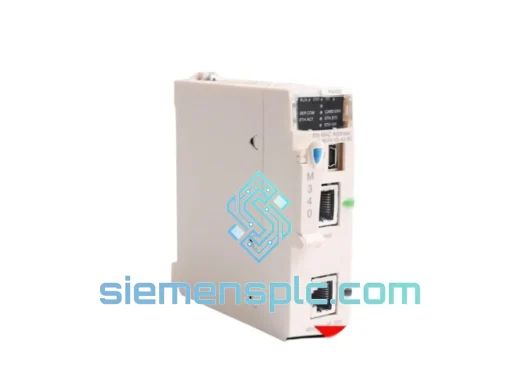
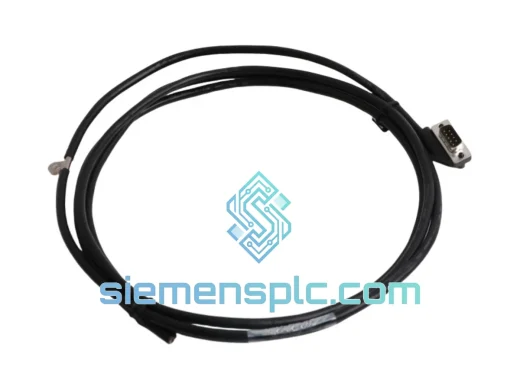
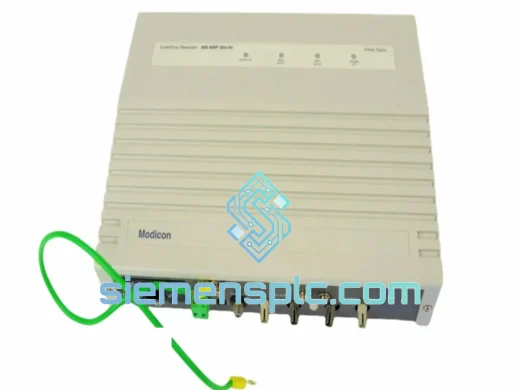
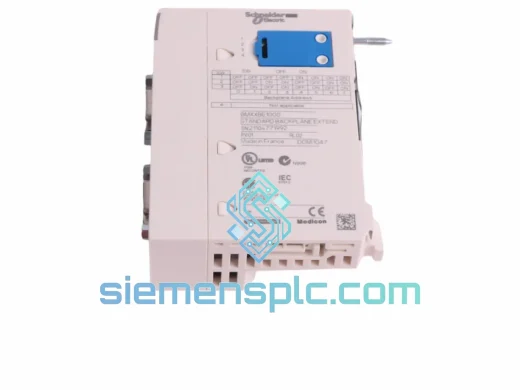
Schneider Electric BMXXBE1000 PLC Communication Module – Modicon M340
Modicon M340
Origin FR
PLC Communication Module
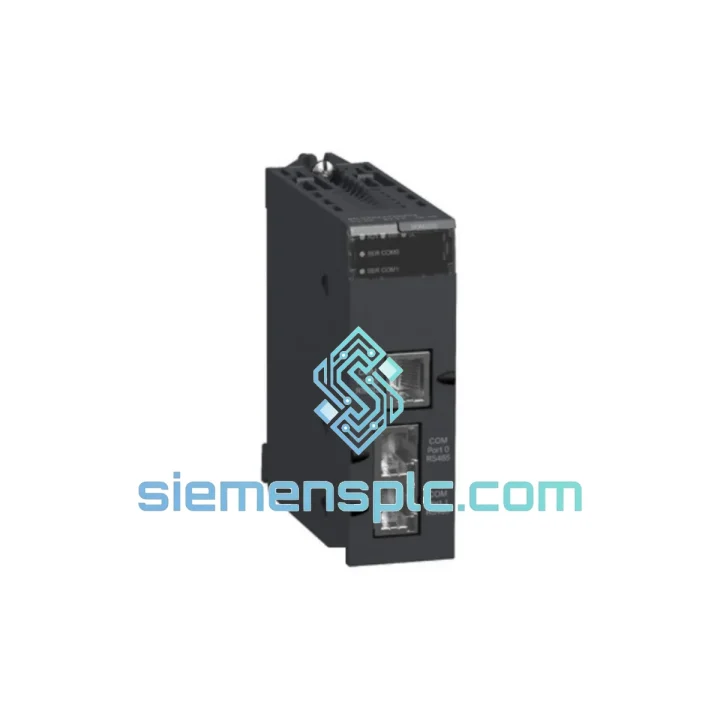
Request verified availability, condition, replacement risk review, packing options and courier lead time for BMXNOM0200.
Click Request Quote and the part number is inserted into the inquiry form automatically.
Core fields for model confirmation and RFQ routing. Detailed product narrative remains below.
Your M340 rack just threw a red ERR light on the NOM slot. Servo drives are in fault. The CANopen network is dead. Downstream I/O islands are not responding. You have already checked the obvious — power is good, backplane is seated, CPU is running. The BMXNOM0200 is the problem, and you need a replacement on-site before the next shift starts. That is exactly the situation we built this stock for.
We maintain ready-to-ship inventory of the Schneider Electric BMXNOM0200 CANopen NMT master communication module at our Xiamen warehouse. No lead time negotiation. No waiting on distributor allocation. If you contact us before 3 PM CST, your unit ships the same business day via DHL Express or FedEx International Priority — tracked door-to-door, with full export documentation included.
URGENT REQUIREMENT? Contact: [email protected] | WhatsApp: +86 18359268345
| Parameter | Specification |
|---|---|
| Part Number | BMXNOM0200 |
| Brand | Schneider Electric |
| Series | Modicon M340 |
| Module Function | CANopen NMT Master Communication Module |
| Fieldbus Protocol | CANopen (DS301, DS401) |
| Max. Slave Nodes | 127 per module |
| Supported Baud Rates | 10 kbps / 20 / 50 / 125 / 250 / 500 kbps / 1 Mbps |
| Physical Connector | 9-pin Sub-D (DB9), male |
| Backplane Interface | Modicon M340 X-Bus (no external power wiring) |
| Operating Temperature | 0°C to +60°C |
| Storage Temperature | -25°C to +70°C |
| Relative Humidity | 10% to 95% RH, non-condensing |
| Protection Rating | IP20 |
| Certifications | CE, UL, cUL, CSA |
| Configuration Software | EcoStruxure Control Expert (Unity Pro) v13.0+ |
| Weight | Approx. 500 g |
| Stock Status | ✅ Ready to Ship — Xiamen Warehouse |
Confirming the BMXNOM0200 has failed — not the network: Before pulling the module, isolate the fault. Disconnect the DB9 CANopen cable from the module. If the CPU continues running and other rack modules stay healthy, the bus wiring or a slave device is not the culprit — the NOM module itself has failed. Common failure signatures: ERR LED solid red at power-on, COM LED never illuminates, Control Expert shows the module in “Not Present” or “Communication Error” state despite correct rack seating.
Step-by-step hot-swap procedure:
Firmware matching: The BMXNOM0200 firmware version must be compatible with your Control Expert project version. If you are replacing an older unit, open Control Expert → Hardware Catalog → BMXNOM0200 properties and compare the firmware revision. Mismatched firmware will cause the module to appear in the rack but refuse to enter Operational state. Use Schneider’s firmware update tool (available via the SE support portal) to align versions before going live.
EDS file re-import not required: The CANopen slave EDS configurations are stored in the CPU project, not in the NOM module itself. Replacing the BMXNOM0200 does not require re-importing EDS files or reconfiguring slave node addresses — the project downloads to the new module automatically on the next CPU program transfer.
Common fault codes to know:
The BMXNOM0200 is not a office-grade component dressed up in an industrial enclosure. It is designed and tested to operate continuously in environments that would kill consumer electronics within hours. Schneider Electric subjects the Modicon M340 module range to IEC 61131-2 environmental compliance testing, which includes sinusoidal vibration across 5–150 Hz frequency sweeps, random vibration profiles simulating transport and in-service mechanical shock, and thermal cycling between operating extremes to stress solder joints and connector contacts.
In practice, this means the BMXNOM0200 holds up in steel mill auxiliary panels where floor vibration is constant, in outdoor switchgear cabinets in Southeast Asian humidity where condensation is a daily reality, and in food processing environments where washdown cycles create rapid thermal gradients. The IP20 rating covers the module face — the backplane connection is sealed by the rack housing itself, protecting the X-Bus contacts from airborne contamination.
Units we ship from Xiamen are stored in climate-controlled conditions, individually sealed in anti-static moisture barrier bags with desiccant packs. Every unit is inspected for connector pin integrity, label authenticity, and housing condition before packaging. We do not ship modules that show any sign of prior installation, pin damage, or label tampering.
Our Xiamen warehouse sits 40 minutes from Xiamen Gaoqi International Airport (XMN), one of South China’s primary cargo hubs with daily freighter connections to Frankfurt, Dubai, Chicago, and Singapore. This geography is not accidental — it is why we can commit to same-day dispatch for orders confirmed before 3 PM CST.
Standard export flow for a BMXNOM0200 order:
All shipments include full export documentation. We have shipped to over 40 countries and are familiar with import requirements for industrial automation components in the EU, GCC, ASEAN, and North American markets. Duties and taxes at destination are the buyer’s responsibility unless otherwise agreed in writing.
📧 Email: [email protected]
💬 WhatsApp: +86 18359268345
🌐 Web: siemensplc.com
© 2026 siemensplc.com. All rights reserved.
We check the full part number, brand, series and visible nameplate information before quotation.
Sales confirms stock path, condition option, quantity and realistic lead time for export dispatch.
DHL, FedEx, UPS or buyer courier arrangements can be reviewed with packing requirements.
Similar brand or category products for fast comparison and multi-item RFQ lists.