Siemens
RFQ Ready
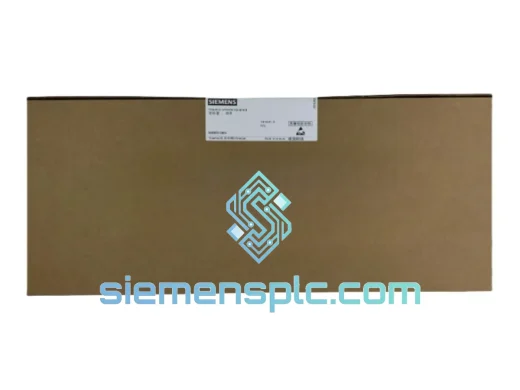
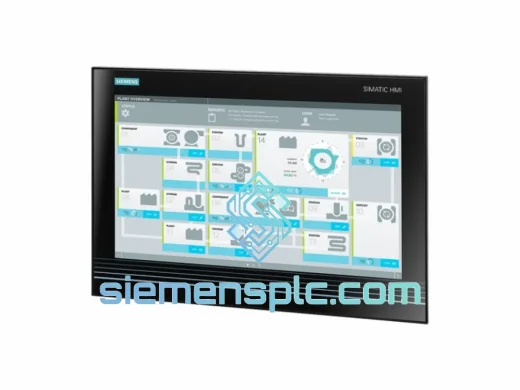
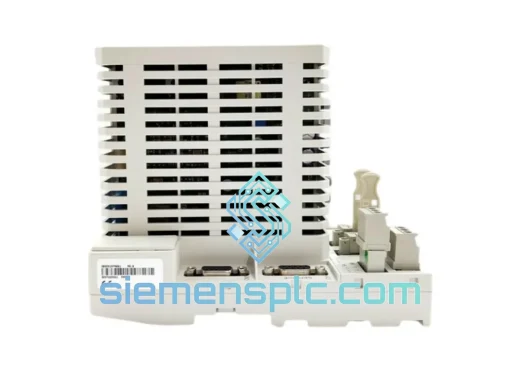
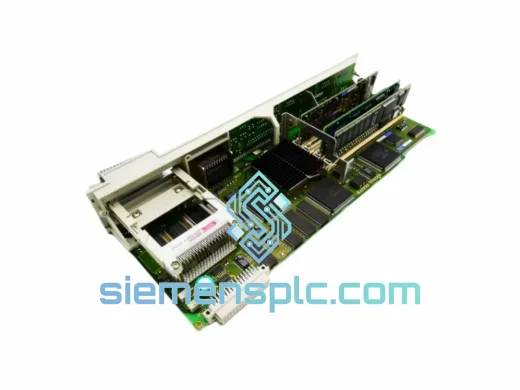
Siemens 6FC5357-0BY21-1AE1 NCU572.2 CNC Control Unit
SINUMERIK 840D
Origin DE
CNC Numerical Control Unit
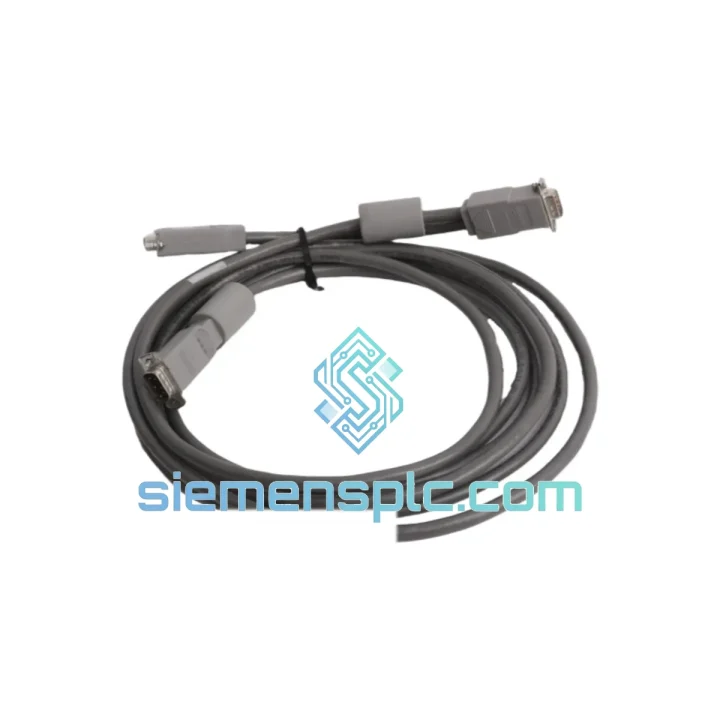
Request verified availability, condition, replacement risk review, packing options and courier lead time for 16137-177.
Click Request Quote and the part number is inserted into the inquiry form automatically.
Core fields for model confirmation and RFQ routing. Detailed product narrative remains below.
Every minute a production line sits idle costs real money. If you’re reading this page, chances are you already know that. The Siemens 16137-177 Signal Module is confirmed in-stock at our Xiamen warehouse right now — not “available to order,” not “estimated 6–8 weeks.” In stock. Ready to pull, test, and ship within 24 hours of order confirmation. We’ve handled enough emergency callouts to know that the difference between a 1-day fix and a 5-day fix is almost always logistics, not engineering. That’s the gap we close.
⚡ URGENT REQUIREMENT? Contact: [email protected] | WhatsApp: +86 18359268345
| Parameter | Detail |
|---|---|
| Part Number / SKU | 16137-177 |
| Manufacturer | Siemens |
| Module Category | Signal Module (SM) |
| Series Compatibility | SIMATIC S7 / S5 Platform |
| Form Factor | DIN Rail Mountable |
| Weight | 460 g |
| Country of Origin | Germany |
| Condition | 100% Original OEM — New / Surplus New |
| Stock Status | ✅ Ready to Ship — Xiamen Warehouse |
| Lead Time | Ships within 24 hrs of payment confirmation |
| Warranty | 12 months (new units) |
| Documentation | COC & Test Report available on request |
Swapping a signal module sounds straightforward until it isn’t. Here’s what catches engineers off guard on the 16137-177 specifically:
1. Address Assignment & Slot Recognition
The 16137-177 uses backplane-based slot addressing. After physical installation, open your STEP 7 or TIA Portal hardware configuration and verify the module appears in the correct rack slot. If the CPU throws a Module Not Recognized fault (SF LED solid red), the most common cause is a mismatch between the configured slot address and the physical slot position. Delete the module entry in HW Config, re-insert it at the correct slot, compile, and download.
2. DIP Switch / Rotary Address Settings
Depending on the sub-variant of the 16137-177 installed in your system, check whether any onboard DIP switches or rotary address selectors need to match the outgoing module’s settings. Photograph the old module before removal — this takes 10 seconds and saves 2 hours of fault-tracing later.
3. Firmware Compatibility
If your CPU firmware is below a certain revision, the module may initialize but report diagnostic errors. Pull the CPU order number and firmware version from the module properties in STEP 7 (or the CPU’s web server if S7-1500). Cross-reference against the 16137-177 compatibility matrix in the Siemens Industry Online Support portal before powering up.
4. Common Fault Codes to Watch
5. Replacement Sequence (Field-Proven)
Industrial environments don’t care about your schedule. The Siemens 16137-177 is engineered to operate where lesser components fail. Siemens signal modules in this class are qualified to withstand continuous vibration loads per IEC 60068-2-6, operating temperature ranges that cover everything from cold-start foundry floors to summer-peak control cabinets running at 55 °C ambient, and humidity exposure up to 95% non-condensing per IEC 60068-2-78.
The conformal coating on the PCB assembly provides a meaningful barrier against airborne particulates, cutting fluid mist, and the kind of slow corrosion that kills unprotected boards in coastal or chemical plant environments. The backplane connector is gold-plated and rated for hundreds of insertion cycles — relevant when you’re doing quarterly PM swaps on a rotating spare strategy.
Every unit we ship has been stored in climate-controlled, ESD-protected racking. We don’t pull modules from damp warehouses or strip them from decommissioned machines without inspection. If a unit doesn’t pass our pre-shipment bench check, it doesn’t go in a box. That’s not marketing language — it’s the only way to avoid a return shipment that costs more than the module.
Our dispatch hub is in Xiamen, China — one of the country’s primary export ports with direct DHL and FedEx gateway access. Here’s how the shipment flow works from the moment you confirm your order:
Typical transit times: Germany / France / UK: 2–3 business days. USA / Canada: 3–4 business days. Southeast Asia: 1–2 business days. Middle East / Africa: 3–5 business days. These are express service estimates — not economy freight. When your line is down, economy freight is not an option.
For orders requiring same-day dispatch, contact us before 14:00 CST. We will confirm feasibility based on current warehouse workload.
📧 Email: [email protected]
📱 WhatsApp: +86 18359268345
🌐 Web: siemensplc.com
© 2026 siemensplc.com. All rights reserved.
We check the full part number, brand, series and visible nameplate information before quotation.
Sales confirms stock path, condition option, quantity and realistic lead time for export dispatch.
DHL, FedEx, UPS or buyer courier arrangements can be reviewed with packing requirements.
Similar brand or category products for fast comparison and multi-item RFQ lists.