

Siemens
RFQ Ready
Siemens 6AV7240-0HC07-0PA0 Industrial Panel PC Motherboard – SIMATIC IPC477D
SIMATIC
Origin DE
Industrial Panel PC Motherboard
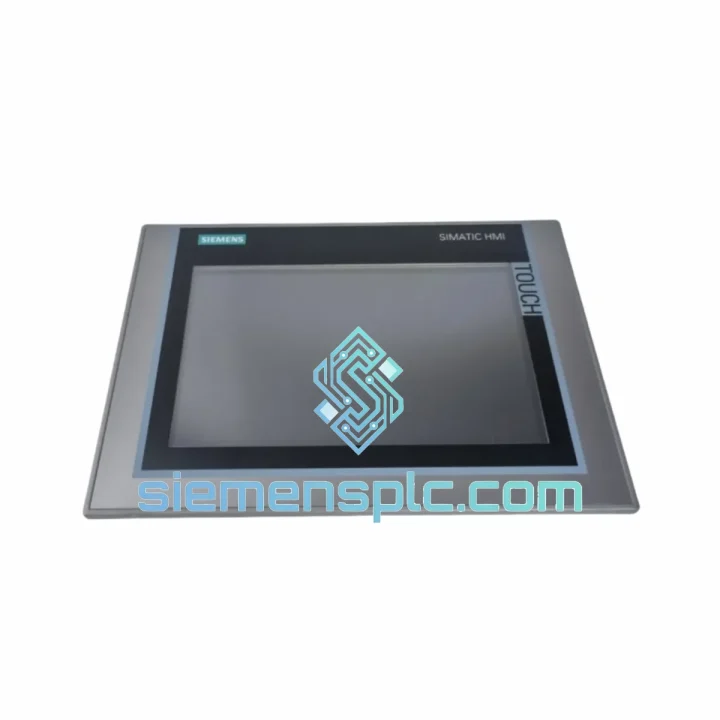
Request verified availability, condition, replacement risk review, packing options and courier lead time for 6AV7721-1AA10-0AD0.
Click Request Quote and the part number is inserted into the inquiry form automatically.
Core fields for model confirmation and RFQ routing. Detailed product narrative remains below.
Your Panel PC is dead. The line is down. Operators are standing around. Every hour without a functioning HMI costs you — in lost throughput, in overtime, in customer penalties. The Siemens 6AV7721-1AA10-0AD0 SIMATIC Panel PC 670 is in stock at our Xiamen warehouse right now. We’ve shipped this exact unit to plants in Germany, Malaysia, Mexico, and Saudi Arabia — all on emergency timelines. We know what’s at stake. Let’s get you back up.
URGENT REQUIREMENT? Contact: [email protected] | WhatsApp: +86 18359268345
| Parameter | Specification |
|---|---|
| Part Number | 6AV7721-1AA10-0AD0 |
| Product Series | SIMATIC Panel PC 670 |
| Manufacturer | Siemens AG |
| Form Factor | Panel-mount Industrial PC |
| Display | 15″ TFT color display, 1024×768 resolution |
| Processor | Intel Celeron M 1.0 GHz (standard config) |
| RAM | 512 MB DDR SDRAM |
| Storage | 40 GB HDD (industrial grade) |
| Operating System | Windows XP Professional (embedded) |
| Front Panel Protection | IP65 (dust-tight, water-jet resistant) |
| Rear / Chassis | IP20 |
| Operating Temperature | 0 °C to +45 °C |
| Storage Temperature | -20 °C to +60 °C |
| Relative Humidity | 5% to 95% (non-condensing) |
| Vibration Resistance | 10–58 Hz, 0.075 mm amplitude (IEC 60068-2-6) |
| Shock Resistance | 15 g / 11 ms (IEC 60068-2-27) |
| Interfaces | 2× USB 2.0, 1× PS/2, 1× COM (RS-232), 1× LPT, 1× RJ45 (Ethernet 10/100), 1× VGA |
| Power Supply | 24 V DC (18–30 V DC), max 65 W |
| Dimensions (W×H×D) | Approx. 400 × 310 × 85 mm |
| Weight | Approx. 7.5 kg |
| Certifications | CE, UL, cUL, FM Class I Div 2 |
| Origin | Germany |
| Stock Status | ✅ Ready to Ship — Xiamen Warehouse |
After handling dozens of Panel PC 670 field swaps, here are the failure modes and gotchas that will save you hours on-site:
Most Common Failure Points on the 6AV7721-1AA10-0AD0:
Replacement Configuration Checklist — Do This Before You Power On:
Common Error Codes & What They Actually Mean:
The SIMATIC Panel PC 670 platform was engineered for environments where consumer-grade hardware lasts weeks, not years. The 6AV7721-1AA10-0AD0 carries an IP65 front panel rating — that means full dust exclusion and protection against water jets from any direction. In food processing plants running daily washdowns, this matters. The chassis is designed to dissipate heat passively across a wide surface area, reducing reliance on fans that clog with airborne particulate in woodworking, cement, and mining applications.
Vibration tolerance is validated to IEC 60068-2-6: 10–58 Hz at 0.075 mm amplitude. In practice, this covers the vibration profiles of most press lines, compressor rooms, and conveyor-adjacent installations. Shock resistance at 15 g / 11 ms (IEC 60068-2-27) means the unit survives the kind of mechanical impacts that happen during maintenance — a dropped tool, a cabinet door slammed hard, a forklift passing too close.
Operating temperature range of 0–45 °C covers the majority of industrial indoor environments globally, including non-climate-controlled facilities in Southeast Asia and the Middle East. The wide-range 24 V DC power input (18–30 V DC) tolerates the voltage fluctuations common in older plant electrical infrastructure without requiring a dedicated UPS for the panel PC itself.
Units in our inventory are stored in a climate-controlled warehouse at 20–25 °C with humidity maintained below 60% RH. Each unit is individually wrapped in anti-static packaging with silica gel desiccant. Long-term storage units undergo a power-on verification cycle before shipment to confirm HDD spin-up, display function, and network interface activity.
Our warehouse is located in Xiamen, Fujian Province — one of China’s primary export hubs with direct access to Xiamen Gaoqi International Airport and Xiamen Port. This geography is not accidental: it gives us same-day handoff to DHL Express, FedEx International Priority, and UPS Worldwide Express for urgent shipments.
Standard emergency shipment timeline:
All shipments include full tracking from pickup to delivery. We provide the AWB number within 2 hours of courier collection. For shipments to countries with complex import requirements (India, Brazil, Russia), we prepare the full customs documentation package including certificate of origin and, where required, end-user declarations. We have shipped industrial automation components to over 40 countries — customs clearance delays caused by documentation errors are not something our customers experience.
Packaging for the 6AV7721-1AA10-0AD0 uses a double-wall corrugated outer carton with 50 mm foam-in-place cushioning on all six faces. The unit is wrapped in 6-mil anti-static poly bag before foam encapsulation. Drop-test validated to 1.2 m on all faces and corners. Your unit arrives in the same condition it left our warehouse.
Email: [email protected]
WhatsApp: +86 18359268345
Web: siemensplc.com
© 2026 siemensplc.com. All rights reserved.
We check the full part number, brand, series and visible nameplate information before quotation.
Sales confirms stock path, condition option, quantity and realistic lead time for export dispatch.
DHL, FedEx, UPS or buyer courier arrangements can be reviewed with packing requirements.
Similar brand or category products for fast comparison and multi-item RFQ lists.


