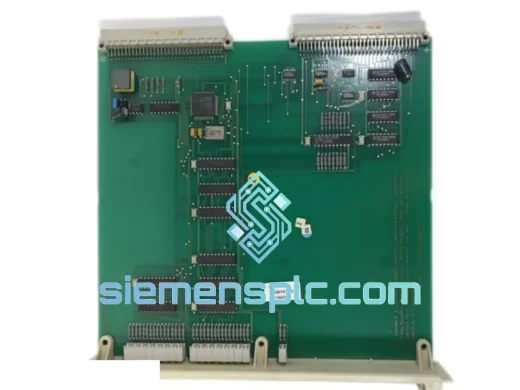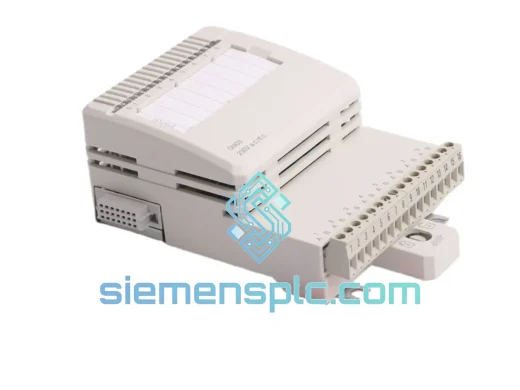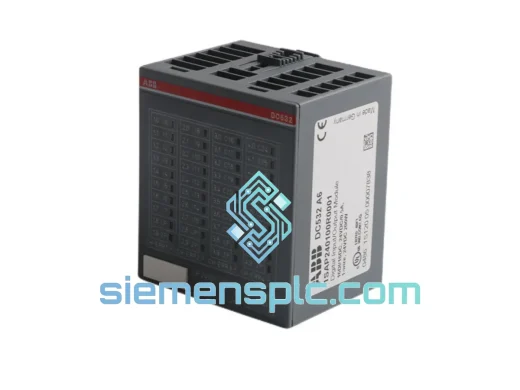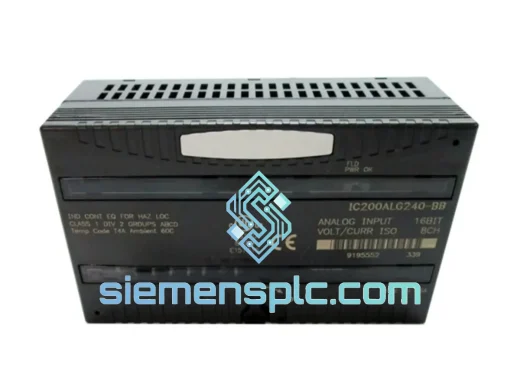
Siemens
RFQ Ready
Siemens 6ES7321-1BL00-0AA0 Digital Input Module
SIMATIC
Origin DE
PLC Digital Input Module
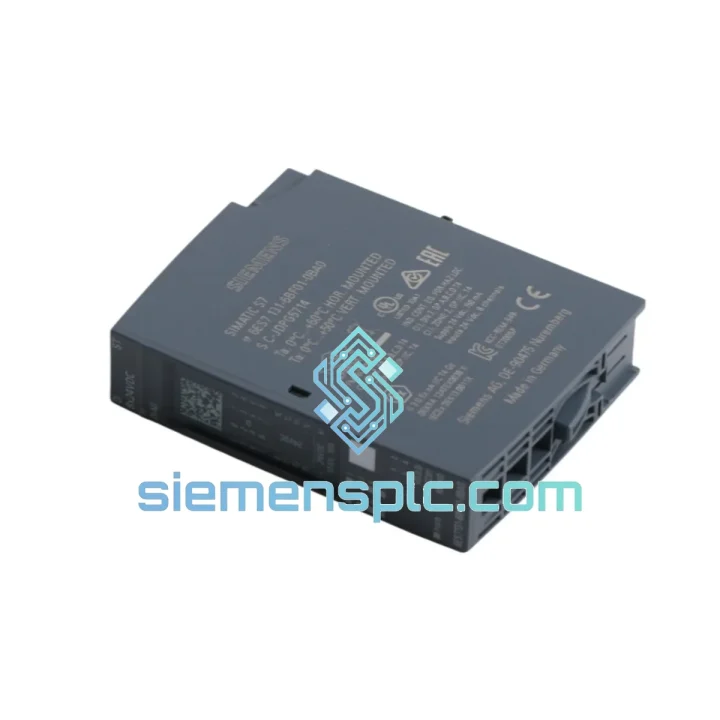
Request verified availability, condition, replacement risk review, packing options and courier lead time for 6ES7131-6BF01-0BA0.
Click Request Quote and the part number is inserted into the inquiry form automatically.
Core fields for model confirmation and RFQ routing. Detailed product narrative remains below.
Every minute an ET 200SP station sits dark costs real money. A failed DI module on a conveyor line, a welding cell, or a batch reactor doesn’t wait for procurement cycles. The Siemens 6ES7131-6BF01-0BA0 — 8-channel 24 V DC digital input module for the SIMATIC ET 200SP — is on the shelf right now. We pull, test, pack, and hand to DHL the same day you order before 14:00 CST. That’s the only promise that matters when your line is down.
URGENT REQUIREMENT? Contact: [email protected] | WhatsApp: +86 18359268345
| Part Number | 6ES7131-6BF01-0BA0 ✅ Ready to Ship |
| Series | SIMATIC ET 200SP |
| Module Function | Digital Input (DI) |
| Channel Count | 8 × DI |
| Rated Input Voltage | 24 V DC |
| Input Current (typ.) | 3.5 mA per channel |
| Input Filter Delay | 0.05 ms – 20 ms (software-selectable, 9 steps) |
| Isolation | Optocoupler — channel group to backplane bus |
| Required BaseUnit | Type A0 (light) — e.g. 6ES7193-6BP00-0BA0 |
| Module Width | 15 mm |
| Dimensions (W×H×D) | 15 × 73 × 58 mm |
| Weight | ~20 g |
| Operating Temperature | −30 °C to +60 °C |
| Protection Rating | IP20 |
| TIA Portal Support | V13 SP1 and above |
| Certifications | CE, UL 508, cULus, RoHS, IEC 61131-2 |
| Stock Status | ✅ In Stock — Same-Day Dispatch Available |
Pulled from real field experience. Skip the manual — here’s what actually matters when you’re standing in front of a dead station at 2 AM.
Step 1 — Confirm the fault is the module, not the BaseUnit. Before you swap the DI module, check the BaseUnit (6ES7193-6BP00-0BA0). A cracked terminal block or corroded bus contact on the BU will mimic a dead module. Swap the BU first if you have a spare — it’s faster than waiting for a new module to arrive.
Step 2 — No address switches to set. Unlike older S7-300 SM modules, the 6ES7131-6BF01-0BA0 uses automatic slot-based addressing via the ET 200SP backplane. There are no rotary switches or DIP switches on this module. Slot position in TIA Portal determines the I/O address. If you move the module to a different slot, update the hardware configuration and download to the CPU.
Step 3 — Hot-swap procedure. The ET 200SP supports module replacement under power (I-Device mode must be active). Pull the faulty module straight out — the BaseUnit stays in place and holds the wiring. Slide the new 6ES7131-6BF01-0BA0 in until it clicks. The IM interface module will detect the new module within 2–3 seconds and resume communication. Watch the RUN LED on the IM — it should go solid green. If it flashes red, check that the replacement module firmware is compatible with your IM firmware version.
Step 4 — Firmware compatibility check. If your IM 155-6 PN is running firmware V4.x or earlier, verify the DI module firmware version in TIA Portal under Online & Diagnostics → Module Information. A mismatch between IM firmware and DI module firmware can cause the station to go into STOP. Update the IM firmware via TIA Portal before inserting the new module if you’re unsure.
Step 5 — Common fault codes on the CPU.
Step 6 — Input filter reconfiguration after swap. The filter delay settings (0.05 ms to 20 ms per channel group) are stored in the TIA Portal project, not in the module itself. After replacement, the CPU will push the configuration back to the module automatically on the next download or warm restart. No manual re-entry required — but verify in Online mode that the parameters are active.
The 6ES7131-6BF01-0BA0 is not a lab instrument. It was designed to run continuously in environments that would kill consumer-grade electronics inside a week. The operating temperature range of −30 °C to +60 °C covers everything from unheated outdoor pump stations in northern climates to steel mill control rooms where ambient heat is a constant battle. The optocoupler isolation between field wiring and the backplane bus provides robust protection against ground loops and transient voltage spikes — common in environments with large motor drives and solenoid valves switching nearby.
Vibration resistance meets IEC 60068-2-6 (sinusoidal) and IEC 60068-2-27 (shock) test standards, which means it stays seated and functional on machinery with significant mechanical vibration — CNC spindles, compressors, and press brakes included. The IP20 rating is appropriate for installation inside a sealed control cabinet; pair it with a properly gasketed enclosure and it handles high-humidity environments without corrosion issues on the internal electronics.
The 15 mm slim form factor is not just a space-saving feature — it reduces thermal mass and improves heat dissipation in densely packed cabinets. Each module draws minimal power from the backplane bus (typ. 1.4 W), keeping the station’s thermal budget manageable even in high-channel-count configurations. Units supplied by siemensplc.com are sourced from authorized distribution channels and verified against Siemens OEM reference samples before dispatch — housing integrity, label authenticity, and connector condition are all checked before the module leaves our warehouse.
Our warehouse is located in Xiamen, Fujian Province — one of China’s primary export hubs with direct access to DHL, FedEx, and UPS international gateways. For urgent MRO replacements, this geography matters: Xiamen’s port and air freight infrastructure means your module clears Chinese customs faster than shipments originating from inland cities.
Standard express transit times from Xiamen: Europe 3–5 business days (DHL Express or FedEx International Priority), North America 4–6 business days, Southeast Asia 2–3 business days, Middle East & Africa 5–7 business days. All shipments include a commercial invoice with correct HS code (8537.10) and declared value for smooth customs clearance. We provide the AWB tracking number within 2 hours of dispatch so your logistics team can monitor the shipment in real time.
For orders placed before 14:00 CST on business days, same-day dispatch is standard for in-stock units. Weekend orders are dispatched on the next business day morning. If your plant shutdown window is tight, contact us via WhatsApp before ordering — we will confirm stock availability and the exact dispatch slot so you can plan your maintenance window with confidence.
Packaging: each module ships in an ESD-safe anti-static bag, placed in a rigid foam-lined inner box, inside a double-wall corrugated outer carton. The module will not shift or sustain connector damage in transit regardless of how the courier handles it.
Email: [email protected]
WhatsApp: +86 18359268345
Web: siemensplc.com
© 2026 siemensplc.com. All rights reserved.
We check the full part number, brand, series and visible nameplate information before quotation.
Sales confirms stock path, condition option, quantity and realistic lead time for export dispatch.
DHL, FedEx, UPS or buyer courier arrangements can be reviewed with packing requirements.
Similar brand or category products for fast comparison and multi-item RFQ lists.