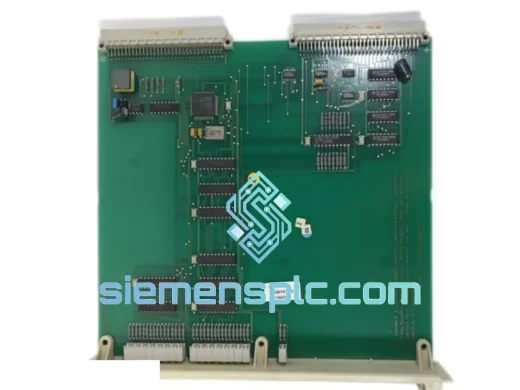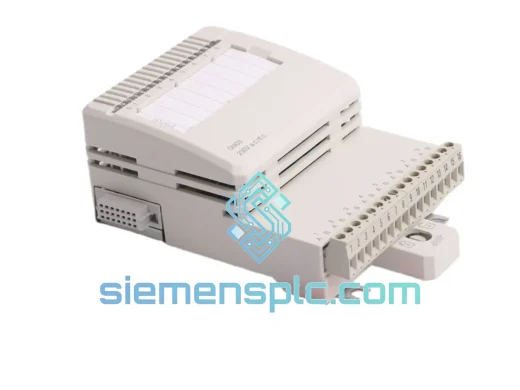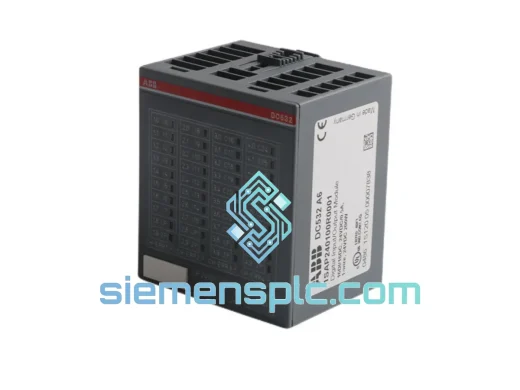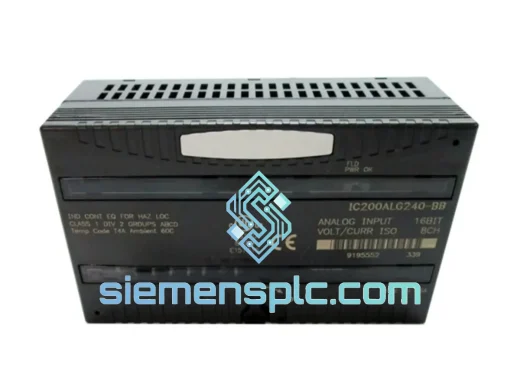
Siemens
RFQ Ready
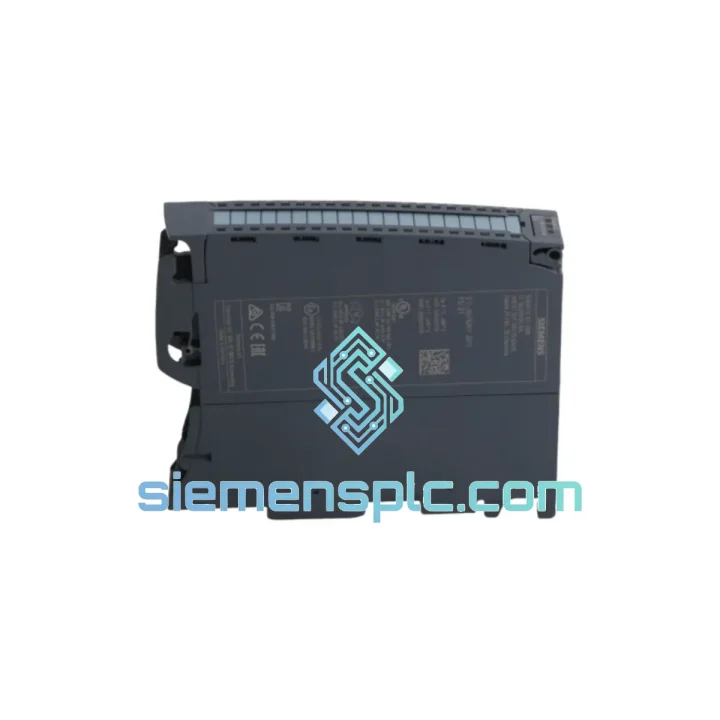
Siemens 6ES7321-1BL00-0AA0 Digital Input Module
SIMATIC
Origin DE
PLC Digital Input Module
Request verified availability, condition, replacement risk review, packing options and courier lead time for 6ES7521-1BH10-0AA0.
Click Request Quote and the part number is inserted into the inquiry form automatically.
Core fields for model confirmation and RFQ routing. Detailed product narrative remains below.
Every minute a line sits idle costs real money. When your S7-1500 rack throws a DI module fault and production halts, you don’t need a brochure — you need the part on a plane. The Siemens 6ES7521-1BH10-0AA0 SM 521 DI 16×24VDC HF is in stock at our Xiamen warehouse right now. Same-day dispatch on confirmed orders before 15:00 CST. DHL Express door-to-door in 2–5 business days to most destinations worldwide.
This is not a grey-market substitute. Every unit we ship is 100% original Siemens, sourced through verified channels, serial-number traceable, and pre-checked before it leaves our hands. If your plant engineer needs a certificate of conformance or firmware version confirmation before cutting a PO, we provide it — no extra charge, no delay.
URGENT REQUIREMENT? Contact: [email protected] | WhatsApp: +86 18359268345
| Order No. (MLFB) | 6ES7521-1BH10-0AA0 |
| Module Designation | SM 521 DI 16×24VDC HF |
| Platform | SIMATIC S7-1500 / ET 200MP |
| Number of DI Channels | 16 × 24 VDC |
| Rated Input Voltage | 24 VDC (20.4–28.8 V range) |
| Signal “1” Threshold | 15–30 V |
| Signal “0” Threshold | −30 V to 5 V |
| Input Current (Signal “1”) | Typ. 7.5 mA |
| Input Filter / Delay | 0.05 / 0.1 / 0.4 / 1.6 / 3.2 / 12.8 ms (configurable per channel) |
| Hardware Interrupt | Yes — rising/falling edge, per-channel configurable |
| Isochronous Mode | Yes (PROFINET IRT sync) |
| Diagnostics | Wire break, short circuit, missing L+ — per channel |
| Isolation Groups | 2 × 8 channels, galvanically isolated from backplane bus |
| Backplane Bus Current Draw | Typ. 70 mA |
| Power Dissipation | Typ. 2.5 W |
| Dimensions (W×H×D) | 35 × 147 × 129 mm |
| Weight | Approx. 230 g |
| Operating Temperature | 0–60 °C (horizontal) / 0–40 °C (vertical) |
| Protection Rating | IP20 |
| Certifications | CE, UL, cULus, ATEX Zone 2, IECEx, KC |
| Country of Origin | Germany |
| Stock Status | ✔ Ready to Ship — Xiamen Warehouse |
Fault Symptom Recognition
Before pulling the module, confirm the fault is hardware and not a wiring or configuration issue. In TIA Portal’s online diagnostics, navigate to the module’s device view — a red “X” on the slot icon with error code 0x0200 (module failure) or 0x0100 (missing module) confirms hardware fault. If you see 0x0300 (channel fault), the module itself is likely fine — check field wiring first.
Step-by-Step Hot-Swap Replacement Procedure
The S7-1500 supports module replacement without full rack power-down, but follow this sequence to avoid CPU STOP:
Critical Configuration Checks After Replacement
Common Fault Codes & Field Fixes
Industrial environments don’t forgive weak hardware. The SM 521 6ES7521-1BH10-0AA0 is built to Siemens’ SIMATIC S7-1500 platform standards — a specification set that reflects decades of deployment in steel mills, chemical plants, offshore platforms, and automotive body shops where conditions are anything but benign.
Vibration & Mechanical Shock: The module is qualified to IEC 60068-2-6 (sinusoidal vibration, 5–150 Hz, 1g) and IEC 60068-2-27 (mechanical shock, 15g / 11 ms half-sine). The backplane bus connector is a positive-latch design that does not work loose under continuous vibration — a known failure mode on older DIN rail modules with friction-fit bus connectors.
Thermal Performance: Rated for continuous operation at 60 °C ambient in horizontal mounting (40 °C vertical). Internal components are selected for extended temperature range; the module does not require forced-air cooling within its rated envelope. In practice, we’ve seen these modules run reliably in poorly ventilated enclosures where ambient regularly hits 55 °C — the thermal margin is real, not just a datasheet number.
Humidity & Condensation: Qualified to IEC 60068-2-78 (damp heat, 40 °C / 93% RH, non-condensing). The conformal coating on the PCB provides additional protection against moisture ingress in high-humidity environments such as food processing facilities and coastal installations. IP20 rating covers the module housing against solid particle ingress — standard for rack-mounted PLC modules in closed enclosures.
EMC Immunity: Meets IEC 61000-4 series requirements including ESD (Level 3), radiated immunity (Level 3), and fast transient/burst (Level 3). The two-group galvanic isolation architecture provides inherent common-mode rejection, protecting the CPU backplane from field-side ground potential differences up to the rated isolation voltage.
Long-Term Component Stability: Siemens commits to a minimum 10-year spare parts availability for SIMATIC S7-1500 modules from the date of product discontinuation. For currently active products like the 6ES7521-1BH10-0AA0, this means your installed base is protected for the foreseeable future — a critical consideration for infrastructure and process industry projects with 20+ year asset lifespans.
Our Xiamen warehouse is positioned specifically for fast international dispatch. Xiamen Gaoqi International Airport (XMN) has direct cargo connections to DHL and FedEx regional hubs, enabling next-flight-out shipments on urgent orders.
Standard Express Routing (DHL / FedEx):
What’s Included in Every Shipment:
Urgent / AOG Process: For plant-down emergencies, contact us via WhatsApp before placing the order. We will confirm stock, cut a proforma invoice, and have the shipment booked on the next available DHL flight out of XMN — typically within 4 hours of payment confirmation during business hours (08:00–18:00 CST, Monday–Saturday).
All export documentation is prepared in-house. We handle CN22/CN23 declarations, CITES exemptions where applicable, and dual-use export compliance checks. No third-party freight forwarder delays — we book directly with DHL and FedEx on our corporate accounts.
Email: [email protected]
WhatsApp: +86 18359268345
Web: siemensplc.com
Warehouse: Xiamen, Fujian, China
Hours: Mon–Sat 08:00–18:00 CST | Emergency WhatsApp monitored 24/7
© 2026 siemensplc.com. All rights reserved.
We check the full part number, brand, series and visible nameplate information before quotation.
Sales confirms stock path, condition option, quantity and realistic lead time for export dispatch.
DHL, FedEx, UPS or buyer courier arrangements can be reviewed with packing requirements.
Similar brand or category products for fast comparison and multi-item RFQ lists.