Siemens
RFQ Ready
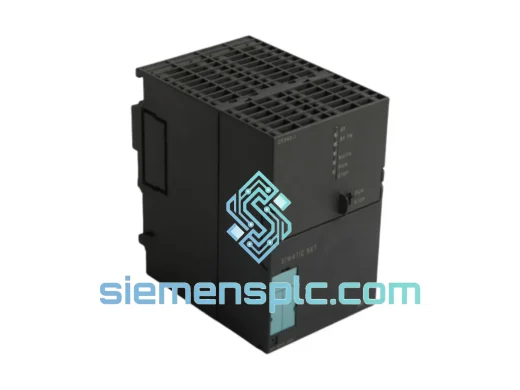
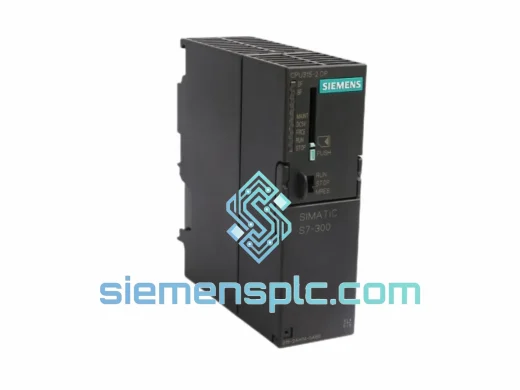
Siemens 6ES7 315-2EH14-0AB0 CPU 315-2 PN/DP PLC Module
SIMATIC S7-300
Origin DE
PLC CPU Module
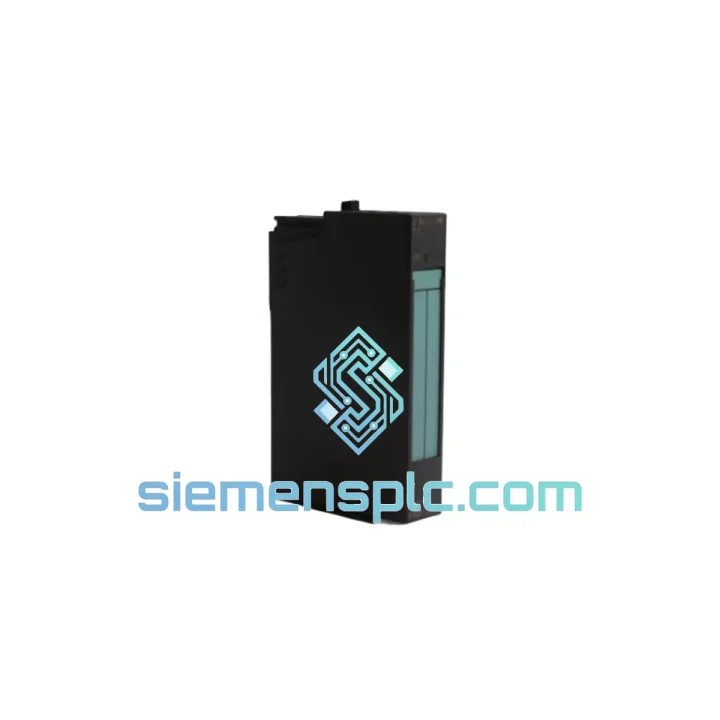
Request verified availability, condition, replacement risk review, packing options and courier lead time for 6ES7870-1AA01-0YA1.
Click Request Quote and the part number is inserted into the inquiry form automatically.
Core fields for model confirmation and RFQ routing. Detailed product narrative remains below.
Every minute your line is down, you’re bleeding money. The Siemens 6ES7870-1AA01-0YA1 MODBUS Master Communications Processor is the exact module your S7-300 rack needs to get back online — and we have it on the shelf right now, ready to ship from Xiamen within 24 hours. No waiting on distributor lead times. No back-order queues. You call, we ship.
This CP module is the backbone of MODBUS RTU/ASCII master communication in SIMATIC S7-300 systems. When it fails, your entire field device network goes dark — flow meters stop reporting, drives lose their setpoints, and your SCADA screen fills with red. We’ve seen it happen at 2 AM on a Sunday. That’s exactly why we stock this part and why our logistics team is on standby.
URGENT REQUIREMENT? Contact: [email protected] | WhatsApp: +86 18359268345
| Parameter | Value |
|---|---|
| Part Number | 6ES7870-1AA01-0YA1 |
| Brand | Siemens |
| Series | SIMATIC S7-300 |
| Module Function | MODBUS Master Communications Processor |
| Supported Protocols | MODBUS RTU, MODBUS ASCII |
| Physical Interface | RS-232 / RS-485 serial |
| Max. Slave Addresses | 247 |
| Baud Rate Range | 1,200 – 115,200 bps |
| Slot Compatibility | S7-300 standard DIN rail rack |
| Bus Power | 5 VDC via S7-300 backplane |
| Operating Temperature | 0 °C to +60 °C |
| Storage Temperature | -40 °C to +70 °C |
| Protection Rating | IP20 |
| Dimensions (W×H×D) | 40 × 125 × 120 mm |
| Weight | 360 g |
| Configuration Tool | STEP 7 V5.x HW Config |
| Origin | Germany |
| Stock Status | ✅ Ready to Ship — Xiamen Warehouse |
Common failure signatures for the 6ES7870-1AA01-0YA1:
Step-by-step hot-swap procedure (S7-300 powered down):
Firmware note: The 6ES7870-1AA01-0YA1 firmware version is embedded and not field-upgradeable via standard tools. If your application requires a specific firmware revision for compatibility with a particular STEP 7 service pack, specify this at the time of order and we will verify the firmware label on the unit before shipping.
The SIMATIC S7-300 platform was engineered for industrial environments where consumer-grade electronics simply don’t survive. The 6ES7870-1AA01-0YA1 carries that same design philosophy into its communications layer.
Vibration resistance: The module is designed to IEC 60068-2-6 sinusoidal vibration test standards — 10–58 Hz at 0.075 mm displacement, 58–150 Hz at 1g acceleration. In practice, this means it holds up in pump rooms, compressor stations, and mobile equipment panels where constant mechanical vibration would destroy lesser hardware.
Thermal cycling tolerance: Operating across 0 °C to +60 °C with storage down to -40 °C, this module handles the thermal shock of outdoor enclosures in northern climates and the sustained heat of poorly ventilated control rooms in tropical facilities. The conformal coating on the PCB provides additional protection against condensation during temperature transitions.
EMC immunity: Compliant with EN 61000-4 series immunity tests including ESD (Level 3), radiated RF immunity (Level 3), and fast transient/burst (Level 3). In environments with large VFDs, welding equipment, or high-voltage switchgear nearby, this level of EMC hardening is not optional — it’s what keeps your MODBUS network stable when everything else is generating electrical noise.
Humidity and contamination: Rated for relative humidity up to 95% non-condensing. The IP20 enclosure protects against finger contact and solid particle ingress. For installations in particularly dirty or humid environments, the module should be housed in an IP54 or better rated enclosure — a standard practice in food processing and outdoor pump station applications.
Units sourced through siemensplc.com are inspected for physical integrity before dispatch. Any module showing signs of heat damage, pin corrosion, or PCB contamination is rejected — we ship only what we would install ourselves.
Our warehouse is located in Xiamen, Fujian Province — one of China’s primary export hubs with direct access to international freight lanes via Xiamen Gaoqi International Airport and Xiamen Port. This geography is not accidental: it means your replacement part moves fast, regardless of where your plant is located.
Standard express routing:
Shipment process from order confirmation to delivery:
For genuine emergencies — line-down situations where every hour counts — contact us directly on WhatsApp. We can arrange same-day dispatch for orders confirmed before 15:00 CST.
Email: [email protected]
WhatsApp: +86 18359268345
Web: siemensplc.com
© 2026 siemensplc.com. All rights reserved.
We check the full part number, brand, series and visible nameplate information before quotation.
Sales confirms stock path, condition option, quantity and realistic lead time for export dispatch.
DHL, FedEx, UPS or buyer courier arrangements can be reviewed with packing requirements.
Similar brand or category products for fast comparison and multi-item RFQ lists.